Check the acquisition promise
Read the store headline, screenshots and description. What problem is the app promising to solve?
Study the storefront ↗
Cyril Caillaba · iOS
Explore the ad evidence, study the storefront, and build your next acquisition hypothesis.
01 / Creative research
Read the store headline, screenshots and description. What problem is the app promising to solve?
Study the storefront ↗Explore apps with direct store-link matches. Compare their hooks and formats without assuming the same approach works here.
Browse observed advertisers ↗Store rankings and revenue estimates describe market context. They do not establish ad spend, conversions or ROAS.
Review the market context ↗02 / Storefront & product
Study the product story and store experience behind the acquisition funnel.


03 / Market context
Keep revenue, downloads and store rankings separate from advertising performance.
Thank you for this useful tool. I was so desperate that i almost started to write something similar by myself. But this tool is awesome and I definitely would recommend it to my friends with similar purposes. Btw sorry for my sparse English
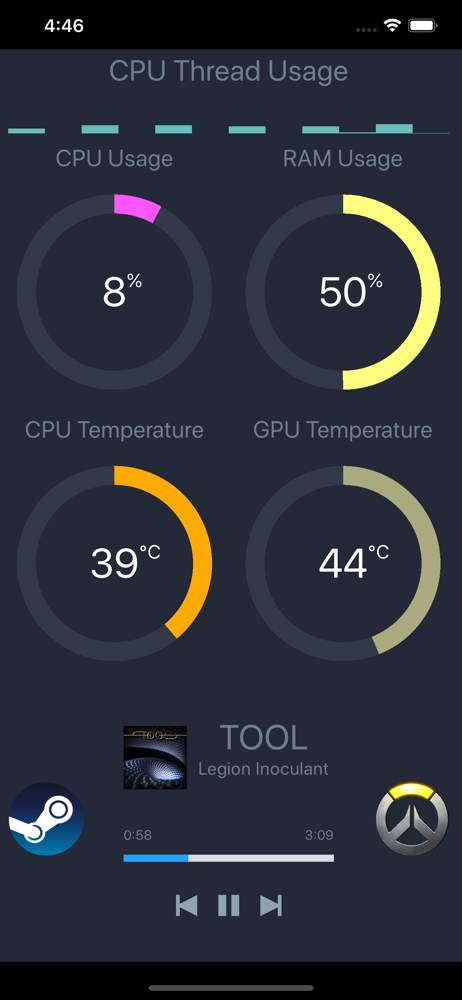
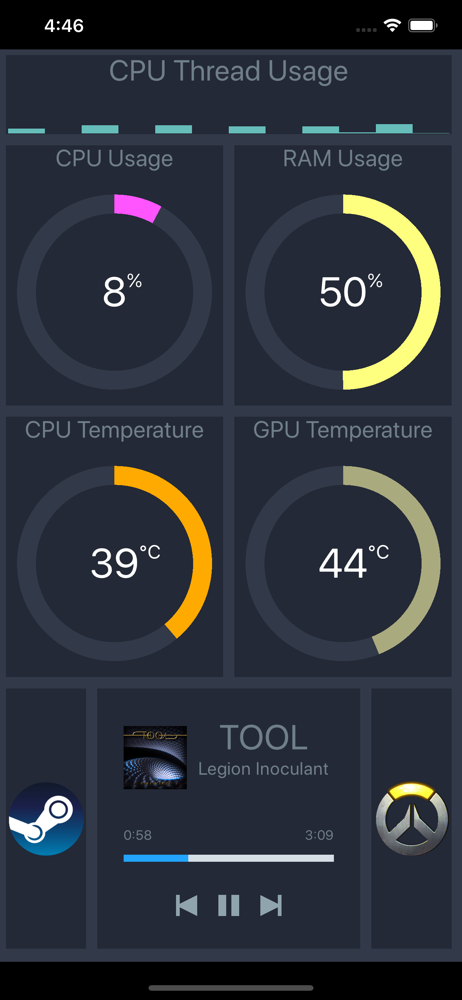
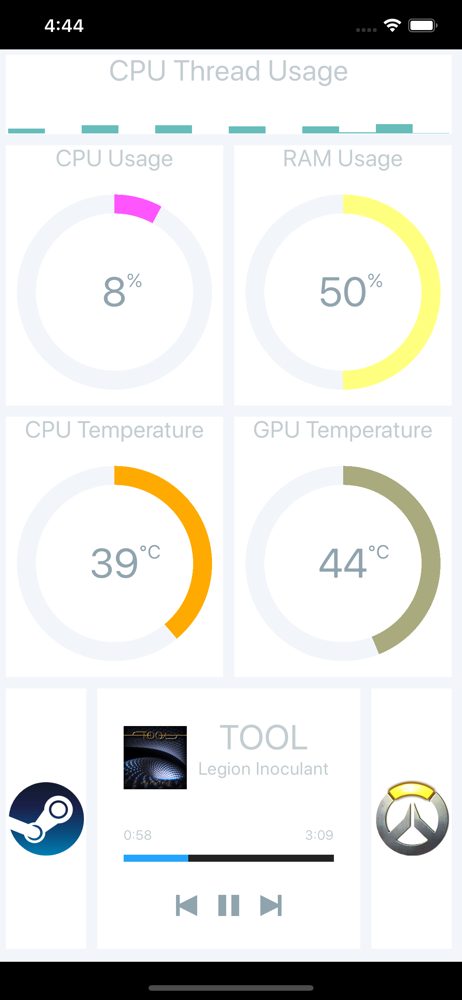
After some searching, I finally found the perfect remote PC stats monitoring app. Pitikapp may not be famous, but it does everything it claims to do, it’s extremely light weight, and is super customizable. I took me less than 10 minutes to setup Pitikapp + hwinfo 6.42 on my headless Plex server, which allows me monitor many stats like temperature, power draw, HDD Smart info, from the server from my phone and iPad. If I wish, I can even set up port forwarding on my router so I can access these info when I am not home. The UI design could be improved by as it is, this app is already A+ tier freeware. Thank you very much for making such an amazing app!
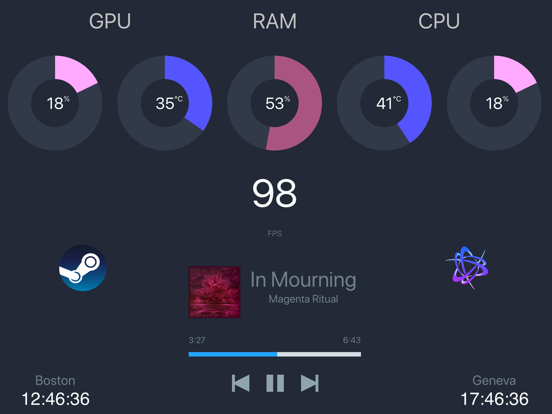
I literally never ever write reviews, but this app is one of the most used on my phone and i can’t imagine not having it. First thing i do when i start any game on my pc is start pitikapp and launch the app on my phone. I then rest my phone on a wireless charging stand beneath my monitor with pitikapp open, where i can see everything from fps to gpu and cpu temps/usage. I never have connectivity issues (all data is pulled from MSI Afterburner in my case, and that starts up at windows startup with my undervolt applied) Everything connects instantly and the data is updated within a second or so of real time. Keeps all my system info off my screen when gaming for full immersion but allows me to monitor everything at a glance. It’s helped tremendously with setting fan curves, overclocking, and undervolting while still being able to enjoy my games without overlays. I’m a tinkerer so i’m always trying to optimize and monitor my pc’s performance, and this id a must anytime i have a game or demanding program running. Even thining of getting an ipod touch or something to keep as a dedicated pitikapp only display.
Pitikapp provides highly customizable modules to monitor your computer and to interact with it. No configuration and no account required. *** Featu...