Check the acquisition promise
Read the store headline, screenshots and description. What problem is the app promising to solve?
Study the storefront ↗
勇军 曾 · iOS
Explore the ad evidence, study the storefront, and build your next acquisition hypothesis.
01 / Creative research
Read the store headline, screenshots and description. What problem is the app promising to solve?
Study the storefront ↗Explore apps with direct store-link matches. Compare their hooks and formats without assuming the same approach works here.
Browse observed advertisers ↗Store rankings and revenue estimates describe market context. They do not establish ad spend, conversions or ROAS.
Review the market context ↗02 / Storefront & product
Study the product story and store experience behind the acquisition funnel.


03 / Market context
Keep revenue, downloads and store rankings separate from advertising performance.
This app needs to be updated. Products that are suppose to work with this app no longer work with this app. When I downloaded to reset app it will not sync with the product. Don’t waste your time with this app.
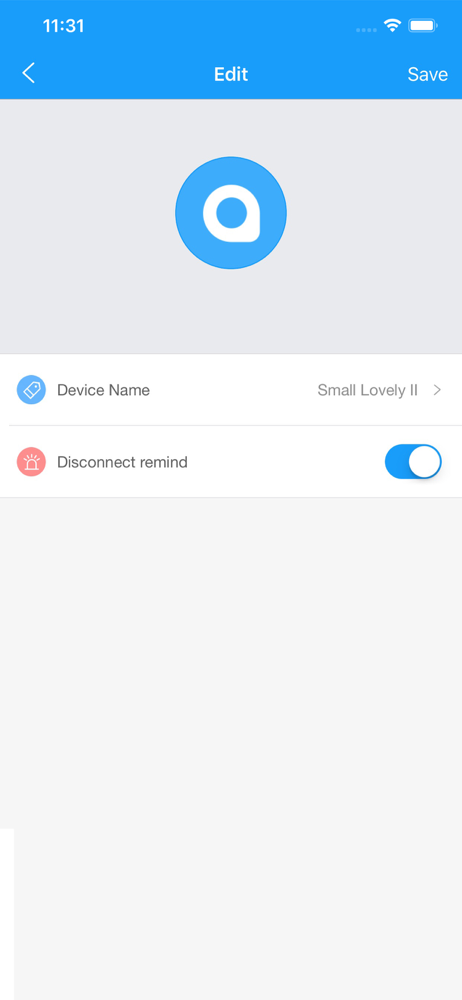
Works fine with iPhone 12. App is easy but a little simplistic, not sure how to change label.
I open app from iPhone App but the I find you app does not display any on my iPhone. I tried 3 times, I did get the product to work but once I close the app it can’t be located on my phone. I have to return to the App Store to open the I find you app. That’s just wrong!
Anti-lost finder can help users find items and protect their belongings. Attach or stick it to anything you need to find, use the app to help you fi...