Check the acquisition promise
Read the store headline, screenshots and description. What problem is the app promising to solve?
Study the storefront ↗
Martin Hoeller · iOS
Explore the ad evidence, study the storefront, and build your next acquisition hypothesis.
01 / Creative research
Read the store headline, screenshots and description. What problem is the app promising to solve?
Study the storefront ↗Explore apps with direct store-link matches. Compare their hooks and formats without assuming the same approach works here.
Browse observed advertisers ↗Store rankings and revenue estimates describe market context. They do not establish ad spend, conversions or ROAS.
Review the market context ↗02 / Storefront & product
Study the product story and store experience behind the acquisition funnel.



03 / Market context
Keep revenue, downloads and store rankings separate from advertising performance.
With two monitors, in a remote-work world where you don't see others getting up for that next meeting, despite all other efforts, this is the first tool that has worked for me every time. How? 1. It's full-screen, and forces you to engage (unlike the notification that appears in a part of the screen you're used to ignoring (say, because you also get email notifications that way, or slack messages). 2. I set it to appear just one minute before my meeting, which means whatever I was doing I need to stop doing right now. I can hop on the call and if others are late, I can go back to what I was doing for a minute. 3. It has the ability to open your video link invite from the full-screen takeover message, which also saves a step. (By contrast, when you see the notification and you click on it, it sometimes doesn't activate, and even when it does, it opens up your calendar, and then you need to click 2 more times). 4. When people on one call see it if I'm sharing my screen, it's a reminder for everyone "hey, this meeting is ending" and serves as a way to wrap it up for everyone. (Those folks don't want to be the ones who make you late for another meeting.) It works. It's the first product that works for me. I historically have taken the attitude of "I am not paying for apps that are for work", but I realized $20 is a stupid small amount of money to pay for a service that makes me seen as responsive and on time - all the more critical when you're a remote employee. Since then, I've also purchased a few other app store apps that help me to be productive. I don't like thinking about how to function at work without it.
Updated to Sonoma and it still works... but won't actually get new events (is stuck with an old copy of the events; I've tried reinstalling, and have double-checked passwords, authorizations, etc.). So frustrating as I'm now back to missing meetings. This is functionality that is so crucial to my day-to-day workflow that Apple needs to just build this themselves so it stops breaking with every upgrade. I use this personally, and for work. I use Google Calendars for all my personal stuff. At work, we're also on Google Suite. I have everything pushed into Mac Calendar and all the authorizations are in place. It works great until a new version of macOS is released. After that point, it still works... but ONLY for new events and events that haven't changed. This app worked great for a while, but stopped updating based on changes to events after Catalina was released. Schedules change, so... if the alerts aren't accurate then the app is unreliable. Notified developer and he says it's Apple's fault. Doesn't really matter who's fault it is, I can't rely on it to alert me to meetings. Updated to Catalina and it worked. Big Sur was released, and it stopped working. Updated to Big Sur, and all was good again... until Monterrey was released. The cycle repeats, and is VERY VERY ANNOYING because I feel forced to upgrade even when it will screw something else up. 🙁 BOTTOM LINE: Great as long as you don't mind being forced to keep up with all upgrades (not just the "updates"... but the "upgrades" too!)
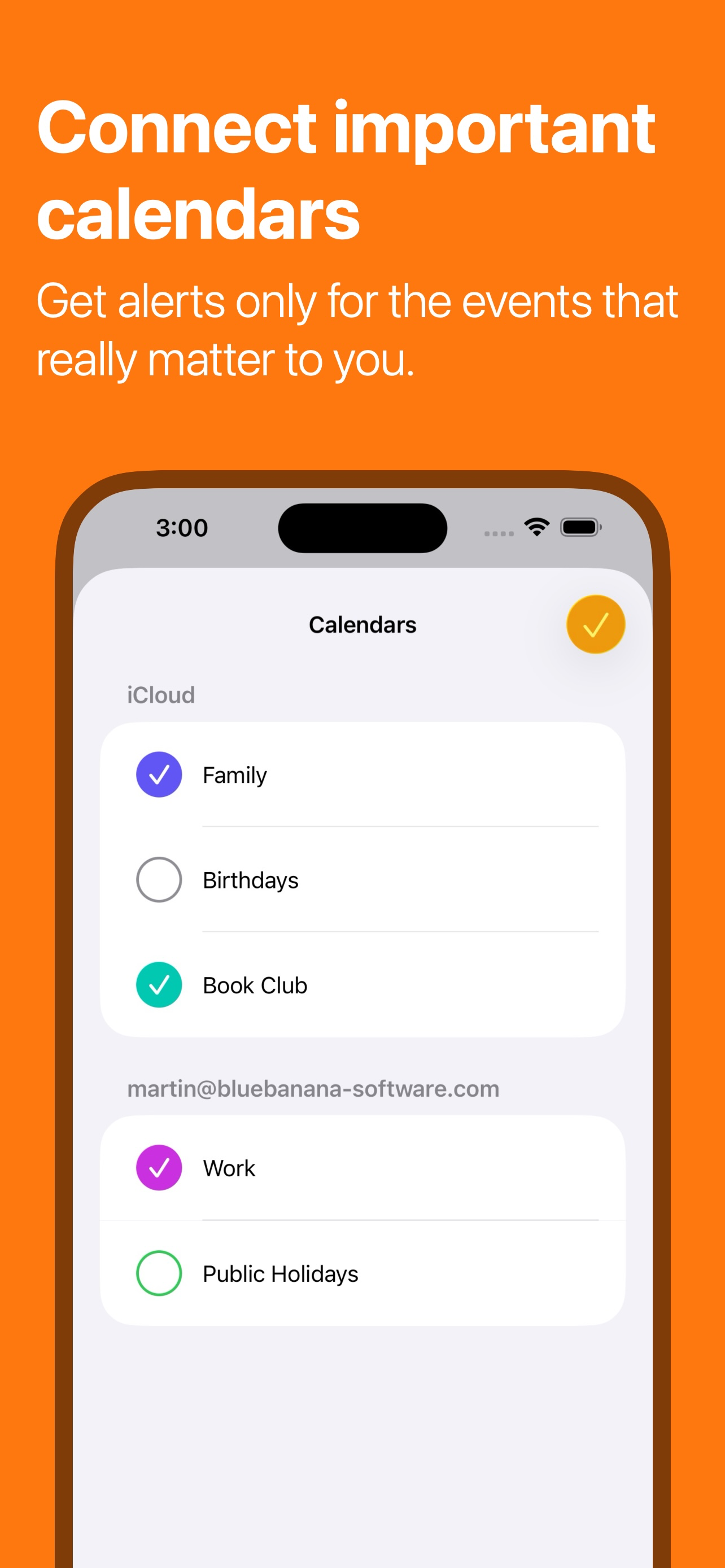
I'm a software engineer with attention issues, especially prone to hyperfocussing on technical work. I might know I have a meeting coming up in a few minutes, decide to quickly look into a technical task, and only realize 30 minutes later that I have missed most of the meeting. I've lost track of time and left friends waiting for an hour or more. Basically, I need a tool that can force me to understand that time is passing, not just pop a tiny alert in the corner of my screen. In Your Face is great for this. I've been using it for a week and already I've noticed that I frequently hit 'snooze' on the one minute warning for meetings, and am SHOCKED at how little time seems to have passed when the 1 minute snooze is over. Those are all meetings I would have been several minutes late for, or forgetten altogether. The configuration is carefully thought out - not too much complexity but powerful enough for me to make sure my "focus time" calendar blocks don't trigger alerts. So far, I have left on IYF alerts for my "Hold for lunch" blocks, because that's one that I all too frequently ignore until it's too late to eat before the next meeting.
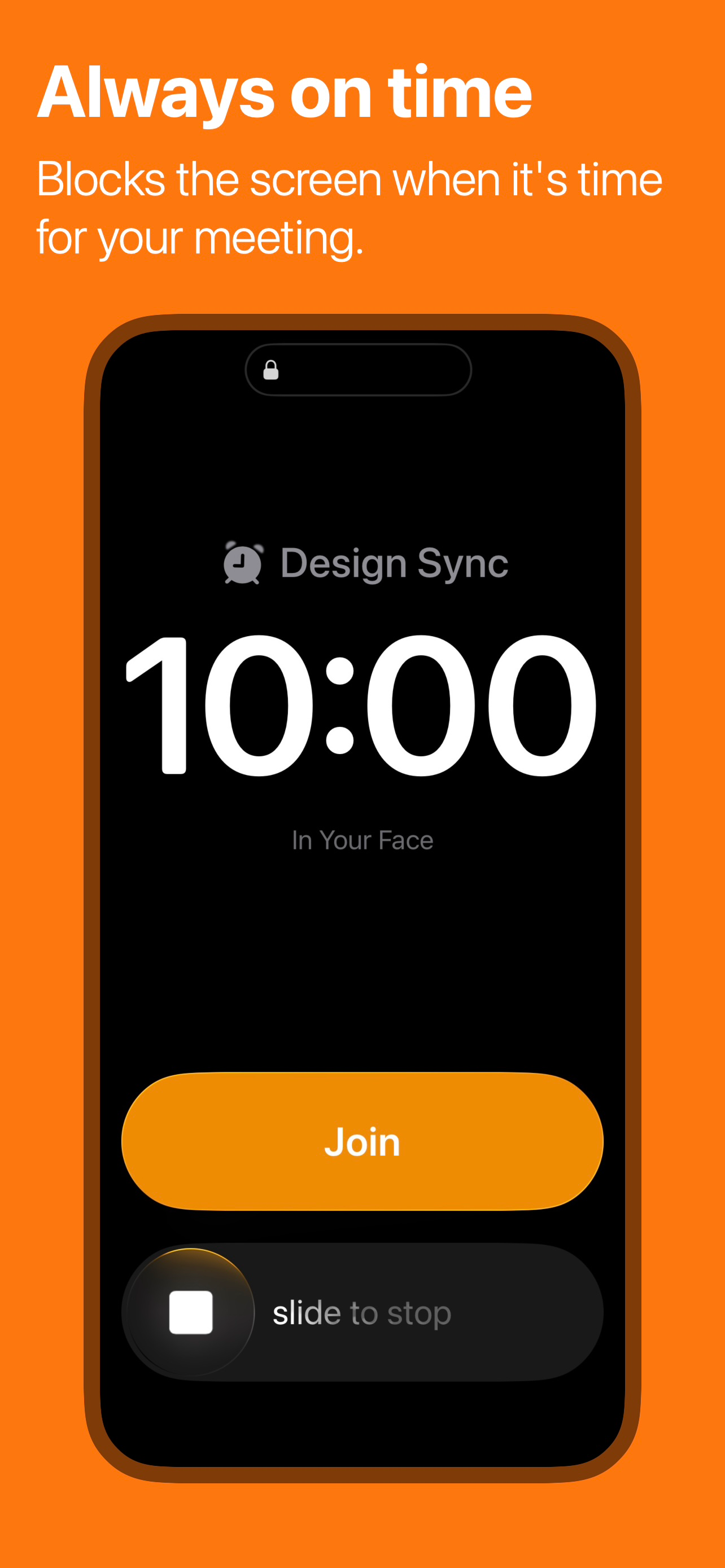
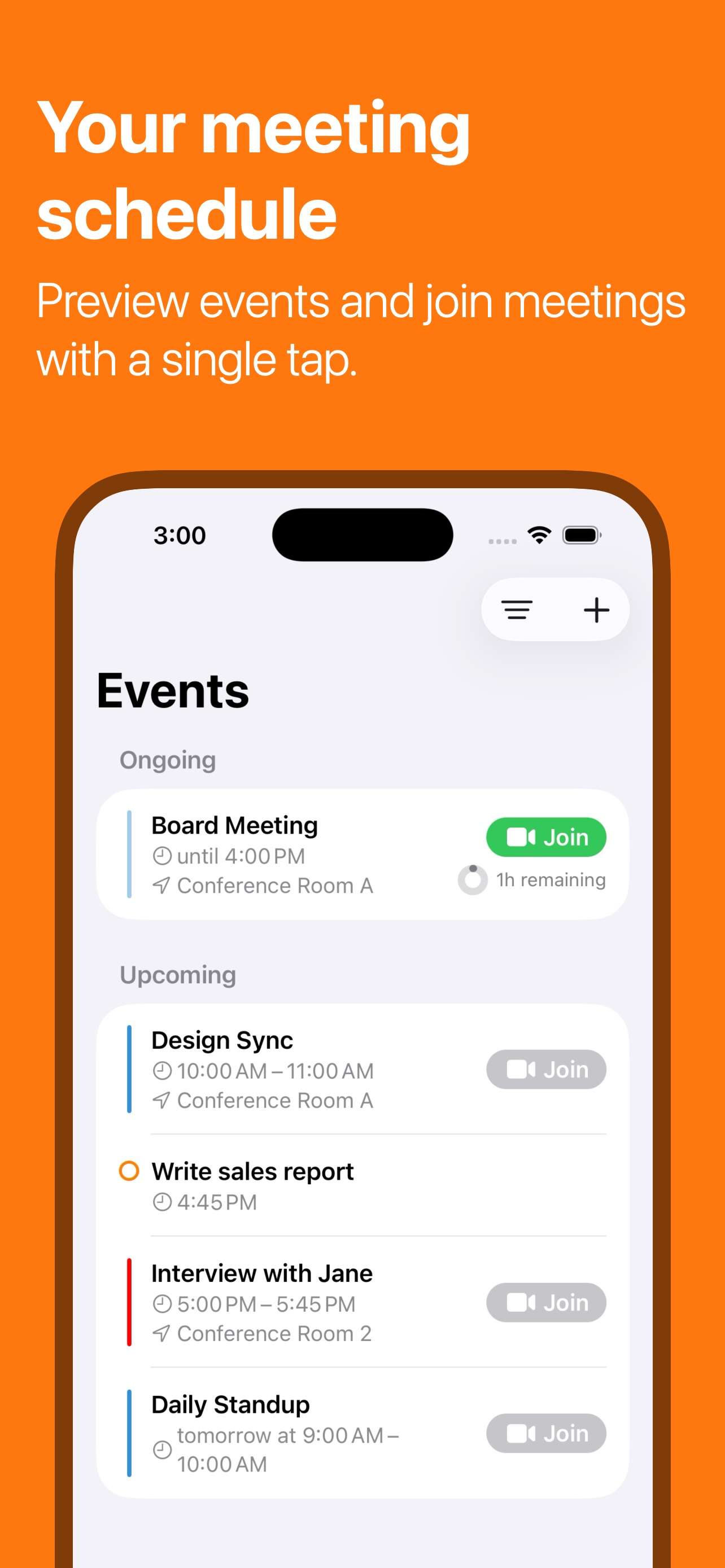
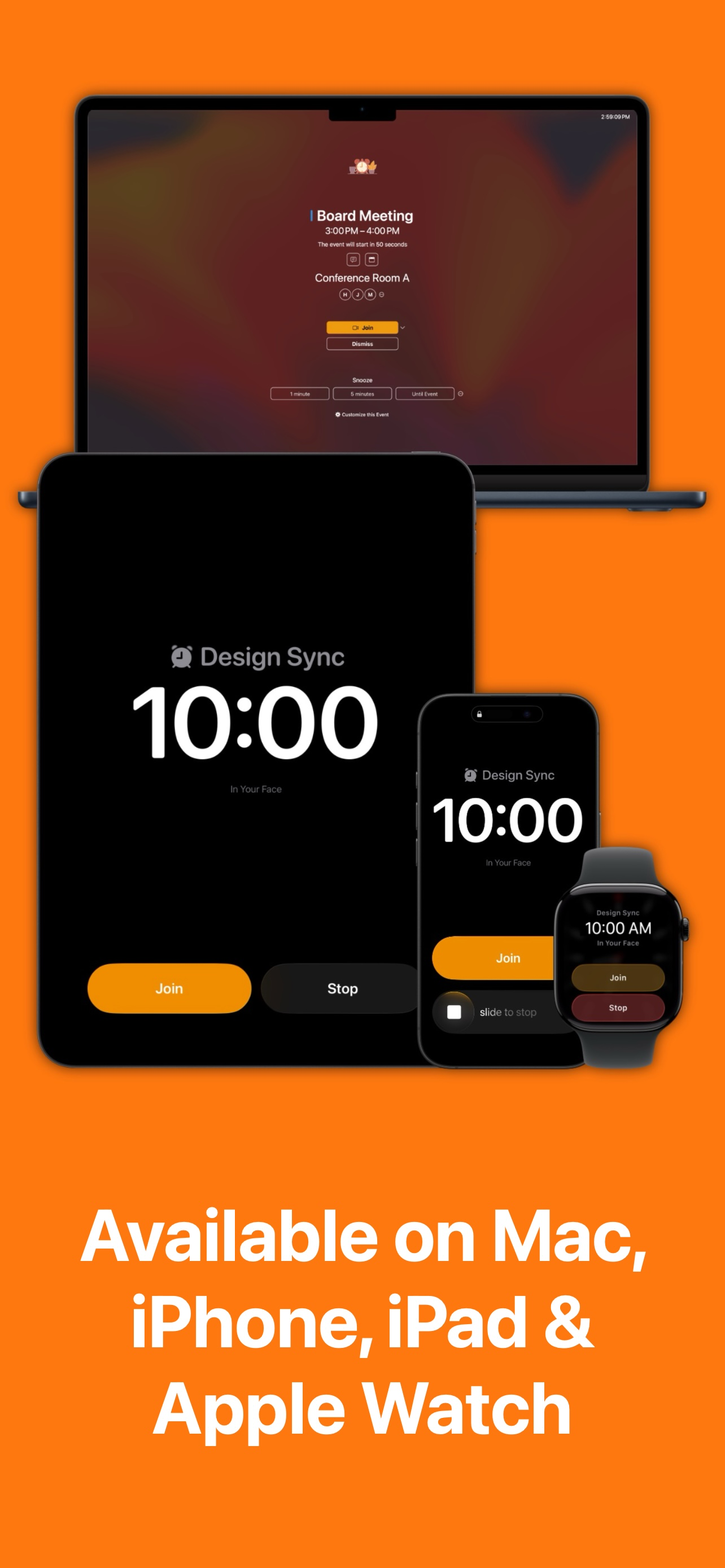
Missed calendar notifications? In Your Face shows an unmissable full-screen alert right when you need it. Ideal for ADHD, time blindness, and deep-foc...
| Name | Price | Type |
|---|---|---|
| Monthly | $2.99 | Monthly |
| Monthly | $3.99 | Monthly |
| Monthly | $3.99 | Monthly |
| Yearly | $19.99 | Yearly |
| Yearly | $24.99 | Yearly |
| Yearly | $24.99 | Yearly |