Check the acquisition promise
Read the store headline, screenshots and description. What problem is the app promising to solve?
Study the storefront ↗
Shenzhen Qiuyu Electronic Co.,LTD · iOS
Explore the ad evidence, study the storefront, and build your next acquisition hypothesis.
01 / Creative research
Read the store headline, screenshots and description. What problem is the app promising to solve?
Study the storefront ↗Explore apps with direct store-link matches. Compare their hooks and formats without assuming the same approach works here.
Browse observed advertisers ↗Store rankings and revenue estimates describe market context. They do not establish ad spend, conversions or ROAS.
Review the market context ↗02 / Storefront & product
Study the product story and store experience behind the acquisition funnel.



03 / Market context
Keep revenue, downloads and store rankings separate from advertising performance.
This app crashes 100% of the time when attempting to send photos to the photo frame that only syncs with this app, rendering the photo frame useless. They made me PAY for the ability to send photos to the frame, then the app simply crashes when attempting to do so. How can Kodak have their name on such a useless product?
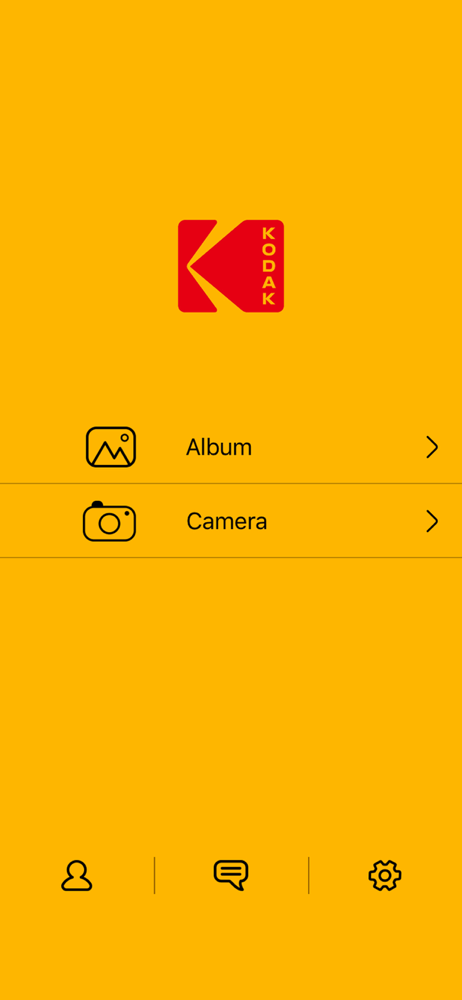
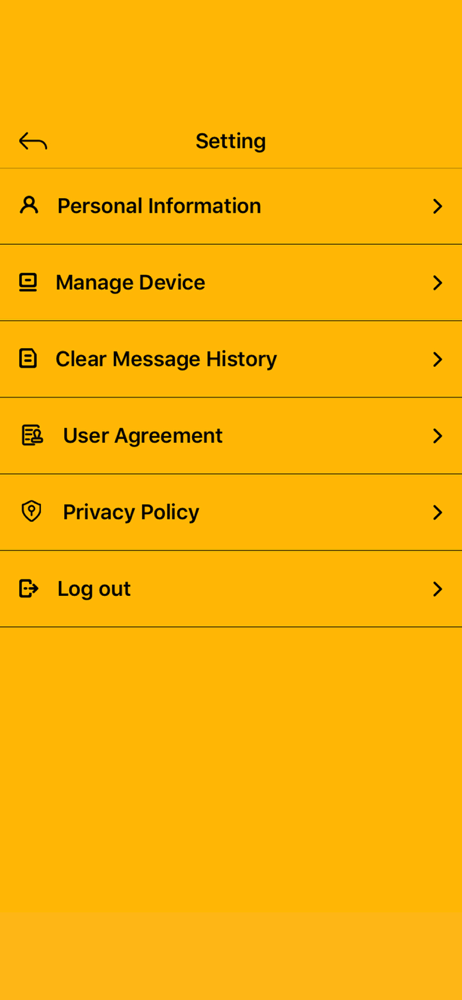
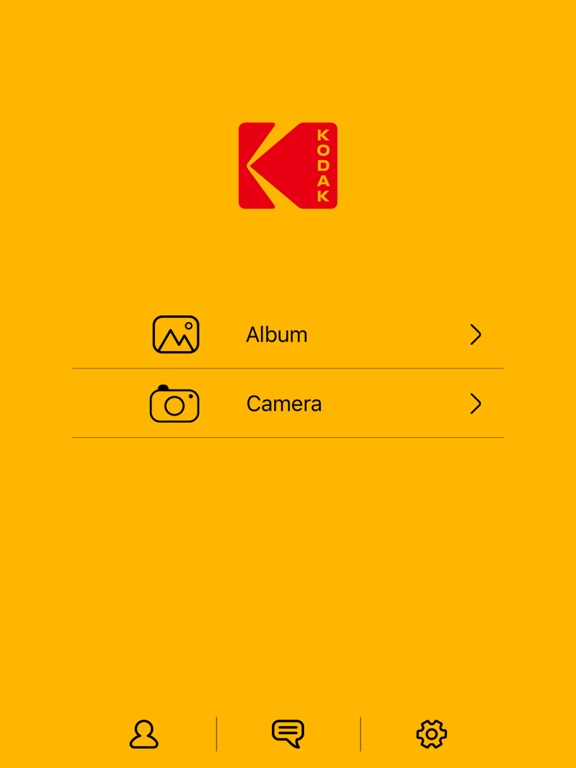
I have never been motivated to review an app before, but I must warn you if you’re thinking of downloading this app: don’t do it. Return the Kodak frame and buy a different one instead. This app is so badly broken, it actually makes the Kodak frame practically unusable. If you are stuck with the Kodak frame and need to use this app, you will soon notice that you can’t change which photos show up on the “Album” screen. You’ll find that it’s limited to whichever specific photos you selected when you first installed the app, or else it’s your entire photo library with no way to search, filter, or sort. I’ve come up with a workaround allows you to change which photos appear in the app, but you do have to go through these steps every time. 1. Open the Settings app. 2. Tap “Privacy”. 3. Tap “Photos”. 4. Tap “KODAK Photo Frame”. 5. Tap “Selected Photos”, or if that’s already selected tap “Edit Selected Photos”. 6. Choose which individual photos you would like to add to the Kodak app Album screen. However, you cannot select anything from Shared Albums. 7. Return to the Kodak app and send the newly selected pictures to the frame.
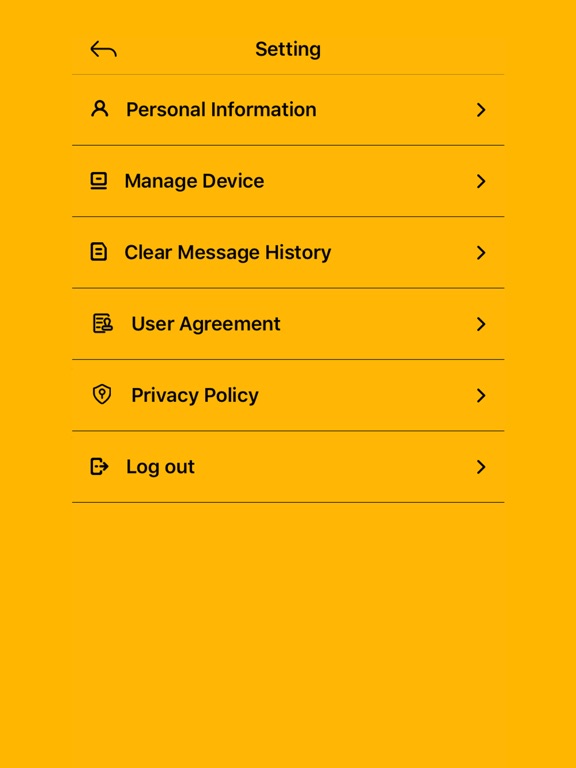
I would expect much better from an app with the Kodak name on it. Terrible interface. Does not even display horizontally on my iPad. Took multiple tries to create account. I know HS kids who could write a better app than this. Just awful.
KODAK WIFI Photo Frame is easily to share your photo with the people you love. Send photos directly from your smart phone to a KODAK WiFi Digital phot...