
Check the acquisition promise
Read the store headline, screenshots and description. What problem is the app promising to solve?
Study the storefront ↗
ESPRESSIF SYSTEMS (SHANGHAI) CO., LTD. · iOS
Explore the ad evidence, study the storefront, and build your next acquisition hypothesis.
01 / Creative research
Read the store headline, screenshots and description. What problem is the app promising to solve?
Study the storefront ↗Explore apps with direct store-link matches. Compare their hooks and formats without assuming the same approach works here.
Browse observed advertisers ↗Store rankings and revenue estimates describe market context. They do not establish ad spend, conversions or ROAS.
Review the market context ↗02 / Storefront & product
Study the product story and store experience behind the acquisition funnel.


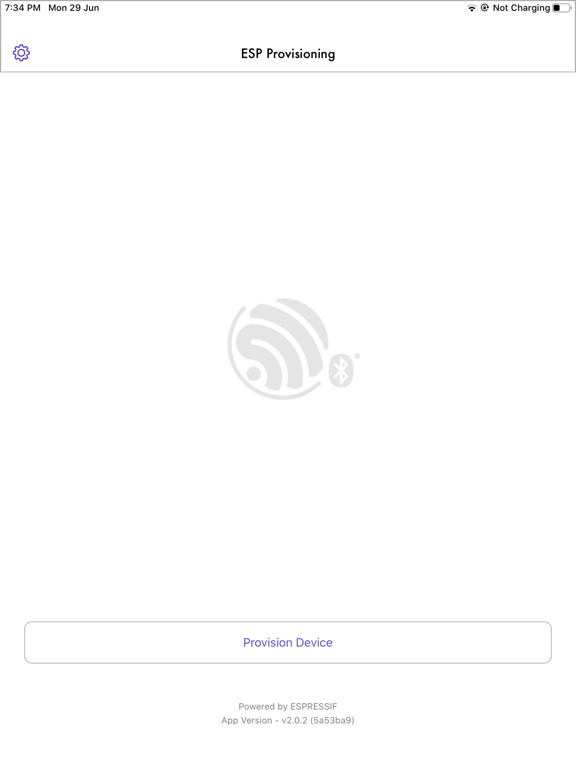

03 / Market context
Keep revenue, downloads and store rankings separate from advertising performance.
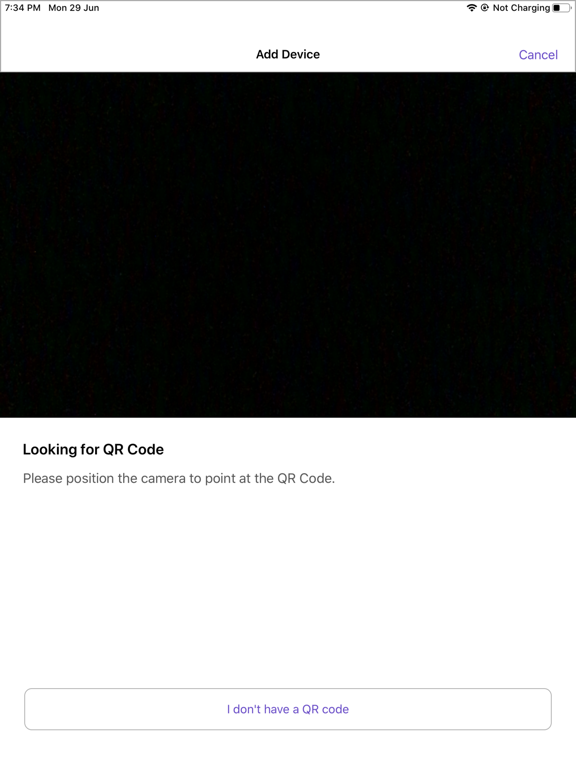
It finally worked play Bluetooth as the camera doesn’t focus on the QR code on my Neo switch. For the Bluetooth to work so you can find the Neo you need to erase the prefilled prefix that shows up pre-populated in the Bluetooth section of the app. If you delete that, and it’s something like prov_ or something similar, just delete it and immediately the Bluetooth area will populate with all the Bluetooth items in your home. Select the one you’re looking for and the rest of it is easy.
Provisioned an example project easily as advertised. Only hiccup was unhelpful error messages when esp-idf was out of date. Upgraded on a guess and everything worked.
This app can be used to send Wi-Fi Network credentials (Network name and Passphrase) to ESP32 or ESP8266 devices over BLE transport using the wifi-pro...


