
Check the acquisition promise
Read the store headline, screenshots and description. What problem is the app promising to solve?
Study the storefront ↗
CentralSquare Technologies, LLC · iOS
Explore the ad evidence, study the storefront, and build your next acquisition hypothesis.
01 / Creative research
Read the store headline, screenshots and description. What problem is the app promising to solve?
Study the storefront ↗Explore apps with direct store-link matches. Compare their hooks and formats without assuming the same approach works here.
Browse observed advertisers ↗Store rankings and revenue estimates describe market context. They do not establish ad spend, conversions or ROAS.
Review the market context ↗02 / Storefront & product
Study the product story and store experience behind the acquisition funnel.


03 / Market context
Keep revenue, downloads and store rankings separate from advertising performance.
Update is not as functional as previous app and also removed the option for a PIN to access.
Was updated sometime in the last week and was completely reworked. I use this for my full time job and absolutely loved the convenience and the way it was previously set up, but then with the most recent update they moved around all the components on the main screen and now trying to use it on a call is a nightmare. Previously everything was as simple as possible and pleasing to the eye, now it’s just abrasive to look at and takes much longer than it needs to to do simple tasks that were easy in the old version. The utility was completely negated by what seems to be a misguided attempt to reinvent themselves.
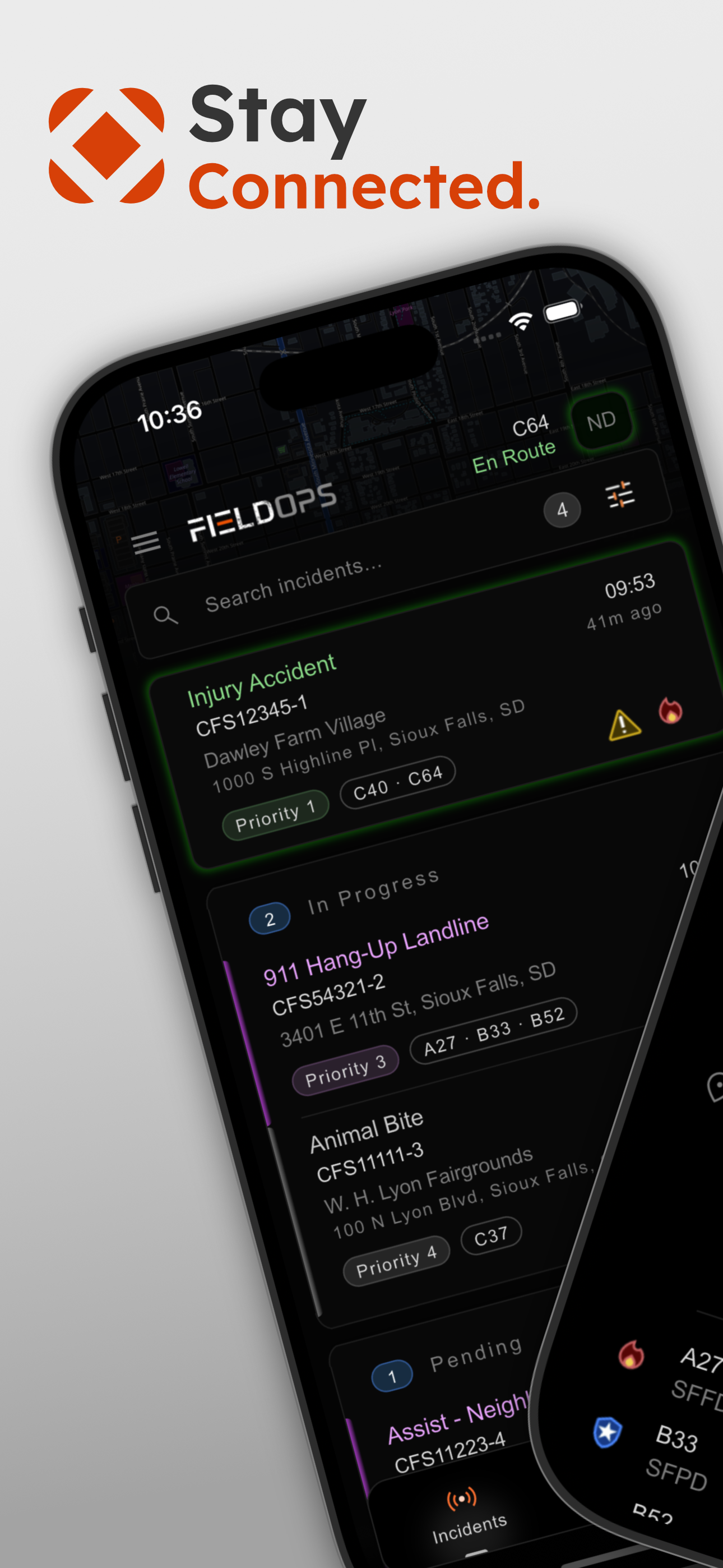
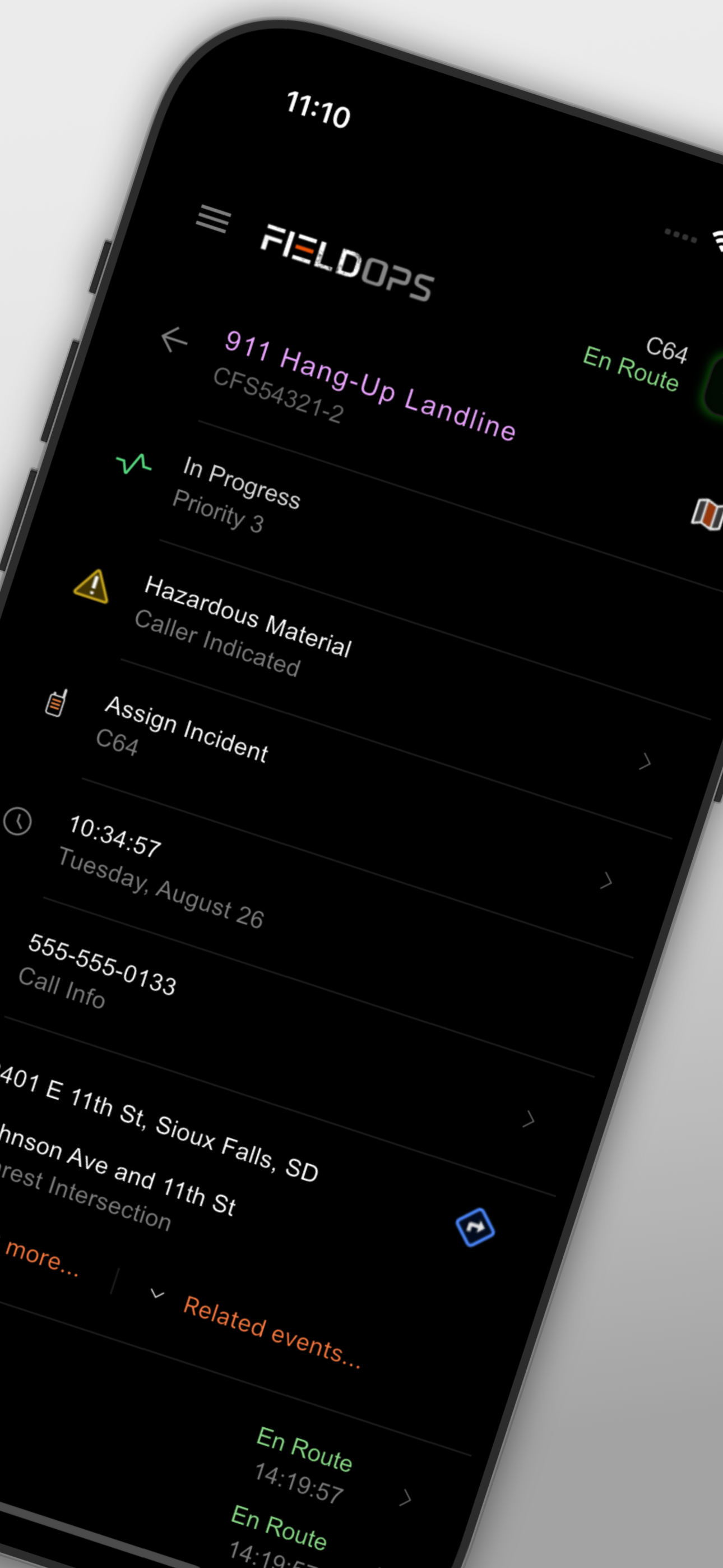
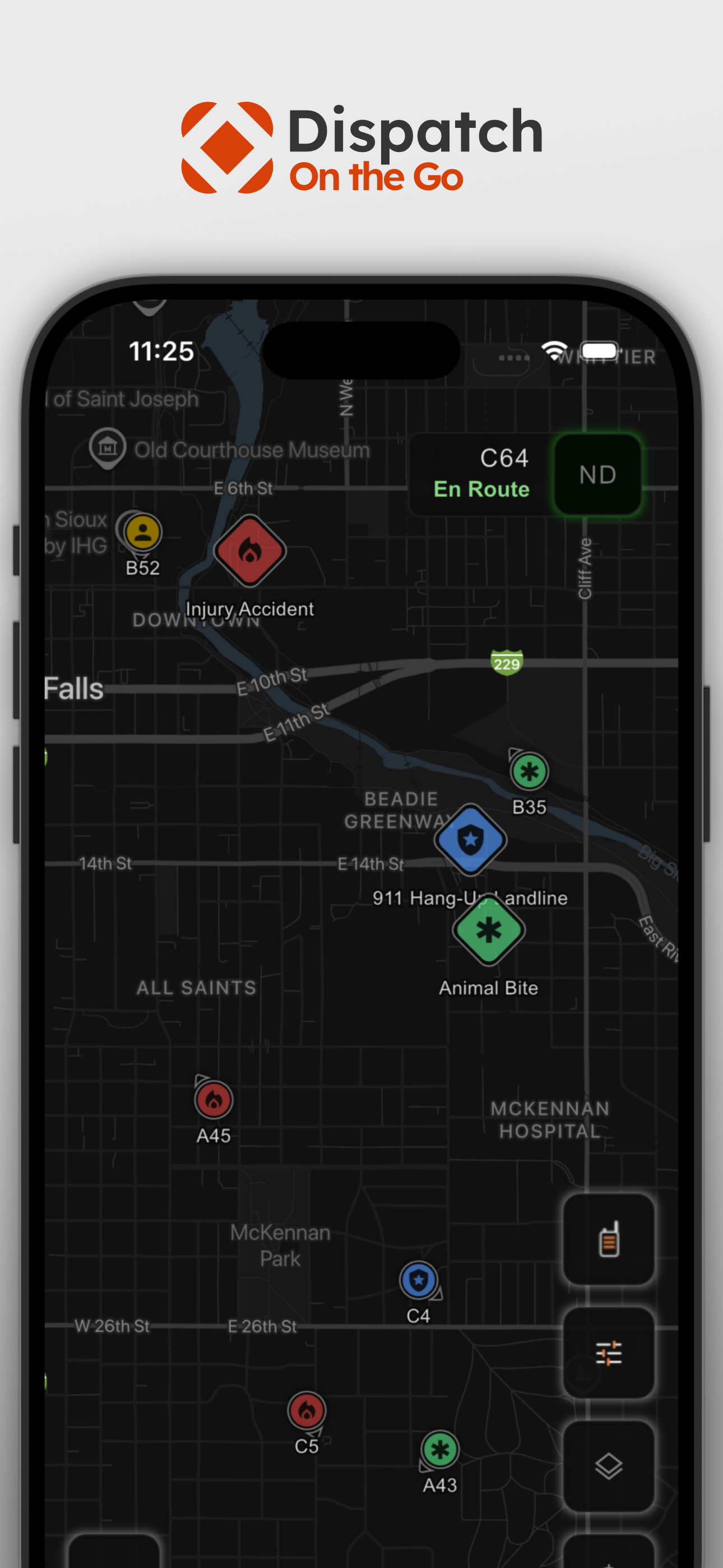
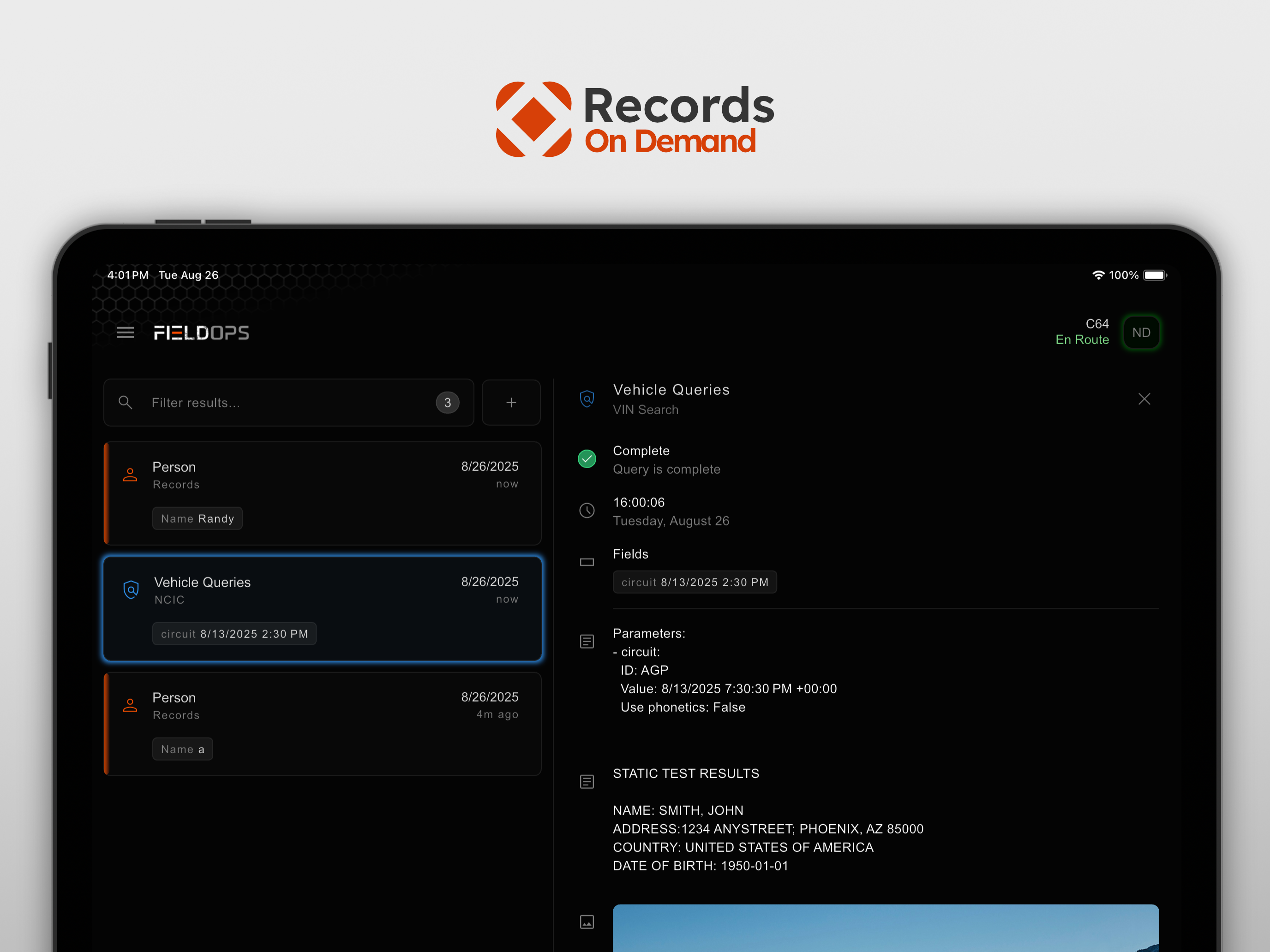
Field Ops brings some of the most important CAD and RMS features directly to your smartphone or tablet device including access to real-time CAD data a...


