Check the acquisition promise
Read the store headline, screenshots and description. What problem is the app promising to solve?
Study the storefront ↗
Applorium Ltd · iOS
Explore the ad evidence, study the storefront, and build your next acquisition hypothesis.
01 / Creative research
Read the store headline, screenshots and description. What problem is the app promising to solve?
Study the storefront ↗Explore apps with direct store-link matches. Compare their hooks and formats without assuming the same approach works here.
Browse observed advertisers ↗Store rankings and revenue estimates describe market context. They do not establish ad spend, conversions or ROAS.
Review the market context ↗02 / Storefront & product
Study the product story and store experience behind the acquisition funnel.
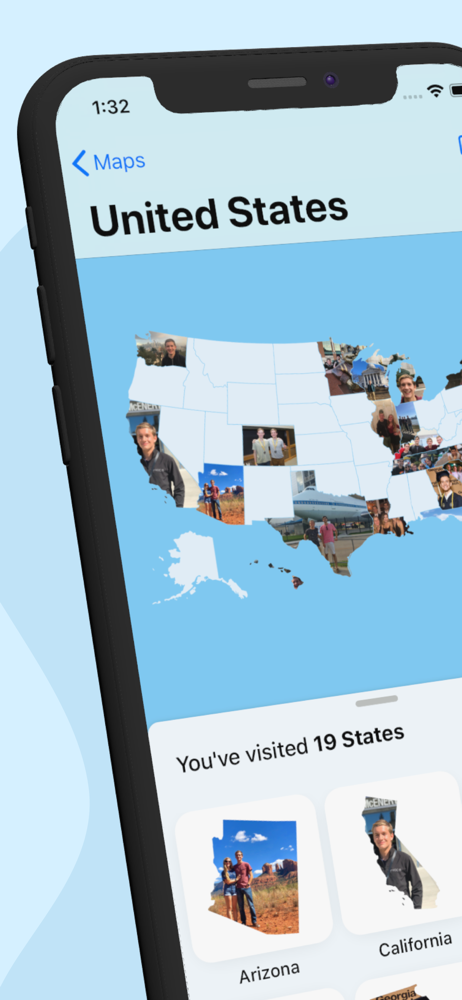


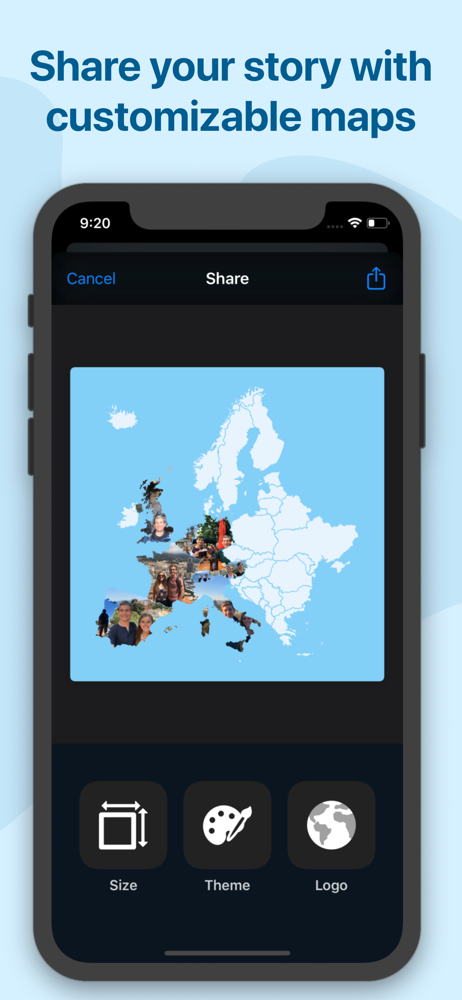
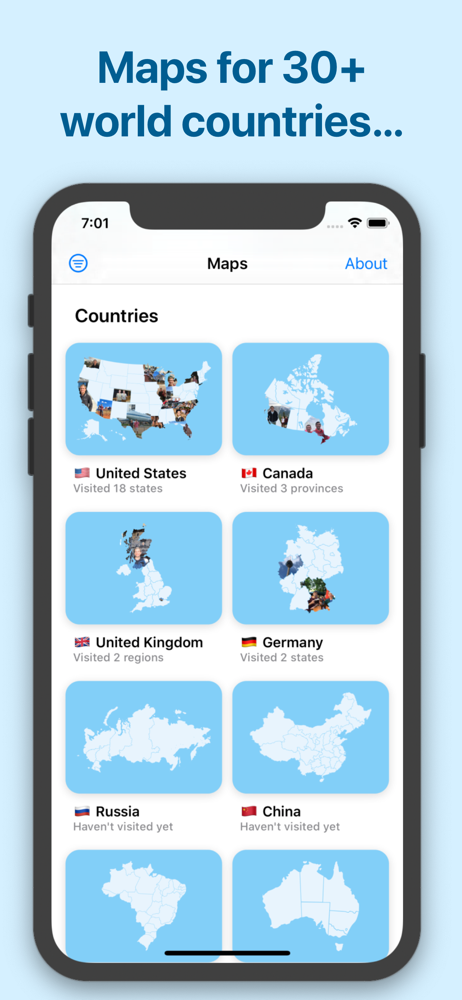
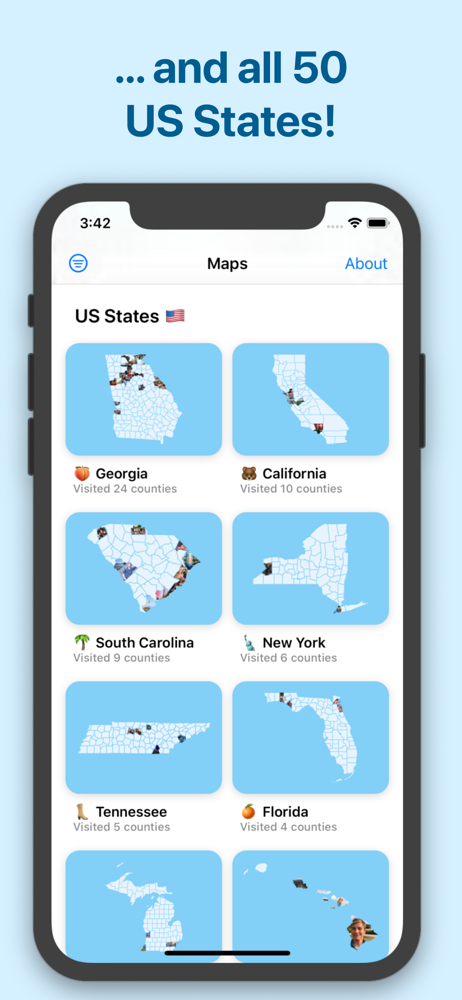
03 / Market context
Keep revenue, downloads and store rankings separate from advertising performance.
I have a passion for traveling. Been traveling for 40 years. However, I have not had the opportunity to use this app Maps before until I heard about it from my cousin. I just started using Maps and I love the idea of uploading all the photos in the countries I’ve visited. It’s really simple and very easy to use it. The only thing I want to know is how to add more pictures in to a country space because some countries are not designed or divided into separate states or provinces or regions to add more photos except for only one. Is there a way where I can add more than one picture to a country ? Also I’d like to know how to share my Maps app with family and friends.
I have a feature request: since the photos contain dates, you could recreate an approximate itinerary for every trip. To know what is considered a trip, the user would have to set its home country. Then a trip is effectively the places visited while outside of the home country. Moreover, min and max dates while outside the home country would be the trip duration. Given a new view for Trips then the user could quickly find fotos of every trip. It could be ordered chronologically. Keep up the great work!
At first look, the app seems attractive. It’s a good organizing tool, but all the pictures are on the shape of the state or the country that you visited. No, this is not good. Maybe interesting for thumbnails, but not good for the pictures under the folder. I want full screen pictures not state shaped. I would be grateful if you could work on an update for this issue. I also bought “explorer pack” which organizes pictures for all continents. Guys this app is awesome. If you travel a lot, I recommend you to buy this pack. This is a must have expansion for travelers. I would definitely give 5+ stars when there is an update for full screen pictures. Thank you Cal.
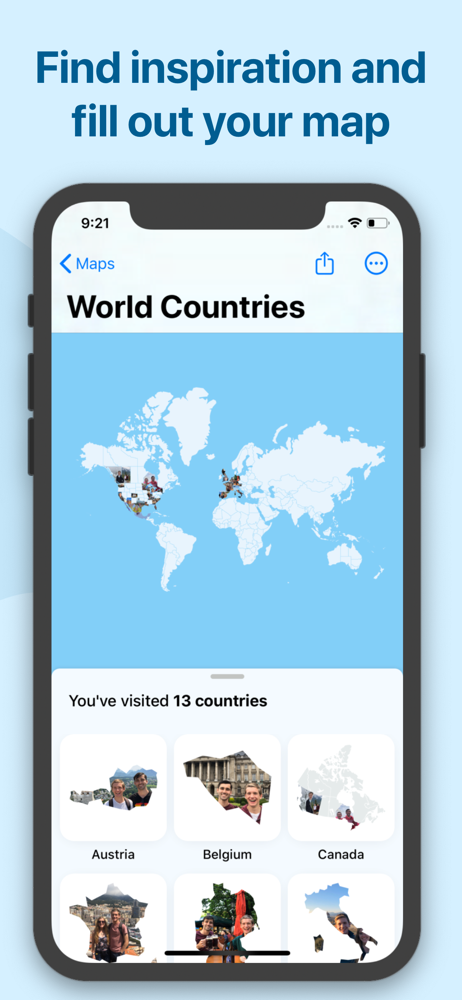
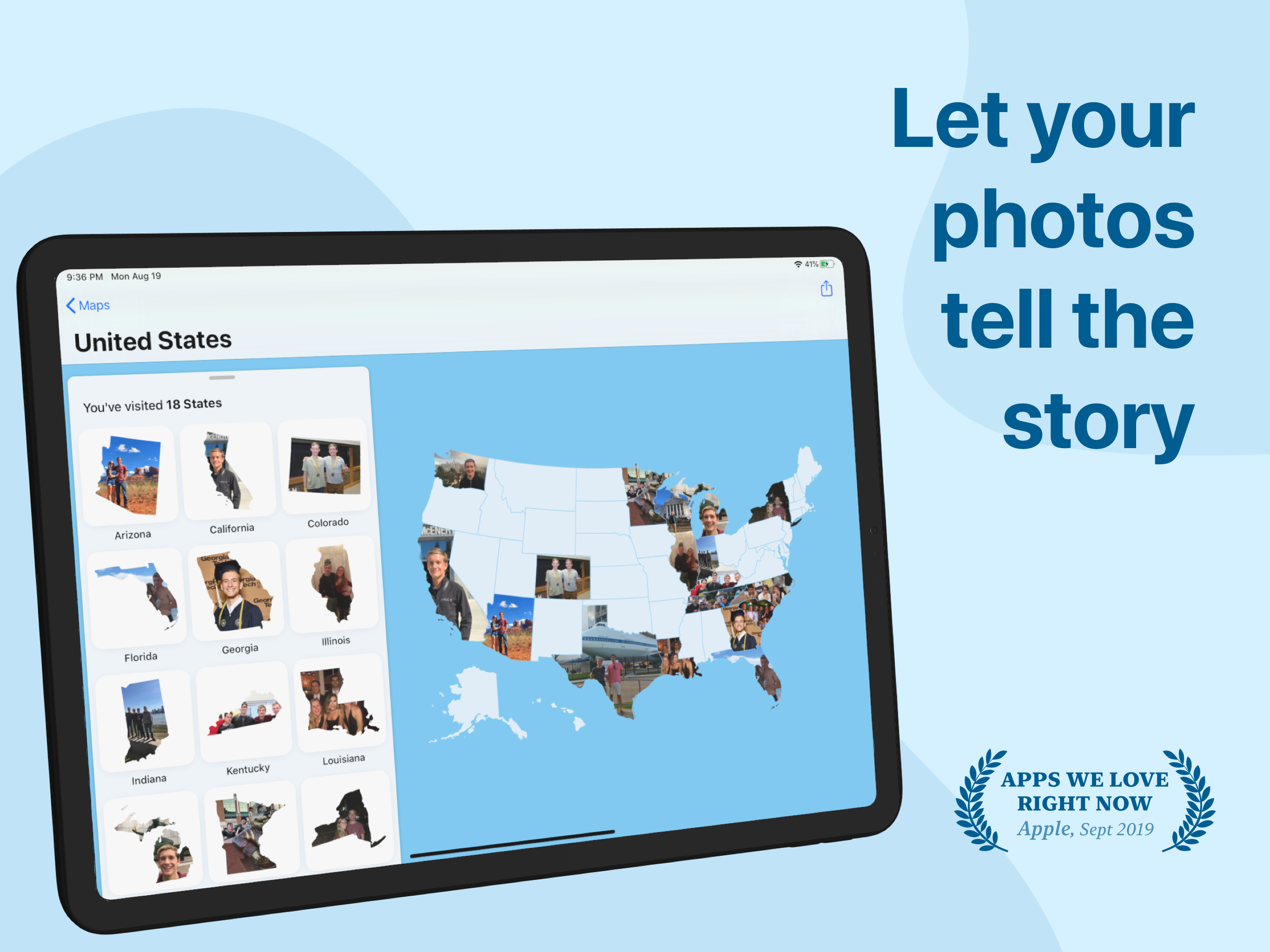
-- LET YOUR PHOTOS TELL THE STORY -- You've been to a lot of places and taken a lot of pictures. Photo Map uses your photo library to tell the story o...
| Name | Price | Type |
|---|---|---|
| Explorer Pack (Monthly) | $3.99 | Monthly |
| Explorer Pack | $7.99 | One-time |