Check the acquisition promise
Read the store headline, screenshots and description. What problem is the app promising to solve?
Study the storefront ↗
Eric Choi · iOS
Explore the ad evidence, study the storefront, and build your next acquisition hypothesis.
01 / Creative research
Read the store headline, screenshots and description. What problem is the app promising to solve?
Study the storefront ↗Explore apps with direct store-link matches. Compare their hooks and formats without assuming the same approach works here.
Browse observed advertisers ↗Store rankings and revenue estimates describe market context. They do not establish ad spend, conversions or ROAS.
Review the market context ↗02 / Storefront & product
Study the product story and store experience behind the acquisition funnel.

03 / Market context
Keep revenue, downloads and store rankings separate from advertising performance.
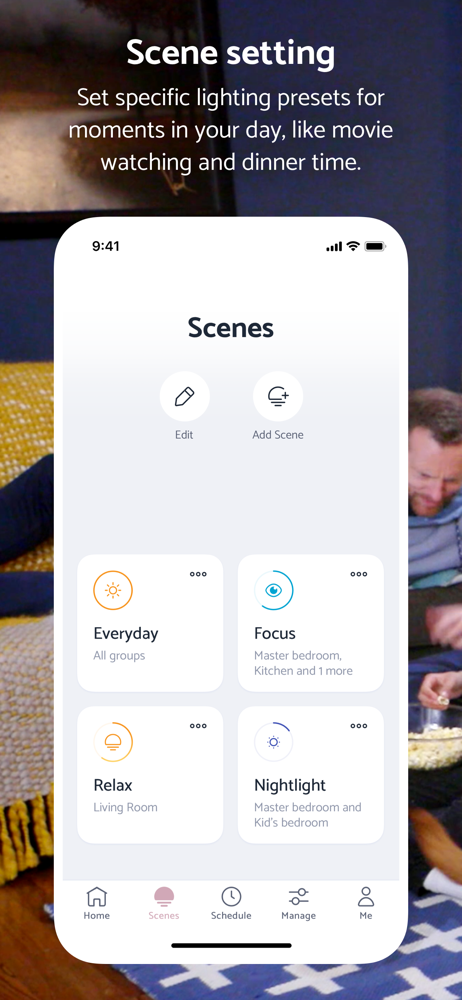
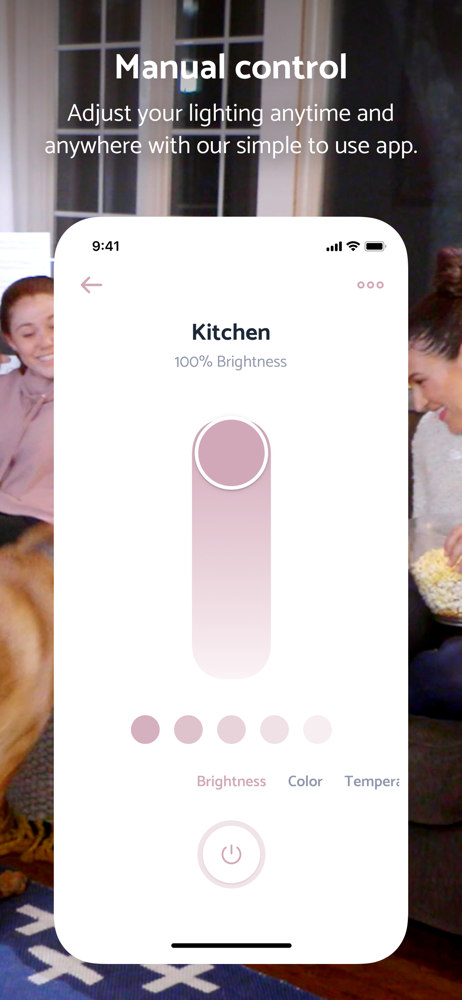
This app is bare-bones and not very helpful in the real world. You can create ‘scenes’ that store dimness and color for some selection of bulbs, but it’s clunky to set the scene. There is no widget for this app. You can’t even change the scene from the app’s initial screen. Imagine you want to change your kitchen table light from a bright scene (for cooking/prep) to a dim scene (for eating)...you have to go deep into the app to make the change.
So disappointed with the application. I received a Smart bulb as a gift but I can’t make full use of the smart capabilities because the mobile application does not allow me to log in. It just kept on going back to the home page but won’t recognize my log in credential. I tried using 2 other devices but to no avail, thus I can’t even connect the bulb to Wifi. I tried to uninstall and reinstall the application but it’s useless. It’s just a regular bulb now. I tried contacting customer service but all suggestions they made were only applicable if your bulb is already connected to an internet connection. UPDATE: I was able to sort the issue on my own. Found out that the application does not seem to accept a google email address. I tried it with a new account and used a yahoo email address and it worked. No thanks to technical support.😑
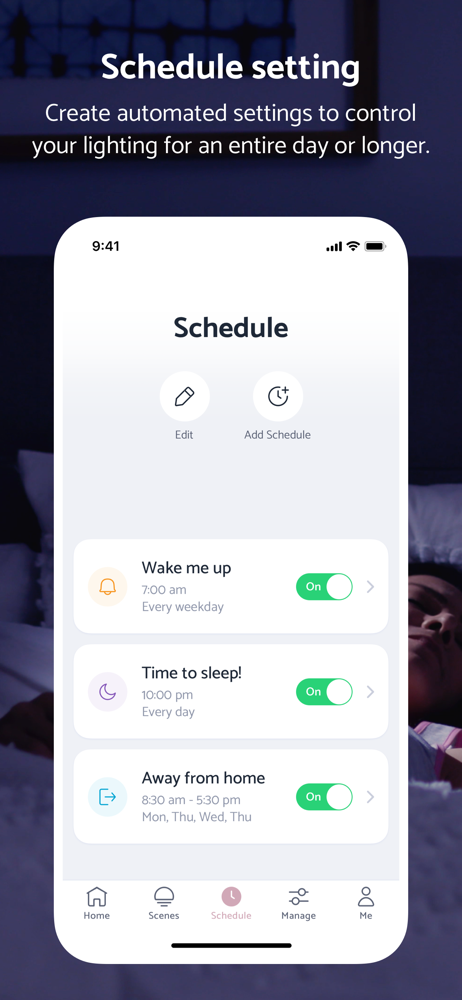
Love love love using these lights around the house. The APP is really easy to use - I schedule the lights to turn on in the AM to wake my husband and kids up but leave the light very warm so it’s not a shock and it’s dim. I always forget to turn off the lights when I leave so I automatically set it to turn off about 20 minutes after I should be out of the house. They also turn on right before I get home and dim down an hour before bed to keep me on track to getting the kiddos to bed and help wind them down. Super helpful in managing our schedule.
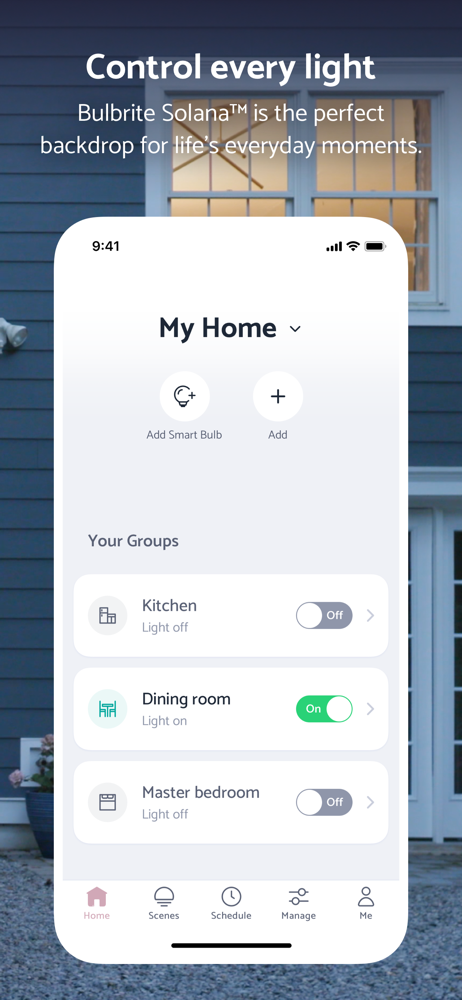
Illuminate your day, the right way with the Bulbrite® Solana app and smart LED bulbs. Whether you're waking up on a school day or winding down for a...