Check the acquisition promise
Read the store headline, screenshots and description. What problem is the app promising to solve?
Study the storefront ↗
Roland Corporation · iOS
Explore the ad evidence, study the storefront, and build your next acquisition hypothesis.
01 / Creative research
Read the store headline, screenshots and description. What problem is the app promising to solve?
Study the storefront ↗Explore apps with direct store-link matches. Compare their hooks and formats without assuming the same approach works here.
Browse observed advertisers ↗Store rankings and revenue estimates describe market context. They do not establish ad spend, conversions or ROAS.
Review the market context ↗02 / Storefront & product
Study the product story and store experience behind the acquisition funnel.



03 / Market context
Keep revenue, downloads and store rankings separate from advertising performance.
I have an iPad with WiFi only so from the instructions I read it can only work via a WiFi network but not adhoc. Perhaps this is a limitation of non-cellular Apple devices. But if I want to film outside where there’s no WiFi network I’ll be screwed. At least if the developer could add a function when no WiFi network is available it would be great. Perhaps using Bluetooth as a sync trigger. The main function I’m looking for after syncing is to video edit is using Picture in Picture for the final film. I don’t see that function here so I guess both videos would have to be transferred to the camera roll to then import them into iMovie which does have that feature 😮💨😓
This app has some amazing capabilities ! To be able to set up three or four iOS devices and record simultaneously and then bring everything together to one device, throw some transitions in and export it is pretty amazing. However there seems to be a lot missing when it comes to the audio side of things. There seems to be no way to turn on or off audio tracks for each video stream. I also would like to be able to record on the primary device with an external microphone or other audio interface for the best quality audio. It seems right now the poor audio from the other devices is still there interfering with things. Also there seem to be bugs where the clip can end up in portrait mode when you in fact want it landscape and there’s no way to flip it. I really hope you can fix these things because this app has a lot of possibilities and is very amazing!
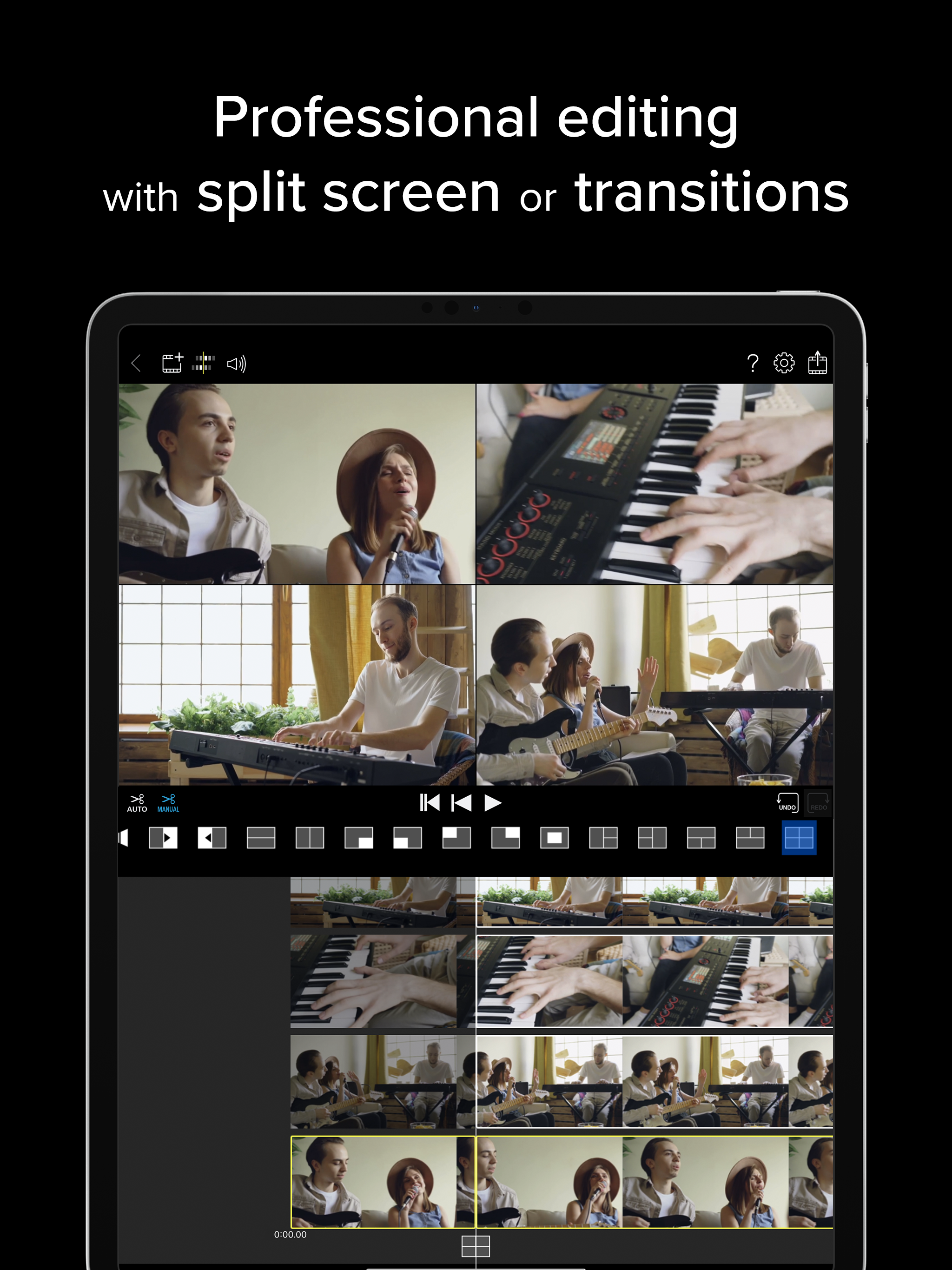
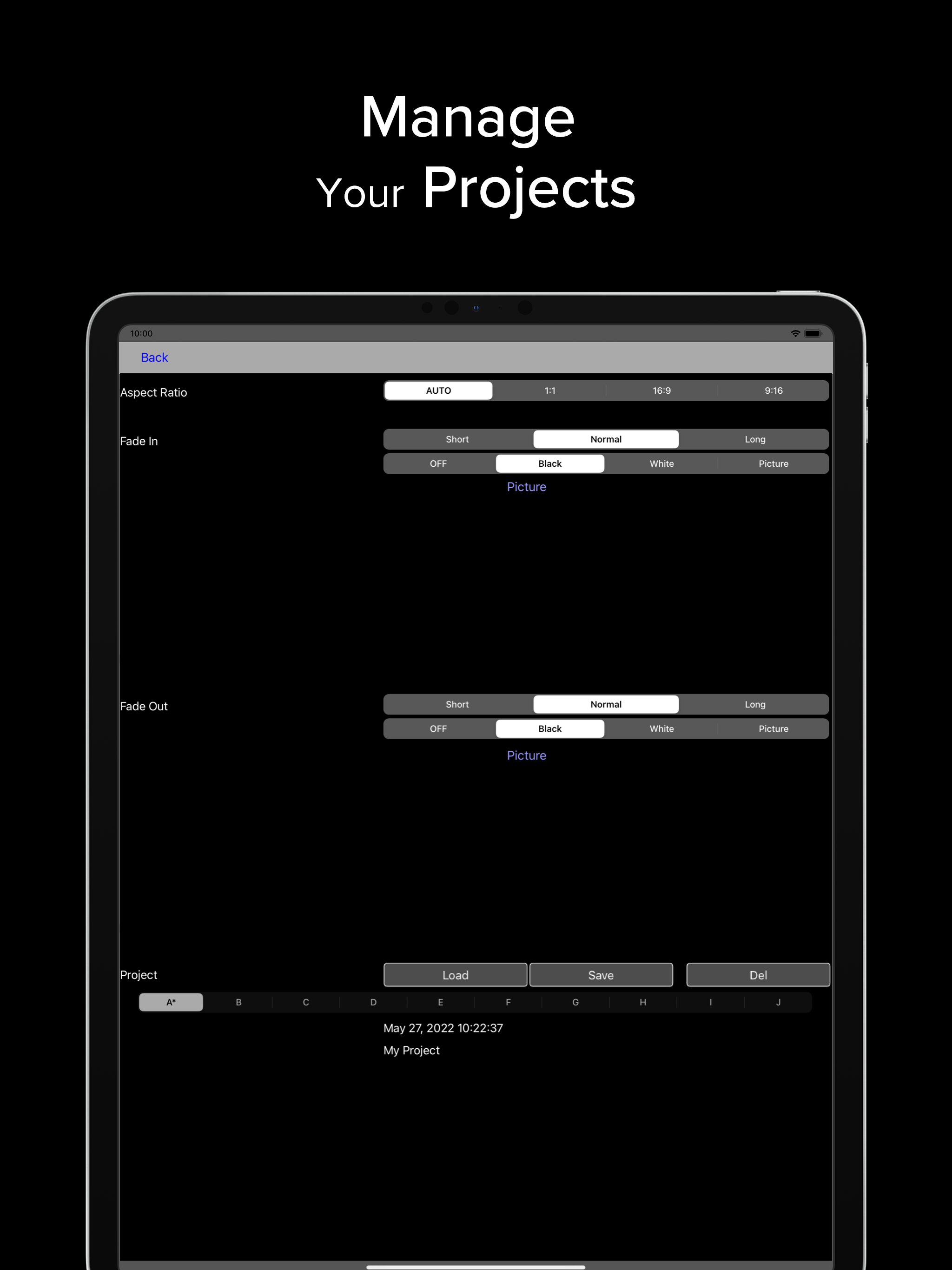
After reading the mixed reviews, I was unsure, but since it was free to try, I thought I’d give it a look. I had my main iPad Air 3, and iPad Air 1, and an iPod Touch 6 available; installed the app on all 3, the main unit found them and linked up, and I tried shooting. When finished, the Air 1 and the Touch sent their videos to the Air 3. It took awhile to get a handle on the editing functions, but once I managed to figure it out it worked quite well, and I got very cool results even with the free version. So I paid the upgrade fee, and it opened up one more transition and a few more picture-in-picture options; it appears that I also have unlimited recording time. This app works very well, and I wish it would get some support and updating; some different transitions would be great. But for basic multi-camera video, I can’t complain about this app, especially for the price.
4XCamera Maker lets you shoot, edit, and publish engaging music videos without a computer or expensive camera equipment. Wirelessly connect up to thre...
| Name | Price | Type |
|---|---|---|
| Roland Cloud Core Month | $2.99 | Monthly |
| Upgrade: One-time purchase | $7.99 | One-time |
| Roland Cloud Core Year | $29.99 | Yearly |