Check the acquisition promise
Read the store headline, screenshots and description. What problem is the app promising to solve?
Study the storefront ↗
CuVee Software · iOS
Explore the ad evidence, study the storefront, and build your next acquisition hypothesis.
01 / Creative research
Read the store headline, screenshots and description. What problem is the app promising to solve?
Study the storefront ↗Explore apps with direct store-link matches. Compare their hooks and formats without assuming the same approach works here.
Browse observed advertisers ↗Store rankings and revenue estimates describe market context. They do not establish ad spend, conversions or ROAS.
Review the market context ↗02 / Storefront & product
Study the product story and store experience behind the acquisition funnel.


03 / Market context
Keep revenue, downloads and store rankings separate from advertising performance.
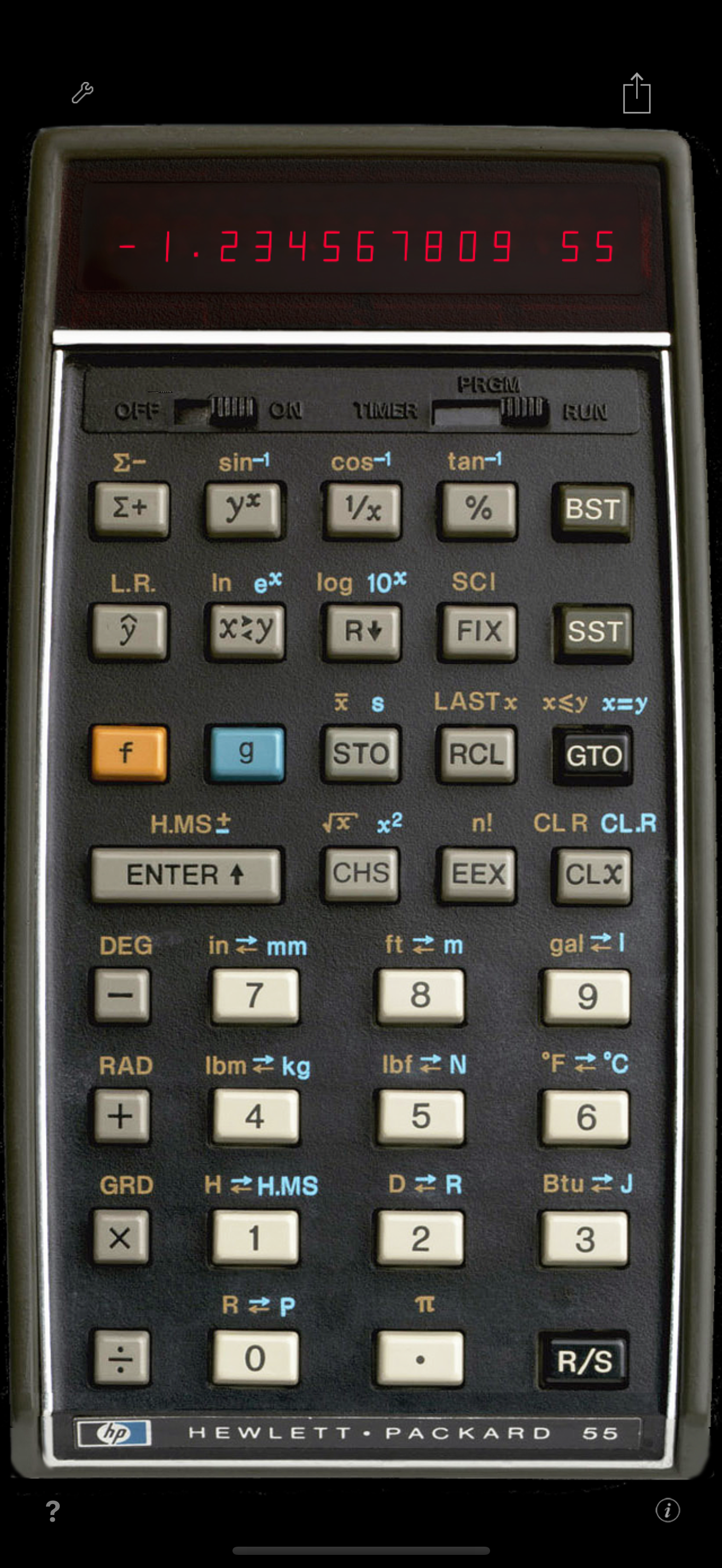
I've been using this app for several years, it's my favorite calculator app by far. My only gripe was minor - when launching the app the image of the calculator would appear immediately but it took a few seconds before it would accept keystrokes. So I would hit buttons but they wouldn't register, a bit frustrating. If you just leave the app running in the background that's not an issue, the calculator is instantly ready to go when you bring it to the foreground. But I'm in the (bad?) habit of closing apps after I'm done with them so I have to relaunch it every time I need it. Leftover habit from the 1970s when you had to live with 4K of RAM in your 8080 micro computer... The new version is much much quicker to launch and completely solves the lost keystrokes problem. A great improvement for old geezers like me. Thank you!
In the next update for this calculator please add the six hyperbolic functions. HSIN, HCOS, HTAN, ARCHSIN ARCHCOS, ARCHTAN. This is a five star appreciation.
The HP 55 was my first scientific calculator. It got me through high school physics and an electrical engineering degree at UC Berkeley. (I used a Pickett N-500-ES slide rule for high school chemistry.) These days, the RPN-55 app is my calculator of choice. It provides all the functions I tend to need, packaged in a way that brings back pleasing memories from decades ago. In terms of function, the standard HP 55 H.MS± functions are surprisingly useful (on occasion), and I don't "Replace Unit Conversions" because I find the unit conversions more nostalgic and useful. In a future release, it would great to have the "high contrast mode" feature implemented (such as in RPN-25 CE). You might imagine that my eyes have aged somewhat since my time with the physical HP 55, and any help would be appreciated! Even better would be an HD edition which can display the stack and registers (as in RPN-45 HD). But in its current incarnation, RPN-55 is eminently functional and fun to use.
RPN-55 SD is the first photo-realistic simulation for the iPhone of Hewlett-Packard's low-cost alternative to the famous HP-65 programmable scientific...