Check the acquisition promise
Read the store headline, screenshots and description. What problem is the app promising to solve?
Study the storefront ↗
Alexander Ewering · iOS
Explore the ad evidence, study the storefront, and build your next acquisition hypothesis.
01 / Creative research
Read the store headline, screenshots and description. What problem is the app promising to solve?
Study the storefront ↗Explore apps with direct store-link matches. Compare their hooks and formats without assuming the same approach works here.
Browse observed advertisers ↗Store rankings and revenue estimates describe market context. They do not establish ad spend, conversions or ROAS.
Review the market context ↗02 / Storefront & product
Study the product story and store experience behind the acquisition funnel.




03 / Market context
Keep revenue, downloads and store rankings separate from advertising performance.
At first I was just testing Xequence out here and there with some instruments in Aum and finding it a joy to work with until I recently decided to try out the Bluetooth connection between my iPad and workstation because I didn’t realize how low the latency would be, but now I’m having more fun composing in Xequence with my DAWs (Ableton and Cubase). While this isn’t going to cover all the midi features cubase has, it has all the essential ingredients to get the notes and cc data along with efficient use of editing features. It’s EFFICIENT. It’s more immediate than having one hand on the keyboard and the other on the trackball. I literally have the piano roll in my hands. And if you want to experiment, there Polyhymnia! Just playing with the options in realtime works as a live performance tool! I use Beatmaker 3 frequently which has its own piano roll but the size is still confined; now I have more space to work with in Xequence! It’s a no brainer
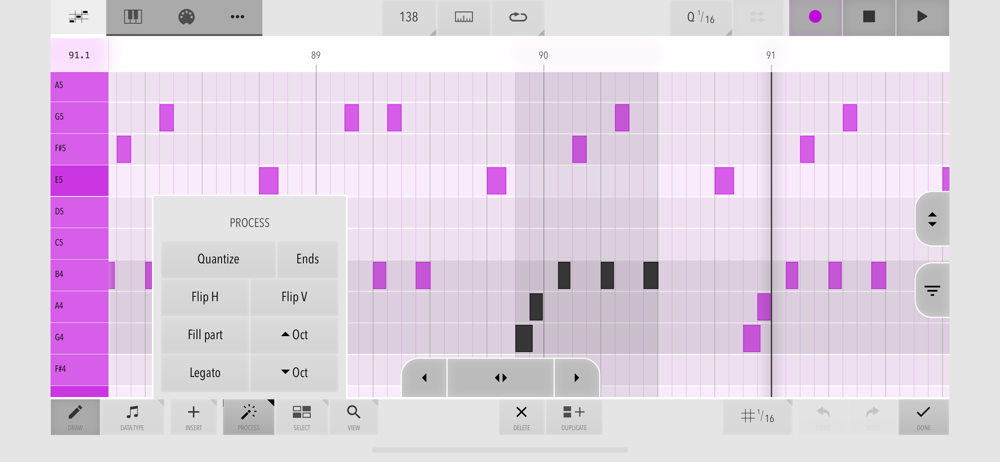
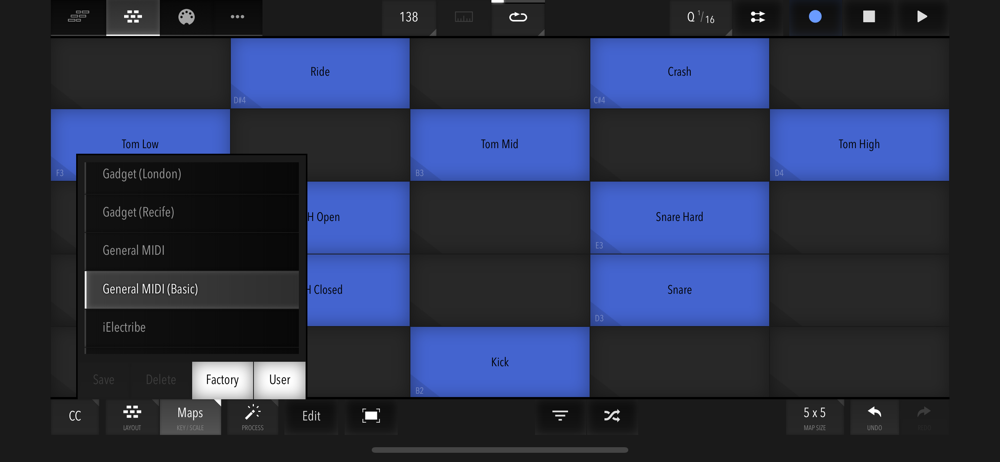
Update: giving this one 6 stars. I’ve been in contact with the developer because i had a few questions regarding use with BM3 and Elastic drums. Not only was he quick to respond, but even sent me an update to the elastic drums map in Xequence 2. He addressed each situation and all of my questions have been answered within a matter of days. It was as though I’m his only customer. This midi editor/sequencer has made my switch to ios for music complete. I thought a touch screen would make a piano roll easier than using a mouse, but quickly learned that that was not the case. Now, with Xequence 2, i can manipulate notes with ease, and in many cases its easier than the desk top. Thank you for making my life easier.
I got this app a while ago and was like oh cool it’s a sequencer that’s super super easy to use and super stable and has a generative MIDI thing but it was only until I actually BECAME a HARDCORE iOS musician that I was like oh whoa this thing is now a super super essential tool. I actually also find it super handy to link it with all my synthesizer apps and make infinite generative music for my study time. (I could go buy a generative MIDI app but I already spend $18 on this and it works fine.) So anyway - if you’re not a hardcore iOS studio artist (basically if you haven’t gotten to AUv3 or IAA or Virtual MIDI yet and are just working with GarageBand) you’ll find this app nice, but hard to integrate; it’s not until you expand your digital sonic horizons and get a pro DAW running that you’ll fully realize the potential of Xequence.
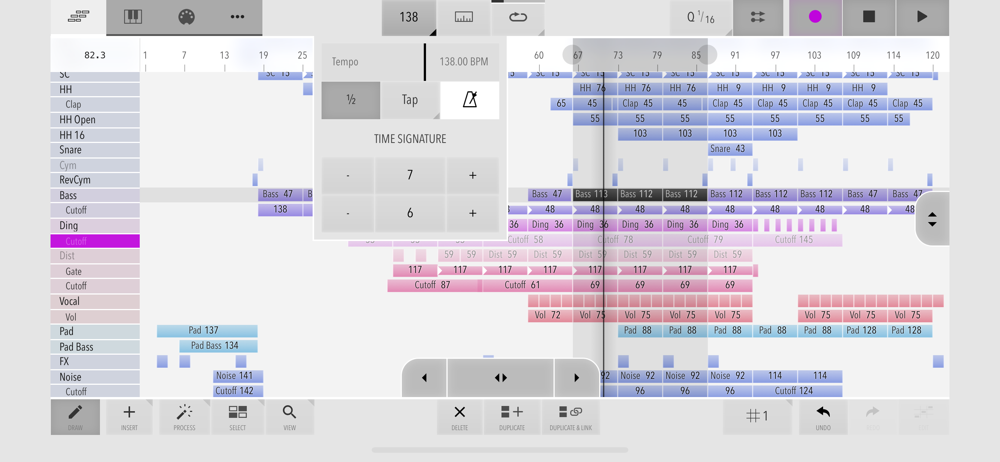
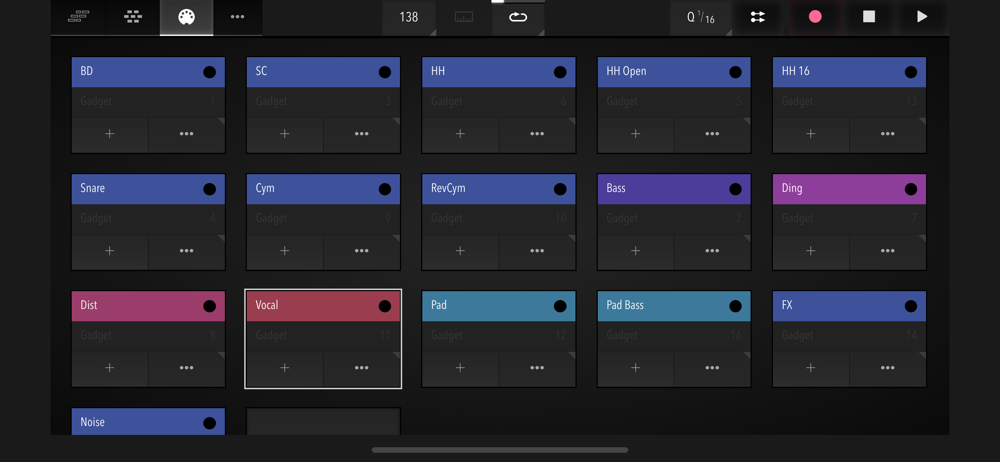
This app is targeted at digital music production enthusiasts & professionals. Xequence is a comprehensive, fast & reliable MIDI sequencer, editor, ar...
| Name | Price | Type |
|---|---|---|
| Enhanced Pack | $4.99 | One-time |