Check the acquisition promise
Read the store headline, screenshots and description. What problem is the app promising to solve?
Study the storefront ↗
NOTEGG Corp. · iOS
Explore the ad evidence, study the storefront, and build your next acquisition hypothesis.
01 / Creative research
Read the store headline, screenshots and description. What problem is the app promising to solve?
Study the storefront ↗Explore apps with direct store-link matches. Compare their hooks and formats without assuming the same approach works here.
Browse observed advertisers ↗Store rankings and revenue estimates describe market context. They do not establish ad spend, conversions or ROAS.
Review the market context ↗02 / Storefront & product
Study the product story and store experience behind the acquisition funnel.




03 / Market context
Keep revenue, downloads and store rankings separate from advertising performance.
I write this for all users Check the yellow bar on the "Play" button!! If you collect around 500 points(a bit more) by watching the ad, it turns into 777 points. Then, the yellow bar will be full. And that means you got unlimited mode! Enjoy it💓
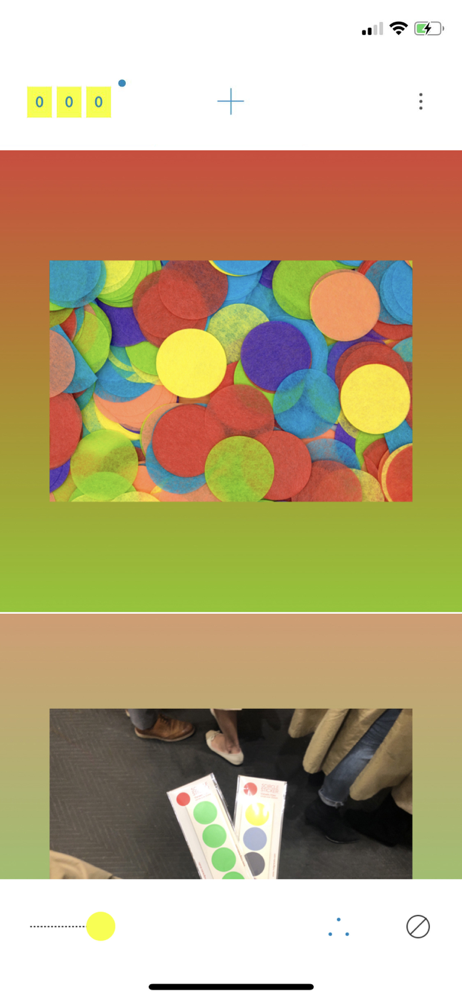
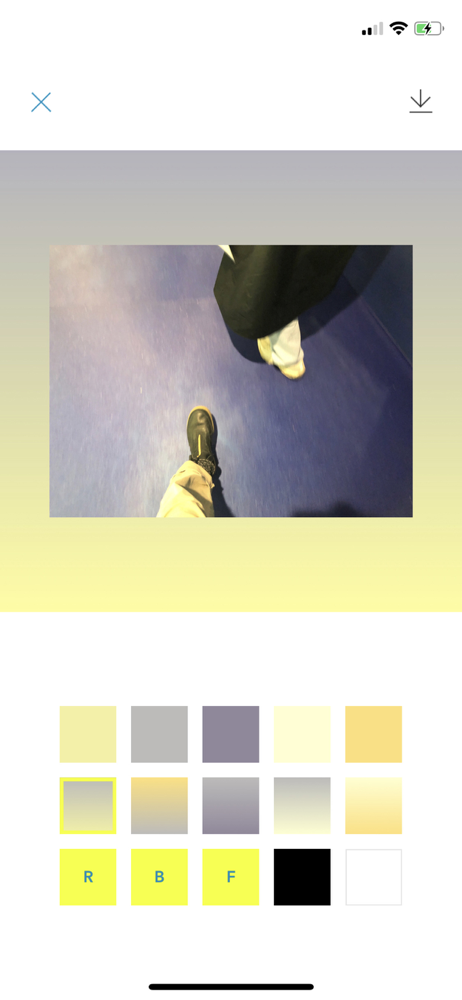
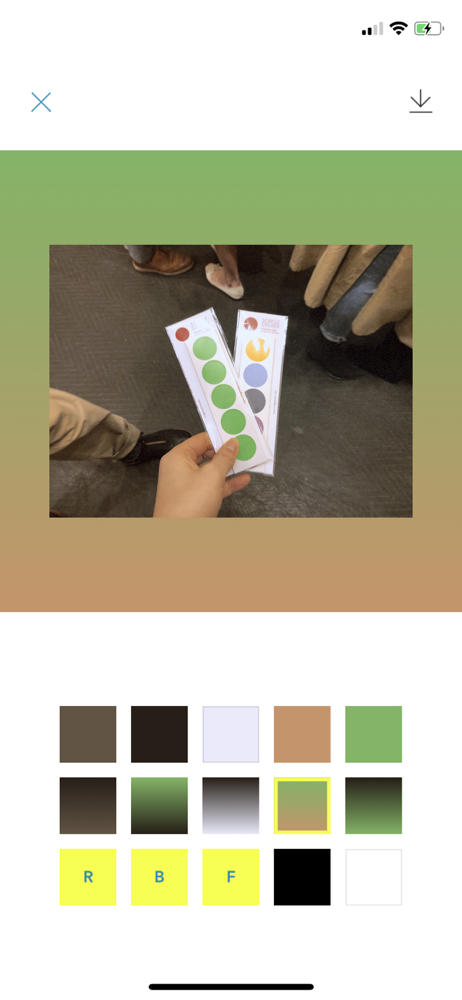
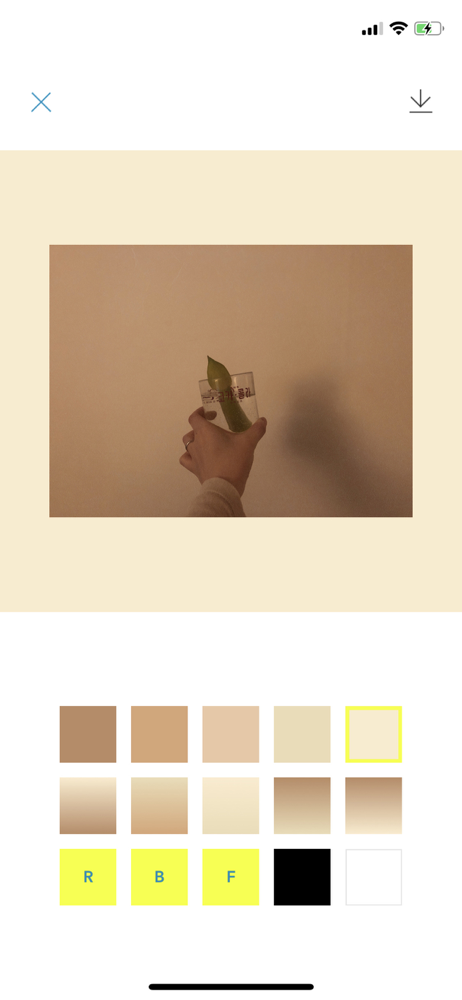
November 2020 The 2nd example photo really confused me. Just a regular photo (of cats? your baby?) would've been more clear. I use this often to get oddly shaped photos to fit into and make sense when they're constrained such as Twitter and Donate. May 2020- In order to boost certain colors I sometimes add a frame of that color with Afterlight. I can crop all but a fine line or add into the photo a bit of my chosen color and edit it from the photo when I'm done. It depends on the photo and difficulty of removing any added color of course. I was going to reveal more secrets but decided I'd spent my time on the app developing them so I'll just say the basic function of Dyed is very good. Experiment and use it with other apps (if you're not combining apps already you're missing out) and you can have spectacular results. July 2019- I don't think the app changed much when I tried it a second time- I had a photo that was obviously suitable for the app and it's usefulness was suddenly clear for that one and more photos. The instructions for watching ads didn't make sense so it was easier to buy the app than figure it out- even though I rather enjoy Korean ads. I re-read the explanation and finally understand it but the devs might want to clarify them. Now that I've been using it heavily for close to 2 months I have some requests. More colors. I had a photo with equal parts yellow, orange, blue and green but at least one color was always ignored, a third color was treated as almost insignificant and was was replaced with grey. I tried to force the app to use another color but I couldn't get it to happen. Thanks you all. Keep doing good stuff.
can’t wait to post photos and my friends are like ”how did you do this??!?”. this has DEFINITELY stepped up my insta game.
[DYED: Color Genius] is now available. [DYED] is an editing application that automatically recommends background colors according to your photos. I r...
| Name | Price | Type |
|---|---|---|
| UNLIMITED ITEM | $1.99 | One-time |