
Check the acquisition promise
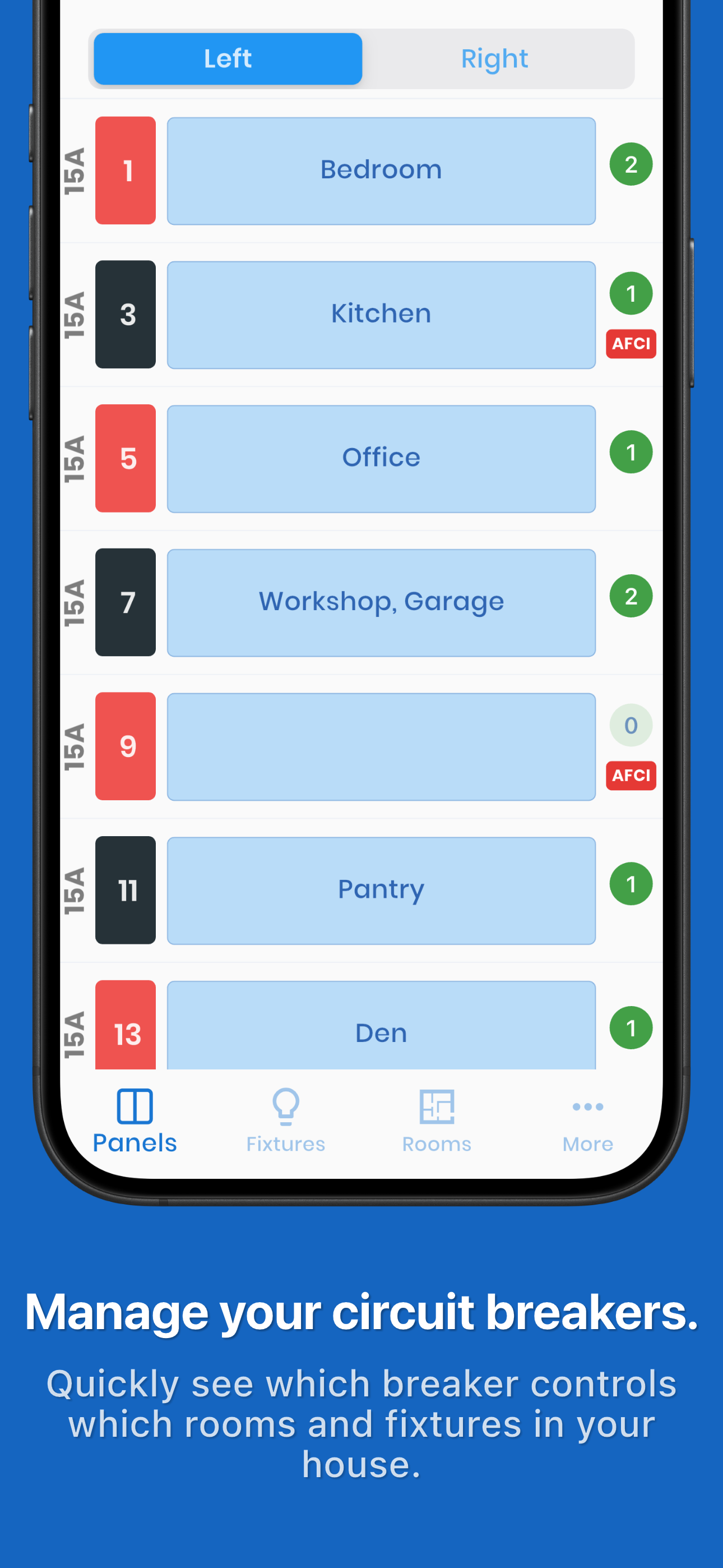
Read the store headline, screenshots and description. What problem is the app promising to solve?
Study the storefront ↗
Brett Pappas · iOS
Explore the ad evidence, study the storefront, and build your next acquisition hypothesis.
01 / Creative research
Read the store headline, screenshots and description. What problem is the app promising to solve?
Study the storefront ↗Explore apps with direct store-link matches. Compare their hooks and formats without assuming the same approach works here.
Browse observed advertisers ↗Store rankings and revenue estimates describe market context. They do not establish ad spend, conversions or ROAS.
Review the market context ↗02 / Storefront & product
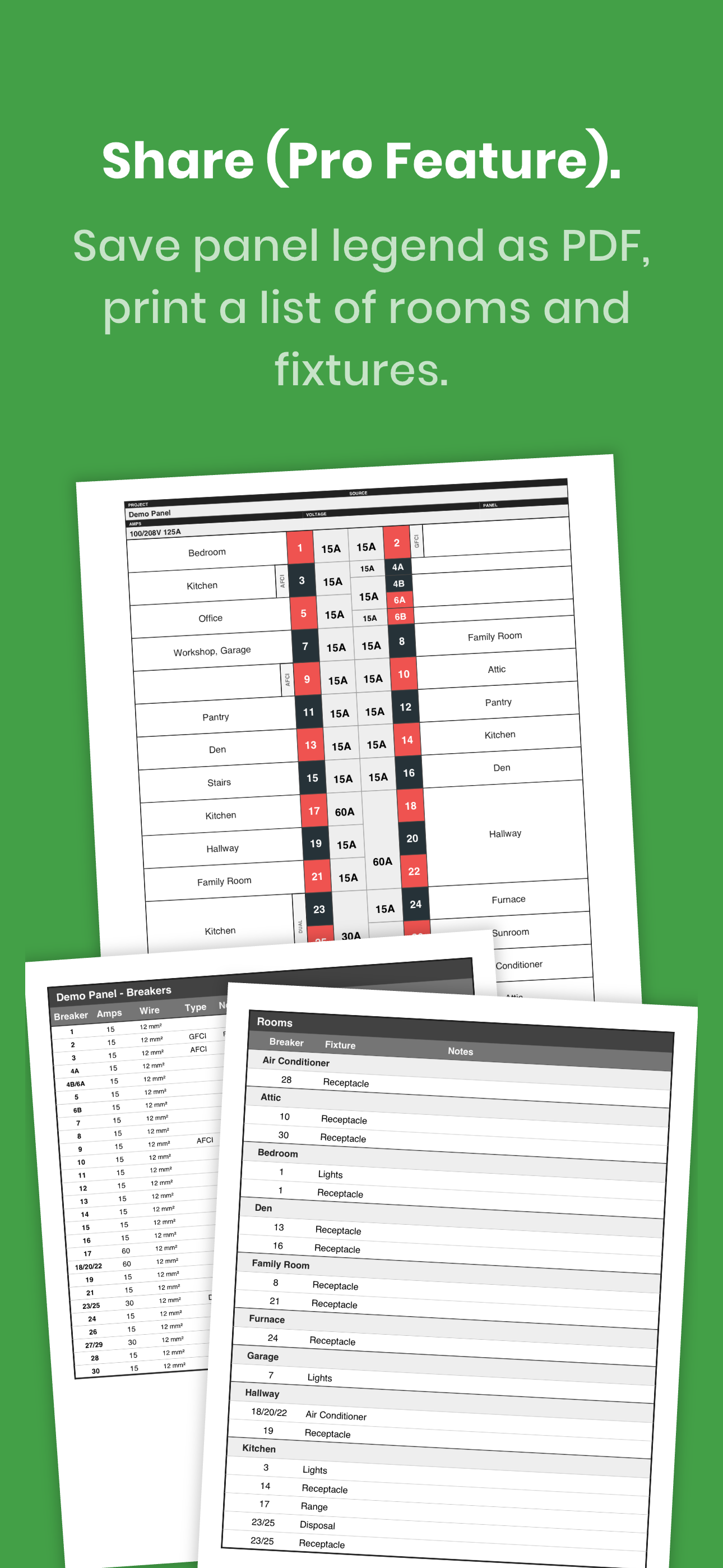
Study the product story and store experience behind the acquisition funnel.




03 / Market context
Keep revenue, downloads and store rankings separate from advertising performance.
Having bought our house in 2023 from a seller who fancied himself a DIYer, it turns out he was awful at electricity (and also most all handyman skills). As I have played “whack-a-mole” fixing newly arising issues, while trying to make the house our own separately, I’ve worked on the electricity one area at a time. Figuring out the former owner’s logic, while also figuring out the two good sized additions he oversaw, has been a challenge, especially electricity wise. I was originally writing down what each breaker did in a notepad, but then another project/issue would pop up, or the notepad disappeared. That’s when I found the Breaker Box - Panel Tool. With room to add notes, and customize, I’m almost done (I have a main box and a separate box for my backup generator). I’d give the app 4.5 starts if it was an option, but it’s not a 5 only because it’s not really intuitive. You have to use it to figure it out, and then it’s great. If you’re reading this, just buy it and start using it - you’ll be glad your did.
Update: After receiving the response from the developer, I now gave it 5 stars, and the app checks all the boxes. Thanks so much for the response, and all the features this app offers. The issues below were available already I just didn’t know. Every homeowner, or anyone helping family members should buy this app! This app is exactly what I was looking for, but I didn’t even know there was an app like this. It works great. One thing I wish could be added was adding multiple fixtures to a breaker, and adding custom room names. Other than that it’s perfect for me. Thanks for this app, and I’m looking forward to the next update!!
This is a great app, especially for those of us who aren’t the original owners of a home and have found that the breaker box has been labeled, well, less than accurately. I’m in the process of figuring out what the various breakers in my house actually control and labeling them appropriately and this app is a big help. Would love to see an update that allows syncing between devices. For example, I like to use my iPad to enter the information into the app but if I need to run into the garage and check a breaker it would be handy if I could just take my phone and all of the info that I had entered with my iPad would automatically be there. Also, I could use an option for 20 amp double pole breakers, as well. That would make this an absolute 5 star app.
Stop guessing which breaker controls what. Whether you're a homeowner mapping a single panel or an electrician documenting multiple buildings, Breake...
| Name | Price | Type |
|---|---|---|
| Lifetime Pro License | $9.99 | One-time |


