Check the acquisition promise
Read the store headline, screenshots and description. What problem is the app promising to solve?
Study the storefront ↗
LEVOLOR INC · iOS
Explore the ad evidence, study the storefront, and build your next acquisition hypothesis.
01 / Creative research
Read the store headline, screenshots and description. What problem is the app promising to solve?
Study the storefront ↗Explore apps with direct store-link matches. Compare their hooks and formats without assuming the same approach works here.
Browse observed advertisers ↗Store rankings and revenue estimates describe market context. They do not establish ad spend, conversions or ROAS.
Review the market context ↗02 / Storefront & product
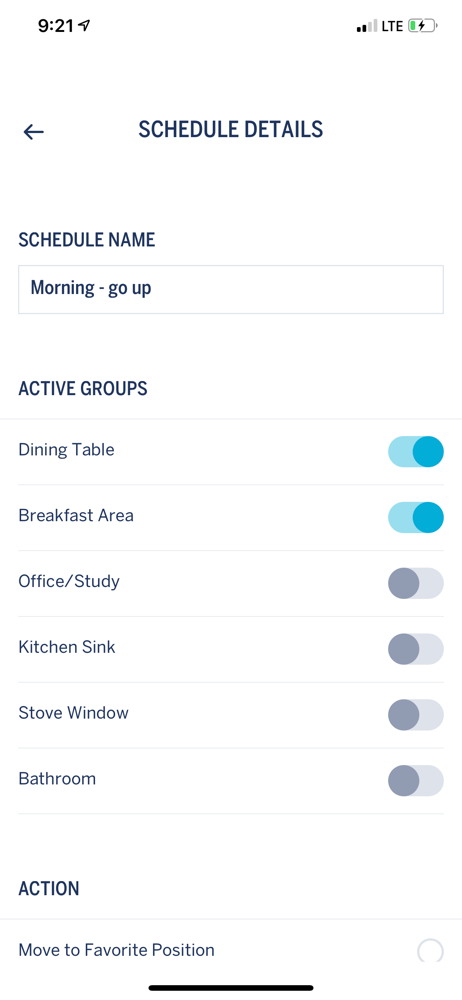
Study the product story and store experience behind the acquisition funnel.
03 / Market context
Keep revenue, downloads and store rankings separate from advertising performance.
This app is sufficient to open and close my blinds on a schedule. I think it can do more, but I am basically using it to open the blinds in the morning and close them in the evening. One feature I wish it offered was open and close at sunrise and sunset or maybe with an offset from sunrise and sunset. As the season changes, I have to constantly go into the app and adjust the open and close times in the morning and evening. It would be so simple if the app recognized my location and adjusted with the season. Maybe this is too much to ask. Overall, I'm grateful to have this app because it allows me to adjust the blinds even when I am not home and I can create the illusion of being home while we are on vacation. Also, if the blinds were manual, it would be hard for me to reach them because I would have to climb over the furniture. I really wanted remote control blinds because I just can't reach the blinds easily this window.
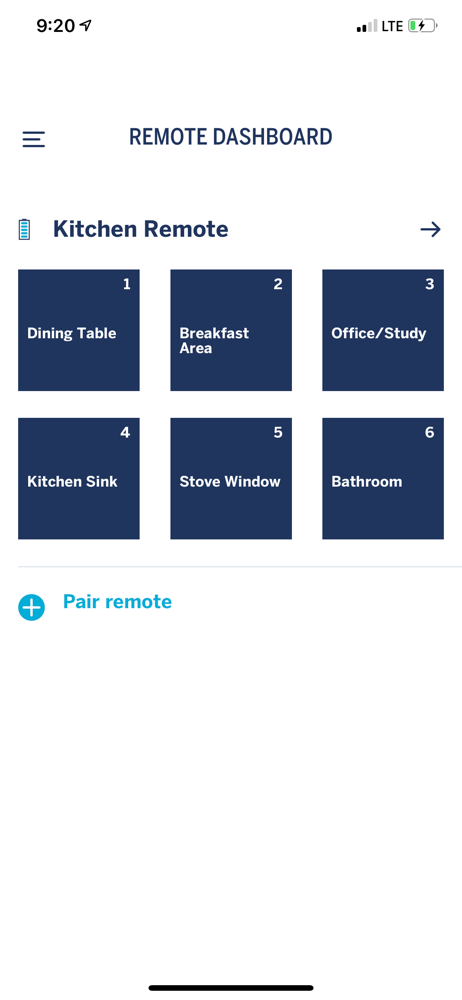
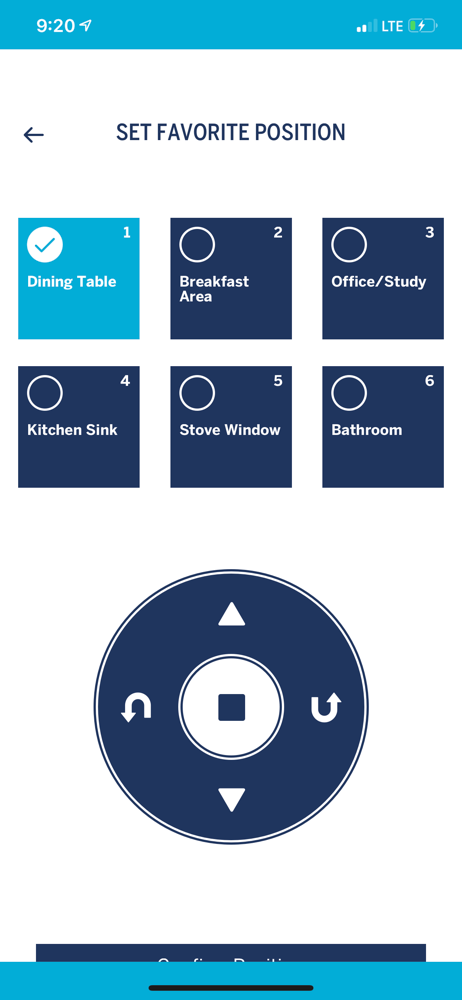
I found a new use whatever for this app. It picks up that there are multiple remotes,Including one in a separate room that I don’t want to include in this programming effort. Can’t tell which is which, however. I couldn’t find any way to deprogram a remote and start over.I manually programmed the remote to operate one window under 1. Then, under 2, I programmed it to operate a second window. However, 2 then simultaneously operates both windows. Can’t get it to stop doing that. The app was no use in trying to fix this problem. Update. Somehow I eventually started over. Very carefully following the instructions, I got it to work with 2 remotes. Now works perfectly. The Apple app is of no use. Just use the instructions for the remote.
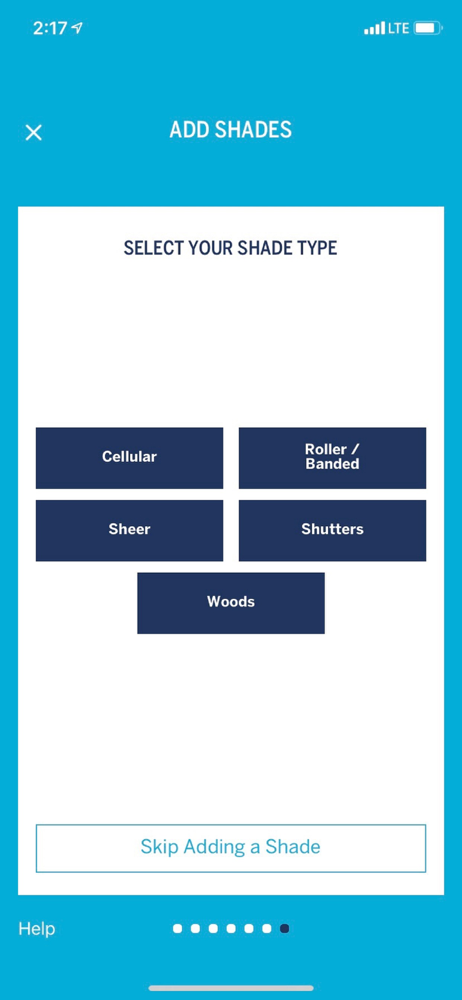
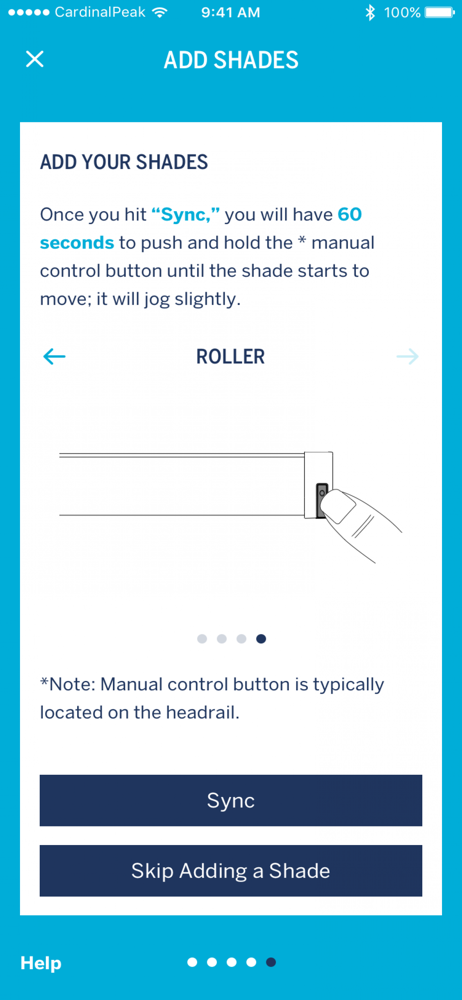
Meh.... App is super basic and doesn’t do simple functions ....like set up groups WITHOUT having to manually hold the up/down button on the head rail of the blind/shade. There should be a way to add shades to groups with the app only. As it is now, it’s very cumbersome....I have to go up a ladder (for EVERY SINGLE SHADE!!) any time I want to change or configure a group which is crazy. Upon the initial setup, there should be a way to name/number each shade in the app and from that point be able to configure groups within the app only (no climbing ladders!). Additionally, there is no WIFI but only Bluetooth so there is no ability to operate shades from anywhere other than inside the home. And the Bluetooth range is very short, so in a large room that can be a real problem. The shades work ok (although 4 out of my 12 shades were actually defective from day one!), but the app definitely needs improvement and reconfiguring. Also, as someone else mentioned, there is a bug in the app; when trying to add shades, after adding each one, the app goes to a blank screen and you have to quit and relaunch.
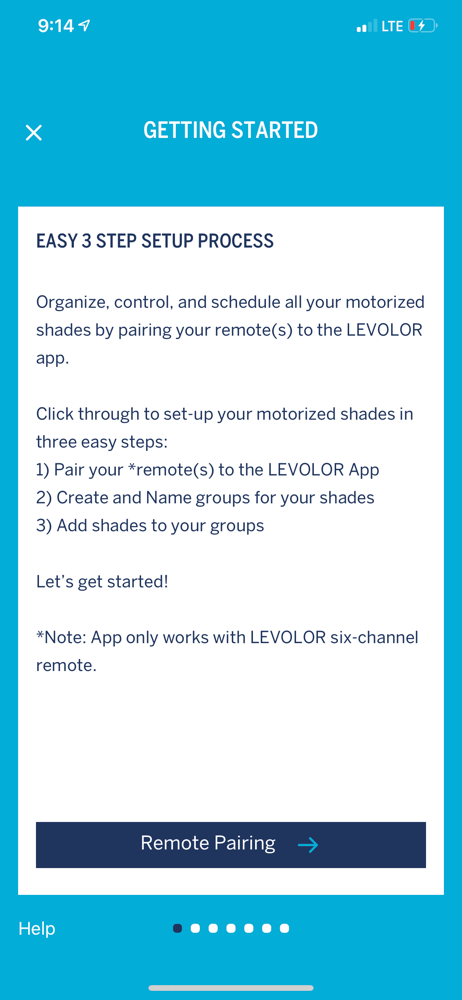
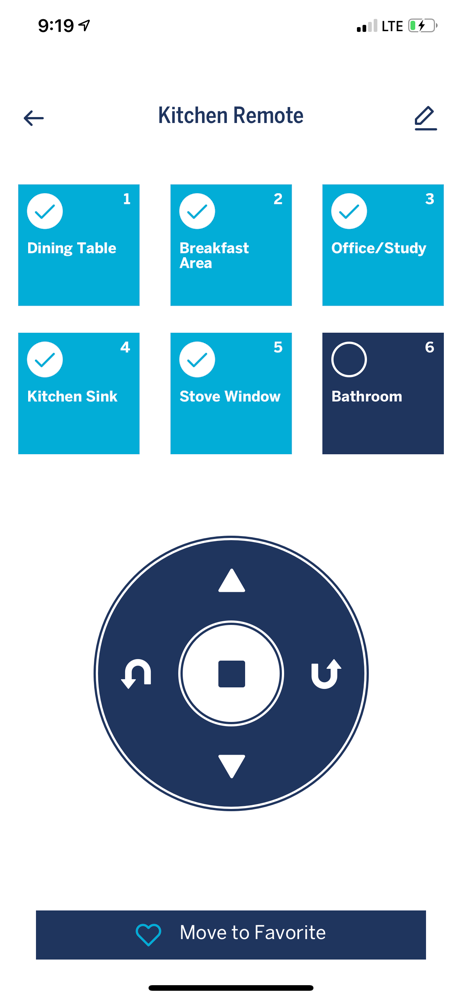
Unlock the full potential of your motorized LEVOLOR® Blinds, Shades, and Shutters! Simply pair your Premium 6-Channel Remote to access custom schedul...