Check the acquisition promise
Read the store headline, screenshots and description. What problem is the app promising to solve?
Study the storefront ↗
Dong Huang · iOS
Explore the ad evidence, study the storefront, and build your next acquisition hypothesis.
01 / Creative research
Read the store headline, screenshots and description. What problem is the app promising to solve?
Study the storefront ↗Explore apps with direct store-link matches. Compare their hooks and formats without assuming the same approach works here.
Browse observed advertisers ↗Store rankings and revenue estimates describe market context. They do not establish ad spend, conversions or ROAS.
Review the market context ↗02 / Storefront & product
Study the product story and store experience behind the acquisition funnel.



03 / Market context
Keep revenue, downloads and store rankings separate from advertising performance.
This is a disappointment
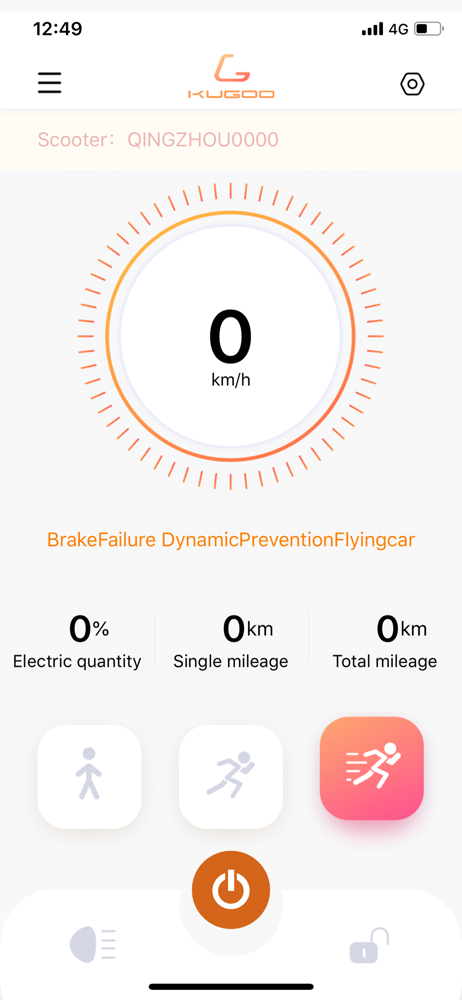
The app connected and seems to work fine on a Kugoo G5. However, the display places the "Lights / Power / Lock" button bar on top of the "Power / Trip / ODO" data display, obscuring the values. It does this on the older SE which a small screen, and also on a 2012 iPad Pro I was able to try it on. If you rotate the phone screen, the app rotates and is even more useless. Beyond missing those three display values, everything appears to work. There is only two options I haven’t tried (Vehicle - Breaking strength, and Timed cruise) since I do not have any documentation on what they are supposed to be for. If the UI were cleaned up I would give it 4-5 stars I expect. I will revise this review if the items are addressed in a future release.
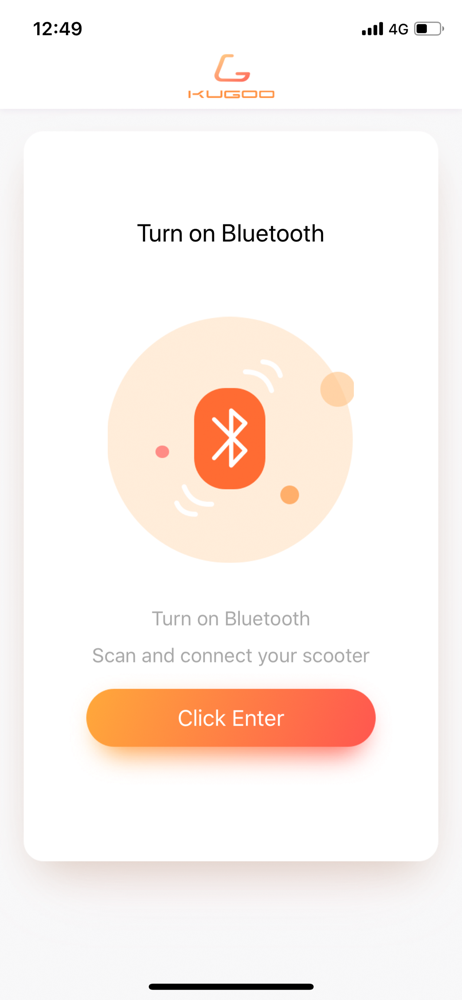
Bluetooth is not working
The Kugoo Mobility App provides users with comprehensive escooter services, including: • Escooter: Remaining battery level and range estimate, GPS pos...