Check the acquisition promise
Read the store headline, screenshots and description. What problem is the app promising to solve?
Study the storefront ↗
Martin Brachmann · iOS
Explore the ad evidence, study the storefront, and build your next acquisition hypothesis.
01 / Creative research
Read the store headline, screenshots and description. What problem is the app promising to solve?
Study the storefront ↗Explore apps with direct store-link matches. Compare their hooks and formats without assuming the same approach works here.
Browse observed advertisers ↗Store rankings and revenue estimates describe market context. They do not establish ad spend, conversions or ROAS.
Review the market context ↗02 / Storefront & product
Study the product story and store experience behind the acquisition funnel.



03 / Market context
Keep revenue, downloads and store rankings separate from advertising performance.
I used this to speed up a video I took that didn't save as a time lapse for some reason. Quality of the sped up version was horrible compared to the original video. Additional app glitches: - if you're opening a large video from your phone it compresses it for a few minutes, during which you can't let your screen lock or navigate away from app or else it interrupts and you have to start over. - once you choose a speed and hit next, it begins converting your video and there's a cancel button below. The cancel button doesn't work, if you picked the wrong speed you're out of luck and you have to start over.
I dont normally write reviews, but i need to tell yall that if you want a FREE fast or slow motion editor, then this is the right app to use, i have downloaded many apps for fast and slow motion, but all of them, i needed to pay and my video has to be short, but since a came across this app, IM LOVING IT TO make my vids fast, Its free and you can put how much time you want your vid to be.
I had some screen recorded footage from a mobile game I wanted to time lapse, so I tried a few other apps before this one since this one didn’t look too polished. One of them could only do it in the present moment (like press record and edit right after), another was a super limited option one that was strict on how long the uploaded clip could be, and the others were “free” but the kind of free where the interface is frustrating and by the time you get to the point of doing the edit you want, it tells you “lul nah bruh you gotta pay”. I almost gave up but I decided to try this and I’m VERY happy I did. It actually is free, like I’m sure there are premium features, but for it focusing on lapsing footage, it is definitely free. No bs, no ridiculously unnecessary features, no forced ads, no begging for you to pay, no terribly made interface- it is just so purely simple. I uploaded my long clip, edited it, saved it, then posted it on social media. Thank you to the devs for an awesome app, I’ll make sure to recommend it to others. Btw I’m using this on an iPhone XS Max.
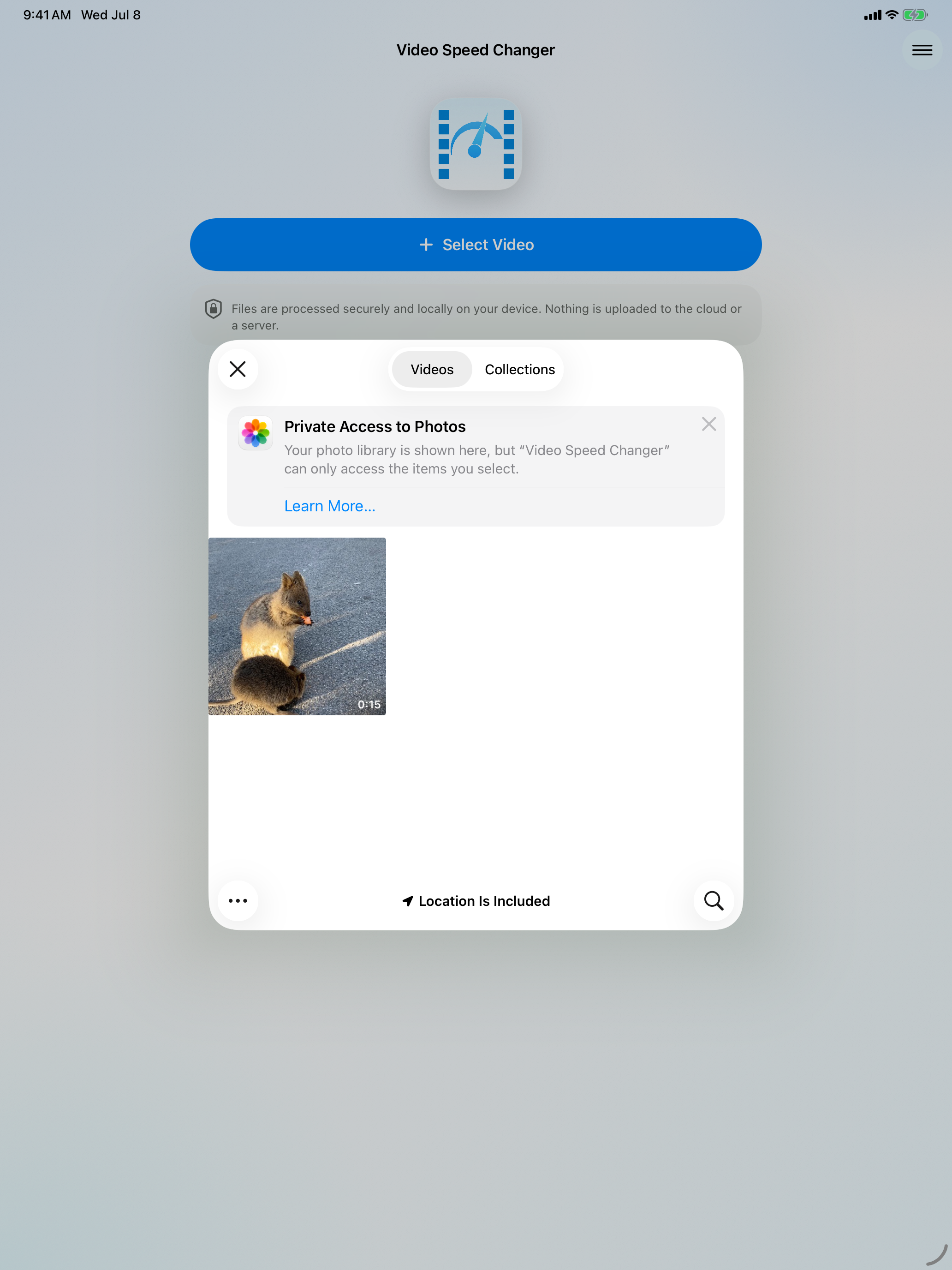
Change the speed of videos. Make them faster or slower. Download the Video Speed Changer app for free now! With this app, you can change the speed of...
| Name | Price | Type |
|---|---|---|
| Premium (Monthly) | $3.99 | Monthly |
| Voluntary Payment 1 | $3.99 | One-time |
| Voluntary Payment 2 | $4.99 | One-time |
| Voluntary Payment 3 | $5.99 | One-time |
| Remove Ads | $12.99 | One-time |