
Check the acquisition promise
Read the store headline, screenshots and description. What problem is the app promising to solve?
Study the storefront ↗
zaal LLC · iOS
Explore the ad evidence, study the storefront, and build your next acquisition hypothesis.
01 / Creative research
Read the store headline, screenshots and description. What problem is the app promising to solve?
Study the storefront ↗Explore apps with direct store-link matches. Compare their hooks and formats without assuming the same approach works here.
Browse observed advertisers ↗Store rankings and revenue estimates describe market context. They do not establish ad spend, conversions or ROAS.
Review the market context ↗02 / Storefront & product
Study the product story and store experience behind the acquisition funnel.


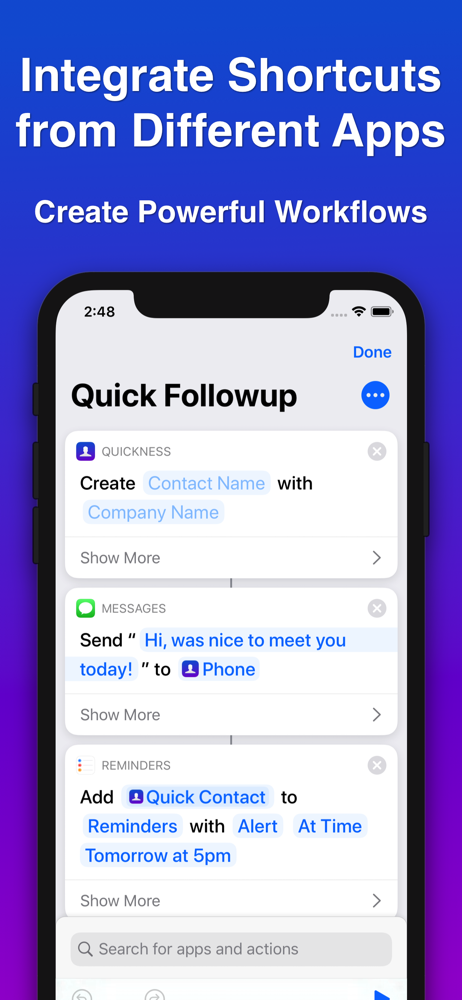
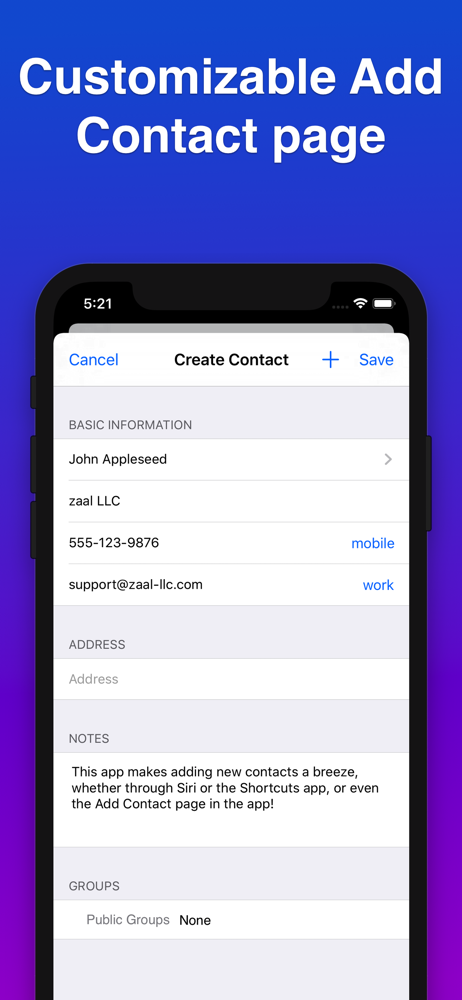
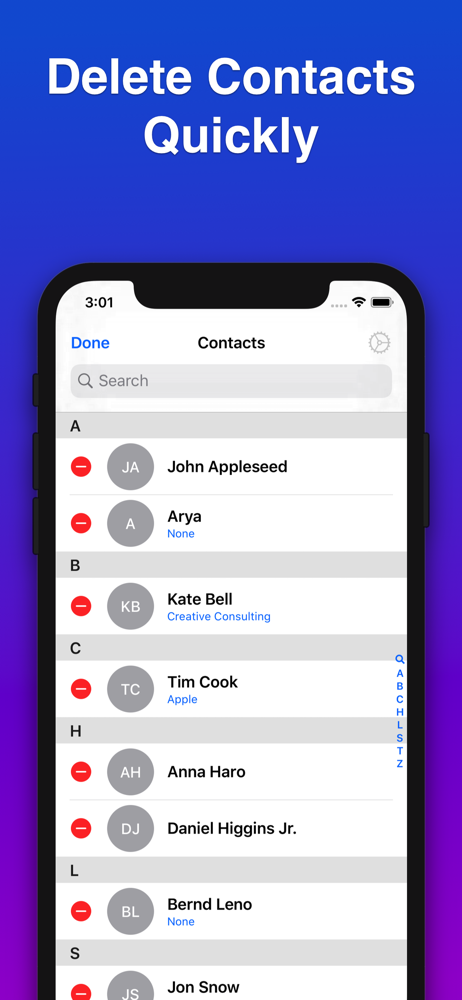
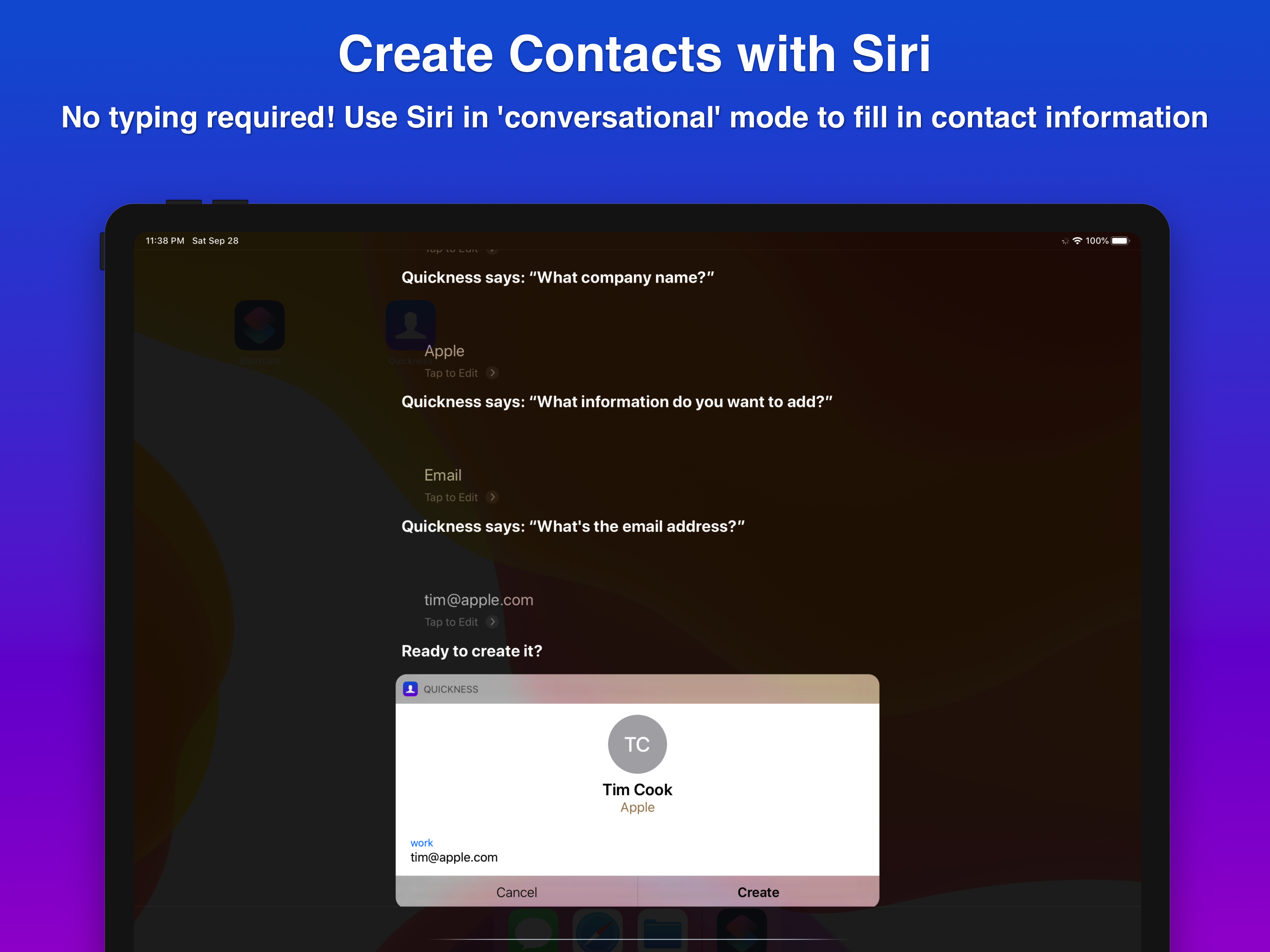

03 / Market context
Keep revenue, downloads and store rankings separate from advertising performance.
Spectacular program for quickly entering contacts verbally. One work around though I had to put in the phone numbers into Notes verbally in order to get hyphens added.
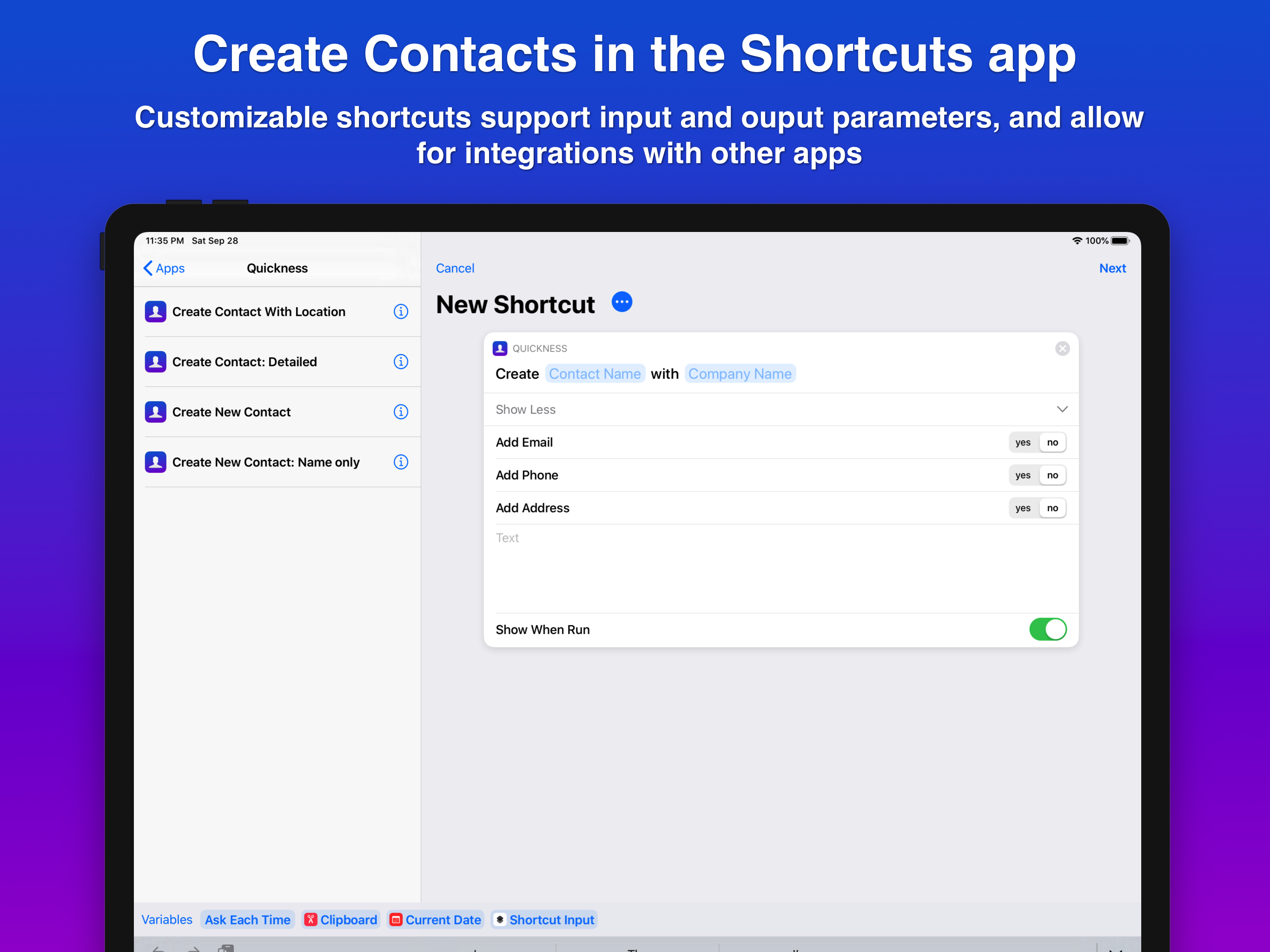
The app’s support for Shortcuts parameters is truly liberating. If anything, the app could support additional fields. Write now the “Detailed” Create Contact Shortcut action is limited to Name, Company, email, address, phone and note. Since the native iOS Contacts app still does not support adding and creating Groups, this would be an especially useful addition. Both Cardhop and Interact support Groups, though I prefer the customizable, Shortcuts-friendly design of Quickness.
Much better than adding contacts through the Apple version. So much simpler!
Quickness uses the power of Siri and the Shortcuts app to let you create new contacts, quickly and efficiently! CREATE CONTACT HANDS-FREE WITH SIRI...


