Check the acquisition promise
Read the store headline, screenshots and description. What problem is the app promising to solve?
Study the storefront ↗
Simon B. Støvring · iOS
Explore the ad evidence, study the storefront, and build your next acquisition hypothesis.
01 / Creative research
Read the store headline, screenshots and description. What problem is the app promising to solve?
Study the storefront ↗Explore apps with direct store-link matches. Compare their hooks and formats without assuming the same approach works here.
Browse observed advertisers ↗Store rankings and revenue estimates describe market context. They do not establish ad spend, conversions or ROAS.
Review the market context ↗02 / Storefront & product
Study the product story and store experience behind the acquisition funnel.





03 / Market context
Keep revenue, downloads and store rankings separate from advertising performance.
Jayson, my go-to tool for viewing and verifying JSON in Shortcuts development, has always been well-designed, reliable, and feature-packed. Its smooth, aesthetically pleasing, and intuitive UI extends these aspects to Shortcuts. However, my only complaint about the recent major update (v1.5.0) is the change to the ‘view JSON’ Shortcuts action. Before the update, this action allowed users to send or view input JSON to or in the App itself or via a notification. I used the notification option to open JSON text seamlessly, without interrupting my workflow. Shortcuts continued running, and I could view or exit JSON in the App anytime by tapping the notification. I could also preview JSON directly from the notification by long-pressing it. Unfortunately, the update removed the option to open JSON in a notification, making the only way to view JSON by leaving Shortcuts and opening the Jayson App. While this change doesn’t make the App unusable, it negatively impacts its implementation and overall utility for Shortcuts development. Lastly, I want to clarify: all new features/changes in the recent update are great! I’ll continue using Jayson in most future Shortcut builds. Despite my complaint, I highly recommend Jayson to anyone who regularly deals with JSON text on iOS, especially via Shortcuts.
All of Simon’s apps are genius and wholly unique, but Jayson will always have a special place in mine own heart as the single application which finally killed my phobia of JSON, in general. It is by far the most elegant and intelligent means of manipulating JSON dictionaries I’ve ever seen on any platform. I’ve worked with both the iOS and macOS apps, now, and both are - dare I say it - a genuine joy to use. BUY!
I’m a power user of Shortcuts and (more recently) Scriptable, and on many occasions I need to work with JSON responses from APIs. This app is a lifesaver. It completely takes the guesswork out of the process of figuring out what keys I need to use to retrieve the data I need. I don’t know what I would do without Jayson. Bravo!
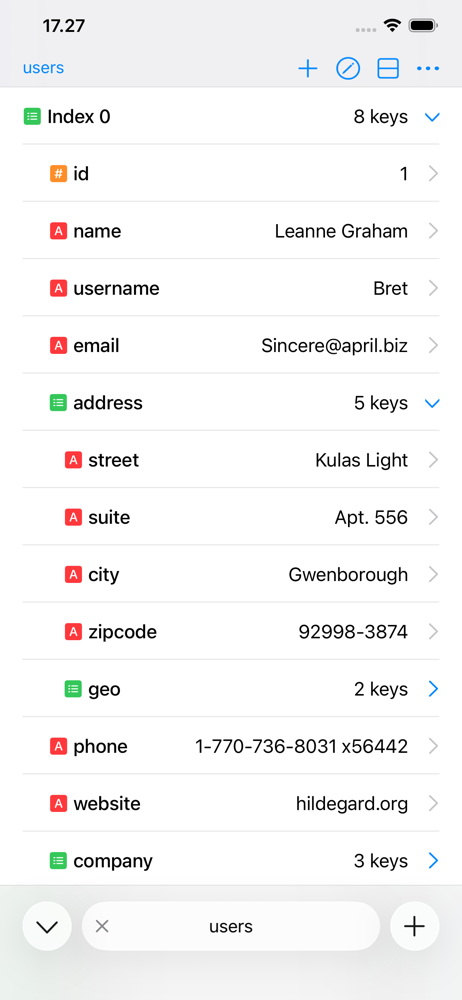
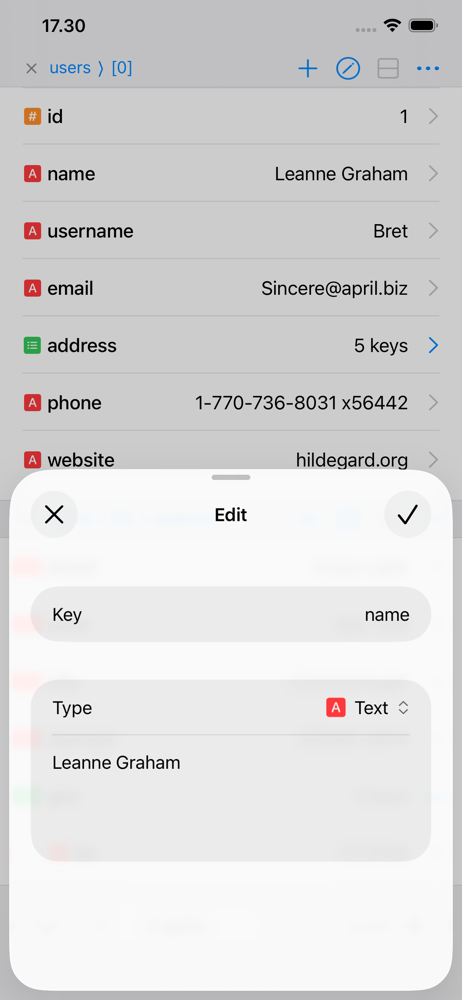
Jayson is a JSON viewer and editor for iPhone and iPad. Browse JSON as a structure, edit values, and save your changes back to the file. Whether you'...
| Name | Price | Type |
|---|---|---|
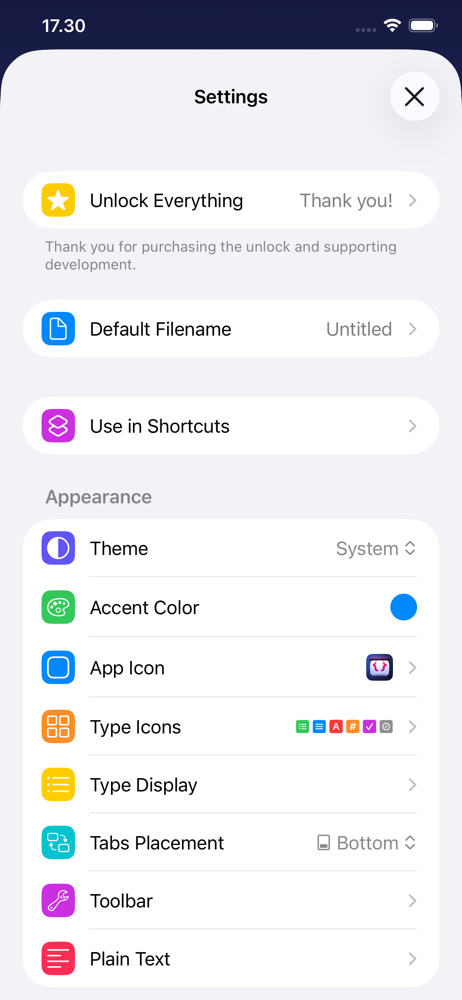
| Unlock Everything | $4.99 | One-time |