Check the acquisition promise
Read the store headline, screenshots and description. What problem is the app promising to solve?
Study the storefront ↗
Denk Alexandru · iOS
Explore the ad evidence, study the storefront, and build your next acquisition hypothesis.
01 / Creative research
Read the store headline, screenshots and description. What problem is the app promising to solve?
Study the storefront ↗Explore apps with direct store-link matches. Compare their hooks and formats without assuming the same approach works here.
Browse observed advertisers ↗Store rankings and revenue estimates describe market context. They do not establish ad spend, conversions or ROAS.
Review the market context ↗02 / Storefront & product
Study the product story and store experience behind the acquisition funnel.




03 / Market context
Keep revenue, downloads and store rankings separate from advertising performance.
I've long used another browser's version of this sort of thing. I'm glad I could find it's equivalent for Safari.
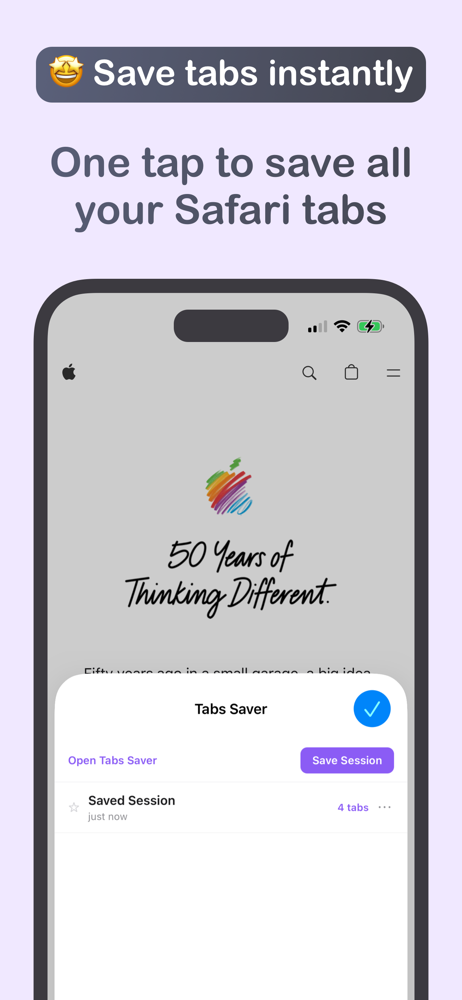
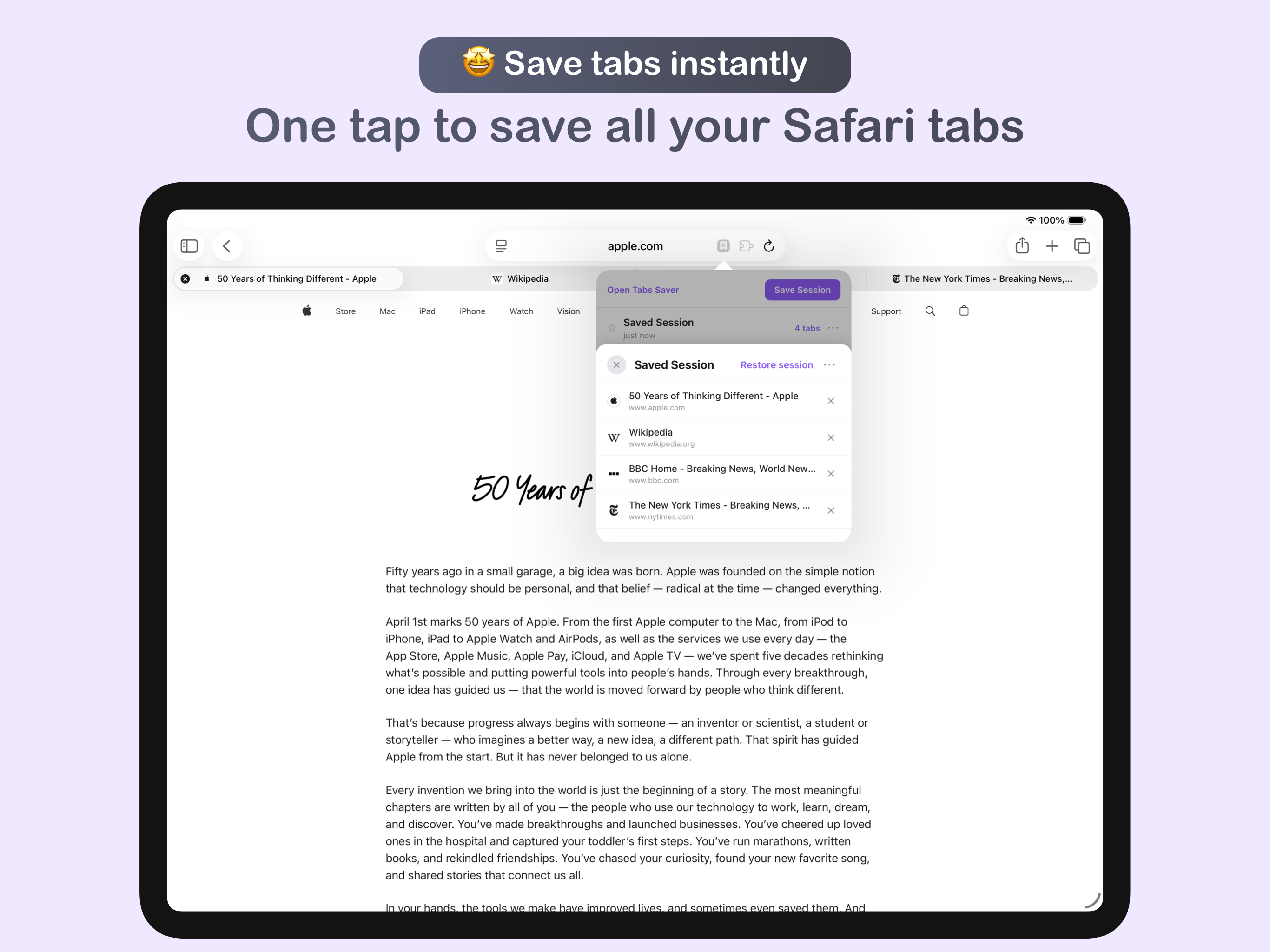
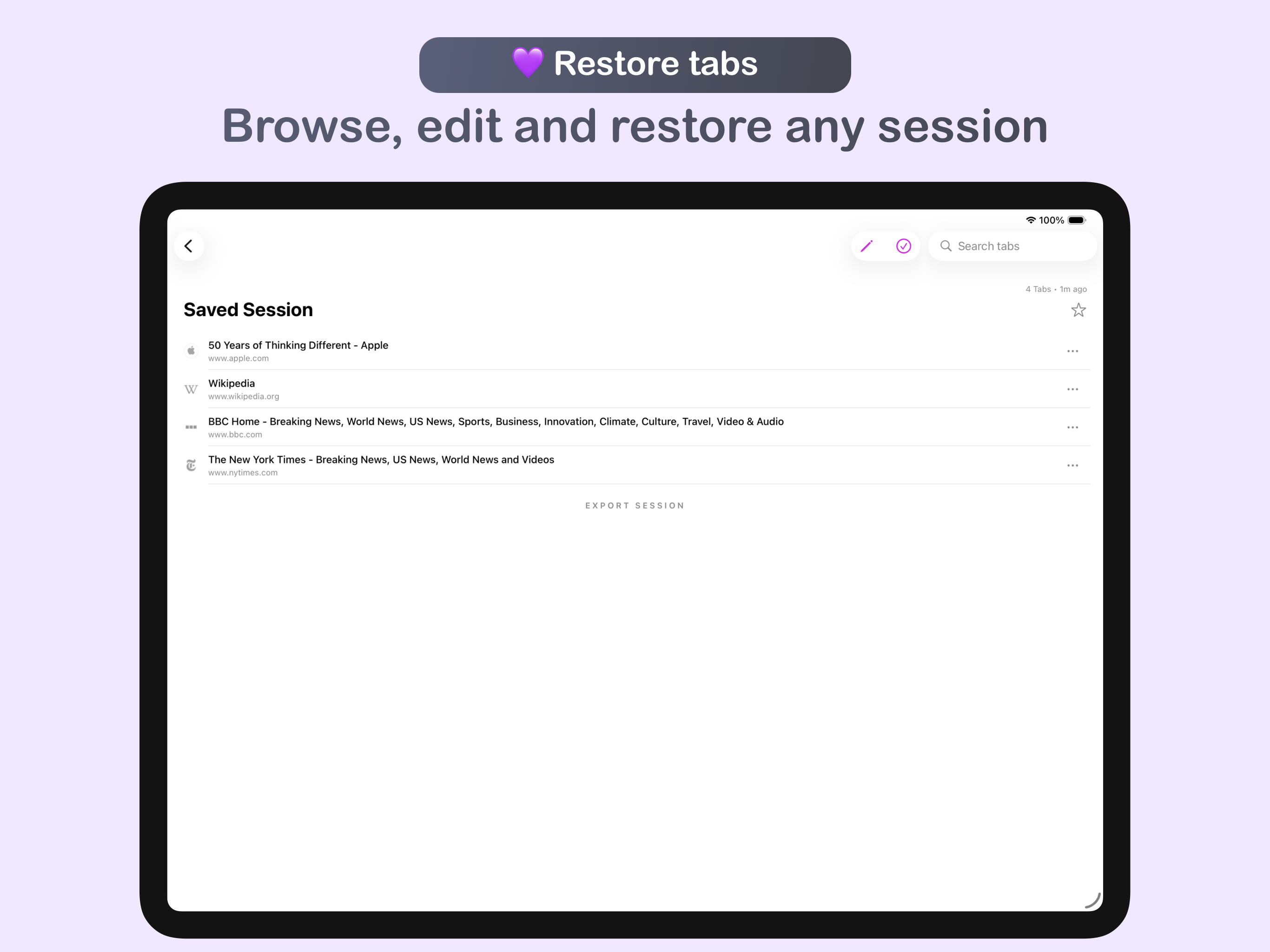
I have to keep a lot of tabs open for work, all of which I'm actively using. But this can quickly overload the memory, and things start to crash and underperform. Normally, I'd have to close everything and then reopen to get performance back under control. Now, I can just save all my tabs with one click, close Safari completely and reopen it all just as easily. Also, if I need to reboot or work a project over a few days, I can keep all my online research for the next day without having to leave it open on my computer. Great tool.
This has been an impeccable extension for me, especially as a college student who has all these research tabs open, with no way to recover them if the Safari window closes. Having this extension makes it so easy to simply save the tabs and come back to it later without having a permanent Safari window open all the time! Seriously, an amazing tool and definitely worth the price. That being said, I would love for the ability to name the tab collection when you save them or at least an option to rename them from the extension mini-menu. When I was first using this app, I had no idea that you could rename tab collections, and so all I had were a list of "5 Tabs," "6 Tabs," and "3 Tabs," with no idea which one was the session I wanted without having to go in and check what the specific tabs were. Otherwise, this is a a great extension! A must-have.
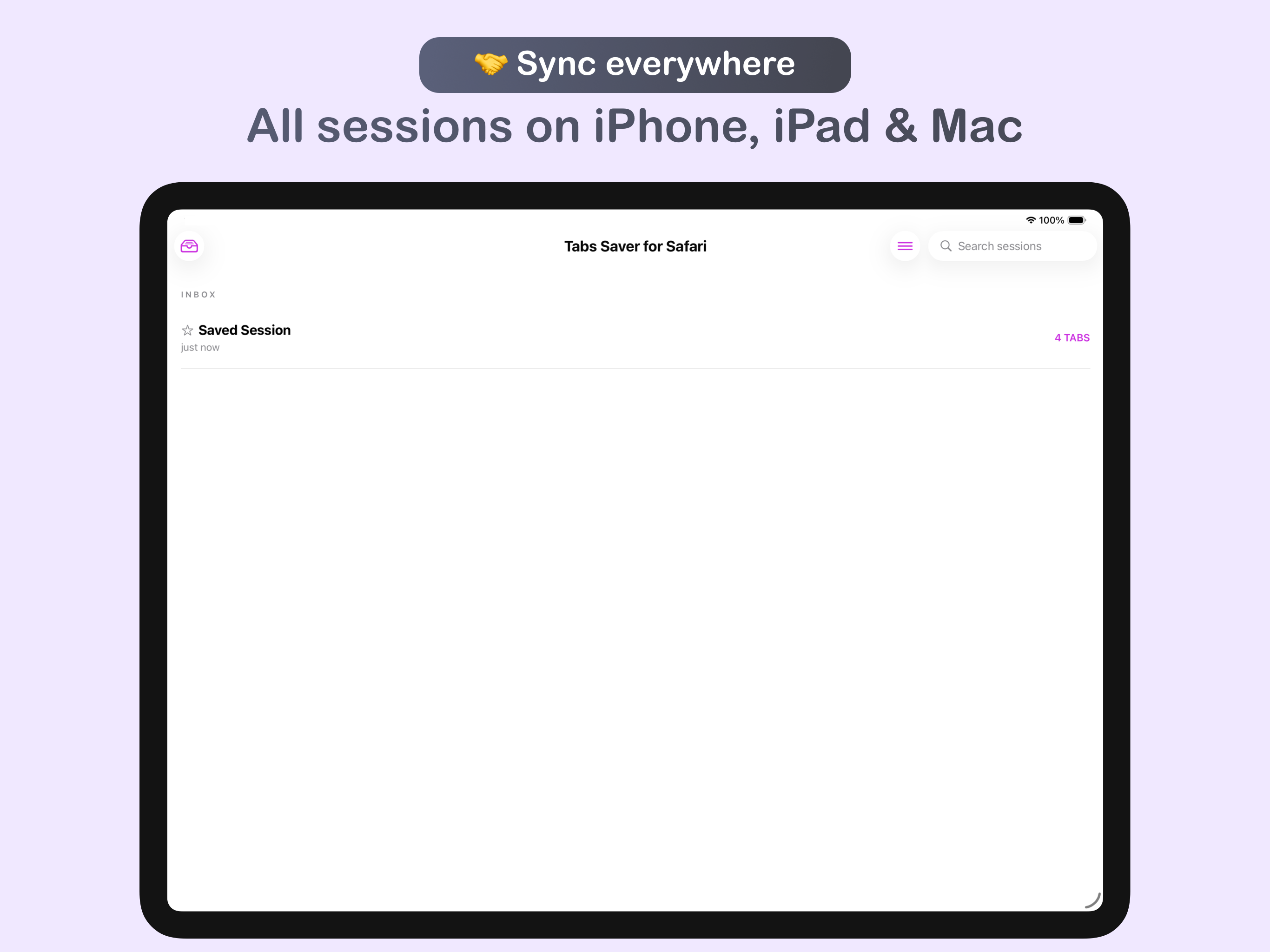
• Available on all your devices: macOS, iPadOS, and iOS • • Featured by Apple in 3 stories: Standout Safari Extensions, Super Safari Extensions, and B...
| Name | Price | Type |
|---|---|---|
| Monthly Subscription | $2.99 | Monthly |
| Annual Subscription (Discount) | $8.99 | Yearly |
| Annual Subscription | $11.99 | Yearly |
| Lifetime Access (Discount) | $12.99 | One-time |
| Lifetime Access | $17.99 | One-time |