Check the acquisition promise
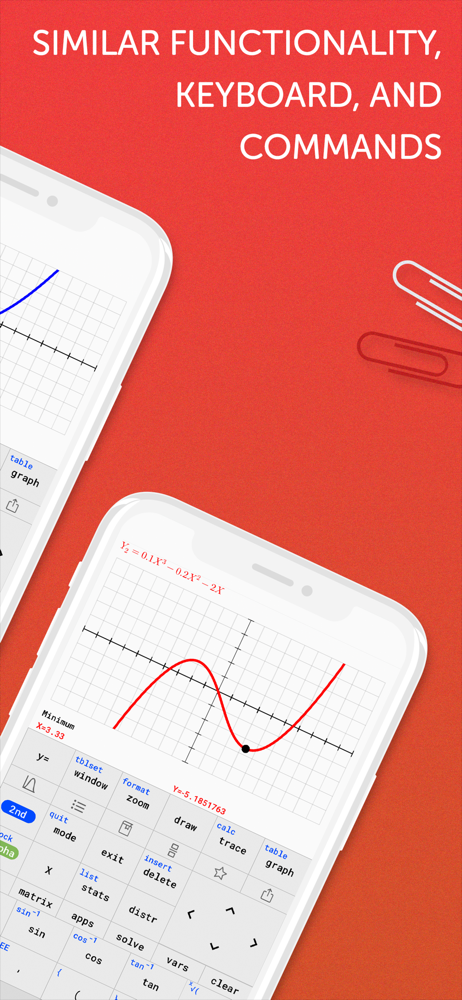
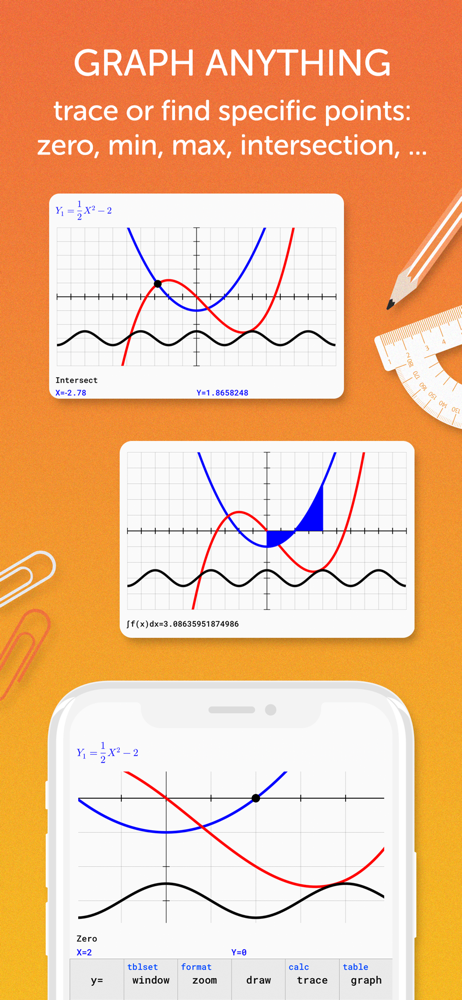
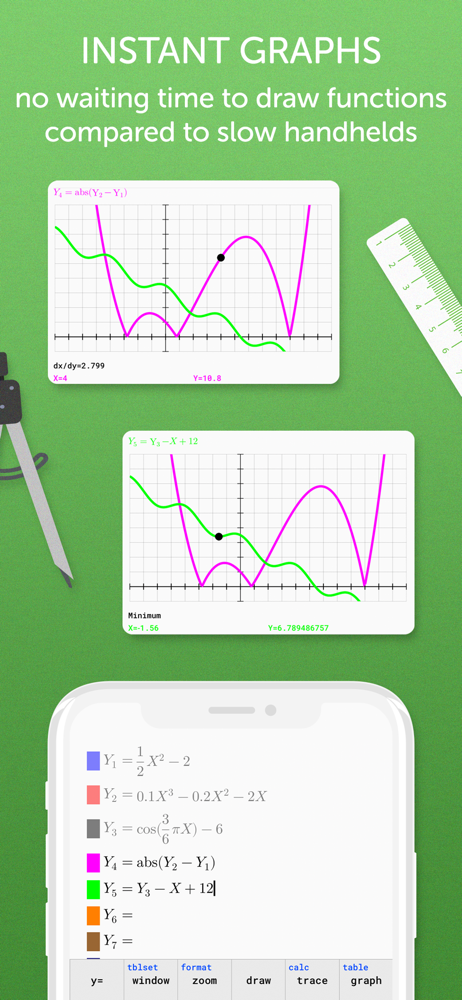
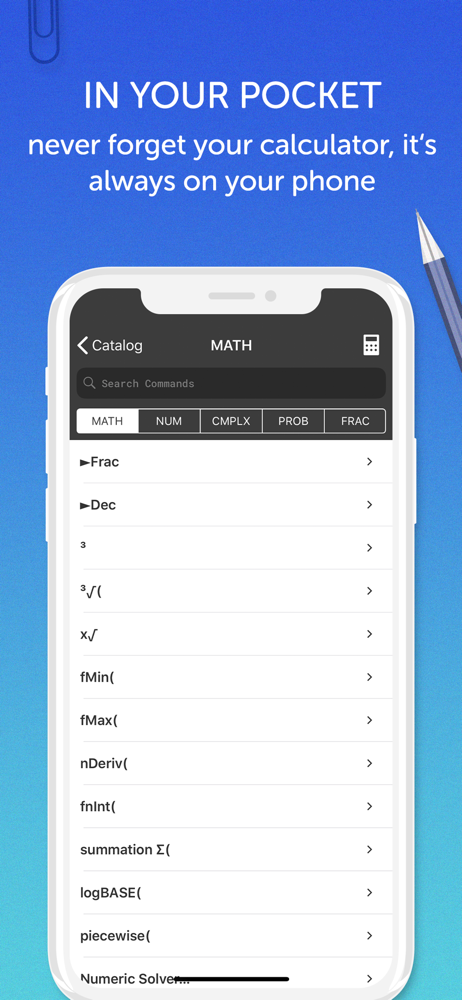
Read the store headline, screenshots and description. What problem is the app promising to solve?
Study the storefront ↗
Di Venisco UG (haftungsbeschrankt) · iOS
Explore the ad evidence, study the storefront, and build your next acquisition hypothesis.
01 / Creative research
Read the store headline, screenshots and description. What problem is the app promising to solve?
Study the storefront ↗Explore apps with direct store-link matches. Compare their hooks and formats without assuming the same approach works here.
Browse observed advertisers ↗Store rankings and revenue estimates describe market context. They do not establish ad spend, conversions or ROAS.
Review the market context ↗02 / Storefront & product
Study the product story and store experience behind the acquisition funnel.



03 / Market context
Keep revenue, downloads and store rankings separate from advertising performance.
When I first downloaded this app it was just like my TI-84 which I liked because I was already used to the button layout, but now things have changed with the recent updates. For example, when I want to enter a fraction, I used to be able to click math, right,up, then enter (D:n/d) but in the app it’s different which is annoying because I already have that muscle memorized. Also, one of the huge downsides is the lack of iPad integration. Especially since the page on the App Store only shows the app being used on an iPad, which makes one believe that this is tailored for the iPad. Sadly, that isn’t the case. I would really like to see landscape viewing as well as multitasking features (side by side viewing). Last thing, can I change the x values when pressing 2nd graph. I know on the TI-84 you can change this by pressing the + sign.
You want TI 84 functionality? Your phone is more than capable of providing that, this app is not. Your phone has many, many, many times the processing, memory & graphics requirements needed to emulate a TI 84 calculator. So, why is this app a piece of junk? It appears to be a work in progress. In very slow progress. It doesn’t even approach the functionality of a TI 83 or 84 calculator. No statistics, NO PROGRAMMING! The entire point of this purchase was programming equations so I could quickly & easily plug in my variables & repeatedly get solutions. At the current level of functionality this app has, for my requirements, I could have just flipped my phone into landscape mode & used the native Apple calculator. It’s absurd that this app is priced above $3. To price it at $.99 would be a stretch. And that’s not even approaching why they just updated the look of the icon while the UI is still out of the Stone Age. They update the icon everyone sees to make it look more flashy & attractive (more worth what they’re charging for the app) while the graphics within the app look like something drawn up on MS DOS & the functionality is nowhere near the TI 84 their app is named after. There’s nothing wrong with starting somewhere on an app & releasing it in an attempt to fund the future of the app. But that should be made clear to those purchasing the app. And it should be priced based on current functionality, not on what the finished product might be in a year or two.
I am currently a college student, and bought this app when I was heading to class and realized I left my actual TI-84 at home. I went to use the stat menu to access some key functions for my statistics class, and it told me the it was still under development. Why did they release an app for over 3$ if it’s not even complete?? Well, Texas Instruments holds a monopoly on graphing calculator and took down the previous completely working graphing calculator apps so you are forced to buy their actual calculators. It is absurd that my phone is more powerful than a laptop computer was 10 years ago, yet I am stuck paying the same price for a graphing calculator that is fully functional that I would have paid over a decade ago. There is no reason this app is not complete, besides the fact they want you to spend your money on this app, just to realize you are stuck lying over 75$ for a fully functional one. The app keeps saying the stat function menu and other ones not functioning will be added next update, but it never is. Do not purchase this app, and do not purchase an actual Texas instrument calculator if you do not have to. If you are needing it just for graphing, there are many other apps that do just the graphing aspect of a graphing calculator. It is a shame to admit that if you need to use certain functions you will be spending over 75$ for it.
A full-featured graphing calculator: Graph and investigate functions, solve equations, work with statistics, distributions, matrices and much more....