Check the acquisition promise
Read the store headline, screenshots and description. What problem is the app promising to solve?
Study the storefront ↗
Wonhee Jeong · iOS
Explore the ad evidence, study the storefront, and build your next acquisition hypothesis.
01 / Creative research
Read the store headline, screenshots and description. What problem is the app promising to solve?
Study the storefront ↗Explore apps with direct store-link matches. Compare their hooks and formats without assuming the same approach works here.
Browse observed advertisers ↗Store rankings and revenue estimates describe market context. They do not establish ad spend, conversions or ROAS.
Review the market context ↗02 / Storefront & product
Study the product story and store experience behind the acquisition funnel.





03 / Market context
Keep revenue, downloads and store rankings separate from advertising performance.
Not working, It’s willing to connect another website. There is No this widget on iPhone.
The previous version’s UI was considerably better than the current version’s. It had color coded cues with respect to connection status (red if not connected to a network, green if connected to a cellular network, and blue if connected via WiFi). You could determine your connection status with a quick glance. Now you actually have to read to see how you’re currently connected. Hopefully the developer will see this review and restore that functionality.
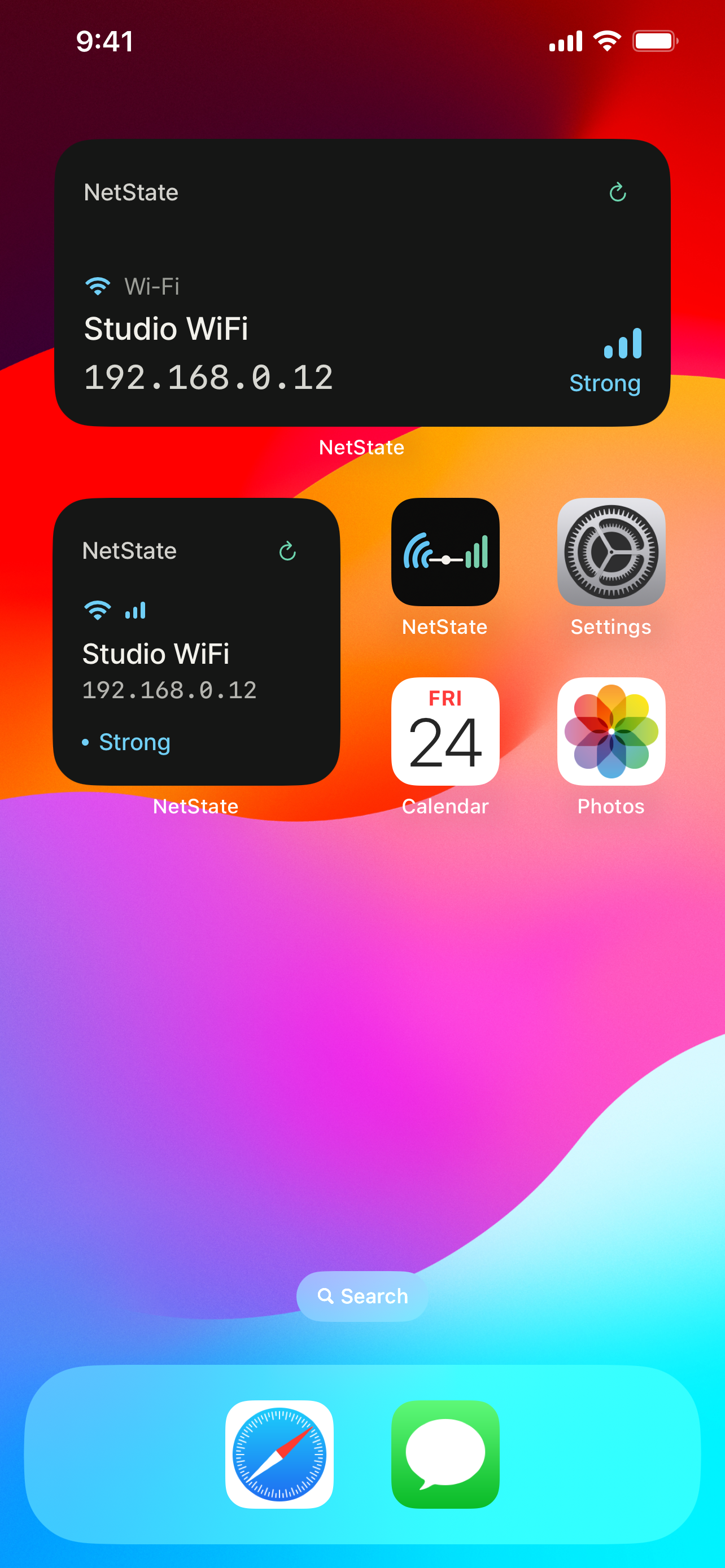
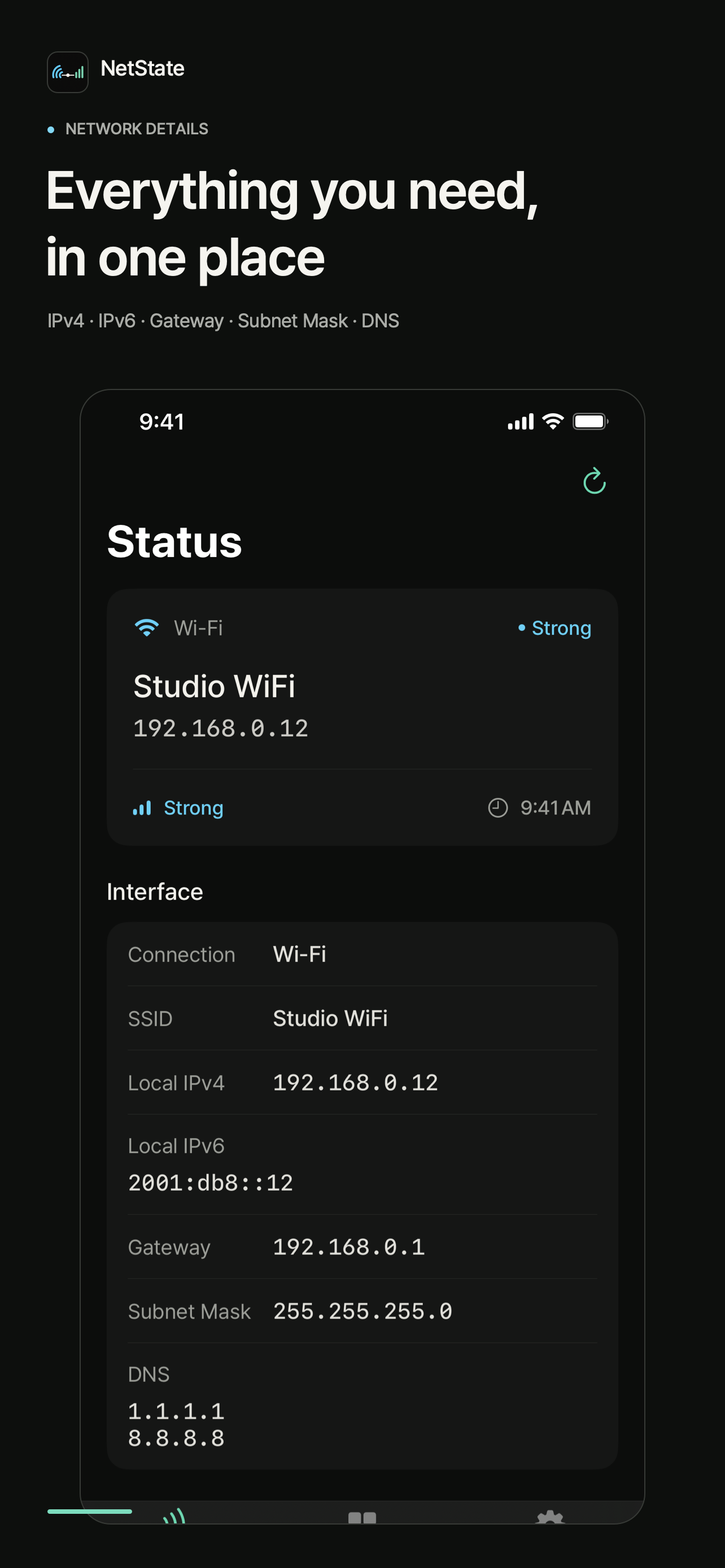
It focuses on showing current IP address. This saves time for proxy configuration on other devices. Kudos to you! Additionally, It has a tiny size, 5MB only, and a clean UI.
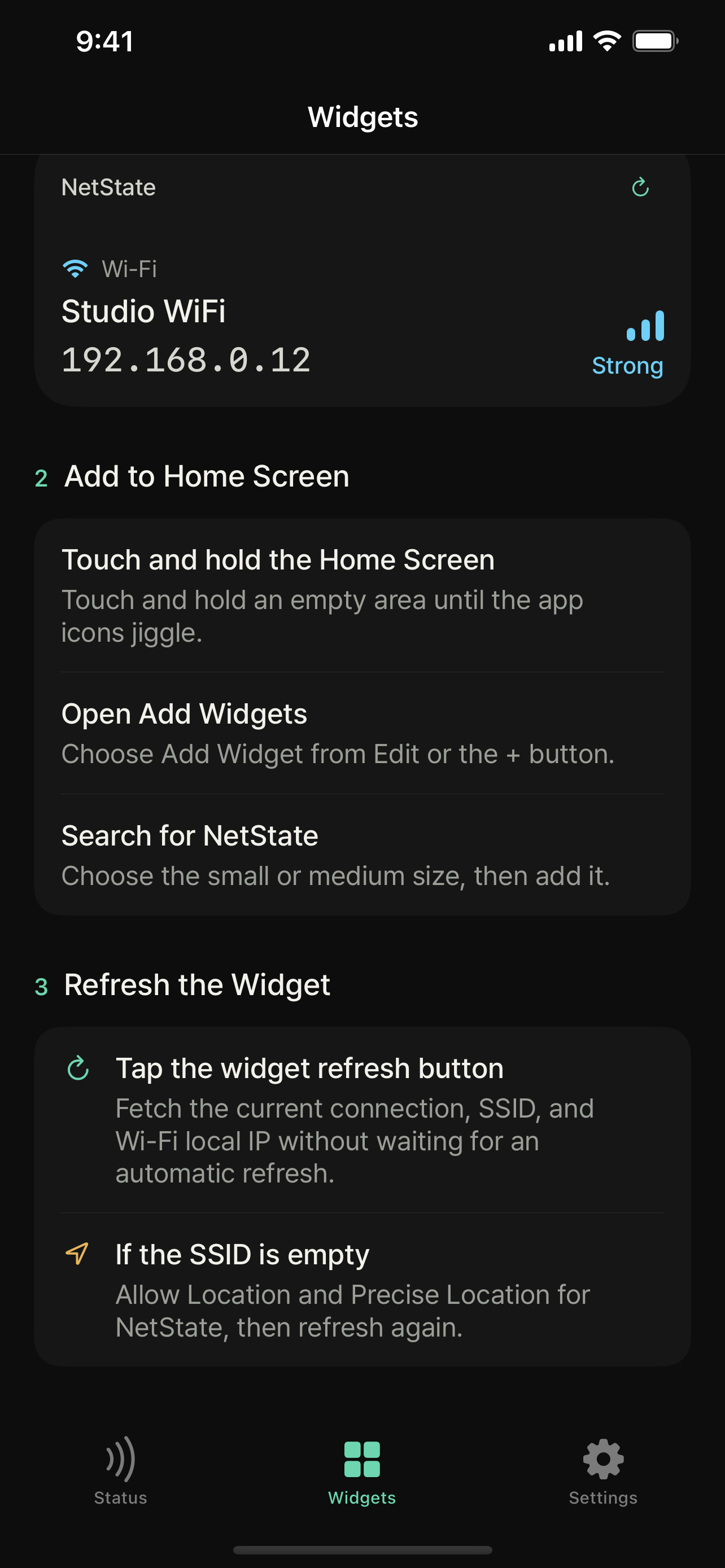
You should not need to dig through Settings just to check the network you are using NetState is a widget-first network utility for checking Wi-Fi and...