
Check the acquisition promise
Read the store headline, screenshots and description. What problem is the app promising to solve?
Study the storefront ↗
Bookup Corp. · iOS
Explore the ad evidence, study the storefront, and build your next acquisition hypothesis.
01 / Creative research
Read the store headline, screenshots and description. What problem is the app promising to solve?
Study the storefront ↗Explore apps with direct store-link matches. Compare their hooks and formats without assuming the same approach works here.
Browse observed advertisers ↗Store rankings and revenue estimates describe market context. They do not establish ad spend, conversions or ROAS.
Review the market context ↗02 / Storefront & product
Study the product story and store experience behind the acquisition funnel.



03 / Market context
Keep revenue, downloads and store rankings separate from advertising performance.
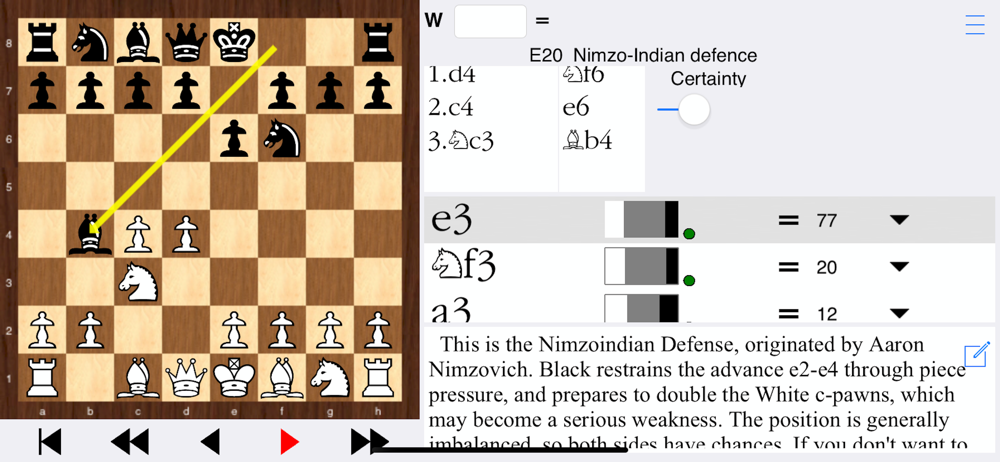
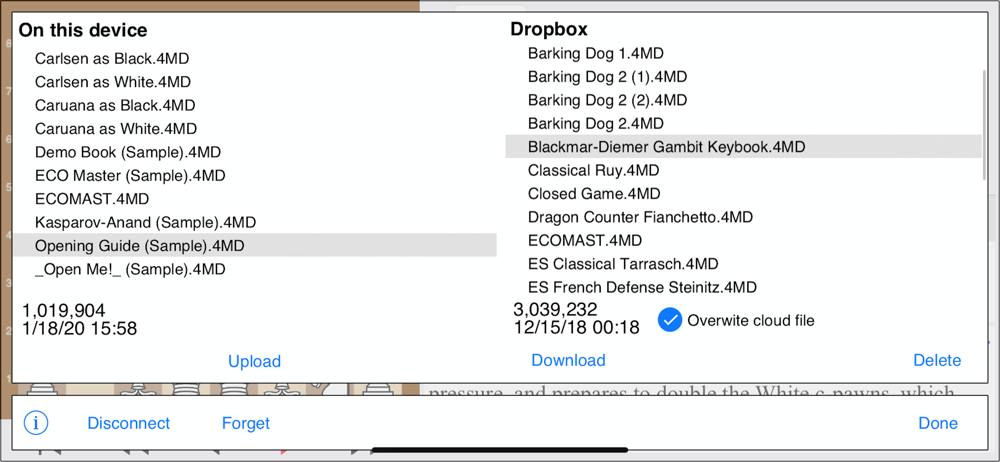
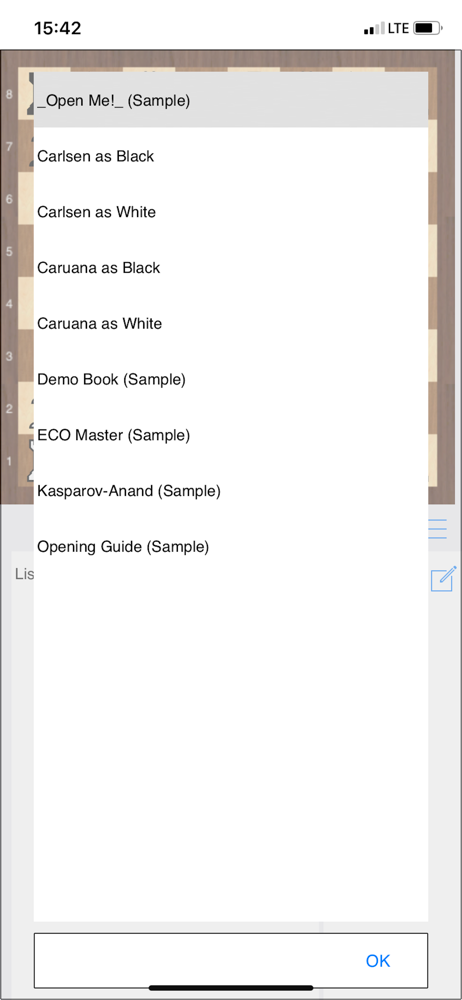
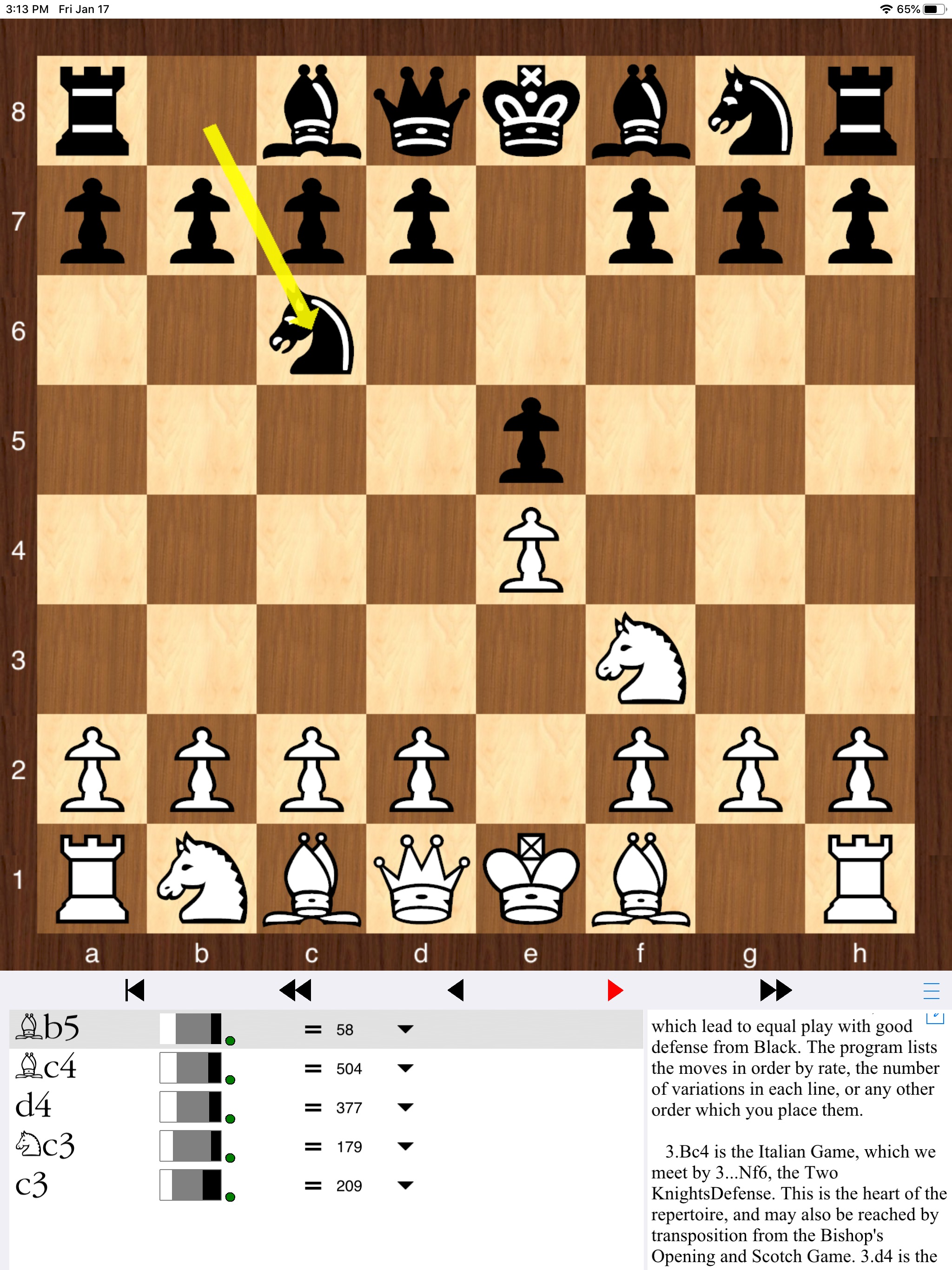
I have used one version or another of this program for decades now. It used to be called Bookup and was only available on the PC. This is the current iteration of that program, and it is designed to work with the PC or Mac versions of the program. One very large improvement in this regard is the ability to upload and download files from the cloud. The author has made this very easy to do, and so you can study and research your repertoire on the move, as well as have it safely backed up. The main benefit is the training features allowing you to test out and focus your training on those areas that give you the most trouble. There is one trick I advise. When training black, you need to set up the trainer to work after White's first move. This has to do with the "reset training" command not working on the first move for White when you train for Black The biggest thing about this program is that you can easily build your own repertoire rather than relying on e-books alone. You can combine, cut, do whatever you want to tailor it specifically tomyou.
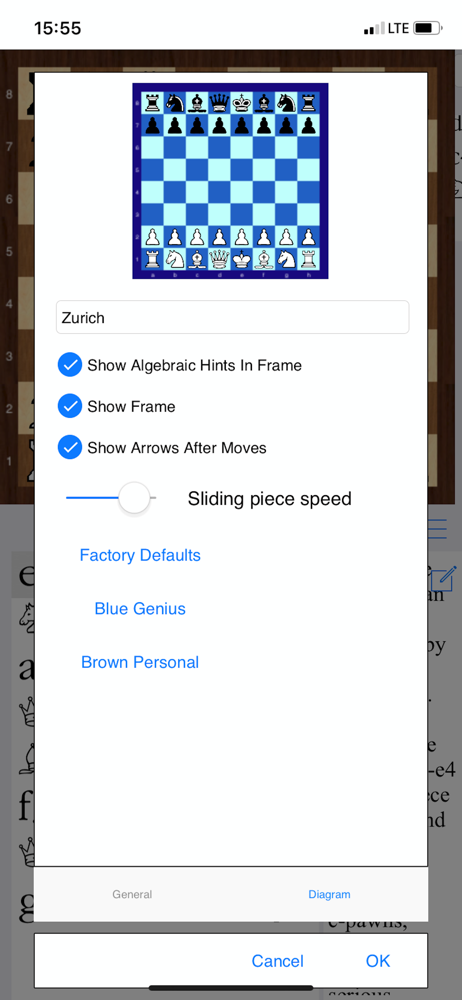
The basic functionality of this is fine. It does what it’s supposed to do, and does it better than most other apps you’ll find. The biggest advantage it has is in how all the notes and evaluations you have are attached to the actual position, not the move list. This means it doesn’t matter if you arrive at the position from a different move order, it will connect you to all the notes you previously made about that position. But there are gotchas: There’s no flexibility in the layout. Among other things, this means if you want to write a text note about the position, the edit box it opens obscures most of the position you want to write about. Being able to do simple things like resize and/or relocate the board (or edit box) on screen would fix that. It fails to take real advantage of the cloud. You can’t work with or directly store files in the cloud. You have to pass everything through Dropbox. This adds an extra process that complicates sharing data between phone and tablet, for example. (“Did I upload those changes to Dropbox from my phone? Is the latest version on my tablet or my phone, or in Dropbox?”) just giving it the normal iOS files interface would fix that. It’s a useful tool, made a little less useful by some less than optimal design decisions. But if you don’t mind having to create a Dropbox account just to transfer data between devices (my biggest issue with it) and you can work effectively with the developer’s choice for screen layout, it’ll help you succeed.
Not only do I make my opening books, I also make data bases for combinations and endgames and transfer from Mac. I keep them small so they only take about ten minutes in training mode. That way I can do them on break. It is a good way to stay sharp when you can’t play games. It is also a good way to keep track of the off beat openings that seem to be played more often to stay out of book. It is also a great way to keep track of your correspondence games.
Chess Openings Wizard is where tournament players go to work on their openings. The app is based on the Bookup program that first came out in 1984. T...