Check the acquisition promise
Read the store headline, screenshots and description. What problem is the app promising to solve?
Study the storefront ↗
michal bojanowicz · iOS
Explore the ad evidence, study the storefront, and build your next acquisition hypothesis.
01 / Creative research
Read the store headline, screenshots and description. What problem is the app promising to solve?
Study the storefront ↗Explore apps with direct store-link matches. Compare their hooks and formats without assuming the same approach works here.
Browse observed advertisers ↗Store rankings and revenue estimates describe market context. They do not establish ad spend, conversions or ROAS.
Review the market context ↗02 / Storefront & product
Study the product story and store experience behind the acquisition funnel.

03 / Market context
Keep revenue, downloads and store rankings separate from advertising performance.
This App worked fine for over a year or more, and as of June 8th, 2024 the app is locked in this idiotic mode ignoring iTune videos and only showing videos and photos I took with this iPad. I am unable to open the file folder shown in the upper left corner. All that is available are Photos and Documents from the cloud which I dislike tremendously. I hate the cloud and I try not use it. The App will not allow me to go forward or backward. I just paid $24 for another year’s subscription and still unable to close the app. I have reset my iPad three times as a new iPad and when I download the App again, nothing changes. One of my favorite Apps is now a useless piece of junk. Explain why iTunes Videos are no ,longer available for this App. I will update this review as soon as the developers gat off their high horse and fix this ridiculous apps behavior.
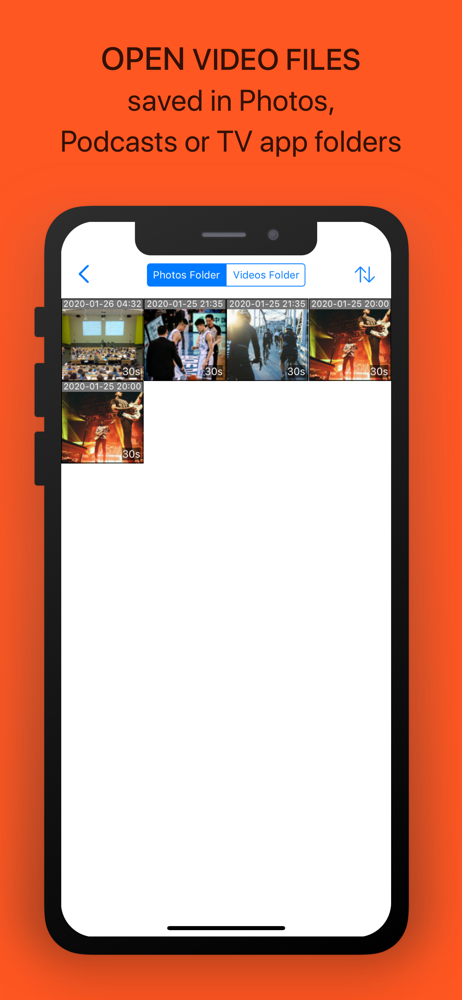
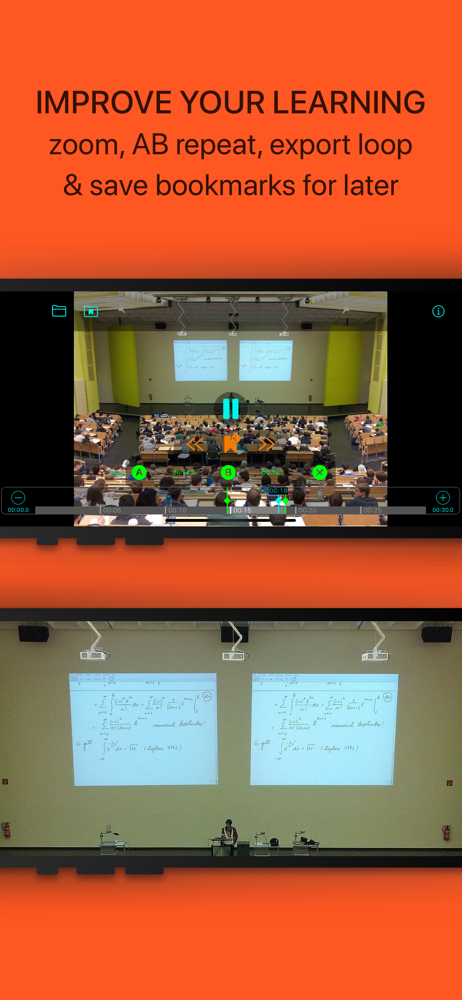
It is odd that the two reviews shown are so old. If they were true, then the app has improved a lot. Understanding how to use the app only took a little pressing of buttons to see what they did. I really like the access to my files in various locations. I got this to help in music practice to be able to learn how to play certain pieces and how they are fingered, by breaking the video into small chunks I could loop at speeds that were easy to follow. It does that perfectly on my iPad Pro. I’m still exploring the app. But love it so far. Don’t forget it works in both vertical and landscape mode for a wider view. It is great to be able to do all this without needing a full blown video editing app.
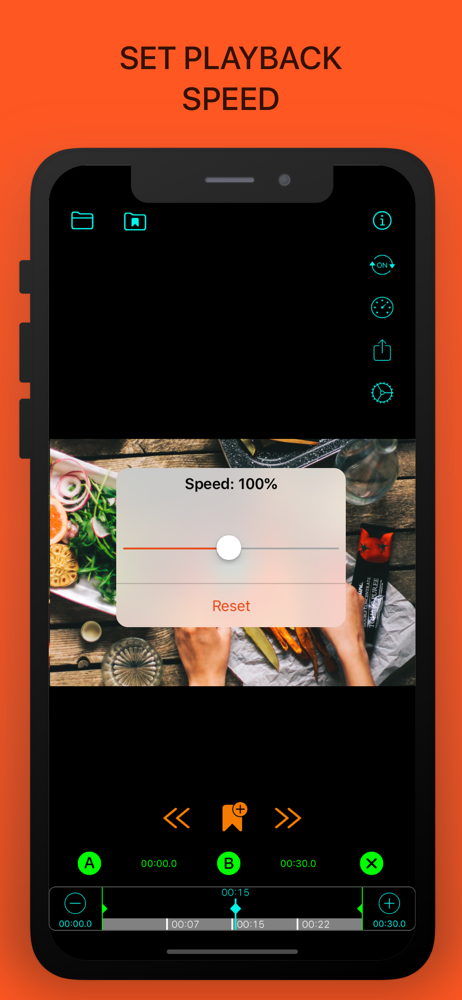
Zoom and AB loop work great, albeit a little clunky. But as of 11/17/19 the speed setting still doesn’t work no matter what it’s set to, videos still play at full speed on iPad Pro. Videos also seem to not play in full quality. I hope this gets fixed, this is the only app I could find that even promises all of this functionality. Feature request: the ability to send a link from YouTube app to Zoom.
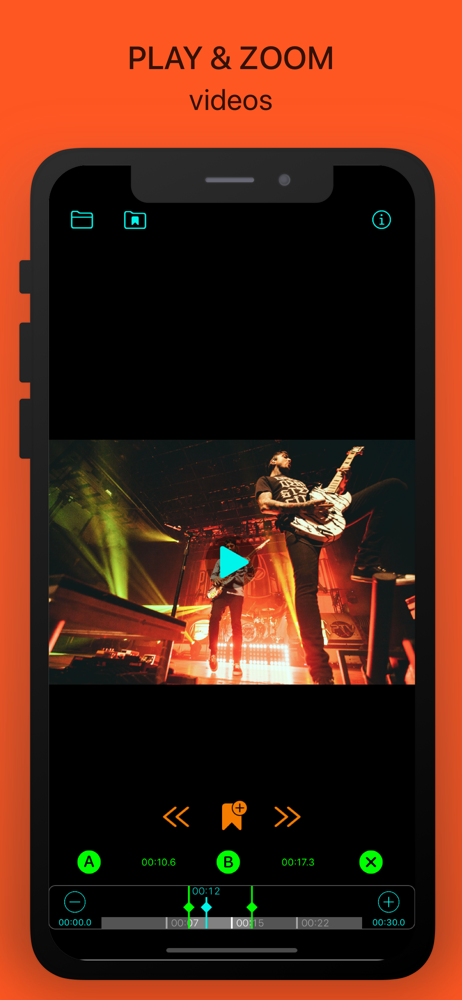
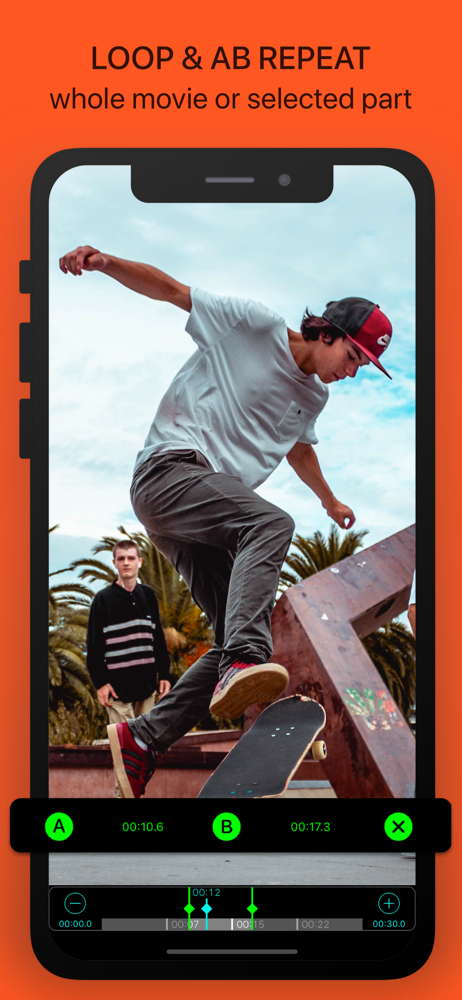
LOOP: Learn a new guitar lick to a song, watching your favorite musician. Practice makes perfection where you can loop the song to play with the music...