Check the acquisition promise
Read the store headline, screenshots and description. What problem is the app promising to solve?
Study the storefront ↗
Dixie Labs · iOS
Explore the ad evidence, study the storefront, and build your next acquisition hypothesis.
01 / Creative research
Read the store headline, screenshots and description. What problem is the app promising to solve?
Study the storefront ↗Explore apps with direct store-link matches. Compare their hooks and formats without assuming the same approach works here.
Browse observed advertisers ↗Store rankings and revenue estimates describe market context. They do not establish ad spend, conversions or ROAS.
Review the market context ↗02 / Storefront & product
Study the product story and store experience behind the acquisition funnel.

03 / Market context
Keep revenue, downloads and store rankings separate from advertising performance.
** update My app just crashed and all of my data is gone!! My entire list is gone. I was looking for an easy to use app that would allow me an ongoing list of items I normally buy without having to re enter them. I just can’t figure out how to make it go to my I watch. It keeps saying open app on phone and then always says my list is empty?
Excellent app. Developer fixed an issue very quickly. If possible In To Buy mode user should touch anywhere in line for item to be deselected.
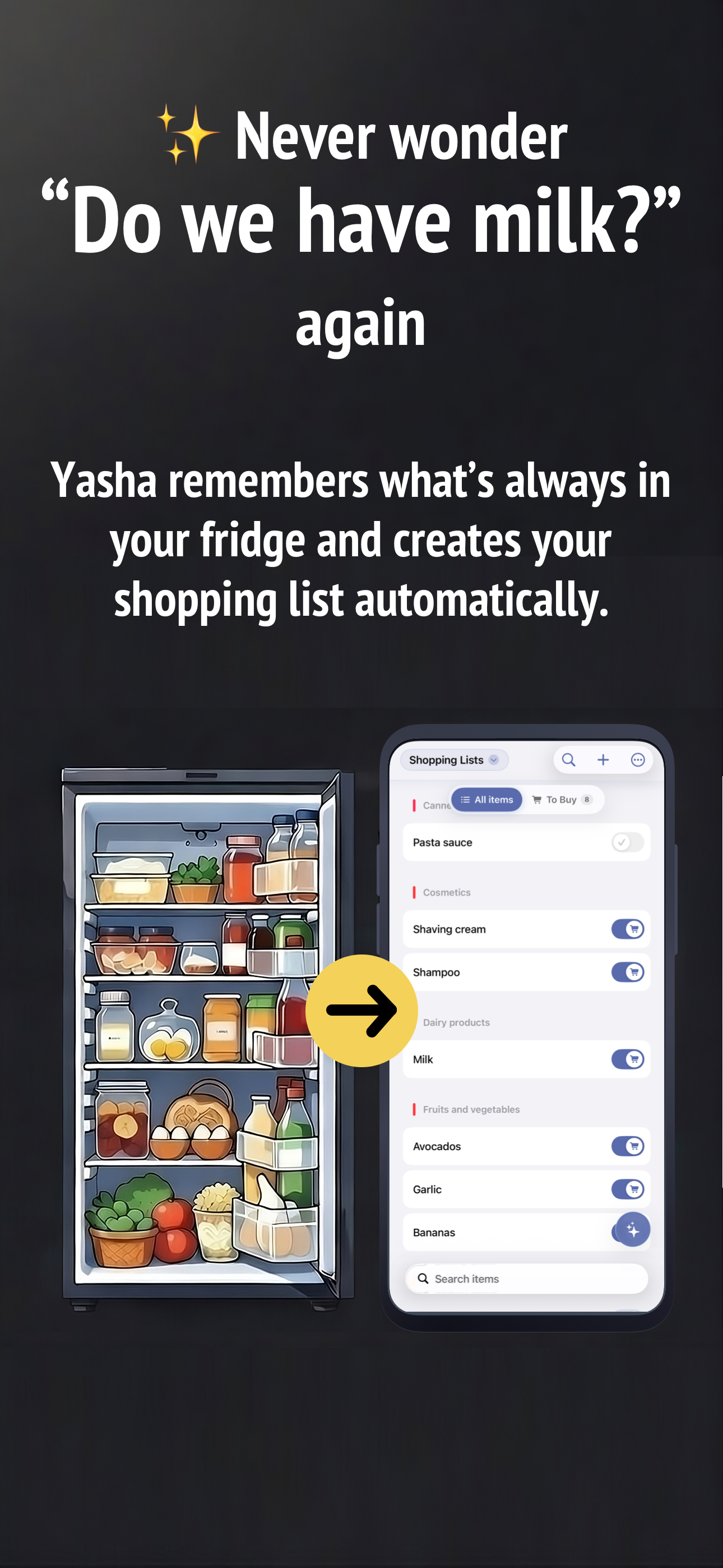
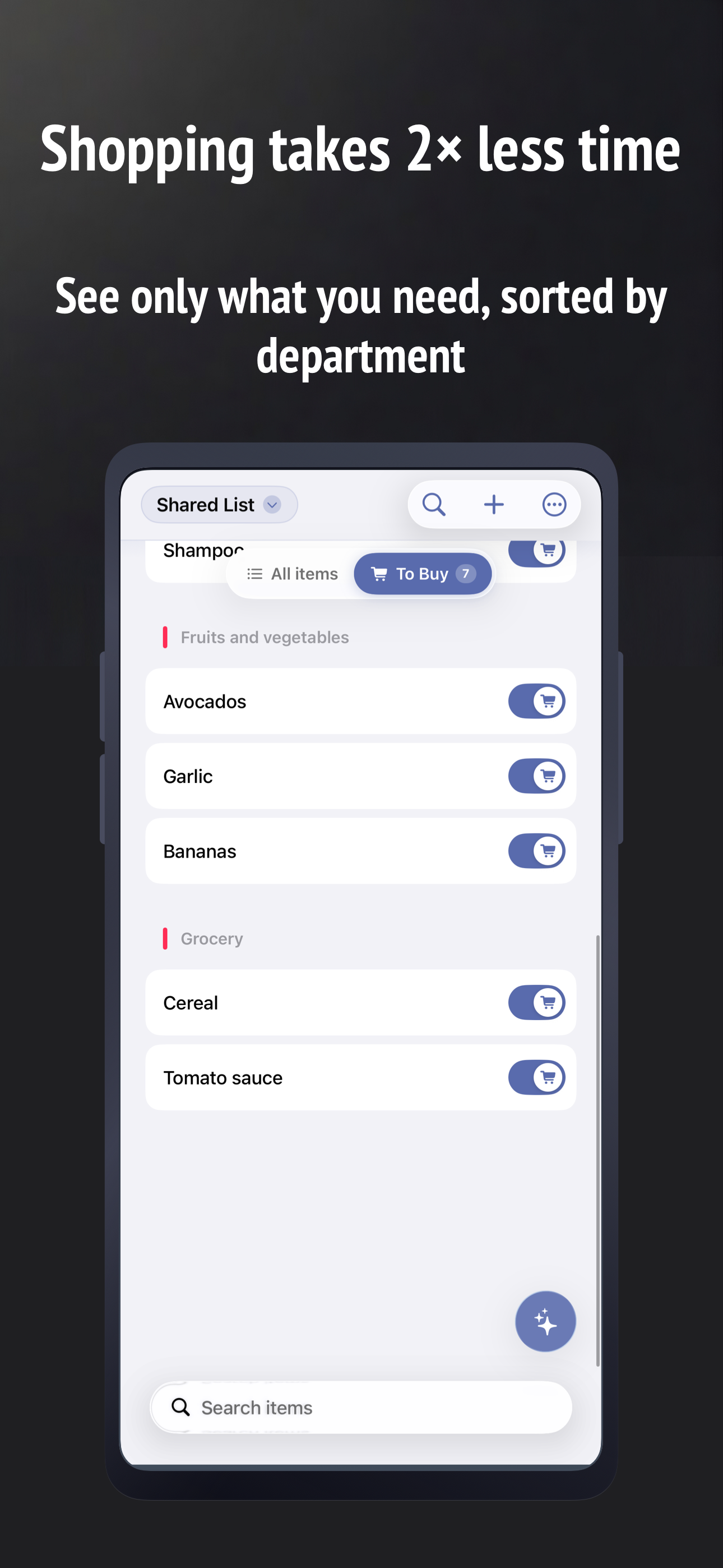
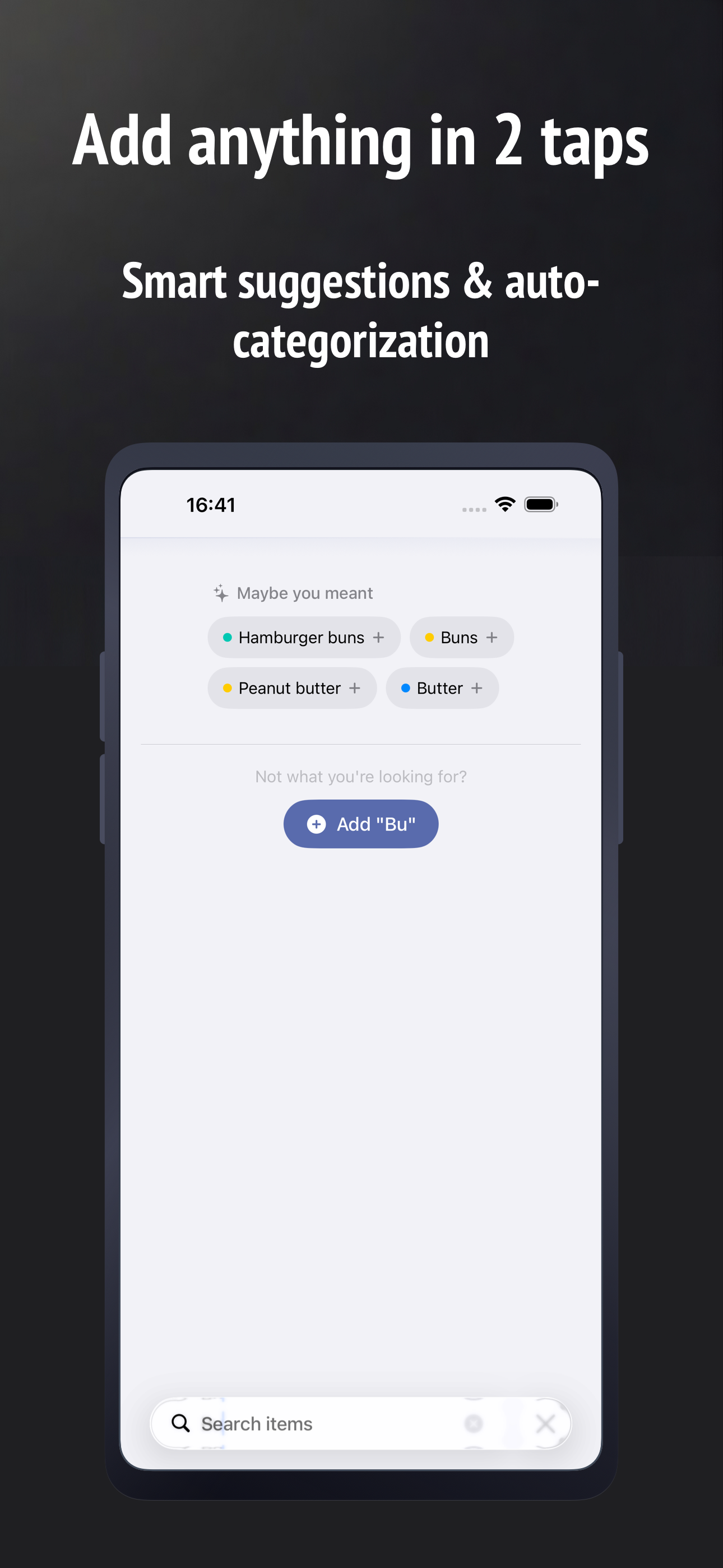
I like the design of this app - the ability to easily toggle between the items I typically buy and the items I need to buy. Enhancements I would like to see: 1) Auto-fill suggestions that are not case sensitive. When adding new items, the category field is case sensitive. For example, it will not find "Juice" with a lowecase j, I have to type the capital J. 2) Ability to stay in 'Add Items' mode until I am finished adding items 3) Ability to Group by Store Type - some items I may buy from the Health Food Store, others from any Grocery store; I also put items to get from the Hardware store or a General Merchandise store like Target or Walmart. Usually it doesn't matter to me the actual store (like Walmart vs Target, or Home Depot vs Lowes); but it would be helpful to Group my list by type of store when I'm running errands 4) ability to export my list in simple text to email, text, or to print 5) ability to specify quantity for items on the buy list 6) ability to view and edit the list of categories, and the ability to manually specify the sort order of categories. For example, I don't want "Frozen foods" displayed before "Fruits and Vegetables" and I would like the ability to have 1 category for Fruits and 1 category for Vegetables but see them next to each other instead of alphabetically in the list. Also, to be able to change the text of a category and have that change effect all items in that category - now I have to change them one out of a time.
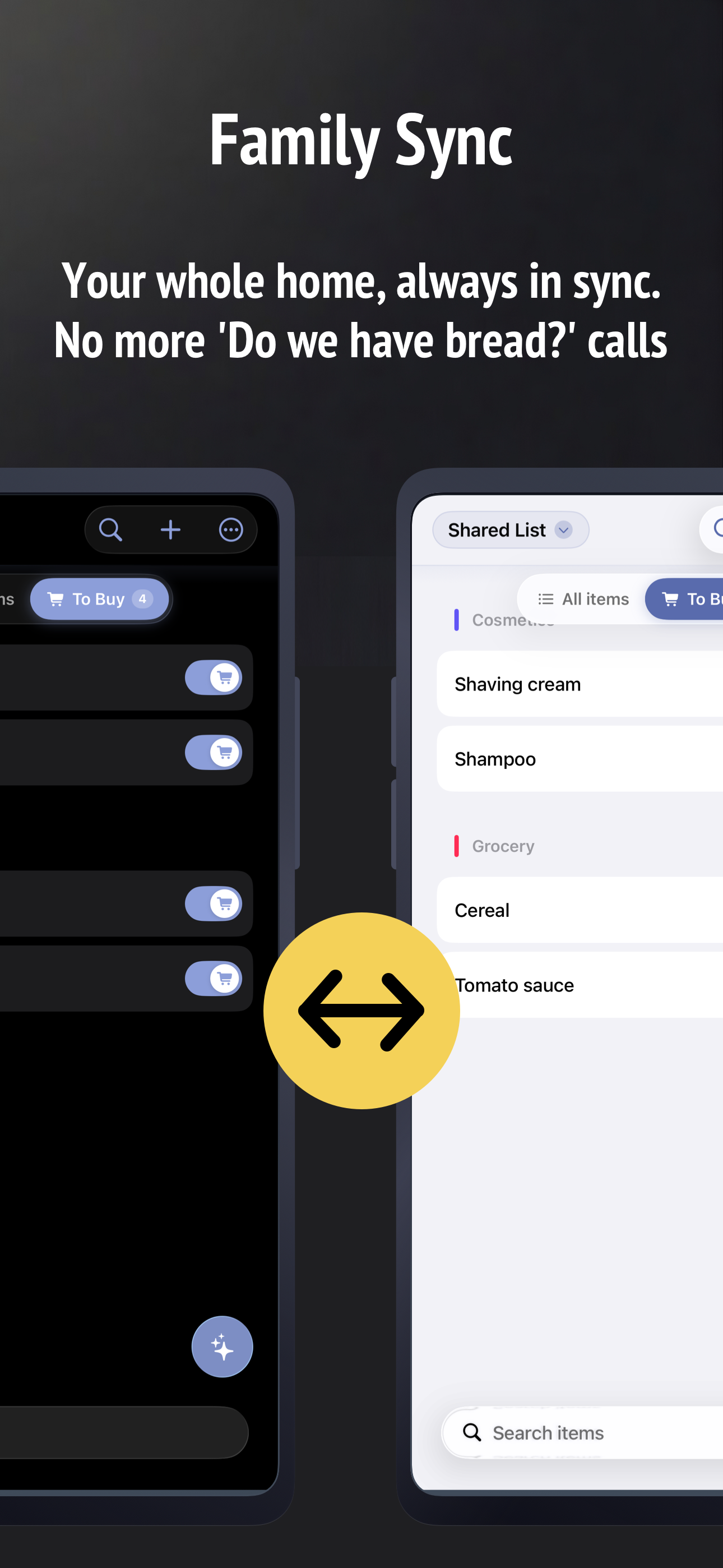
Save money and time spent in the store, buying only what is ended up. And at the same time, do not waste time creating a shopping lists. How it works...
| Name | Price | Type |
|---|---|---|
| Pro Account (1 month) | $0.99 | Monthly |
| Pro Account (12 months) | $9.99 | Yearly |
| Pro Account (Lifetime) | $43.99 | One-time |