
Check the acquisition promise
Read the store headline, screenshots and description. What problem is the app promising to solve?
Study the storefront ↗
株式会社マップル・オン · iOS
Explore the ad evidence, study the storefront, and build your next acquisition hypothesis.
01 / Creative research
Read the store headline, screenshots and description. What problem is the app promising to solve?
Study the storefront ↗Explore apps with direct store-link matches. Compare their hooks and formats without assuming the same approach works here.
Browse observed advertisers ↗Store rankings and revenue estimates describe market context. They do not establish ad spend, conversions or ROAS.
Review the market context ↗02 / Storefront & product
Study the product story and store experience behind the acquisition funnel.

03 / Market context
Keep revenue, downloads and store rankings separate from advertising performance.
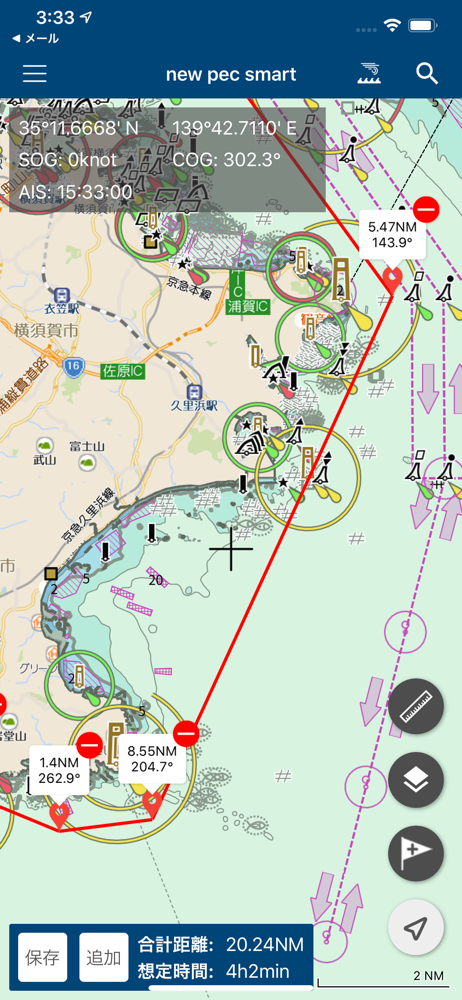
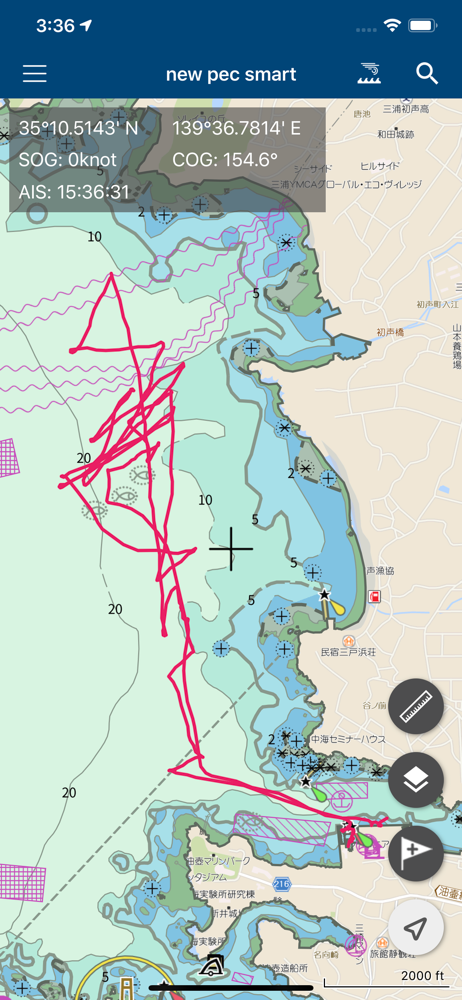
基本画面を拡大したりするには大丈夫なんだけど、 何かの機能をオンにしたり(距離の物差しアイコンとか) 海図中のオブジェクトをタップするとすぐ落ちる
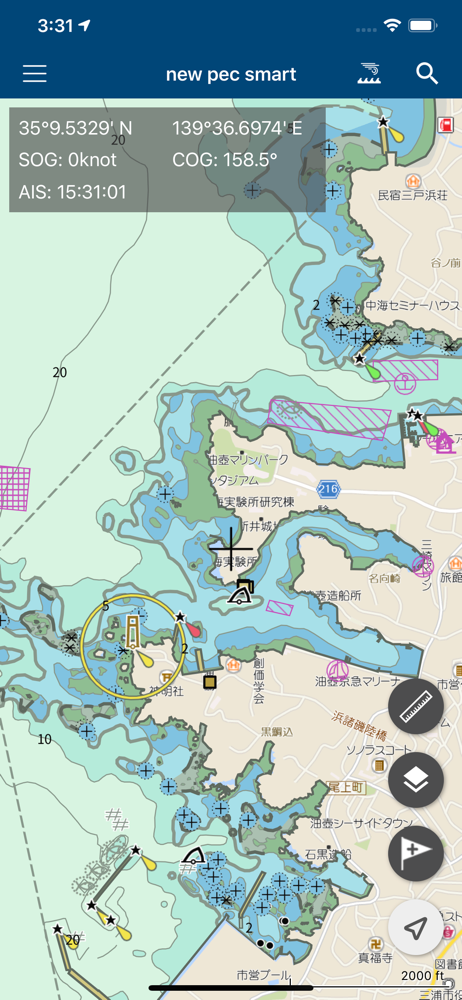
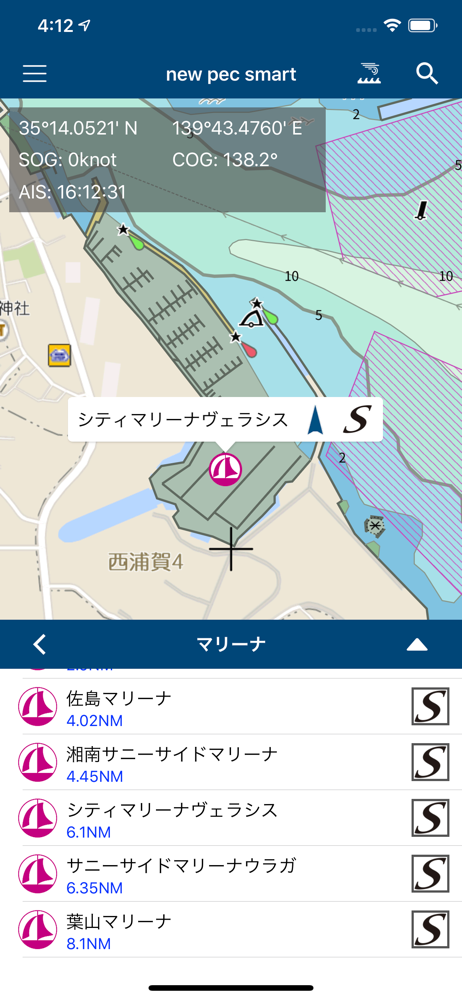
沿岸使用ですがとても便利です、ハイスペックの新めiPhoneや iPadですのでサクサク動きます、ヘディングセンサー付かないGPSプロッターです。ただiPhoneだと画面小さい iPadだと非防水、防水ケースいれるけど炎天下ではiPadでも暗い、防水AndroidタブレットだとCPU弱くてちょっとカクカク、どこか防水でホンデックス液晶並みに明るい速度の速い防水タブレット出してくれないかな〜電源は常時繋ぐから問題無し ヘディングセンサー繋がれば最強かと
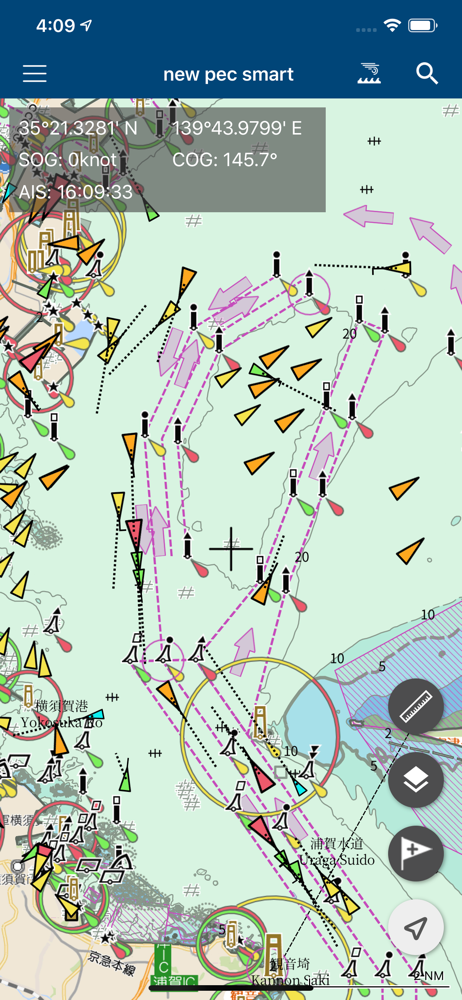
値段が安くなったので利用してます かなり良いのですが、残念な点も目に付きます とても惜しいです という事で所感を書きます せっかくダウンロードしたオフラインマップだが、端末のネットワークがONだと使えない 自動的にオンラインマップを利用してしまうため、地図情報のパケット通信が発生してしまう オフラインマップが殆ど活用出来ない 逆にAIS情報はネットワークがONでないと表示出来ない(当たり前だが) これらを同時に利用出来るようになると良いです 海底地質情報の追加を望みます 実はかなり重要な情報です あとはAIS使用時に常に画面表示されてしまう半透明な更新日時情報 画面の小さなiPhoneで使用していると、貴重な画面領域の一部を使われてしまい勿体ない 時間が経過すると自動的に隠れるたり、そもそも表示が出来なくする設定があると良いです
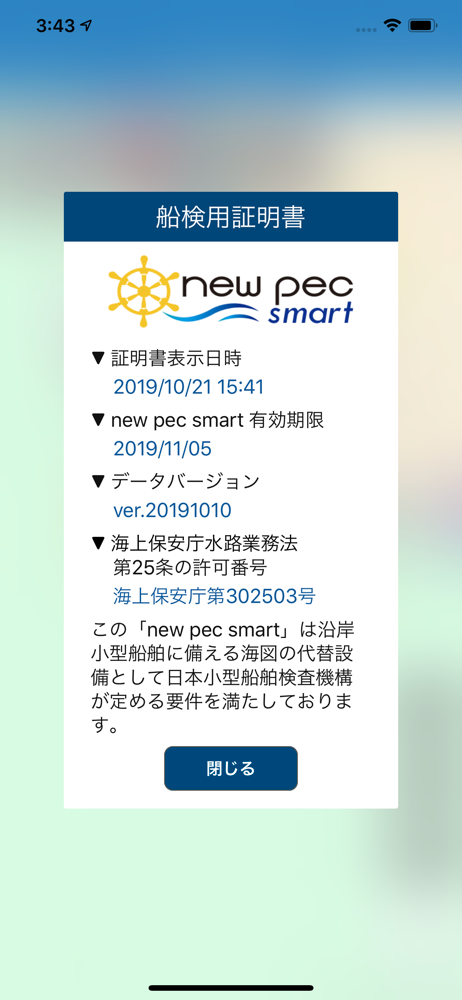
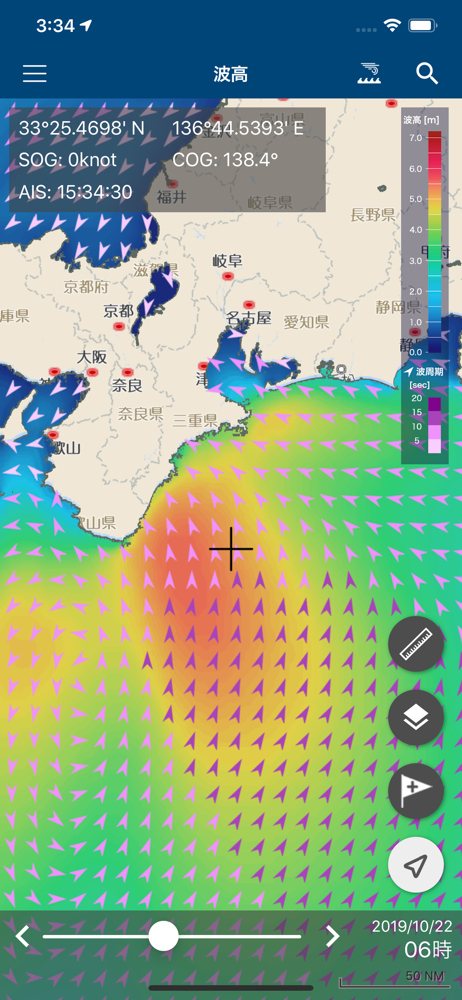
ついに「航海用電子参考図 new pec(ニューペック)」のデータをフル搭載したスマホ・タブレット向けアプリ『new pec smart(ニューペックスマート)』が新登場! ================================== 2019年2月、『new pec smart』は、日本...


