Check the acquisition promise
Read the store headline, screenshots and description. What problem is the app promising to solve?
Study the storefront ↗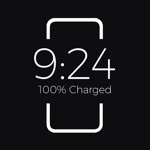
Ronan Stark · iOS
Explore the ad evidence, study the storefront, and build your next acquisition hypothesis.
01 / Creative research
Read the store headline, screenshots and description. What problem is the app promising to solve?
Study the storefront ↗Explore apps with direct store-link matches. Compare their hooks and formats without assuming the same approach works here.
Browse observed advertisers ↗Store rankings and revenue estimates describe market context. They do not establish ad spend, conversions or ROAS.
Review the market context ↗02 / Storefront & product
Study the product story and store experience behind the acquisition funnel.




03 / Market context
Keep revenue, downloads and store rankings separate from advertising performance.
When an app only collects data related to diagnostics and system functionality, and lets you make a reasonable one-time purchase rather than force you into a subscription, these are things you have to respect these days. The app is easily customizable to the point where it makes it do exactly what you want (full disclosure I have the paid version, and never tried the free version because I jumped at the one-time purchase option) and I absolutely LOVE it. Thank you for not making this a subscription and not harvesting data, and offering a good honest service that performs perfectly.
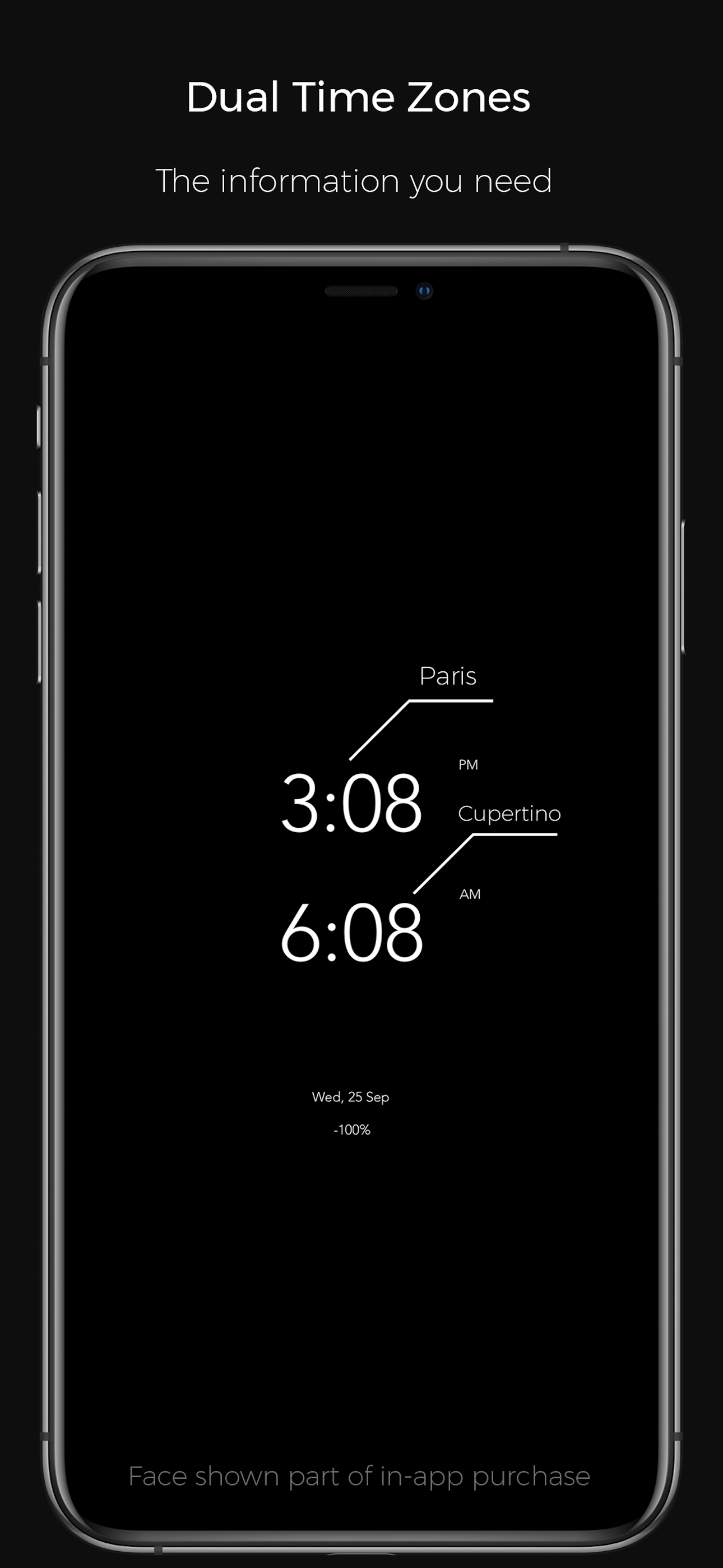
Was looking for an app that displays time / battery charge percentage & If battery is charging. When you put phone on Qi charger, sometimes you can’t see the charge light. This app looks like it does 2/3 of what I wanted (but it does much more.) If there is some way to get the little lightening bolt to come on when phone is changing, haven’t figured it out yet. Going to experiment. Developers seem engaged, if I’m not missing something, they may see value in suggestion. Update: Read the instructions. Turn low power mode off. When the phone is charging, the display will show CHARGED next to the percentage. Personally I see no point in the ‘change screen icon’ option and I’m playing with the display that shows the battery bar but can’t get it to work. Dual time zone screen could use your current location on top and have a slightly smaller ‘home’ time zone below. Also if you charge the font size multiplier to to larg a size , clock digits begin to disappear.
This app is AWESOME!! I was looking for something with sort of an always on display(like the galaxy s8 has) on my iPhone X and I found this. This app is amazing. It takes almost no battery at all and when I’m Carrying my phone around in my pocket to go places the sensor turns the screen off until I take it out of my pocket. That makes it so it doesn’t use any battery at all when it’s in your pocket. I love how you can adjust the brightness too! This is literally my new power button...(the app) because I just click it and put it in my pocket and its so easy! I also leave it on when I go to bed. I put it on a wireless charger facing me and you would think it would brighten up the whole room but it does NOT. the only time you can see it is when you look over at your phone! This is a great app and I really recommend it. (Also it’s free so that’s even better)
A simple Clock/Information Interface made to take advantage of the iPhone OLED displays. Keep track of time, add a personal note, check the weather, a...
| Name | Price | Type |
|---|---|---|
| OLEDX Premium | $3.99 | One-time |