
Check the acquisition promise
Read the store headline, screenshots and description. What problem is the app promising to solve?
Study the storefront ↗
L'Escapadou · iOS + Android
Explore the ad evidence, study the storefront, and build your next acquisition hypothesis.
01 / Creative research
Read the store headline, screenshots and description. What problem is the app promising to solve?
Study the storefront ↗Explore apps with direct store-link matches. Compare their hooks and formats without assuming the same approach works here.
Browse observed advertisers ↗Store rankings and revenue estimates describe market context. They do not establish ad spend, conversions or ROAS.
Review the market context ↗02 / Storefront & product
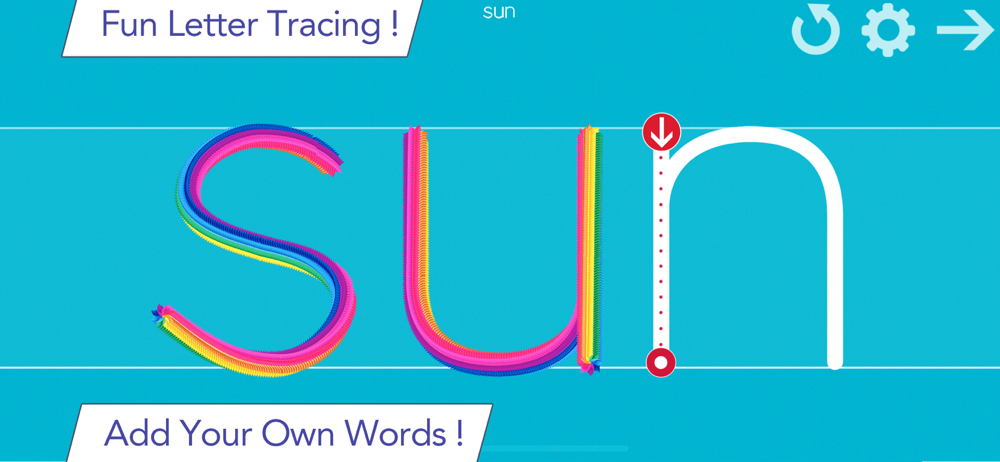
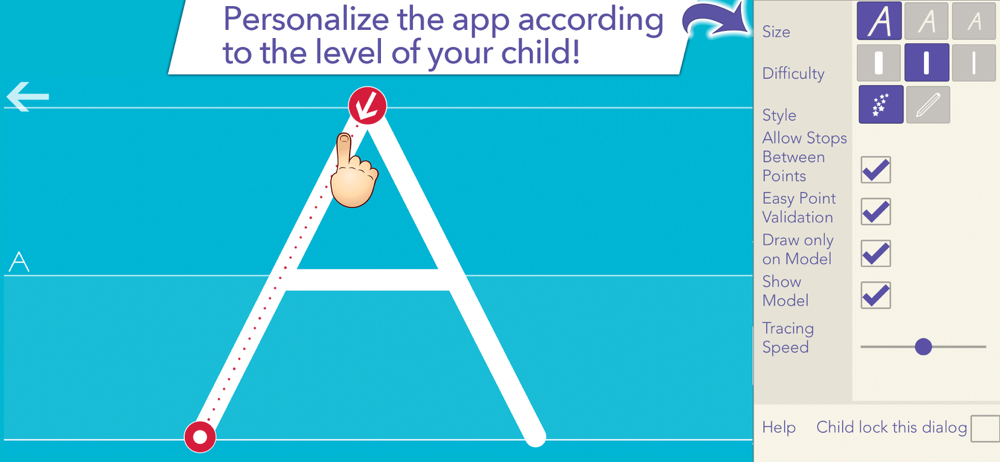
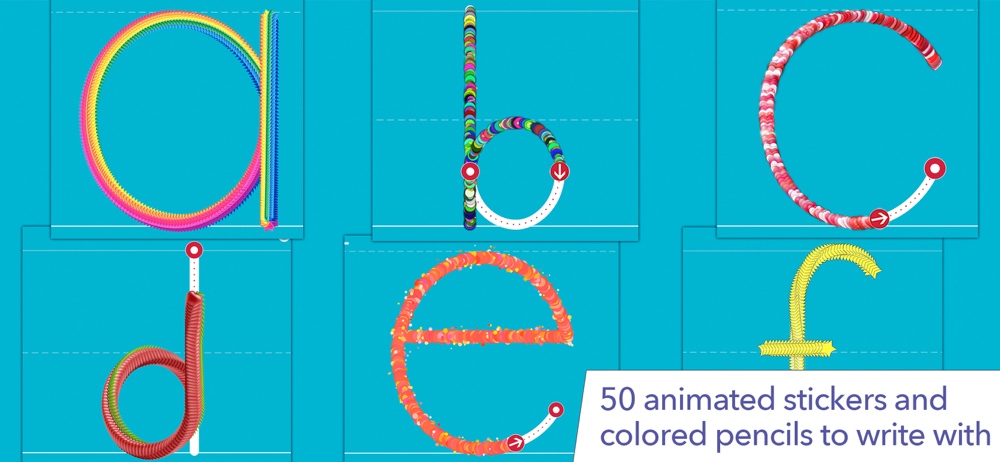
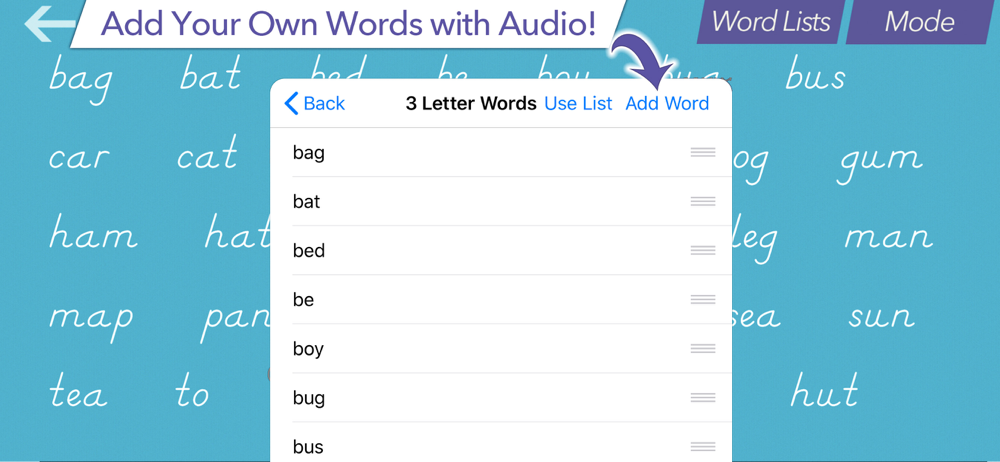
Study the product story and store experience behind the acquisition funnel.

03 / Market context
Keep revenue, downloads and store rankings separate from advertising performance.
Dec 23, 2025 to Jan 22, 2026 - US
Dec 23, 2025 to Jan 22, 2026 - US
| Date | Type | Rank | Category | Country |
|---|---|---|---|---|
| 1/1/2026 | TOP_FREE | #109 | education | US |
| 1/1/2026 | TOP_FREE | #197 | 6017 | US |
| 1/1/2026 | TOP_GROSSING | #525 | education | US |
It's worth paying the small fee to unlock all options. Great app for practising letter formation. I would love to see more built-in word lists such as the "1000 most frequently used words." It would be great if all the built-in word lists from the Word Wizard app were available in the writing wizard app as this would help practice spelling and writing, especially using the 5 stars setting.
This app exceeded my expectations. After using this only one time with a child who has multiple disabilities, I saw great improvement in his ability to form letters without segmenting them. Not only that, but he smiled, had fun, and experienced success. It was nice to see him so proud of himself. And can I also brag about the fact that you provide a left hand mode?! That’s actually how I found you; I was looking for ways to support my left-handed learner. My favorite (and unexpected) feature is the ability to record the sounds myself. I was very excited to be able to record the path of movement for the letters. For capital A, I prompt with, “slant down, slant down, across.” I was delighted that I could record this. But the same recording attached to the lowercase a. I wanted to record, “over, around, up, down” for lower case. Is there any way upper and lowercase letters could have separate recordings? Or if you could provide the path of movement, even better! Thank you!
Just downloaded this app as my son is struggling with his handwriting. I payed for the full version as it unlocks everything and it's a one time payment, also appreciate there's no ads even with the free version. After exploring the app, I wish I'd have seen this years ago for my other son. I can add his spellings to it, record the sounds and it has a left-handed option too. The animations are fun too which will keep him engaged, more parents should know about this app! Would recommend
I love your product. I bought the full version and used it to teach our child how to write abefore 4 years old. I was hoping to see a way of supporting the apple pen or active stylus in general. Like, I would love to see the ability to disable touch in favor of the pen only. At the moment, my son would just drop the apple pen or stylus in favor of his finger. I currently use other drawing apps that can disable finger touchs but these free-drawing apps are no where near as engaging as your app. Thank you.
I have updated my review. An issue I had with Family Link which is resolved, thanks to a tip from the app author (on a weekend no less). Thank you to them for that. Regarding the app, it is quite simple and both my kids have enjoyed using it. I would say that the default word lists are a little simple for my daughter (7) but for my son (4) its great. Would be nice if it came with more "built in" word lists. There are some customisation options, so you could add some word lists that include his names, his favour words, etc. It is nice that there are options to export custom word lists, although appreciate any tips on doing this directly to the kids devices as it looks a bit clumsy.
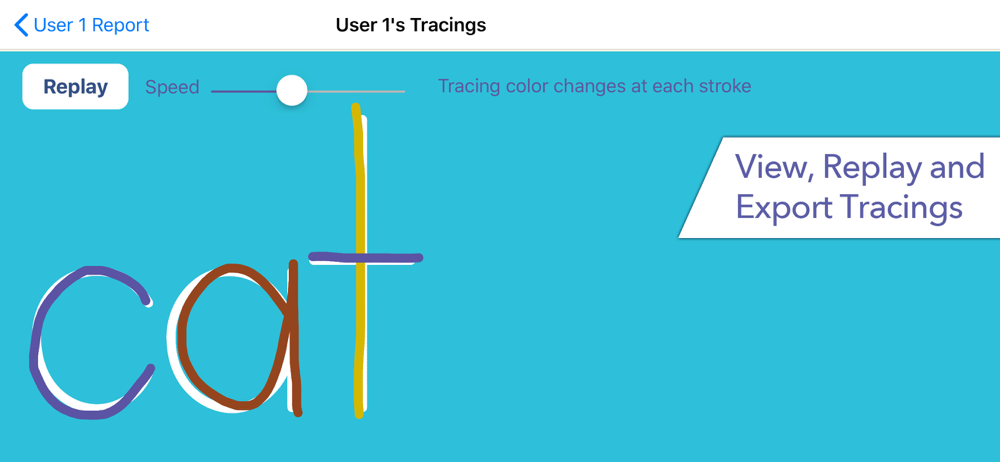
I wasn’t sure what to expect. This app is fantastic for my kindergartener to learn his letters. And also to allow me to add his vocabulary and sight word list! It even has a layer built in the background that parents can access to allow parents to check what they worked on and also how their words looked when they were tracing! The only thing that would be better if there was a way to allow a quiz for the words without the tracing or even how to say them by recording them and having some form of voice recognition. Overall for only 4.99 it was completely worth it and just what I needed!
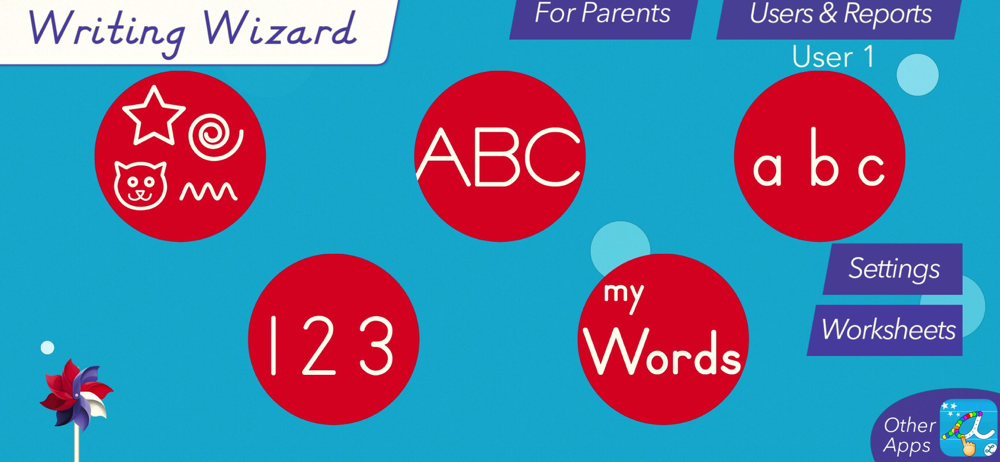
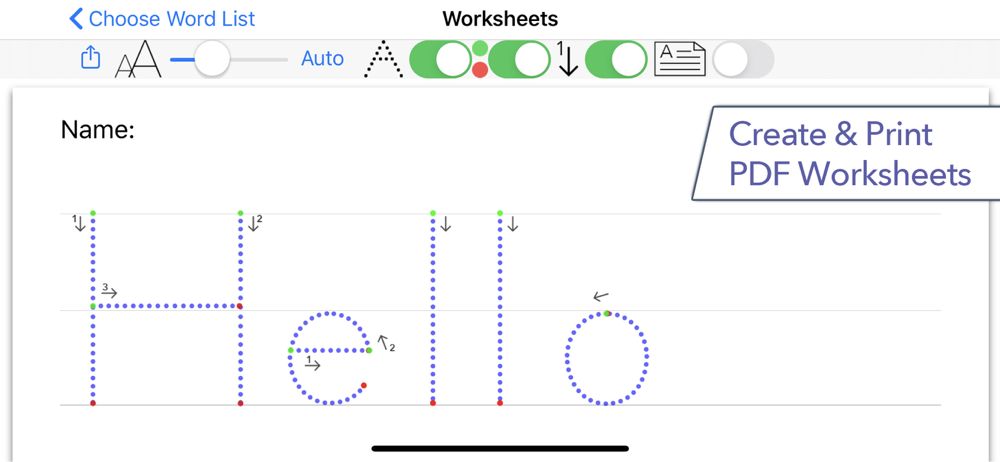
"Fantastic, customizable tracing practice with fun rewards." 5 Stars - Common Sense Media 470,000+ units sold (including 260,000 to schools) ! Writi...


