Check the acquisition promise
Read the store headline, screenshots and description. What problem is the app promising to solve?
Study the storefront ↗
Brainingcamp, LLC · iOS
Explore the ad evidence, study the storefront, and build your next acquisition hypothesis.
01 / Creative research
Read the store headline, screenshots and description. What problem is the app promising to solve?
Study the storefront ↗Explore apps with direct store-link matches. Compare their hooks and formats without assuming the same approach works here.
Browse observed advertisers ↗Store rankings and revenue estimates describe market context. They do not establish ad spend, conversions or ROAS.
Review the market context ↗02 / Storefront & product
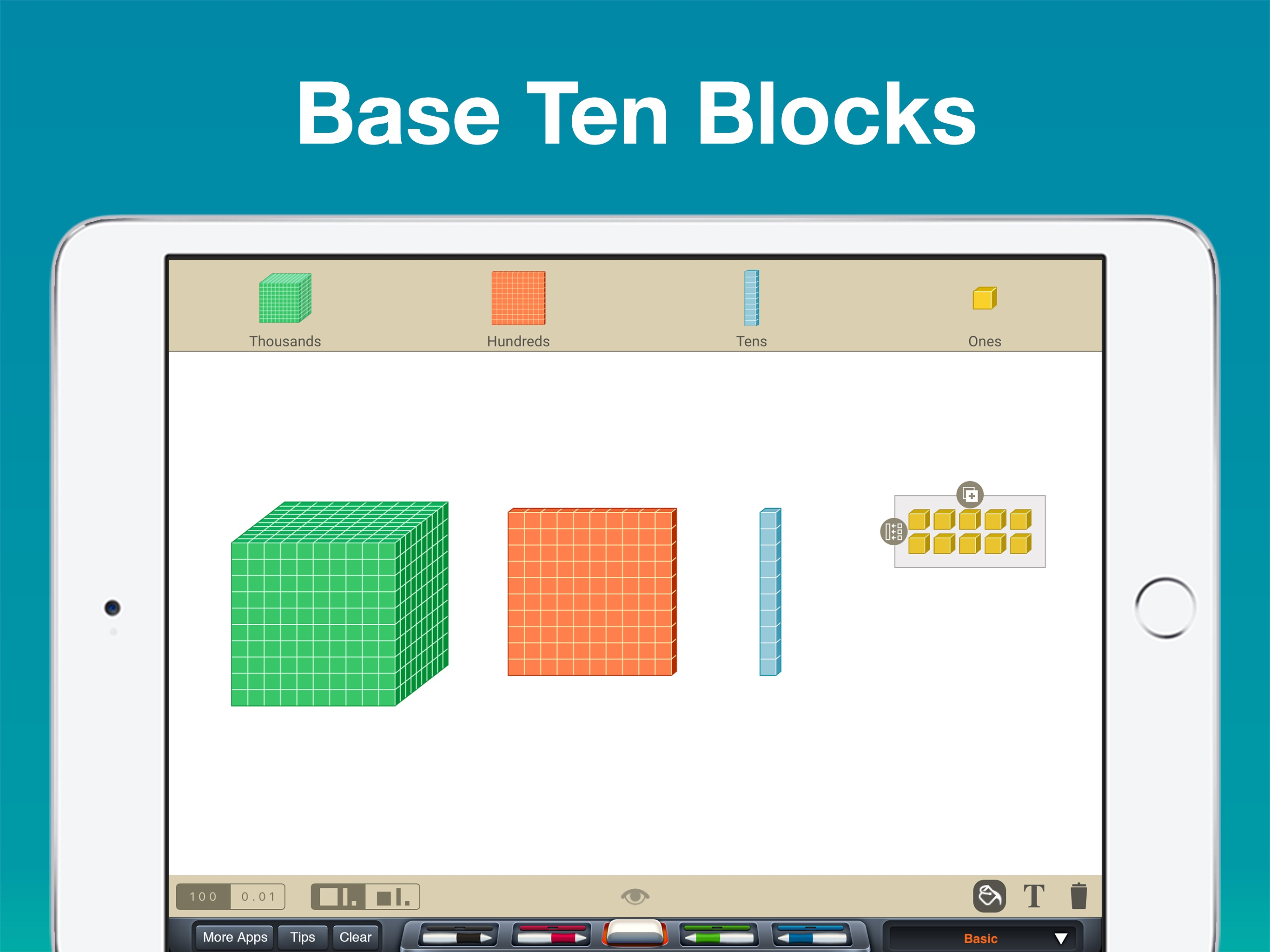
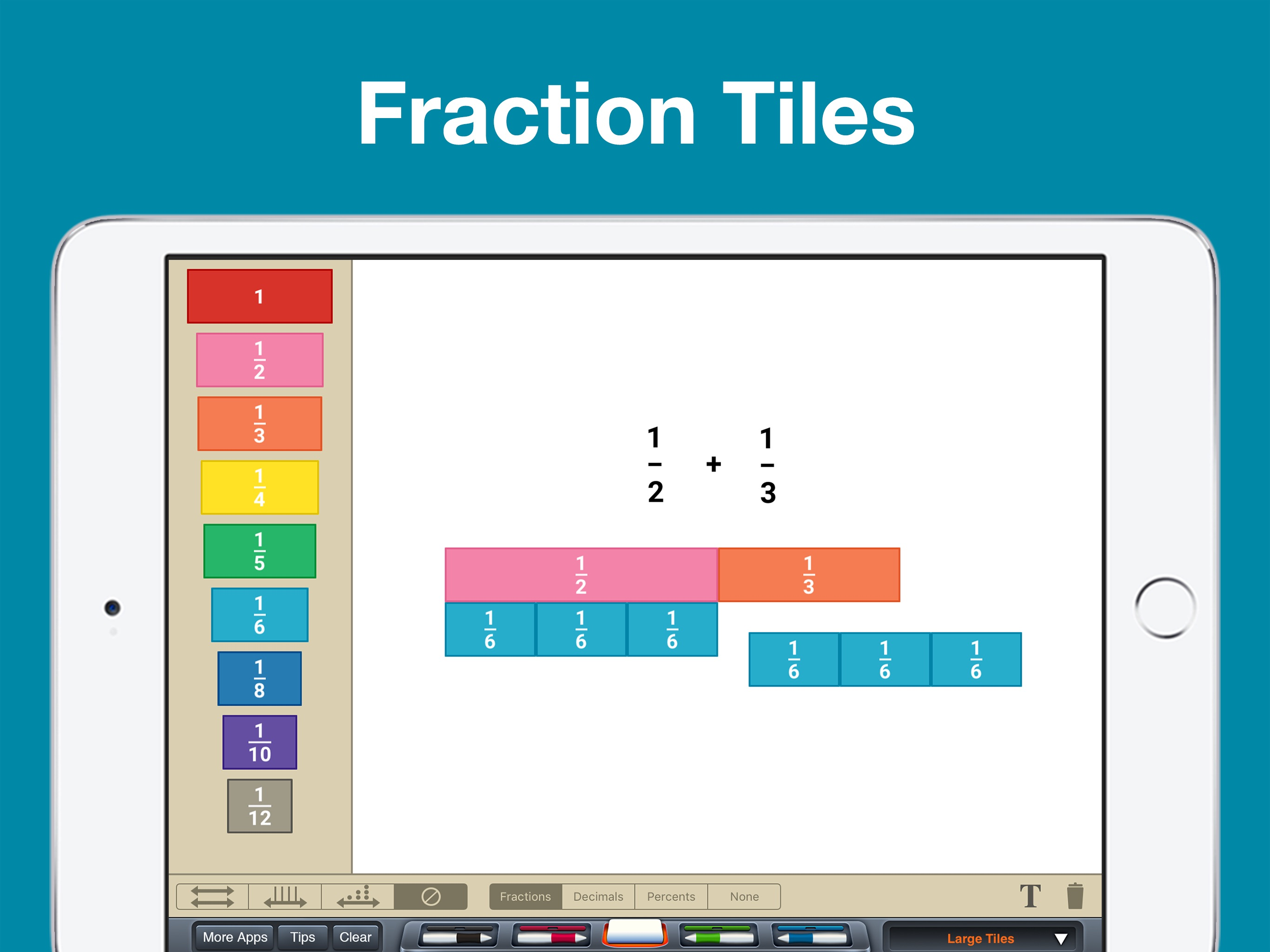
Study the product story and store experience behind the acquisition funnel.





03 / Market context
Keep revenue, downloads and store rankings separate from advertising performance.
We love this. I homeschool 3 kids and this is making math fun and easy to understand. It is WAY easier to use this instead of keeping up with a ton of hands on Manipulatives. The kids keep asking to play in the app because they enjoy it. It is also helping my son with autism visualize things like telling time, which he has had trouble with.
I first purchased the value place app. Seeing how great it is I bought the whole bundle and couldn’t be happier. After spending a small fortune on physical Manipulatives ( blocks, counters, magnets, clocks, charts) this turned out to have it all, neatly organized in one place. Perfect for my tech/screen savvy 7 year old. Works best on a tablet, a phone screen might be too small). Combine it with a $1 stylus and you’ve got yourself a whole math curriculum for $21. There was a small glitch in expanding the rows/columns. To my shock, it was fixed with one email to the developers. Thanks for this awesome tool!
There are obvious and not-so-obvious ways to use the manipulatives. The tutorials and examples help you see the ones that are not so obvious, but when you see the examples, they suddenly seem obvious. I’m talking as a teaching wiz but not as a math wiz. The online tutorials/teaching tips are excellent. You have to spend a little time looking through each app so you can see the best contexts within which to use them, but the best way to learn how they’re useful is to try and use them within the contexts you think they might be useful. Circular reasoning? Only sort of. :-) Wish list? A smart undo button.
Powerful "hands-on" learning that you need to get your hands on. Includes the following 15 manipulatives: • Algebra Tiles • Base Ten Blocks • Clock •...