Check the acquisition promise
Read the store headline, screenshots and description. What problem is the app promising to solve?
Study the storefront ↗
1312 · iOS
Explore the ad evidence, study the storefront, and build your next acquisition hypothesis.
01 / Creative research
Read the store headline, screenshots and description. What problem is the app promising to solve?
Study the storefront ↗Explore apps with direct store-link matches. Compare their hooks and formats without assuming the same approach works here.
Browse observed advertisers ↗Store rankings and revenue estimates describe market context. They do not establish ad spend, conversions or ROAS.
Review the market context ↗02 / Storefront & product
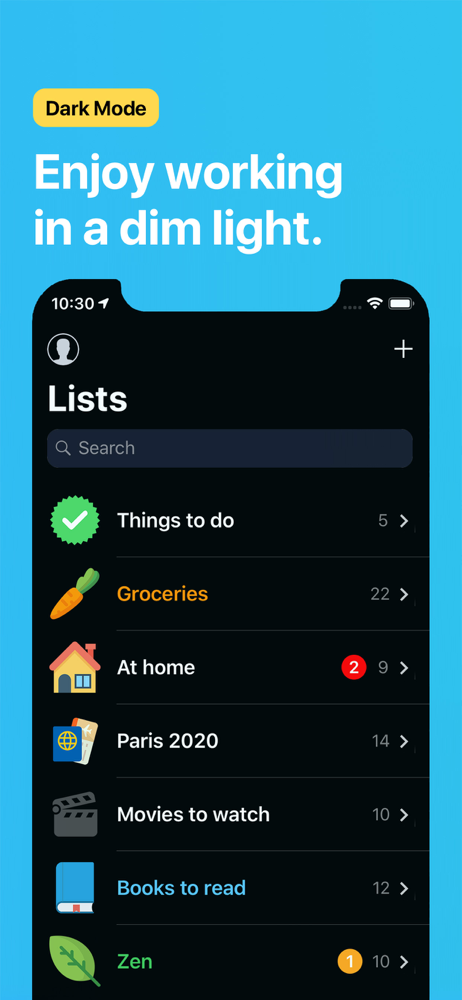
Study the product story and store experience behind the acquisition funnel.



03 / Market context
Keep revenue, downloads and store rankings separate from advertising performance.
For me I can’t live without it! Because is the best organizer I have ever used since the Starfish Software in the 90s up to Windows 10 OS did not supported anymore, now this App with the new iOS 16 it goes to a dark screen!! It is happening the samething to me now with Pocketlist!! I have paid for the permanent license since a couple of years ago and it deserved 5 stars plus, and now I have requested for help at the Website on this important bug, but I haven’t received an answer about what’s going on!!! if it’s going to be fixed or not!! I’m using the website temporarily in the cloud, but is not the same and some nice features like subtasks and reordering automatically DO NOT WORK, then for me from 5 stars plus goes to 1 star minus. I never write reviews but this one is FUNDAMENTAL every user or potential user should knows about it
So I have been a lifetime member for quite a bit of time. Overall I have to say that the devs have delivered on this app and you definitely get your money’s worth. I just have two minor issues to most but are a little annoying to me. First I feel like the app takes way too long to load in. Not sure why this is the case but I feel like this should be a bit quicker. From cold start to finally seeing your lists in app should be faster. Second and most important is the To-dos section of the app. Now this is what gets to me the most. If you have pending to-dos in this section, and switch to lists section for example. Update something there and then come back to the to-dos section, the app has a tendency to push your top scheduled task to the very top where it can’t be viewed. When pulling down on it without releasing your finger the screen just pulls down the in app text “SCHEDULED” along with your second highest task on the list. Once you lift your finger off the screen, “SCHEDULED” just moves back into its original place and only your second highest task can be viewed. You basically have no access to that top or first task. To fix this you have to back out the app, completely close it out in the recent app or app switcher. Then load the app again where your greeted by the long load in time to then be able to go back to the to-dos to see all of the tasks there. Pocket Lists is great but with these issues from a to-do list app makes it difficult to use on a daily basis.
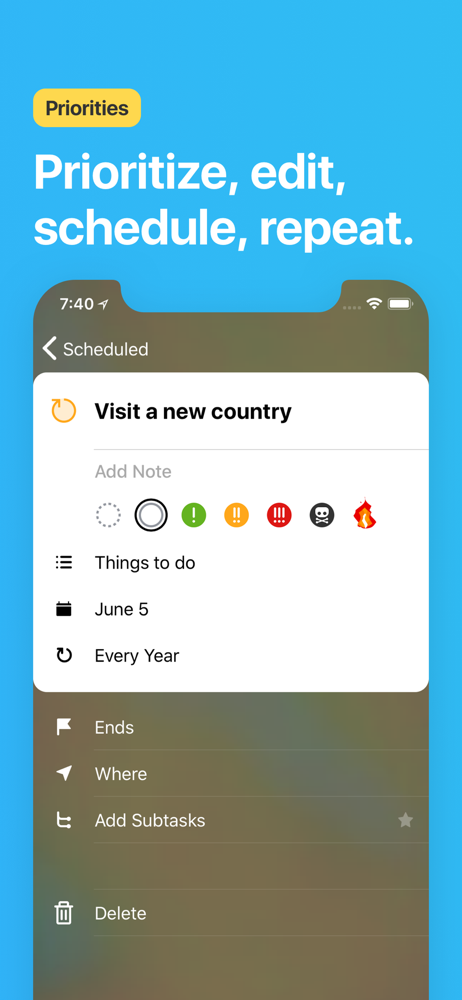
I have been looking for a way to organize all of my daily/weekly/future tasks into different lists and set reminders to do them and this fits almost perfectly. I wish the custom options let me pick specific days and that there was a "weekdays" option. It would also be nice to have an integration to send an email reminder with the notifications, as I often have my phone silenced due to my job. (Teaching middle school. 😬) And I like having subtasks within a larger task, but being able to collapse the subtasks when I'm not viewing them would help me focus and stay organized. It would also be cool to have a note taking feature so I can list out anything I need, links to online meetings, etc. This would work well for sharing lists with others using the app, so you could send out a meeting or project deadline or whatever task needs to be brought to their attention but it requires some brief explanation or resources. I am looking for resources to use with my students next year to help them stay organized and this app is almost there. (Mayhaps offering a education plan would be advantageous? I know I would put some of my budget toward it. 😁)
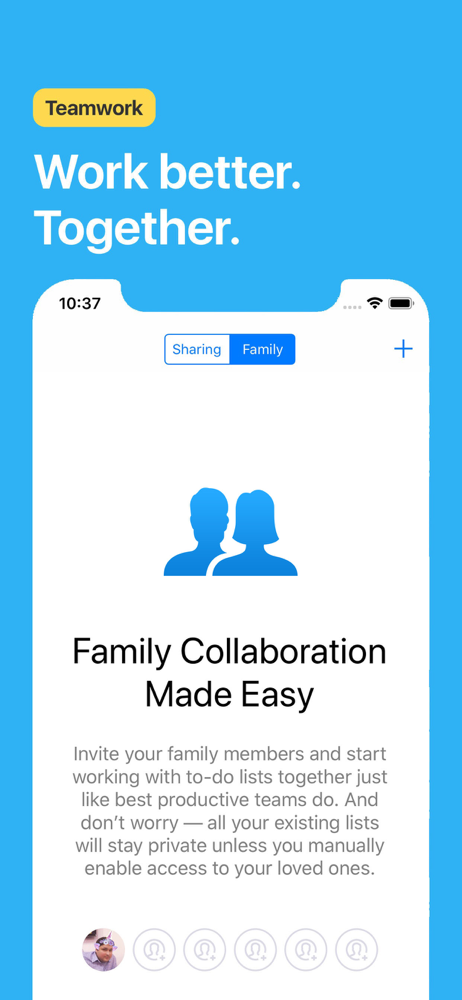
Pocket Lists is a beautifully designed to-do list app for making checklists, focusing on important tasks, sharing & collaborating on to-do lists and t...
| Name | Price | Type |
|---|---|---|
| Premium Monthly | $1.99 | Monthly |
| Family Monthly | $3.99 | Monthly |
| Premium Yearly | $9.99 | Yearly |
| Family Yearly | $14.99 | Yearly |
| Upgrade Premium to Family | $19.99 | One-time |
| Premium Forever | $19.99 | One-time |
| Family Yearly (Intro) | $24.99 | Yearly |
| Family Forever | $34.99 | One-time |