Check the acquisition promise
Read the store headline, screenshots and description. What problem is the app promising to solve?
Study the storefront ↗
磊 汪 · iOS
Explore the ad evidence, study the storefront, and build your next acquisition hypothesis.
01 / Creative research
Read the store headline, screenshots and description. What problem is the app promising to solve?
Study the storefront ↗Explore apps with direct store-link matches. Compare their hooks and formats without assuming the same approach works here.
Browse observed advertisers ↗Store rankings and revenue estimates describe market context. They do not establish ad spend, conversions or ROAS.
Review the market context ↗02 / Storefront & product
Study the product story and store experience behind the acquisition funnel.




03 / Market context
Keep revenue, downloads and store rankings separate from advertising performance.
Works great. You must enable ‘Filter Unknown Senders’ and add numbers you trust to your contacts. I use it to block incessant political campaign spam texts.
So far, I have tried to give it words to blacklist and when I have had people try texting me using those words the text still comes through. So either it isn’t working, or it isn’t user-friendly enough for me to be able to figure out how it works when it looks like I am doing everything right.
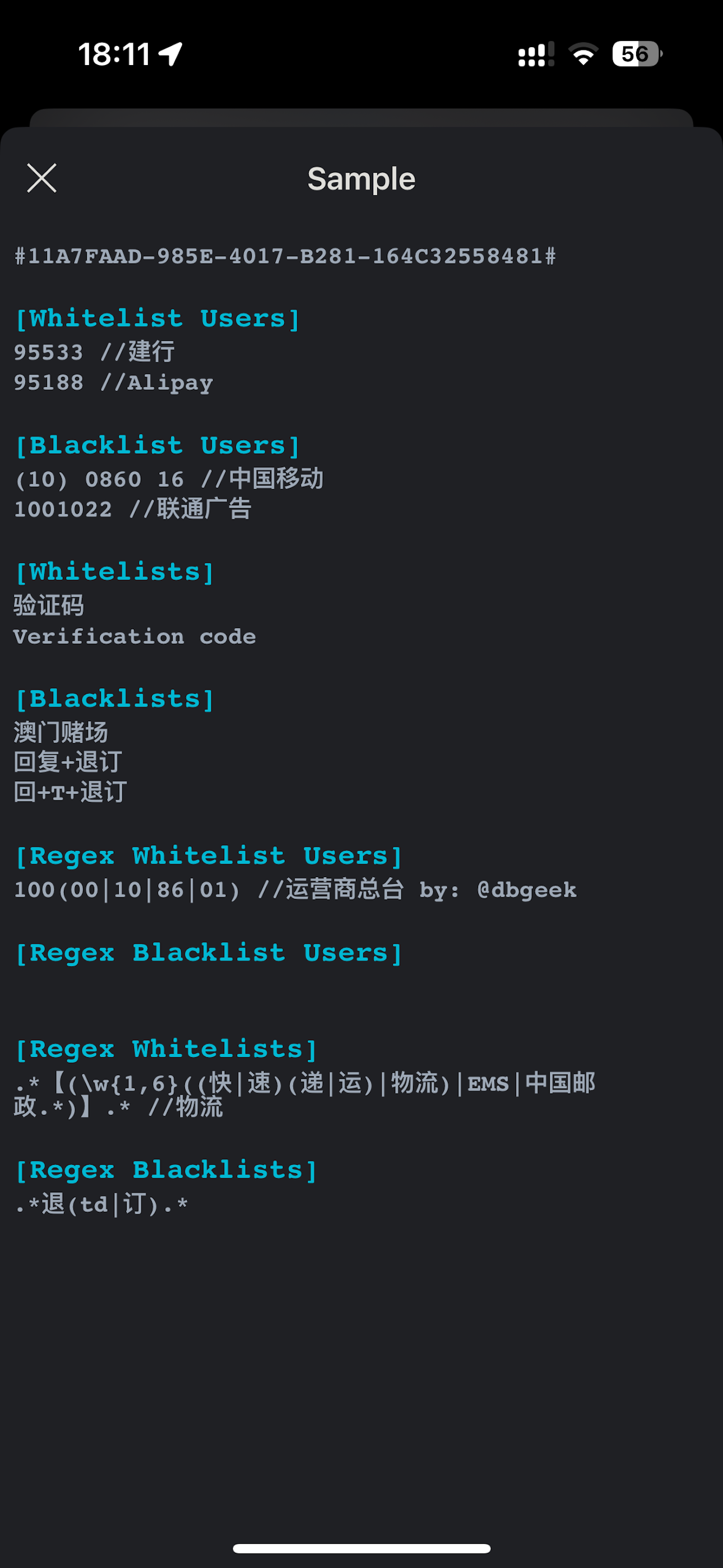
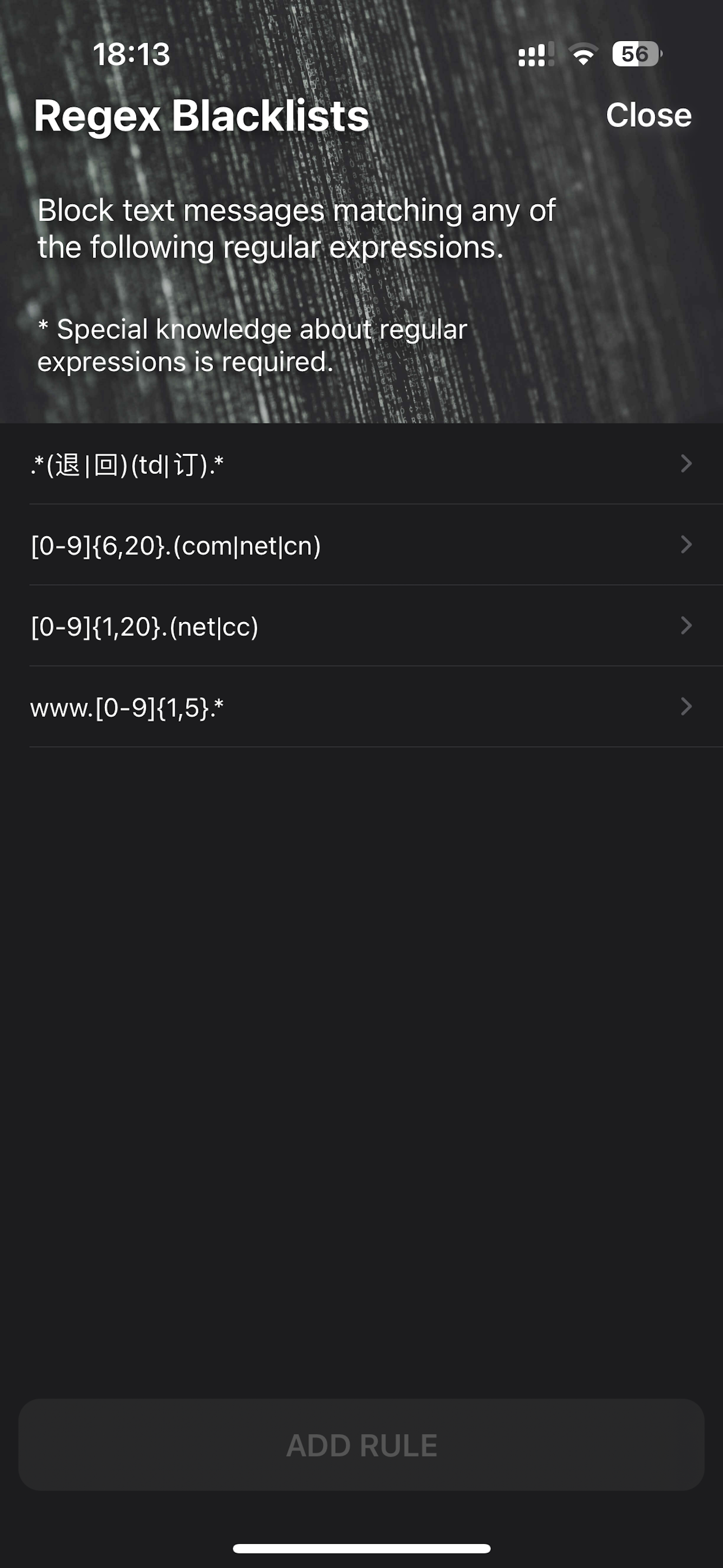
One of, if not the only app in the App Store allowing you to block those annoying, repetitive, unsolicited texts that are sent with click-bait links in hopes you’ll access a Trojan horse or other nefarious link. The “regex” area is a bit difficult if you don’t understand regex, but there are still several other ways to block these texts in bulk, the easiest being by copy and pasting +the+text+you+want+to+block in ⬅️ this format. Then all texts sent after that fit that format will be automatically blocked.
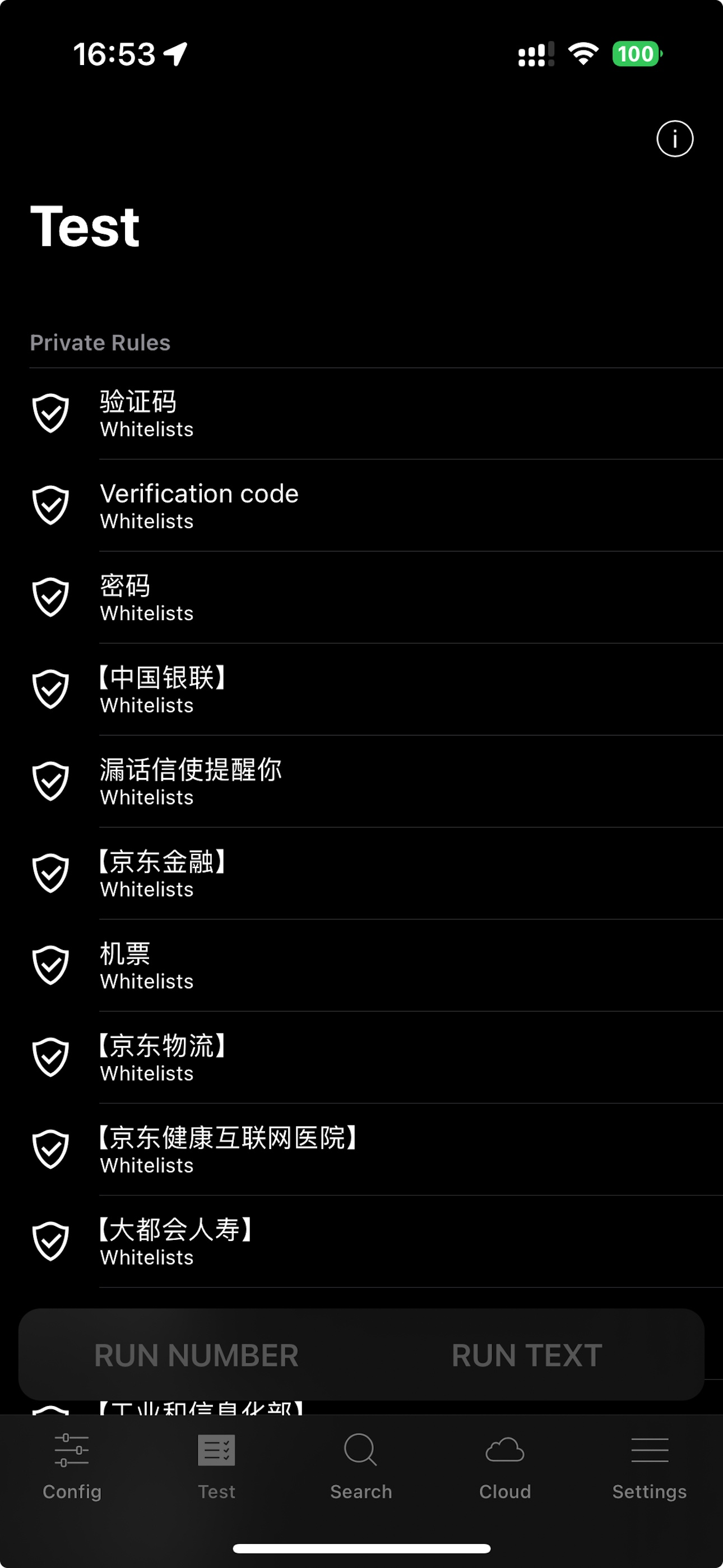
Reclaim your inbox with Sifter, the intelligent and private SMS filter for iOS. Powered by a robust Message Filter extension and secure on-device proc...