Check the acquisition promise
Read the store headline, screenshots and description. What problem is the app promising to solve?
Study the storefront ↗
Guilherme Verri · iOS
Explore the ad evidence, study the storefront, and build your next acquisition hypothesis.
01 / Creative research
Read the store headline, screenshots and description. What problem is the app promising to solve?
Study the storefront ↗Explore apps with direct store-link matches. Compare their hooks and formats without assuming the same approach works here.
Browse observed advertisers ↗Store rankings and revenue estimates describe market context. They do not establish ad spend, conversions or ROAS.
Review the market context ↗02 / Storefront & product
Study the product story and store experience behind the acquisition funnel.



03 / Market context
Keep revenue, downloads and store rankings separate from advertising performance.
Simple easy to use app YOU will use. Only comment us I want the app to work on my Iwatch but I or the app must turn off it seeing the watch which it does now. It would be easy to walk around with the watch looking for other Bluetooth items. Make the app iwatch compatible.
If your headphones are turned on shouldn’t you be using them? N if they are off why can’t you find them..? If my iPhone is off I can find that but not my headphones.. Just seems to me that you tried to mimic what the iPhones capabilities were if it were lost with headphones only problem is is they have to be on.... you fell short here my friend. Hopefully someone will look at this n say hey I can go one step further n if the device is off I can still find it. O well.. you have a run at it. 👎🏻
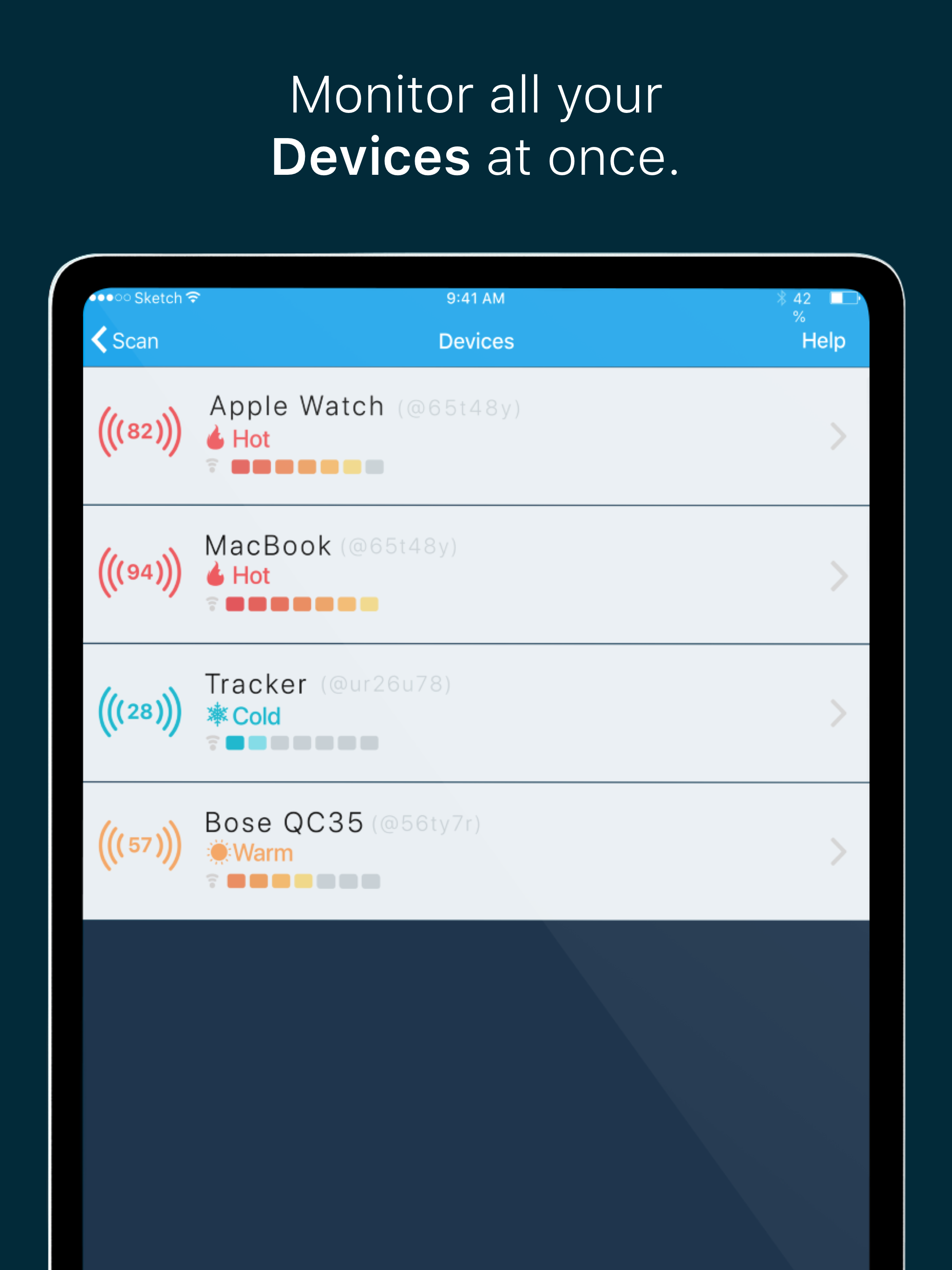
We had misplaced a Forerunner 735XT running watch. After looking all over the house and car, I researched “Find My Device” apps. The first one that I paid for was unable to find the watch. I tried this App and after several minutes, I was able to track it down! You do have walk slowly once it detects the device as it will tell you if you are hot or cold and if you go to fast, it may lose the connection.
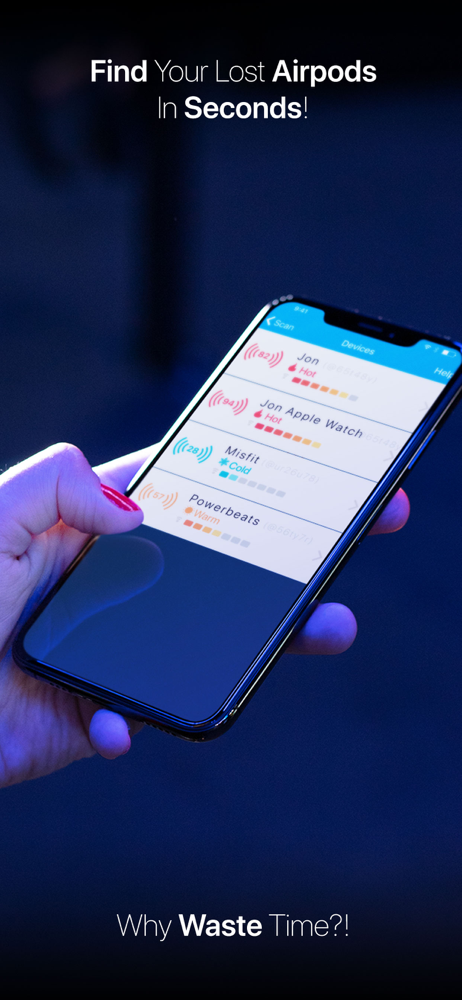
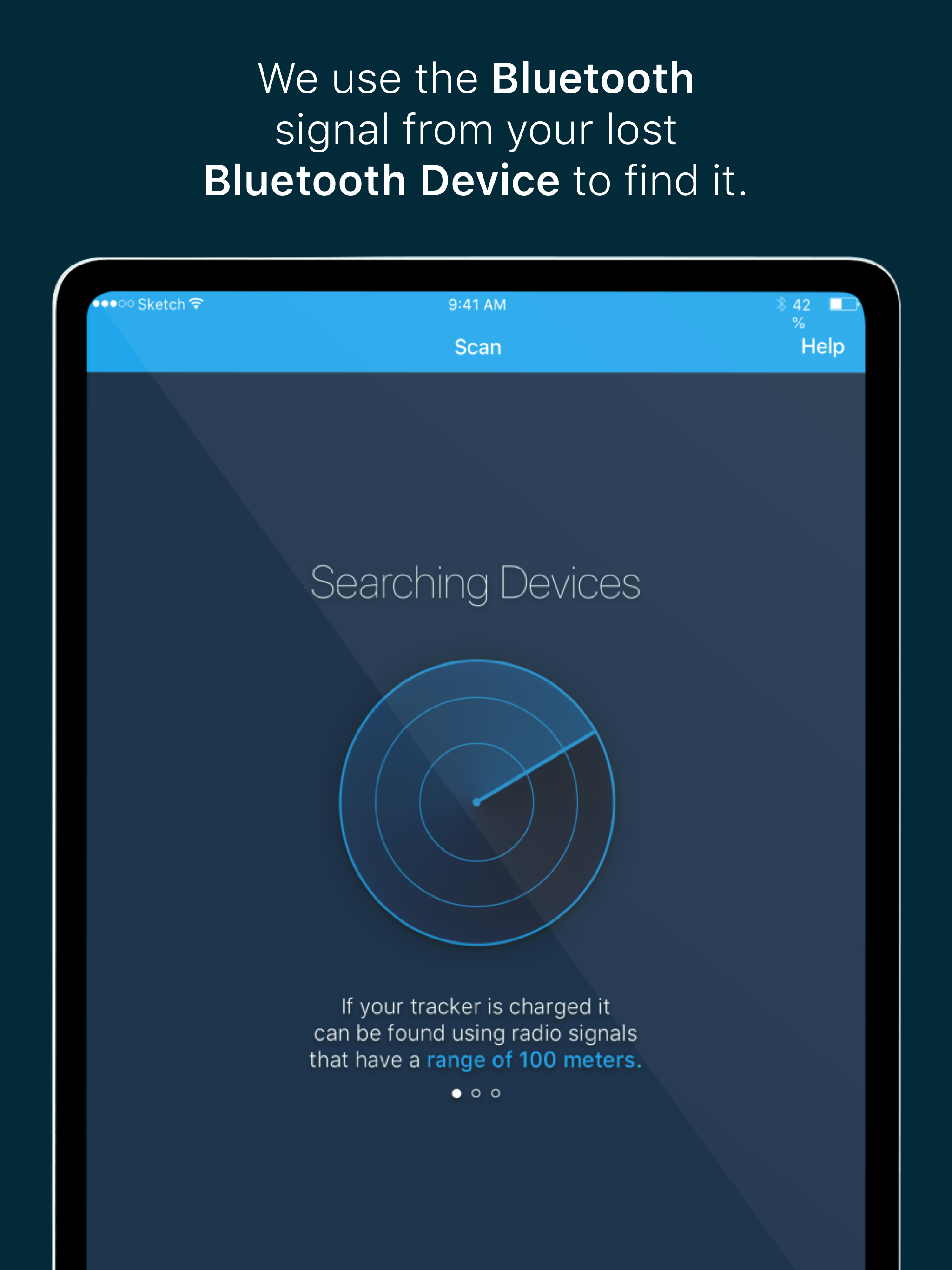
Find your Lost AirPods, Earbuds, Headphones, Fitbit, Fitness Tracker, and many more! AnyFind is certified to work with the following bluetooth device...
| Name | Price | Type |
|---|---|---|
| All Access (Weekly) | $0.99 | Weekly |
| All Access (Monthly) | $2.99 | Monthly |
| All Access | $5.99 | One-time |
| All Access (Weekly) | $5.99 | Weekly |
| All Access (Monthly) | $9.99 | Monthly |
| All Access | $29.99 | One-time |