
Check the acquisition promise
Read the store headline, screenshots and description. What problem is the app promising to solve?
Study the storefront ↗
VocalEyes AI · iOS
Explore the ad evidence, study the storefront, and build your next acquisition hypothesis.
01 / Creative research
Read the store headline, screenshots and description. What problem is the app promising to solve?
Study the storefront ↗Explore apps with direct store-link matches. Compare their hooks and formats without assuming the same approach works here.
Browse observed advertisers ↗Store rankings and revenue estimates describe market context. They do not establish ad spend, conversions or ROAS.
Review the market context ↗02 / Storefront & product
Study the product story and store experience behind the acquisition funnel.



03 / Market context
Keep revenue, downloads and store rankings separate from advertising performance.
This app has a problem with frequent crashes. If there’s something that it simply cannot process, it crashes, rather than just giving a simple error. Also, taking a picture doesn’t help when it doesn’t tell you whether what you’re trying to read is in focus. The text reading is more likely to help those who can see, but have a little bit more trouble than it is to help those who are completely blind, because you can’t lineup the shot beforehand. Other apps give you the option to line up and tell you where you need to move your phone before actually taking the picture. This one does not do that. Unlike other apps, it would be nice to be able to keep a photo that you’ve taken, especially if it turns out to be a really good one. This one also doesn’t do that. Microsoft might be able to help you with that. Perhaps working together might help both apps become something even better.
This blew me away at the accuracy of the first 20 clicks. However, there doesn’t appear to be a way to access any menus, it can ONLY click and report. Is this an issue just with my version? Running on iPhone X iOS 11.3
Fortunately, I’m not visually impaired. But VocalEyes is incredibly useful and valuable to me. I use it almost everyday whenever I see something I don’t know the name of. Just snap a pic, and you immediately what it is! It’s like google, but for stuff and things around you! Absolutely love the app!
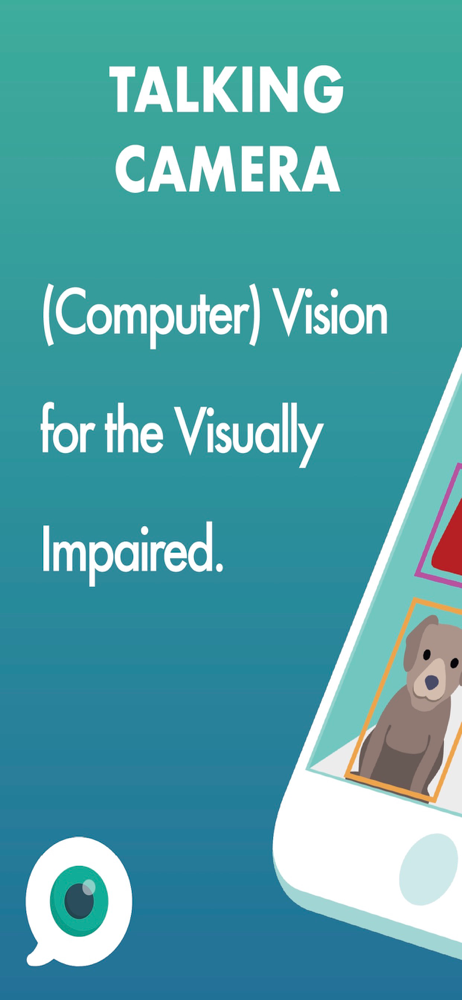
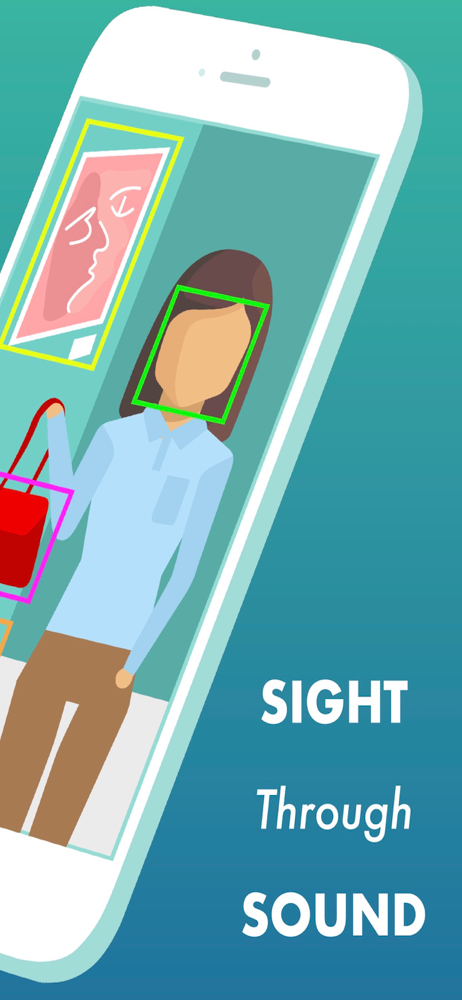
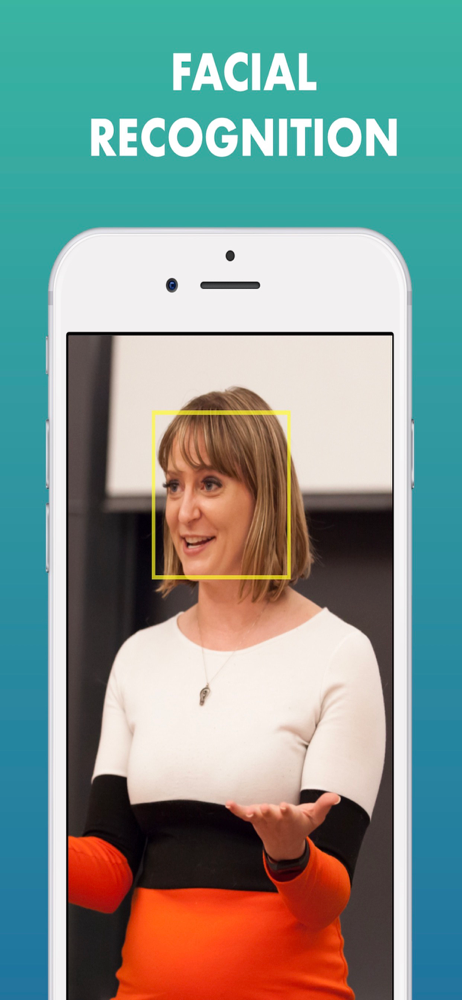
VocalEyes uses artificial intelligence to make the world more accessible for blind/low-vision individuals. You can use proprietary computer vision a...


