Check the acquisition promise
Read the store headline, screenshots and description. What problem is the app promising to solve?
Study the storefront ↗
Elena Drozhzhina · iOS
Explore the ad evidence, study the storefront, and build your next acquisition hypothesis.
01 / Creative research
Read the store headline, screenshots and description. What problem is the app promising to solve?
Study the storefront ↗Explore apps with direct store-link matches. Compare their hooks and formats without assuming the same approach works here.
Browse observed advertisers ↗Store rankings and revenue estimates describe market context. They do not establish ad spend, conversions or ROAS.
Review the market context ↗02 / Storefront & product
Study the product story and store experience behind the acquisition funnel.


03 / Market context
Keep revenue, downloads and store rankings separate from advertising performance.
Thus app is really useful for me in my MacBook but it can’t get my iPhone, iPad and MacBook to connect through the app. This is a big problem for me please help. However, I will give four stars for it.
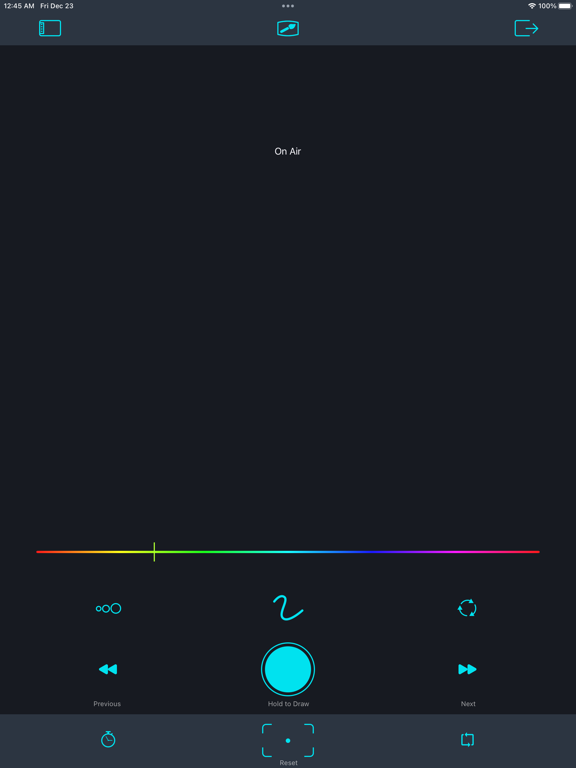
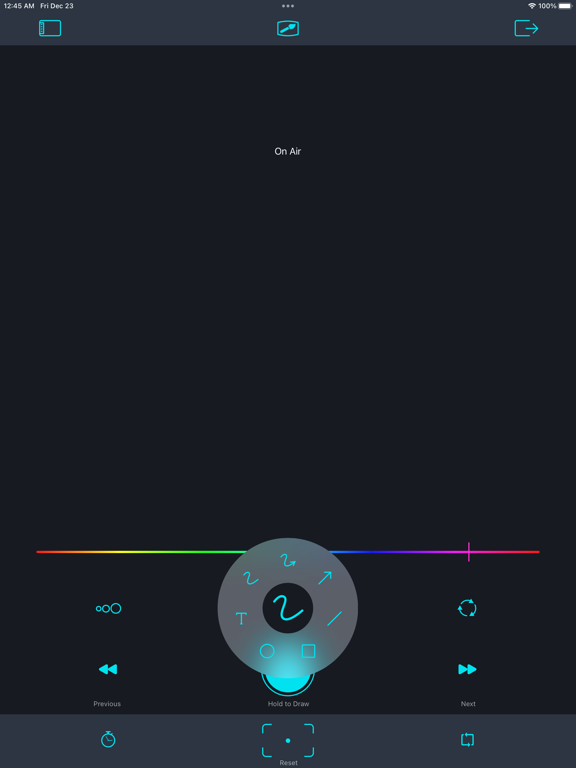
The app connects, it can turn the delay on and off, but it can’t actually be used to draw. There is a “hold to draw” button that doesn’t do anything. There is no button to hide all the controls on the device to just give you a full screen “touch pad” type experience. Also there is no iPad optimized version - despite an iPad being a more appropriate screen size for drawing.
Let me drop an honest opinion because I’m a big desktop app user so I was excited to check this iOS one. I would say, yeah, i might use the pointer for my presentation but try to drawing using motion sensor is not what this app supposed to do for iPad. I think most of people are expecting using Apple Pencil to draw something and reflect accurate rendering on MacBook screen. Nobody does physical presentation nowadays, and no need for pointers if you can reach mouse, correct? Again, when I can not draw by my mouse, I need to draw using Apple Pencil. Let’s say if you are math teacher, and in order to write additional equation in white space on your slideshow, you want to use Pencil, not mouse. Please create straight forward Apple Pencil to draw and reflect on Mac.
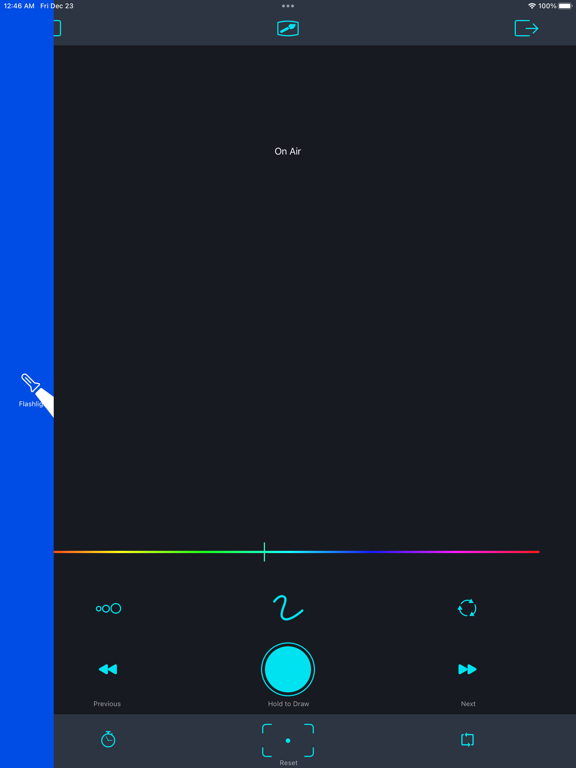
ScreenBrush Remote as a laser pointer for presentations to concentrate attention on significant points. Use your iPhone to connect to ScreenBrush on y...