Check the acquisition promise
Read the store headline, screenshots and description. What problem is the app promising to solve?
Study the storefront ↗
Miguel Vanhove · iOS
Explore the ad evidence, study the storefront, and build your next acquisition hypothesis.
01 / Creative research
Read the store headline, screenshots and description. What problem is the app promising to solve?
Study the storefront ↗Explore apps with direct store-link matches. Compare their hooks and formats without assuming the same approach works here.
Browse observed advertisers ↗Store rankings and revenue estimates describe market context. They do not establish ad spend, conversions or ROAS.
Review the market context ↗02 / Storefront & product
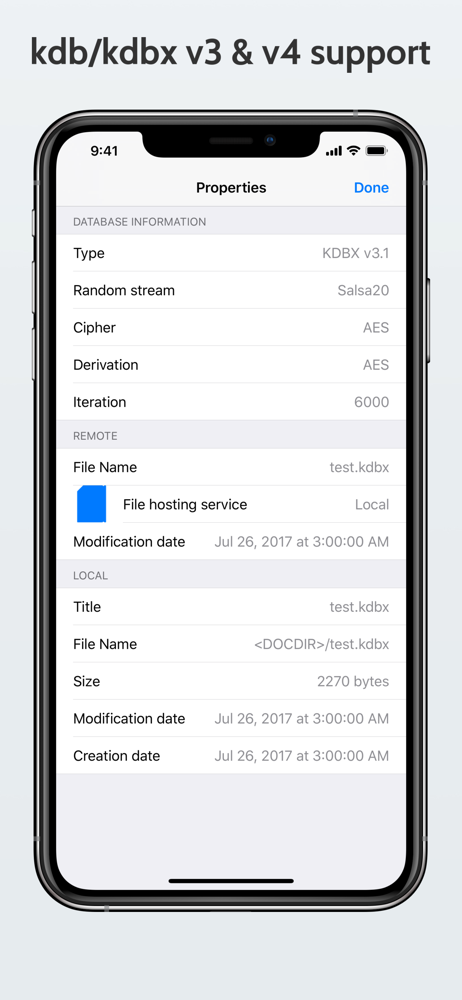
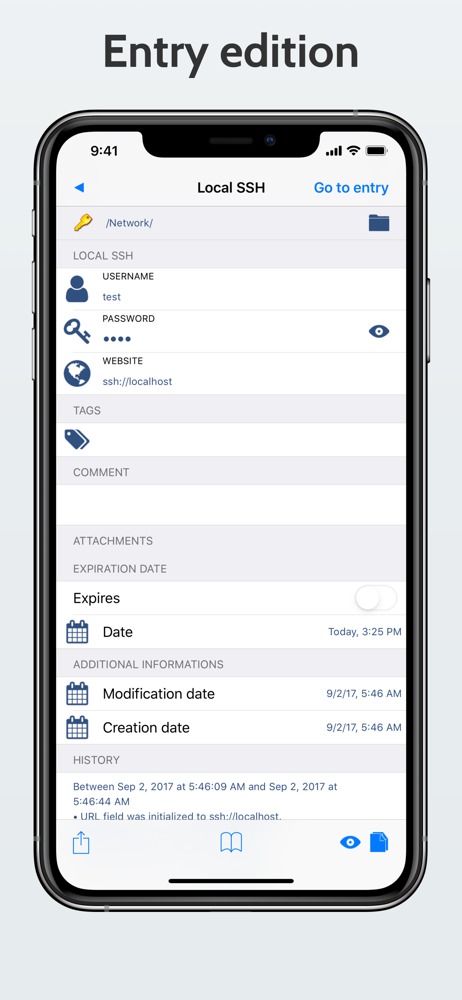
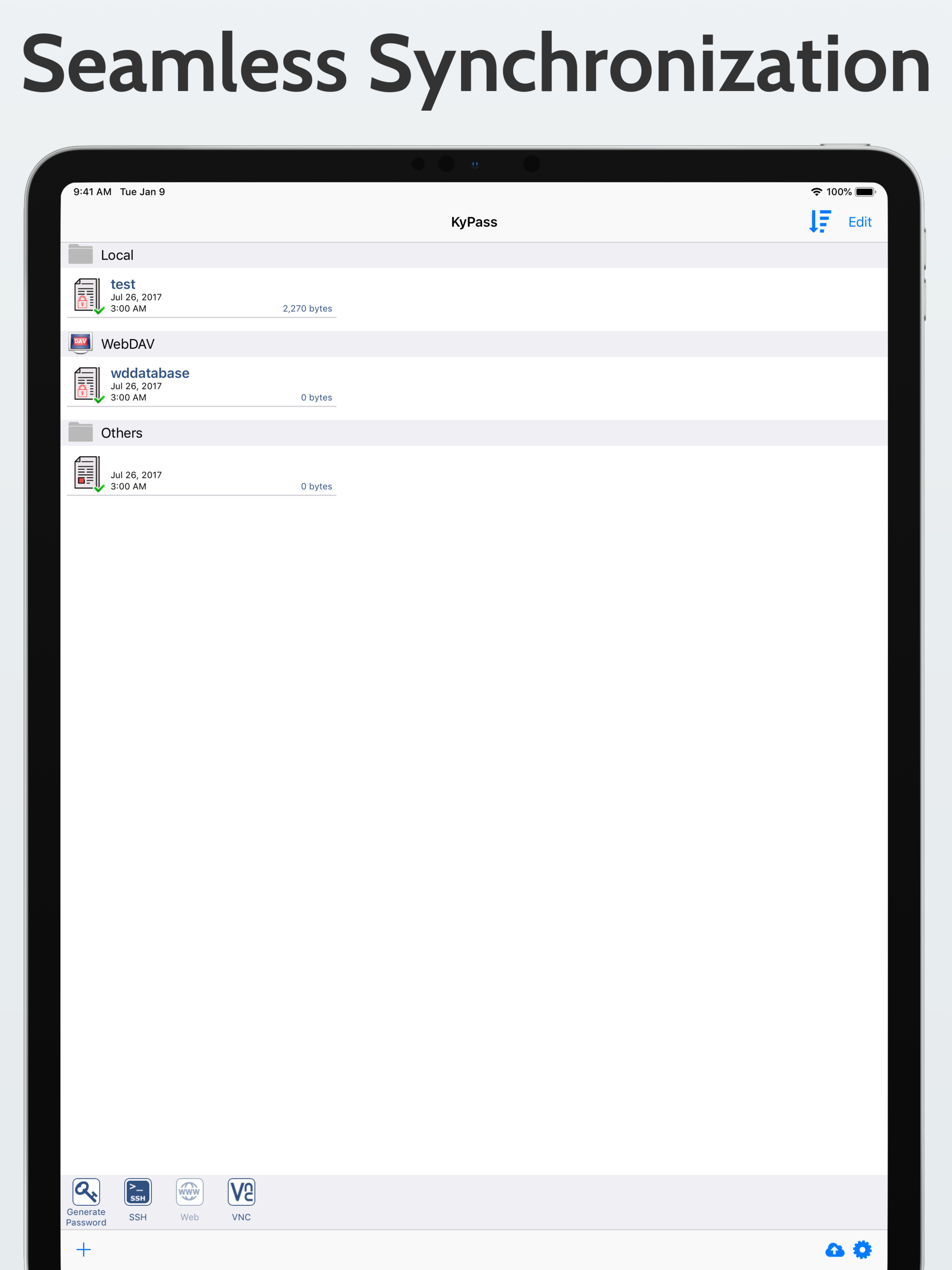
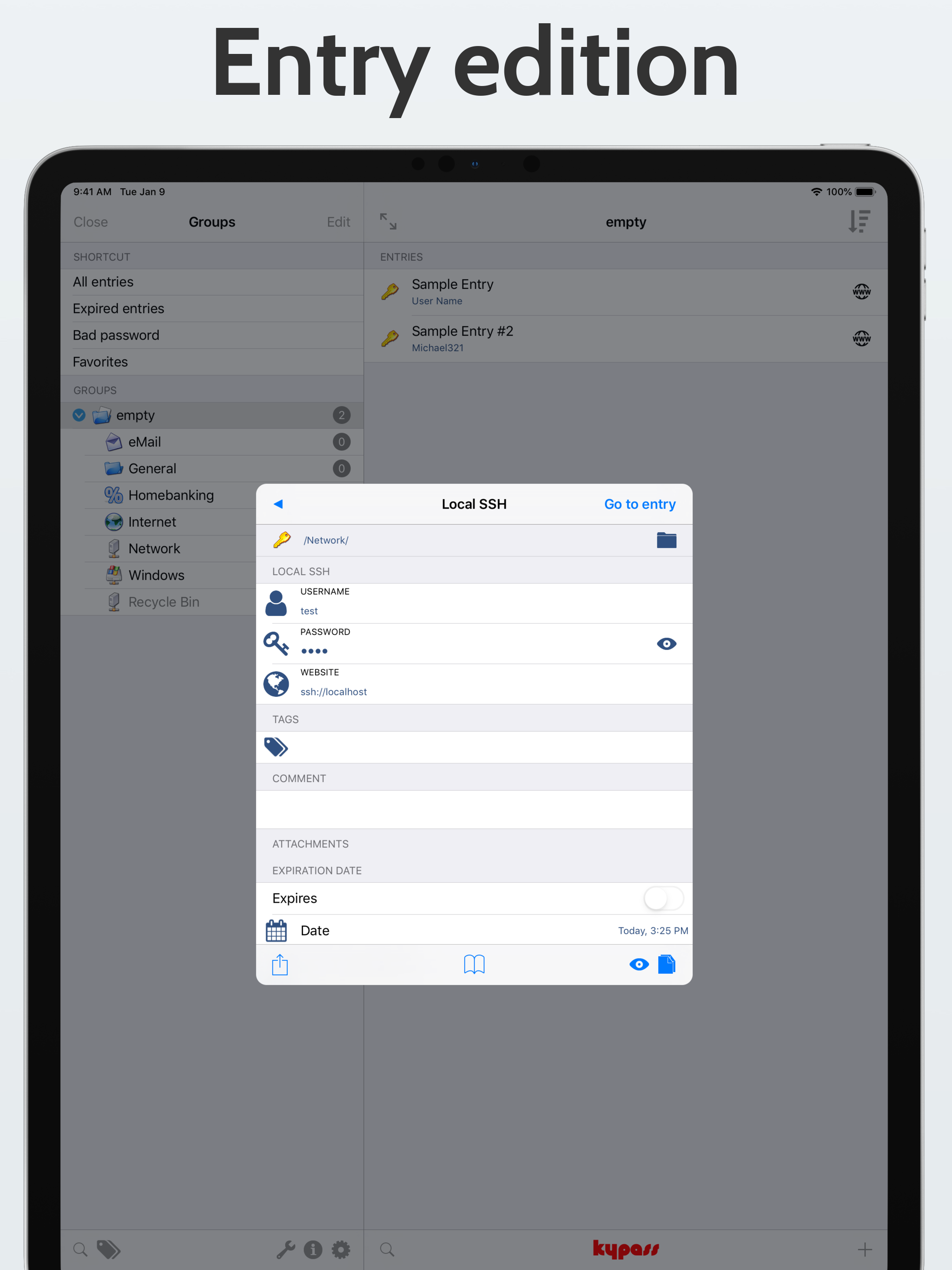
Study the product story and store experience behind the acquisition funnel.




03 / Market context
Keep revenue, downloads and store rankings separate from advertising performance.
I have been using KeePass software for years on many platforms and was looking for an integrated program for my new iPhone. After trying several, I pulled the trigger on KyPass because of the integration into iOS as well as using and syncing cloud storage. It is really easy to set it up to read different cloud drives/programs and I am using Google Drive. It reads and integrates well into Safari as well as apps. So far I have not had any problems except for changing my Apple ID password (you have to copy and paste in the “re-type...” box). It also lets you use touch/FaceID or pin to keep you from retyping your password (if you want that). Great integration! My only critique on an great product is password generation during real time use. They just need to add an add/new entry feature. If you want to create a new entry, you have to exit the app/Safari, create it in KyPass and then go back to the app/Safari to select it. It is not a problem for me, but that is the only thing I can critique. I highly recommend this product. Best for iOS by far!
This app turned out to be completely worth the money. I wanted to be able to use keepass and have AutoFill. This provided the solution. On top of the fact I didn’t want to pay for a subscription call me old school, but I like to just buy software. When new version comes out and I want those features I will buy the new version. I also wanted the ability to sync and I had use Shortcuts to sort of achieve similar effect with other iOS keepass apps. This is seamless though. I would recommend to anyone who doesn’t want to go subscription model and wants to control how there passwords are managed. Then this is the way to go. Only critique I have is the GUI is little dated looking compared to the rest iOS, but that’s minimal concern.
I have read other reviews, and personally rarely write reviews. However, having used 1Password, and tested others, I was seeking a way to painlessly “sync” my keepass data from one device to the next. KyPass has solved the issue of copying the data manually, and has done that part well across what it does support. Yes, the UI coloring is stale - but frankly I would rather a functioning app that’s also dependable and reliable. Yes this version is a fee. But frankly, everyone putting in time needs to supplement their time. Most apps will release incremental updates for free while major is another fee. But if you are paying to have someone else control your data (encrypted or not), then you are already paying more. (Or not factoring in security). KyPass does what it’s supposed to do, what I NEEDED it to do, and I look forward to see how it gets polished.
KyPass is designed for users who demand the highest level of security for their personal data. It is fully compatible with the open-source KeePass Pa...