
Check the acquisition promise
Read the store headline, screenshots and description. What problem is the app promising to solve?
Study the storefront ↗
Vaibhav Narula · iOS
Explore the ad evidence, study the storefront, and build your next acquisition hypothesis.
01 / Creative research
Read the store headline, screenshots and description. What problem is the app promising to solve?
Study the storefront ↗Explore apps with direct store-link matches. Compare their hooks and formats without assuming the same approach works here.
Browse observed advertisers ↗Store rankings and revenue estimates describe market context. They do not establish ad spend, conversions or ROAS.
Review the market context ↗02 / Storefront & product
Study the product story and store experience behind the acquisition funnel.


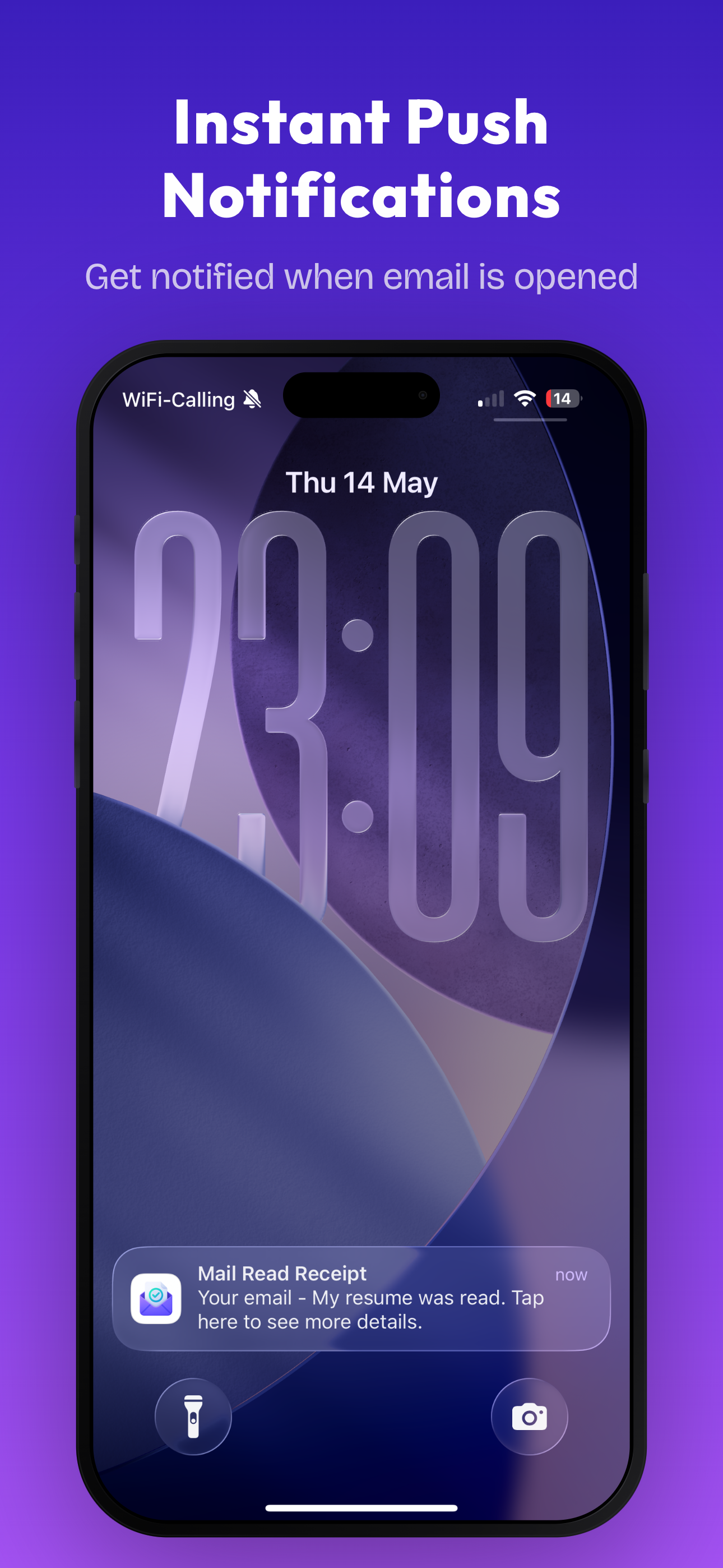


03 / Market context
Keep revenue, downloads and store rankings separate from advertising performance.
Hi, I have this app and I really like it but I have an iPhone 12 pro and sometimes it works the app and sometimes it doesn’t and when it works it works really well but then other times I don’t just sit there and like load and none of my stuff is so up so I’ve emailed you guys, but nobody gets back to me so I don’t really know what to do because I don’t think the bugs have been fixed and I’ve tried everything shutting off my phone reapplying the app blah blah blah so if you get back to me about the bugs with the iPhone 12 pro that would be great. Thanks.
Does it track the sender reading his sent email in the sent box? That would be really dumb! I keep thinking the recipient is reading my emails over and over which would make sense and make me really happy. But I just noticed while rereading the emails in my sent folder the app keeps saying the recipient is reading them at the same time. That would be really bad if it was only tracking me and the recipient hasn't been the one reading them all as many times as I think they have. Please respond and let me know if this is what I’m experiencing.
The app overall has been doing a decent job in what it was made to do in tracking emails. My only concerns is that there was another app called "MailTracker" on previous iOS versions before 10 that was more reliable in its tracking as it would let me know about ALL opened/read activity even in replies that were only sent using the iOS mail app. But somehow, it doesn't seem that all replies on this newer Mail Tracker app (after you send an email using it) are being listed in the tracking list when they're read by the recipient. So basically, if I want to make sure all replies read by the recipient are showing up on the tracking activity list, I would have to send all correspondence through this app itself every time. But this would be a hassle to always do because of copying and pasting the entire message conversation/content instead of just replying thru the built-in iOS mail app with ease.
Mail Tracer is an email tracking app for iOS Mail App that lets you know if the emails you’ve sent have been read or not. ****GET TO KNOW IF PEOPLE A...
| Name | Price | Type |
|---|---|---|
| Pro - Weekly | $1.99 | Weekly |
| Pro - Monthly | $3.99 | Monthly |
| Pro Plan - Monthly | $6.99 | Monthly |
| Pro Plan - Yearly | $14.99 | Yearly |
| Pro Plan - Yearly | $19.99 | Yearly |
| Pro Plan - Yearly | $24.99 | Yearly |
| Pro Plan - Yearly | $29.99 | Yearly |
| Pro Version - Lifetime | $29.99 | One-time |
| Pro Plan - Yearly | $39.99 | Yearly |


