Check the acquisition promise
Read the store headline, screenshots and description. What problem is the app promising to solve?
Study the storefront ↗
Trimble Inc. · iOS
Explore the ad evidence, study the storefront, and build your next acquisition hypothesis.
01 / Creative research
Read the store headline, screenshots and description. What problem is the app promising to solve?
Study the storefront ↗Explore apps with direct store-link matches. Compare their hooks and formats without assuming the same approach works here.
Browse observed advertisers ↗Store rankings and revenue estimates describe market context. They do not establish ad spend, conversions or ROAS.
Review the market context ↗02 / Storefront & product
Study the product story and store experience behind the acquisition funnel.



03 / Market context
Keep revenue, downloads and store rankings separate from advertising performance.
New update has a myriad of issues including losses of input data when viewing in 3d. Continuous crashing and data lost on export. Unusable at this point.
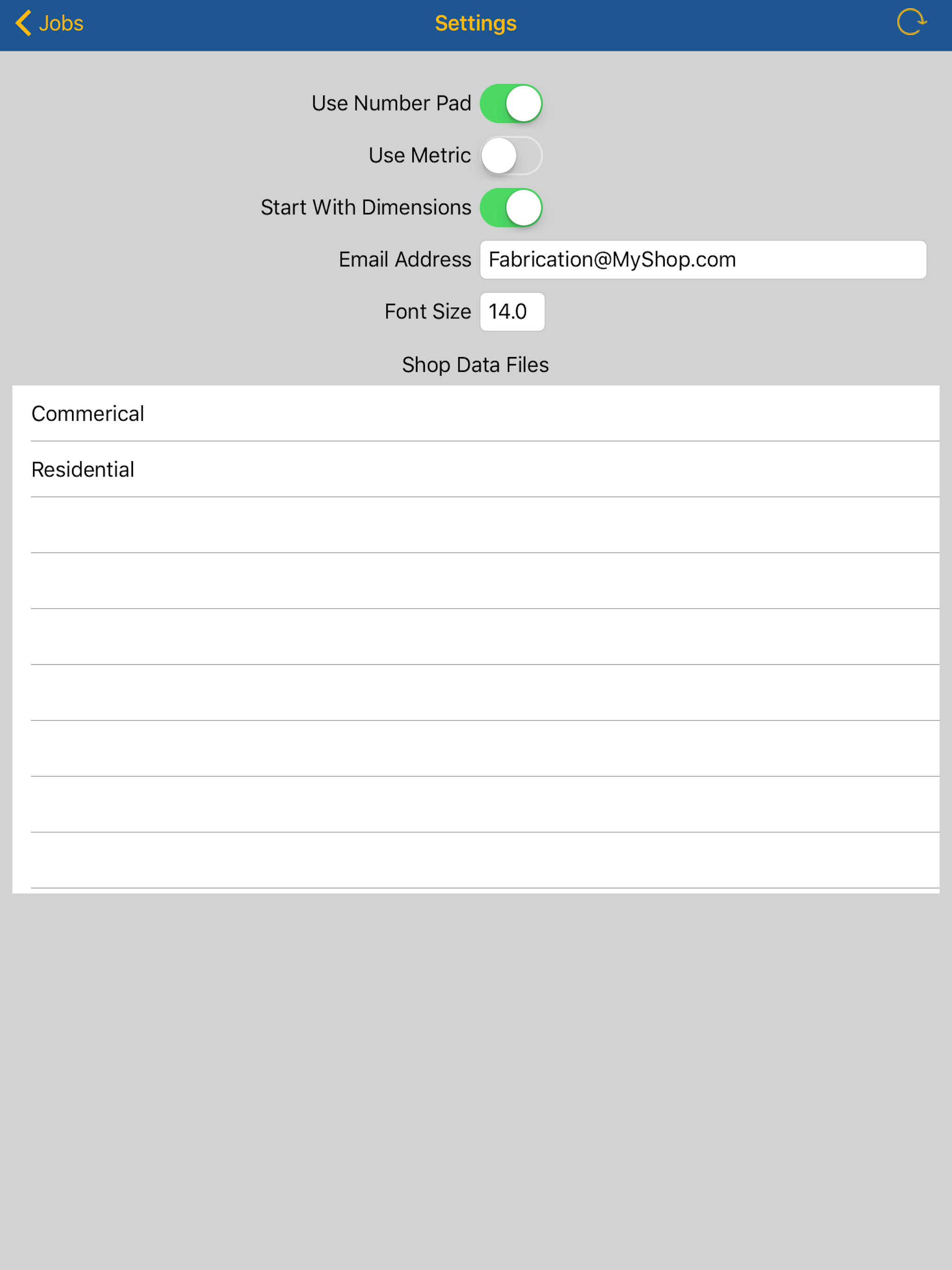
I’ve followed the mobile setup instructions completely and throughly and been on the phone with support to no avail. When I refresh my config files in the app, nothing new shows up. Everything on the desktop’s end is correct as far as selected materials and fittings, then promptly exported. The ability to use this app is partially why we went with Trimble over other competitors.
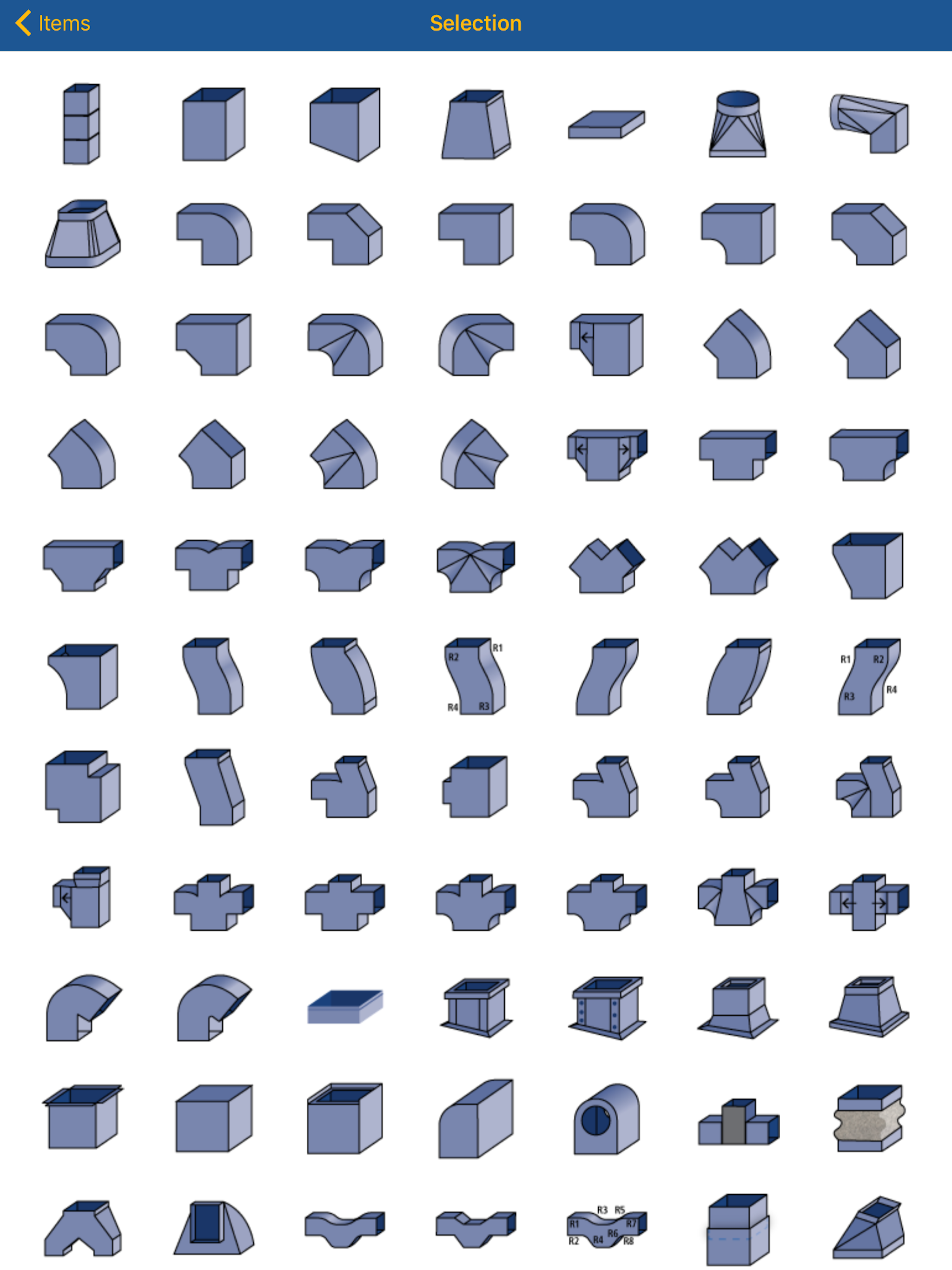
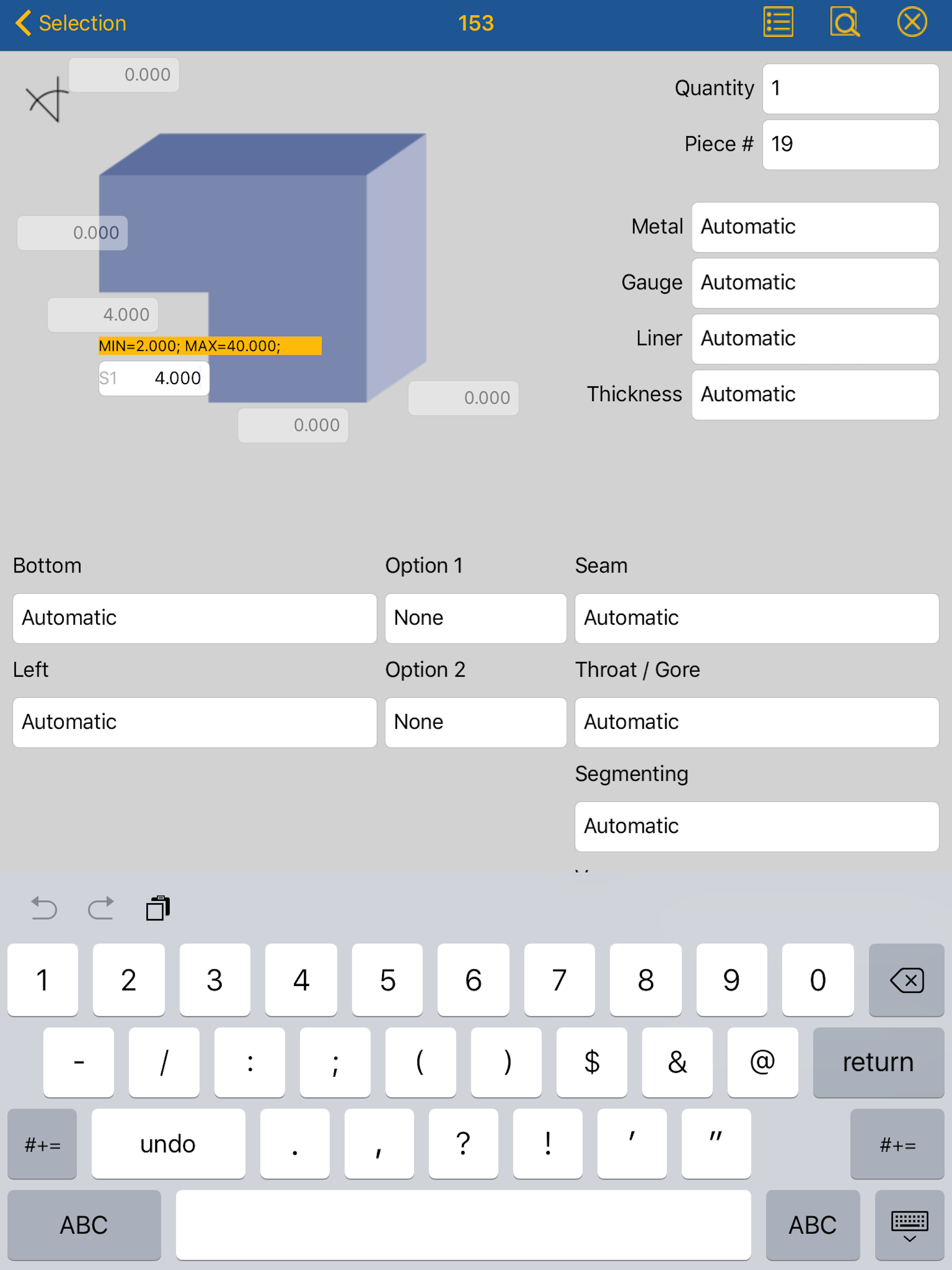
Trimble FabShop Mobile Pro extends the power of your Trimble FabShop CAM software to your favorite tablet. With the same comprehensive HVAC duct fitti...