Check the acquisition promise
Read the store headline, screenshots and description. What problem is the app promising to solve?
Study the storefront ↗
Christoph Gogolin · iOS
Explore the ad evidence, study the storefront, and build your next acquisition hypothesis.
01 / Creative research
Read the store headline, screenshots and description. What problem is the app promising to solve?
Study the storefront ↗Explore apps with direct store-link matches. Compare their hooks and formats without assuming the same approach works here.
Browse observed advertisers ↗Store rankings and revenue estimates describe market context. They do not establish ad spend, conversions or ROAS.
Review the market context ↗02 / Storefront & product
Study the product story and store experience behind the acquisition funnel.




03 / Market context
Keep revenue, downloads and store rankings separate from advertising performance.
This editor works fantastic with cloud services like Dropbox and Google Drive. I haven’t found a markdown editor with that functionality elsewhere. CAUTION: Be wary of saving your files in GTW if you haven’t synced them with any new changes to the Google Drive file, e.g., if you updated them on another device. GTW silently saves the file and overwrites non-synced changes. I almost lost hours of writing before I caught this and found a file backup.
So many years, lost in the file sync wilderness of iOS. So many Markdown editors, assuming the only cloud storage systems worth supporting are iCloud and Dropbox. So much frustration, trying in vain to make OneDrive work with apps like iA Writer and Pretext via the Files app. So many documents inexplicably duplicated. So much progress lost when Files fails to sync at all. At last, I have stumbled upon GTW, and it just works. My OneDrive folder is synced, my markdown files in tow, my edits instantly reflected across iPhone, iPad, and PC. I am a simple man. I do not want for fancy things like direct Wordpress publishing, writing goals, or exhaustive outlines. All I ask is that when I write in Markdown on one device, that writing is available on my other devices. And to my astonishment, GTW delivers. It makes my sole nitpicks with this app—no apparent way to sort a folder by date modified, uninspiring fonts—seem incredibly minor.
The whole editor is great and support sFTP which is exactly what I want, but there is one annoying bug: When I'm using an external keyboard with an input method (Like Chinese Input Method) with floating word-selecting box, the box's position is just not correct. It sticks to top of the view. I'm having the same problem with GoCoEdit too. Please fix it or I have to abandon this app.
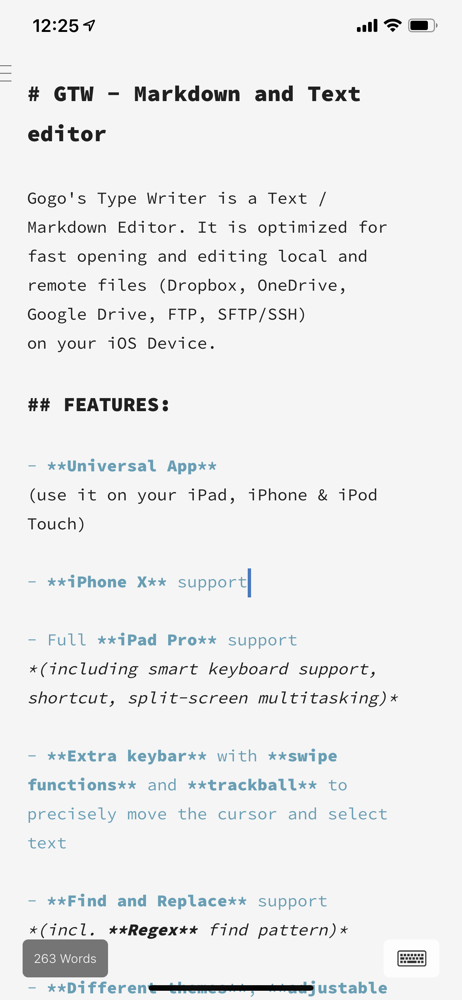
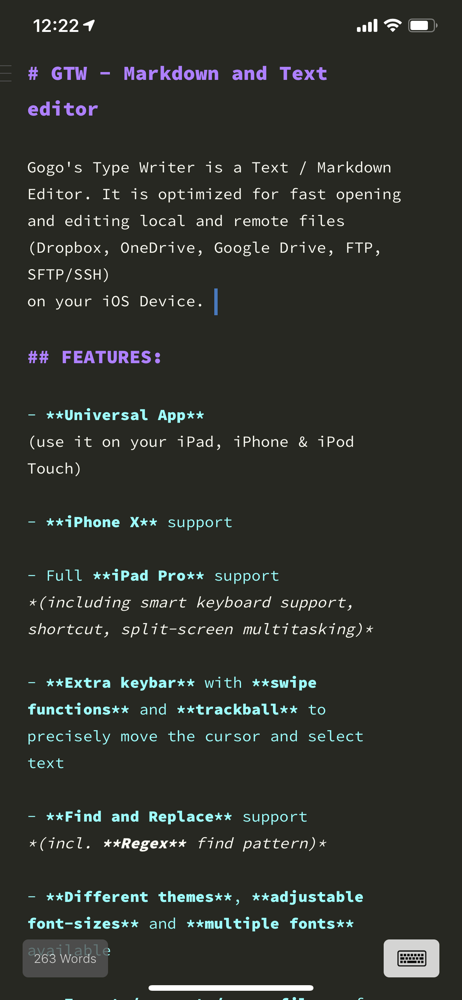
Gogo's Type Writer is a plain Text and Markdown Editor. It is optimized for fast opening and editing local and remote files (Dropbox, OneDrive, FTP, S...