Check the acquisition promise
Read the store headline, screenshots and description. What problem is the app promising to solve?
Study the storefront ↗
Howlin Interactive, Inc. · iOS
Explore the ad evidence, study the storefront, and build your next acquisition hypothesis.
01 / Creative research
Read the store headline, screenshots and description. What problem is the app promising to solve?
Study the storefront ↗Explore apps with direct store-link matches. Compare their hooks and formats without assuming the same approach works here.
Browse observed advertisers ↗Store rankings and revenue estimates describe market context. They do not establish ad spend, conversions or ROAS.
Review the market context ↗02 / Storefront & product
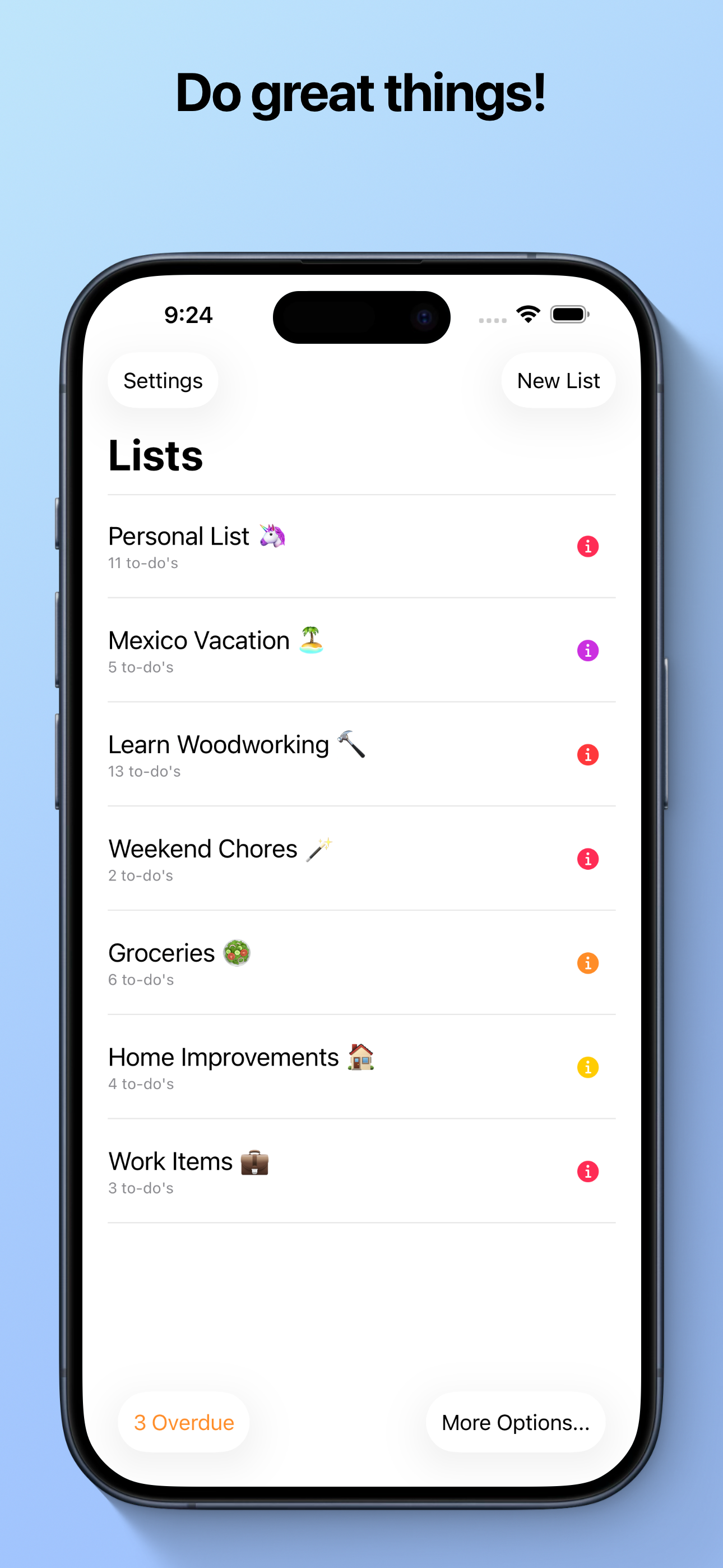
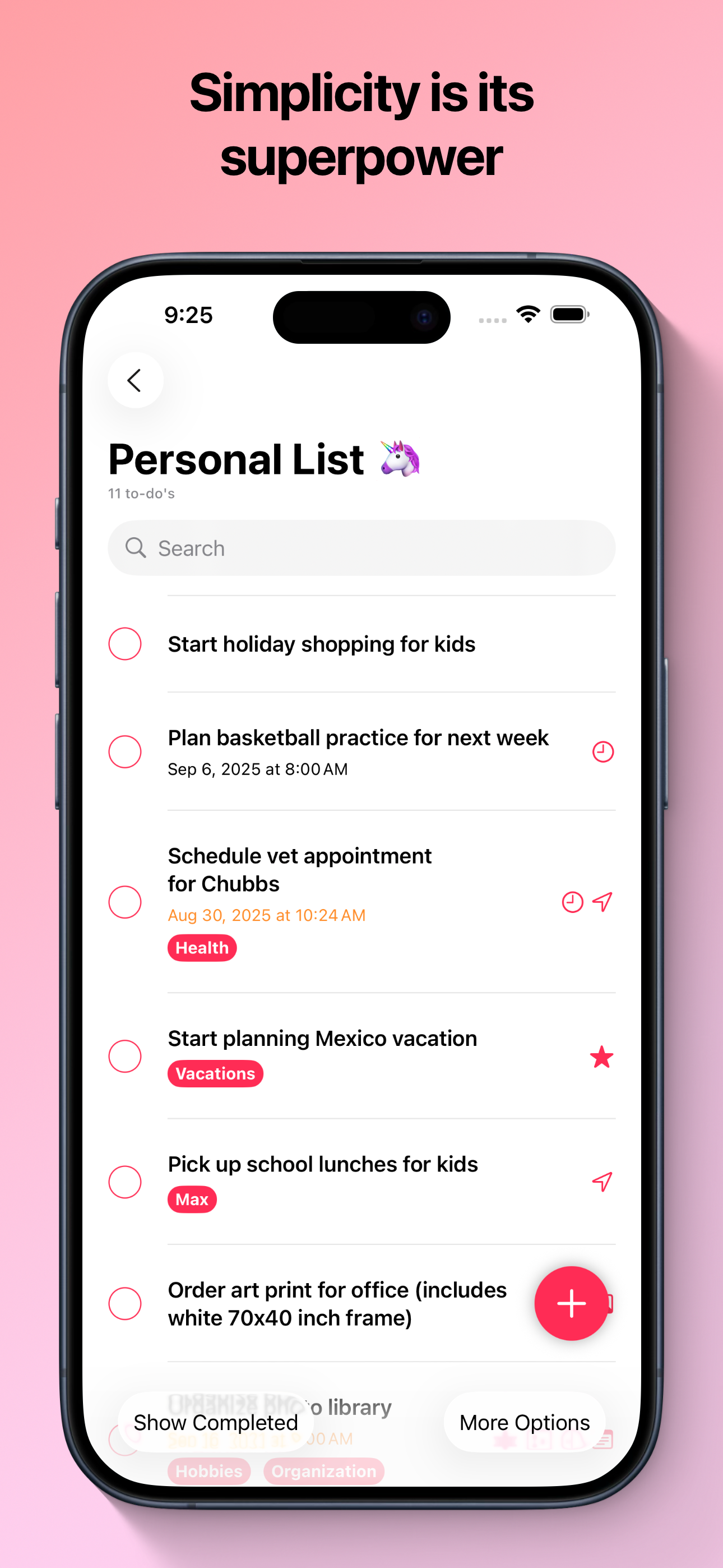
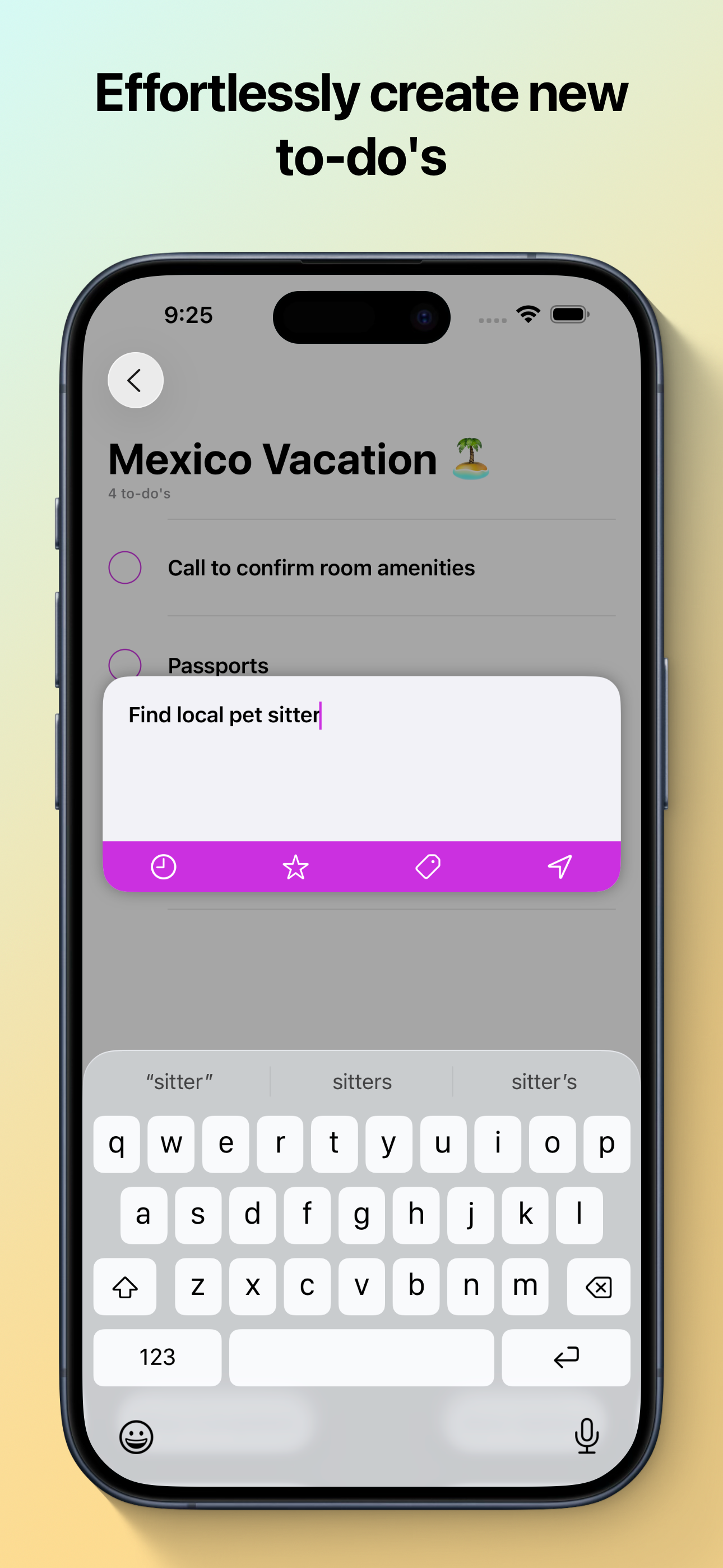
Study the product story and store experience behind the acquisition funnel.


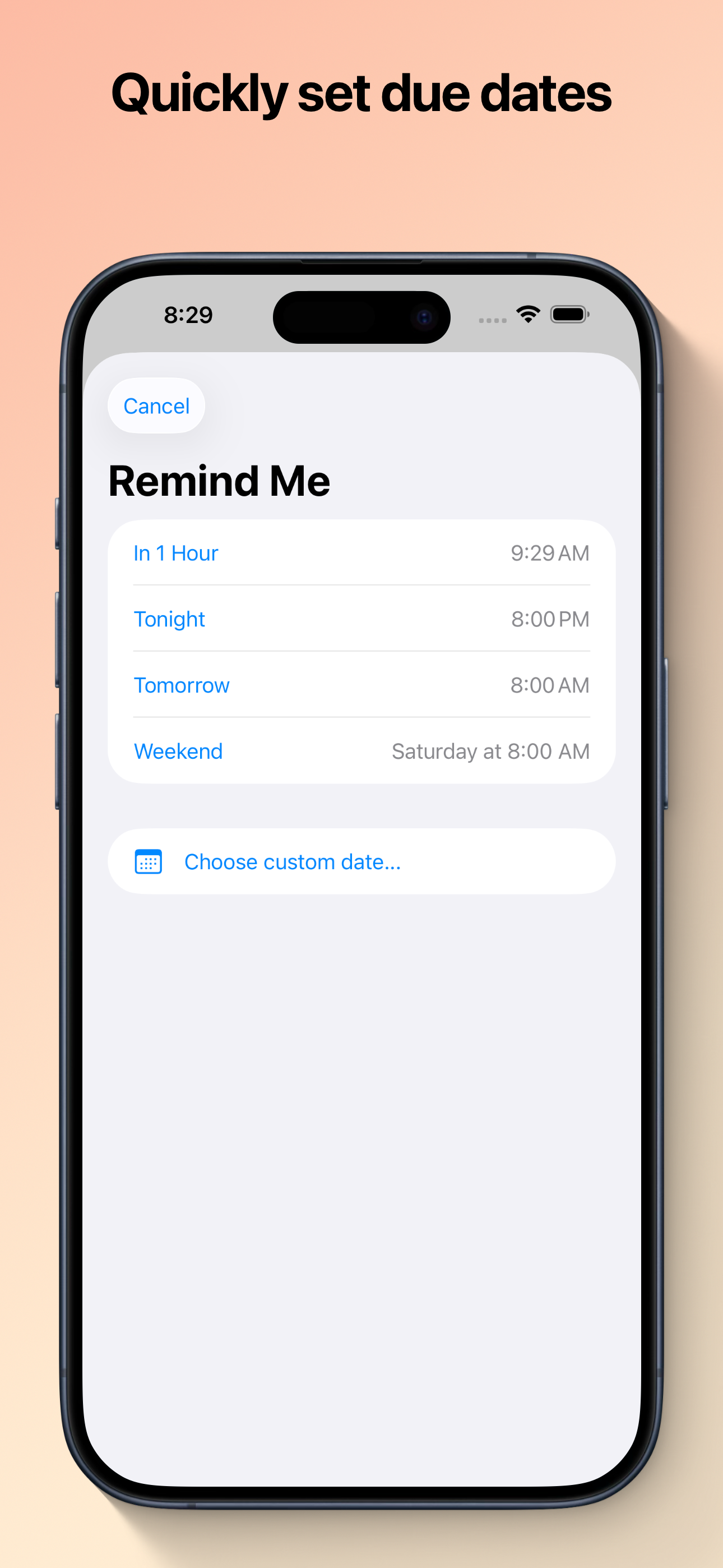
03 / Market context
Keep revenue, downloads and store rankings separate from advertising performance.
And with no ads. Be happy to pay for this to support the development, but for now I’ll leave a nice review. It’s amazing how many apps that charge top dollar can’t even do things as well as Super Todo. ### Has the basics and then some * Easy to use * Clean interface * Supports all apple platforms, including Watch * Colored lists * Drag and drop to rearrange tasks * Notes field * Tags * Starred items * Optional location can be associated with any list item * Quick add task from App icon * URL attachments * Image attachments * Visible creation date for tasks (a rarity in todo list apps * And more … ### Things I’d like to see * Trash can for tasks. It’s easy to accidentally delete tasks and it would be nice to have a bin to retrieve them as needed * One tap to check off an item on the Watch app * Be able to view tags with associated tasks on Watch app * Pricing field for shopping lists — with totaling for list — all items, purchased (checked) and not purchased (unchecked). This could be a neat add-on, possibly. Thanks for the opportunity to share my feedback.
Got this on the giveaway (thanks!) and I love the look and ease of the app, and the great integration and syncing across platforms. My only wish is for subtasks or for the option to see the notes for each task when looking at a list. I want to be able see the steps needed to accomplish each task. I suppose I could create a brand new list for each task, but that seems a bit ridiculous. Thanks!
I use this app to store ALL my usernames, account numbers and passwords. Don’t fret. I’ve shown/explained it to family/friends and when they see how I use the app they can’t figure it out. With the Apple iWatch & Apple iPad, if your iWatch/iPad/iPhone are connected to a private Wi-Fi network, even if they are miles apart, you have connectivity. (Little known fact right there) Being able to connect & login, remotely, via my iWatch is great! I don’t normally carry my iPhone/iPad and Super ToDo allows me to access information and then cut/paste on the ittybittie iWatch screen. I don’t have to use it but a few times a month. BUT. Having ALL my important information in 1 place? That’s updated & accessible from all my Apple devices? WFM.
Simplicity is its superpower! Supertodos is a powerful way to organize all of the tasks in your life. It features rock-solid syncing with iCloud an...