
Check the acquisition promise
Read the store headline, screenshots and description. What problem is the app promising to solve?
Study the storefront ↗
Visa · iOS
Explore the ad evidence, study the storefront, and build your next acquisition hypothesis.
01 / Creative research
Read the store headline, screenshots and description. What problem is the app promising to solve?
Study the storefront ↗Explore apps with direct store-link matches. Compare their hooks and formats without assuming the same approach works here.
Browse observed advertisers ↗Store rankings and revenue estimates describe market context. They do not establish ad spend, conversions or ROAS.
Review the market context ↗02 / Storefront & product
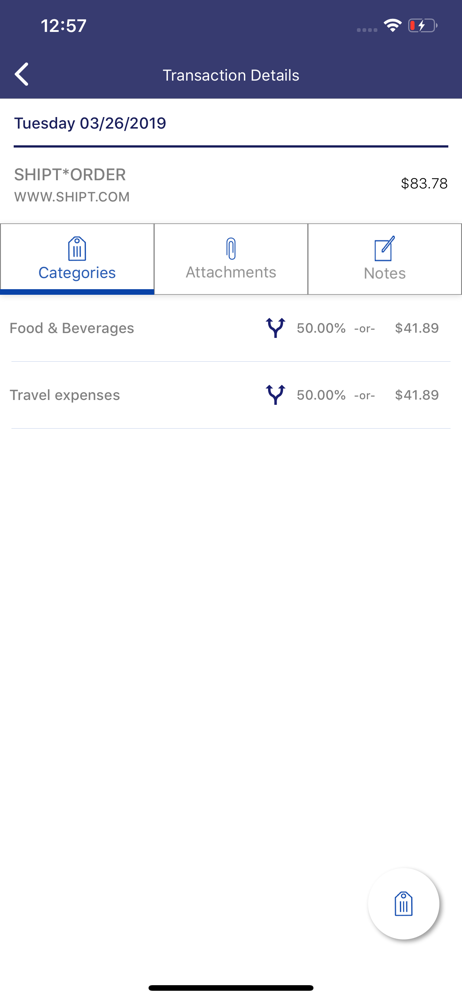
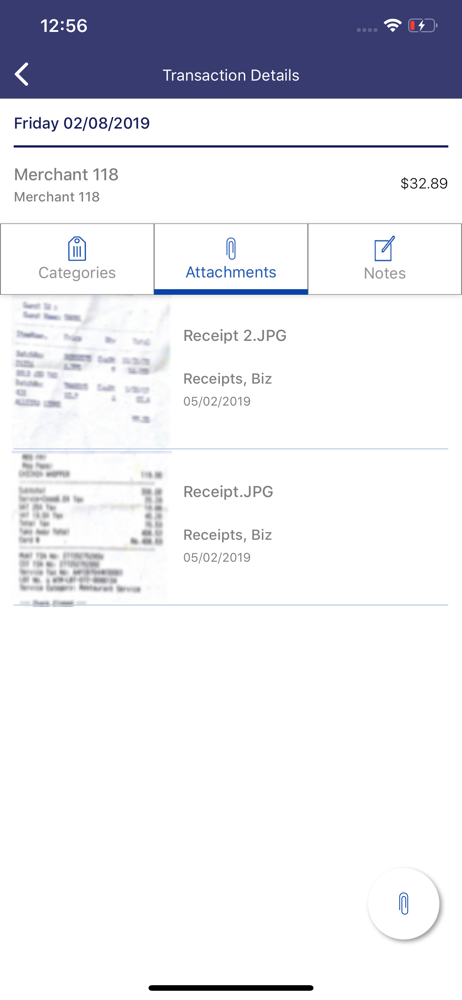
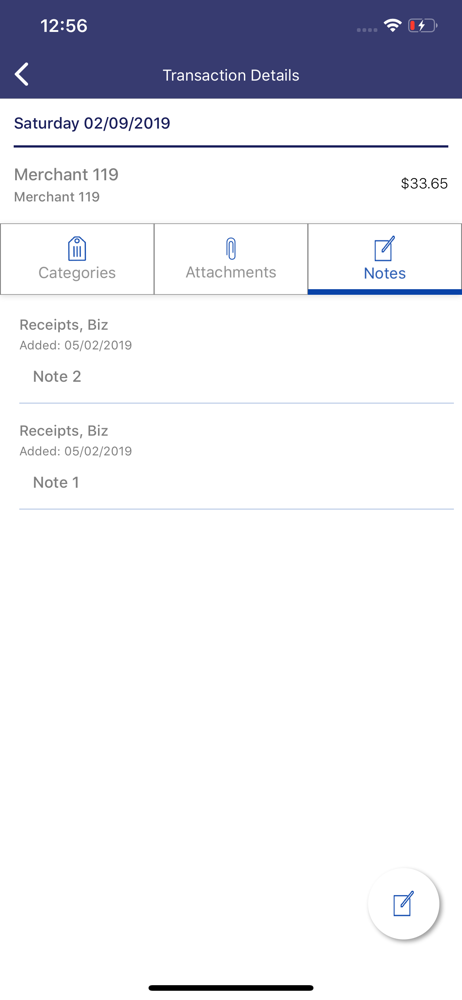
Study the product story and store experience behind the acquisition funnel.




03 / Market context
Keep revenue, downloads and store rankings separate from advertising performance.
This app is getting from ugly to worse
Always broken in some way or another, more or less unusable, best case scenario it’ll direct you to the website, which is difficult to use but slightly functional at least.
Issue #1 I have used several expense tracking apps for credit cards. All of them include the ability to add GL dimensions. This app allows me to use my own GLs, but I cannot add another field for a Department. For example, I would like to code one purchase to the Operations Department and another purchase to the Administration Department. This app doesn’t do it, but all the others do. Issue #2 When adding a new GL (Category), the newly added GL goes to the bottom of the list in the app, but is alphabetized when accessing Visa Clarity via a computer. How hard can it be to alphabetize a list? The whole point is to provide convenience. Now I have to guess where in the list my categories are going to appear. I’m about to throw the whole thing out.
LESS TIME DOING BOOKS. MORE TIME DOING BUSINESS. This free expense management app notifies you of transactions on your Visa Business card in real ti...


