Check the acquisition promise
Read the store headline, screenshots and description. What problem is the app promising to solve?
Study the storefront ↗
CuVee Software · iOS
Explore the ad evidence, study the storefront, and build your next acquisition hypothesis.
01 / Creative research
Read the store headline, screenshots and description. What problem is the app promising to solve?
Study the storefront ↗Explore apps with direct store-link matches. Compare their hooks and formats without assuming the same approach works here.
Browse observed advertisers ↗Store rankings and revenue estimates describe market context. They do not establish ad spend, conversions or ROAS.
Review the market context ↗02 / Storefront & product
Study the product story and store experience behind the acquisition funnel.





03 / Market context
Keep revenue, downloads and store rankings separate from advertising performance.
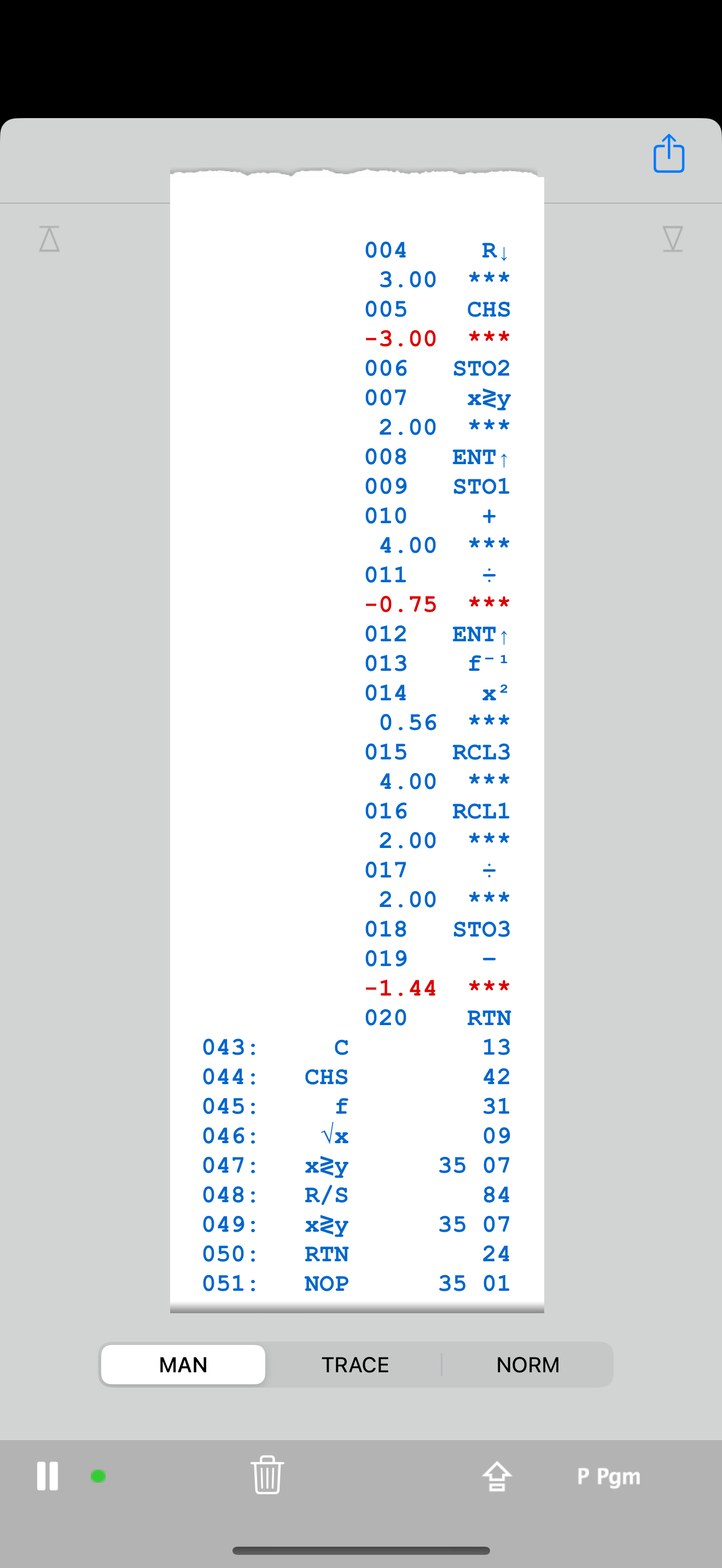
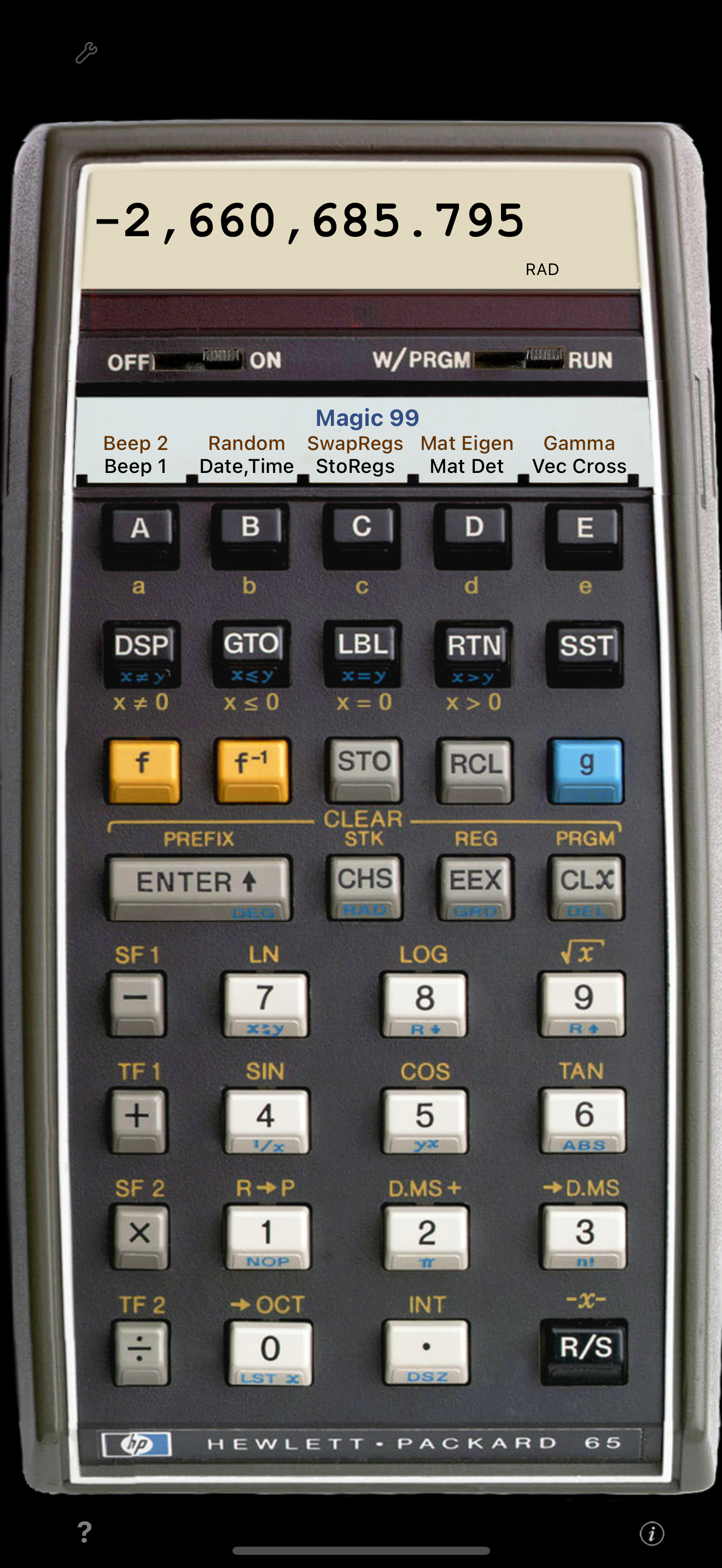
It seems just a few weeks ago I asked for haptic key click and now here it is! This is a nifty reminder of the satisfying “thunk” of the famously high quality keys of these classic physical calculators.
I’ve always been an HP calculator fan. My first calculator was a National Semiconductor RPN scientific. But I couldn’t afford the HP’s when I was in school. Now that I have an iPhone in my pocket every day, I don’t have as much need for a separate physical calculator. I’ve tried an HP-41c emulator that was somewhat disappointing. Andy Ihnatko recommended this one, so I gave it a shot. Graphically perfect. Keys are extremely responsive. The program card animation makes me smile. I somehow hit a button that put me in a weird mode. I couldn’t get out of it, so I emailed the developer. He got back to me within a day and helped me reverse my stupidity. I can’t recommend this one highly enough.
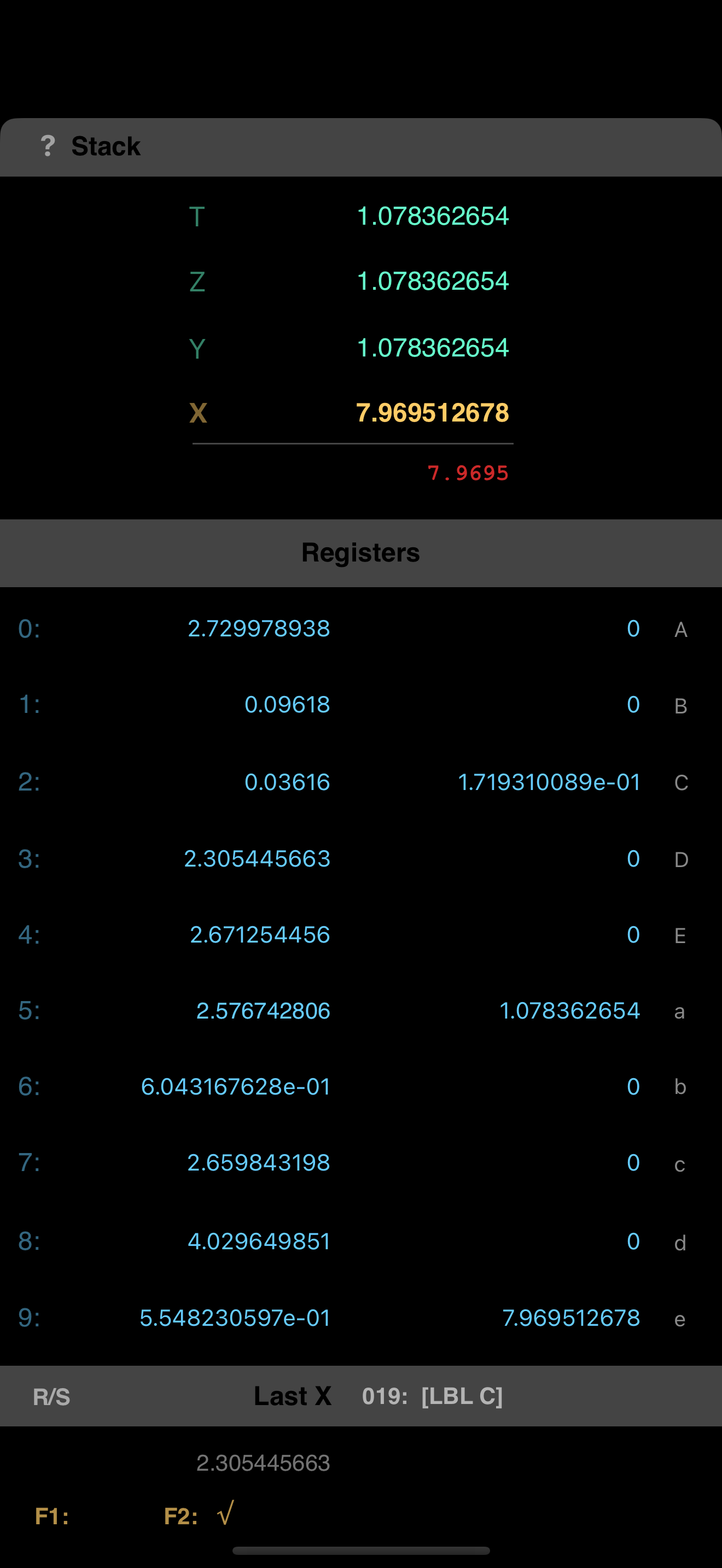
World's first pocket computer! Now running on your iPhone. RPN-65 SD is the iPhone version of RPN-65 Pro, the first complete simulation of Hewlett-Pa...