Check the acquisition promise
Read the store headline, screenshots and description. What problem is the app promising to solve?
Study the storefront ↗
iDaily Corp. · iOS
Explore the ad evidence, study the storefront, and build your next acquisition hypothesis.
01 / Creative research
Read the store headline, screenshots and description. What problem is the app promising to solve?
Study the storefront ↗Explore apps with direct store-link matches. Compare their hooks and formats without assuming the same approach works here.
Browse observed advertisers ↗Store rankings and revenue estimates describe market context. They do not establish ad spend, conversions or ROAS.
Review the market context ↗02 / Storefront & product
Study the product story and store experience behind the acquisition funnel.




03 / Market context
Keep revenue, downloads and store rankings separate from advertising performance.
I wish I’d known about this app long ago! I used Skitch for years, but Skitch had limited features. This app does so many more cool things! All different kinds of arrows, text, shapes, magnifiers, with all kinds of customizable options. You can even save your image in a realistic-looking mock-up of a phone or tablet screen if you want. And it’s free! Please donate to the developer if you can, they deserve it.
Two things I love about this app: 1. It’s fast and full of features, so I can quickly open a photo, add some arrows and labels, and export at a different size or format in minutes. 2. There’s no stupid subscription to deal with. I discovered that if you tap the little Totoro-looking character at the bottom of the interface (with the three dots over its head), you can access a special screen where you can show support by paying a “donation”. I’m not a shill and don’t know the developers, I just genuinely love this app. And I only bring it up because it’s not in the regular settings section, so it’s easy to miss. I personally prefer this sort of approach over forced subscriptions because those who can afford a token payment can participate, while everyone who can’t afford it can still take advantage of an excellent app. Hopefully everyone wins. Anyway, great app! 🙏
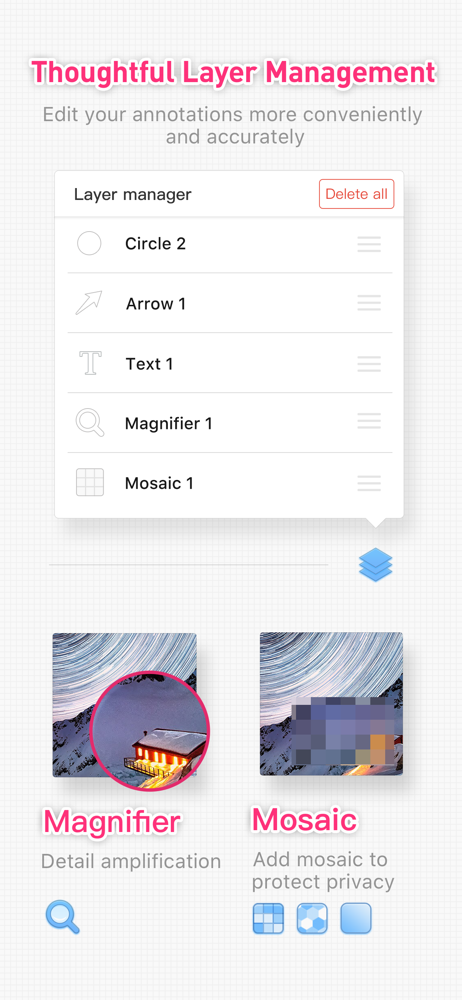
Okay, that headline is a little over the top, but for years, I’ve been searching in vein for a serious, functional image-markup app. I stumbled upon this one by accident. Now I finally have something that does what I need. I primarily use it for annotating screenshots so I can communicate UX/UI issues to iOS software developers. Not only is it easy to add arrows, callouts, etc., but I’m provided with the ability to manage these elements as *layers*, so I can move them in front or behind of each other as I mark things up. I’ve never seen an iOS that does this, but it is important when doing things on a relatively tiny screen. I also love the “frames” that let me surround my screenshots with an image of an iPhone or other mobile device. To someone viewing my output, this immediately communicates that my content came from such a device. The app has other uses too, such as for creating quick collages, e.g., a of a group of photographs arranged in a grid. I do have a few quibbles, but most are probably because the app was developed in China mostly for users in that market. I, on the other hand, am a sheltered American Anglophone. :-)
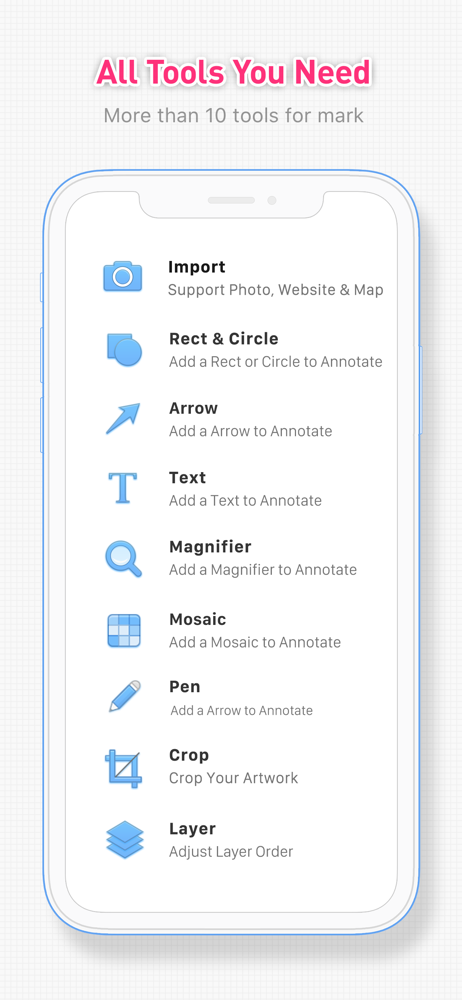
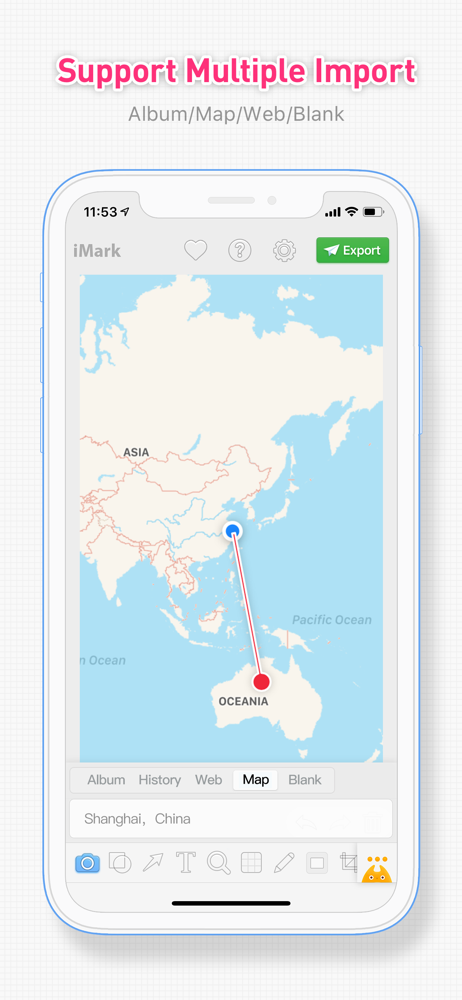
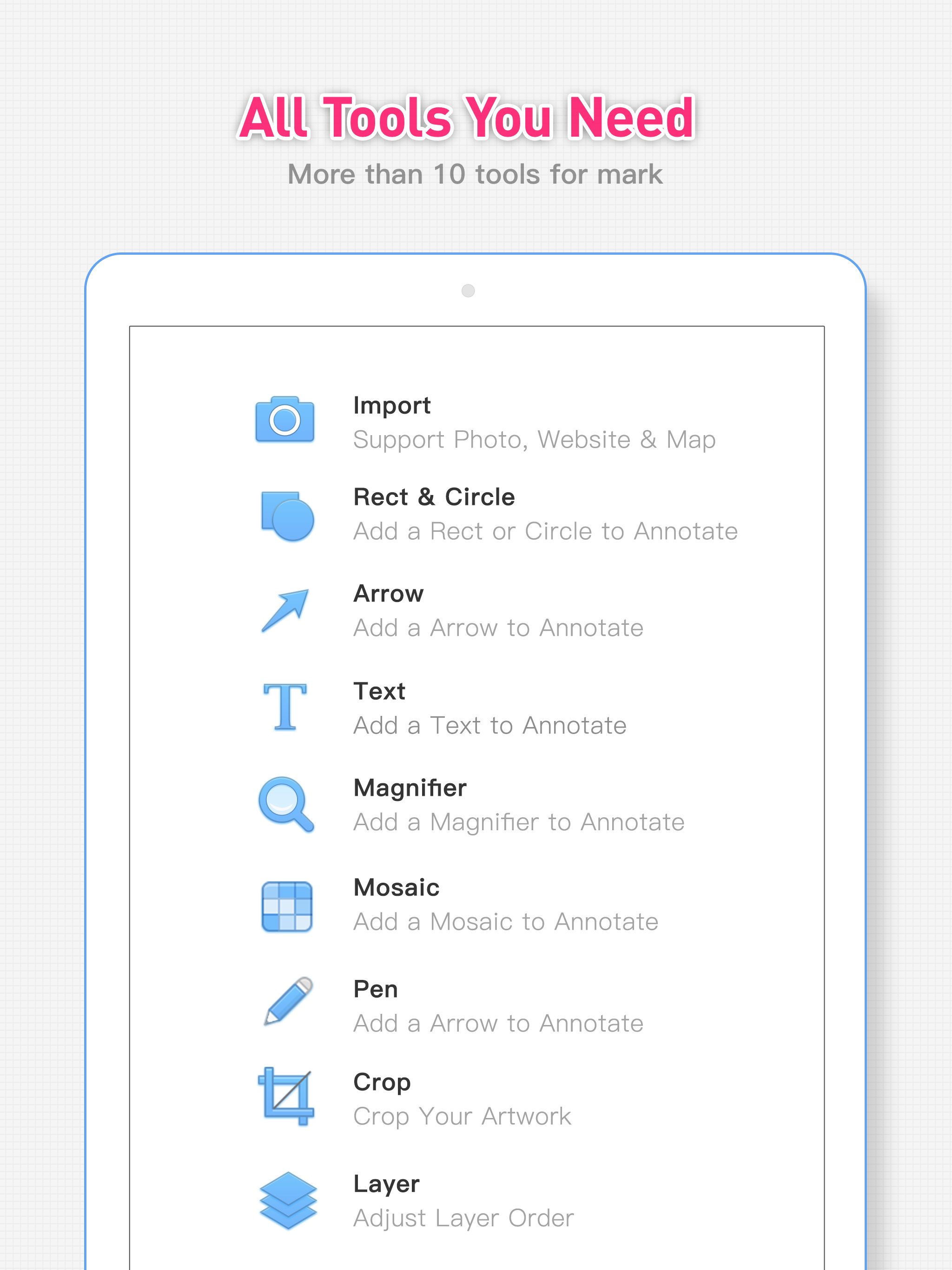
iMark is a simple & powerful image annotation tool. iMark supports various tools & styles. You could import photo from photo library, camera & map....
| Name | Price | Type |
|---|---|---|
| Coffee | $2.99 | One-time |
| Silver Coin | $5.99 | One-time |
| Gold Coin | $14.99 | One-time |
| Coffee for Everyone | $29.99 | One-time |