Check the acquisition promise
Read the store headline, screenshots and description. What problem is the app promising to solve?
Study the storefront ↗
Neil Daly · iOS
Explore the ad evidence, study the storefront, and build your next acquisition hypothesis.
01 / Creative research
Read the store headline, screenshots and description. What problem is the app promising to solve?
Study the storefront ↗Explore apps with direct store-link matches. Compare their hooks and formats without assuming the same approach works here.
Browse observed advertisers ↗Store rankings and revenue estimates describe market context. They do not establish ad spend, conversions or ROAS.
Review the market context ↗02 / Storefront & product
Study the product story and store experience behind the acquisition funnel.



03 / Market context
Keep revenue, downloads and store rankings separate from advertising performance.
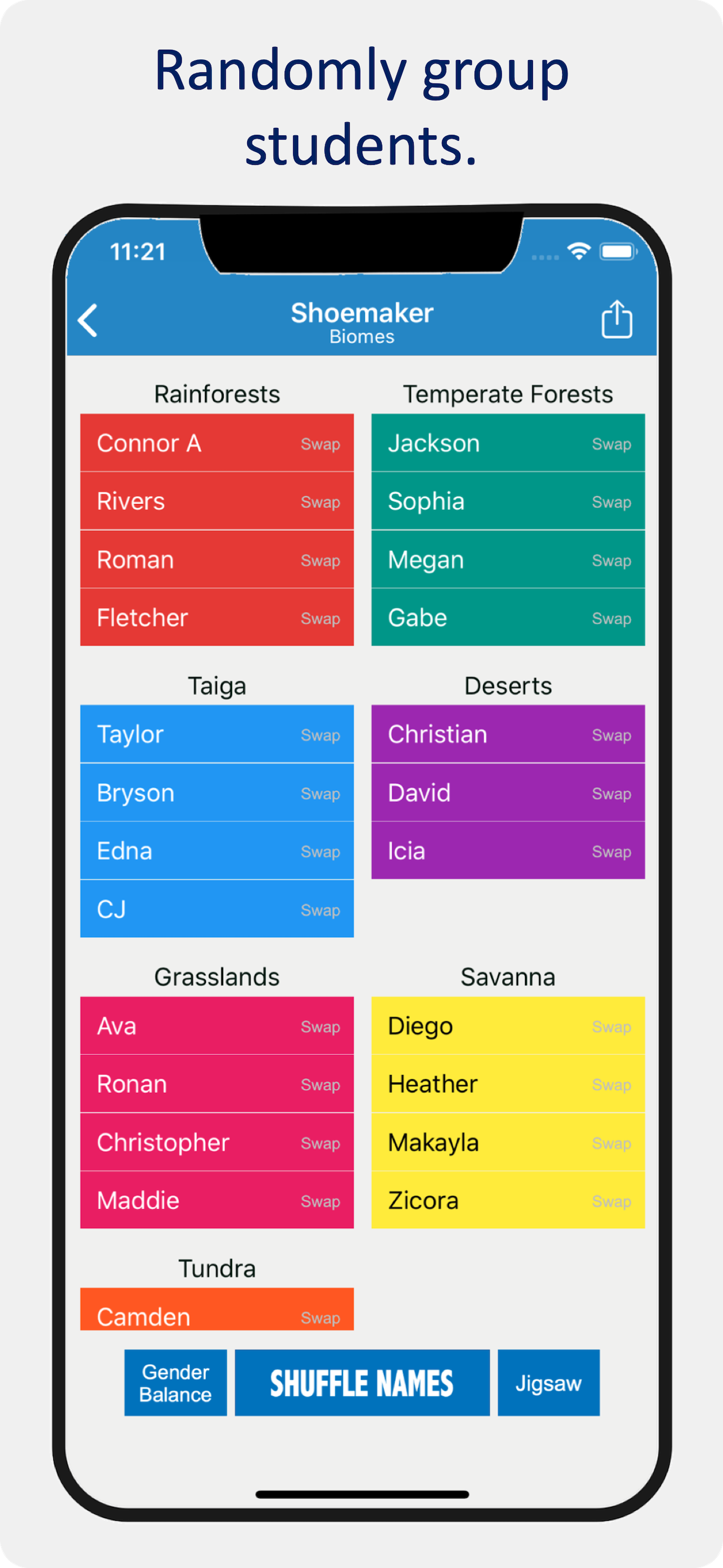
This is always the first app I recommend to new teachers. It’s easy to upload rosters. It makes groupings simple and quick. It makes encouraging “volunteers” fast and fair. It is a fantastic tool.
The app states there are several ways to use the CSV import, but only give’s directions for one way. That way doesn’t work, and you cannot contact the developer to receive instructions on any other method. If you only teach one class then the app would be helpful.
When you click off a certain class, the cycle of names starts over again. Is it possible to leave a class and keep the order until ALL names have been chosen? I know you can save the list but that’s a pain when you teach 6 different classes. If your app could do this, I would give you 5 stars!
This is the full version of Popsicle Sticks: Teacher Picks. With it, you get unlimited access to all the features.