
Check the acquisition promise
Read the store headline, screenshots and description. What problem is the app promising to solve?
Study the storefront ↗
明杰 蔺 · iOS
Explore the ad evidence, study the storefront, and build your next acquisition hypothesis.
01 / Creative research
Read the store headline, screenshots and description. What problem is the app promising to solve?
Study the storefront ↗Explore apps with direct store-link matches. Compare their hooks and formats without assuming the same approach works here.
Browse observed advertisers ↗Store rankings and revenue estimates describe market context. They do not establish ad spend, conversions or ROAS.
Review the market context ↗02 / Storefront & product
Study the product story and store experience behind the acquisition funnel.


03 / Market context
Keep revenue, downloads and store rankings separate from advertising performance.
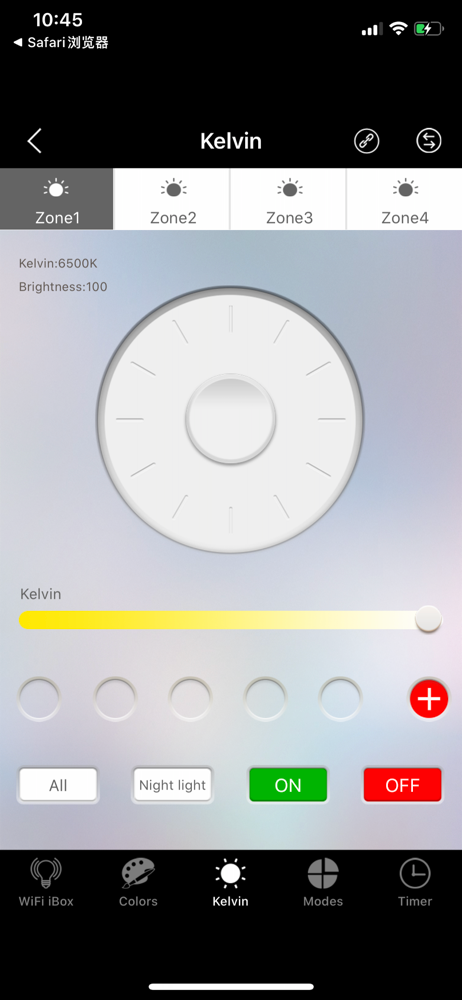
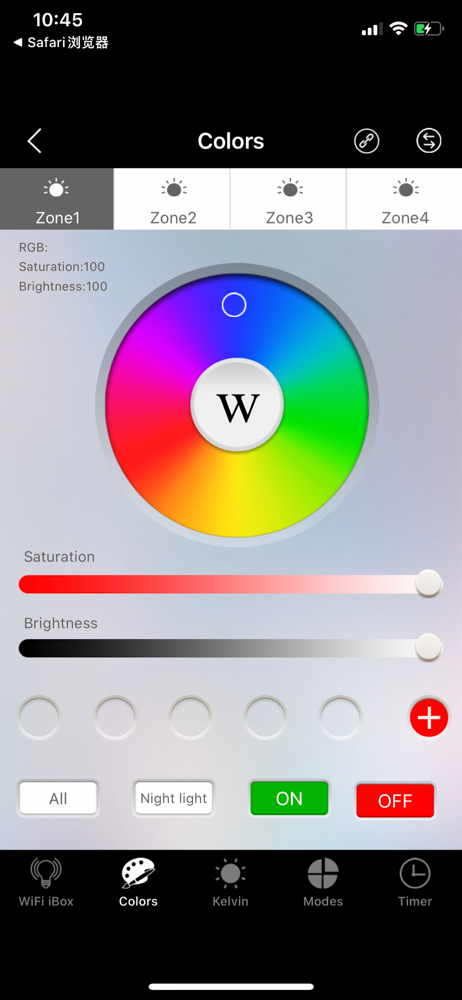
It’s probably awesome feature that you can switch between a lot of virtual “remotes” for someone that has used to one of them, but otherwise this app provides very limited functionality in terms how you control your lights. No custom colour change modes (schemes) for individual zones, no light scenes (neither static, nor changing) for simultaniois multiple zone control. No naming the zones and no indication of selected speed - in order to put two zones in colour-change sync, you should play with speed+ and speed- buttons to find the sync. There is also miss-match of icon and actual mode on preset colour-change modes wheel. Good start, but needs to be improved
There has to be a away to mute the clicking!!! Not only is it semi-unnecessary and annoying, but it interrupts any audio playback on my phone. Also the ability to name the zones would be awesome. I have a couple handful of zones on multiple WiFi boxes and it can be extremely confusing trying to remember what MAC address is what box and then the zones on each of the WiFi boxes. Also it does not remember the last saved state. Example...every time I turn on a specific led strip it wants to put it in a strobe mode. I change it every time I open the app then inevitably it changes back when turned off and on. Other then those few things it works as advertised.
The major problem with this app is the sound of clicking buttons can't be turned off and will disrupt music being played on the iPhone. This is very frustrating, especially for someone that has all sounds off. Change this and the app is 4 stars. Syncing with lights was very easy and took only a moment. Setup from plugging in the wifi bridge to full use was less than 10 minutes. I do wish I could pick colors like red, green, and blue using sliders to add each individually.
Mi-Light 3.0 APP, new UI; more beautiful and easy operation. Compatible with all Mi-Light 2.4GHz series. This new app cannot work on Mi.light2.0 wifi...


