Check the acquisition promise
Read the store headline, screenshots and description. What problem is the app promising to solve?
Study the storefront ↗
Sam Clay · iOS
Explore the ad evidence, study the storefront, and build your next acquisition hypothesis.
01 / Creative research
Read the store headline, screenshots and description. What problem is the app promising to solve?
Study the storefront ↗Explore apps with direct store-link matches. Compare their hooks and formats without assuming the same approach works here.
Browse observed advertisers ↗Store rankings and revenue estimates describe market context. They do not establish ad spend, conversions or ROAS.
Review the market context ↗02 / Storefront & product
Study the product story and store experience behind the acquisition funnel.





03 / Market context
Keep revenue, downloads and store rankings separate from advertising performance.
Pretty (and a little pricy) product. I liked it when I first got it even with all its faults (disconnects, only one device setup, wonky UI) but for over a year now I have not been able to get it to run with Philips hue. Tried resetting everything, starting with a new hue hub, tried uninstalling and reinstalling on iPhone, iPad, and MacBook and even 3 different turn touch remotes. It’s obvious this was a side project that is not being supported, not a real product. It’s too bad as I’ve now got three of them sitting in my junk drawer. :(
I want to love this - I received it as a present and was excited to put it to use. Unfortunately the system is flawed in multiple deal-breaking ways, only a couple of which can be blamed on Apple. * Only works in-app with the phone on. That alone makes this nearly useless. The appeal of a device like this is being able to accomplish a task with a tap - instead it’s accomplished with an open-the-phone, open-the-app, THEN tap. That I assume is the fault of Apple’s ecosystem, but it’s a major problem nonetheless. A device like this needs SOME standalone functionality to be worthwhile - something which other less aesthetically-oriented devices have. * Even then, a lot of it just doesn’t work. The volume triggers? Don’t work. The camera and video triggers? Don’t save. IFTTT? Just sends you to their website with no instructed means of adding a trigger. Maybe some things that I don’t own (Hue and Wemo) work, but if the most basic core OS functionality isn’t even there then I’m not hopeful. * Minimalist beyond frustration. This is more of a “death by a thousand cuts” complaint where minor flaws accumulate to an overall feeling that the app is severely underdeveloped. No visual indicator whether you’re in photo or video mode - no HUD for volume adjustment (though to be fair that may just be because those buttons don’t work which isn’t exactly a good reason) - instructions are nonexistent - and their “support page” is just the site’s homepage with a bunch of pretty pictures, buttons to buy the products, and five useless FAQs. * Lacking functionality. I can do HomeKit scenes but not HomeKit devices? No Workflow/Shortcuts triggers? IFTTT appears to simply not work? There’s just so much that it can’t do that it feels like a tease. The idea is great and there’s a lot of potential, but there are critical flaws that I suspect can’t or won’t be fixed with a software or firmware upgrade. I’ll hope to update this review someday if they fix the major flaws, but until then, it’s just a pretty device that will be buried in my junk drawer.
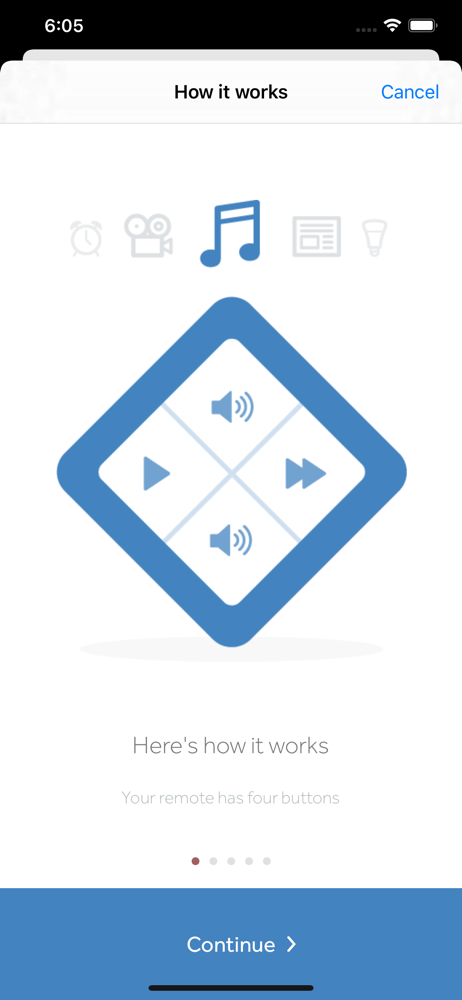
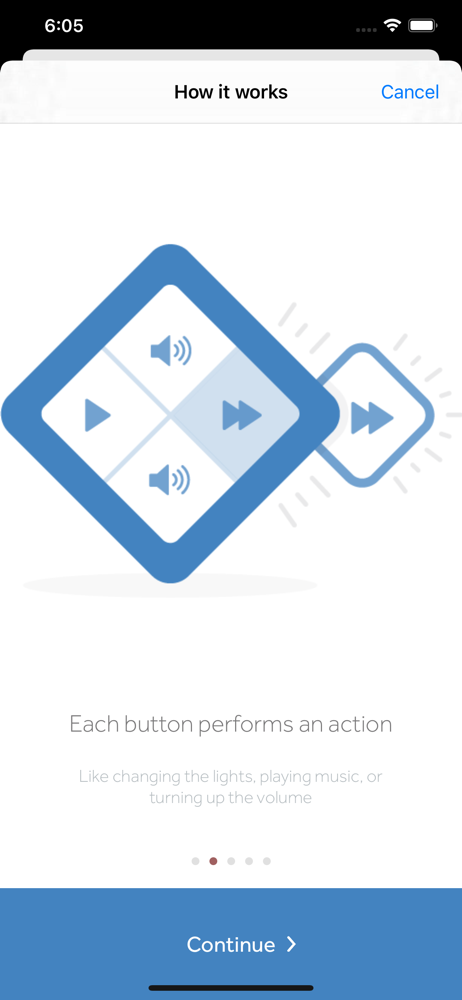
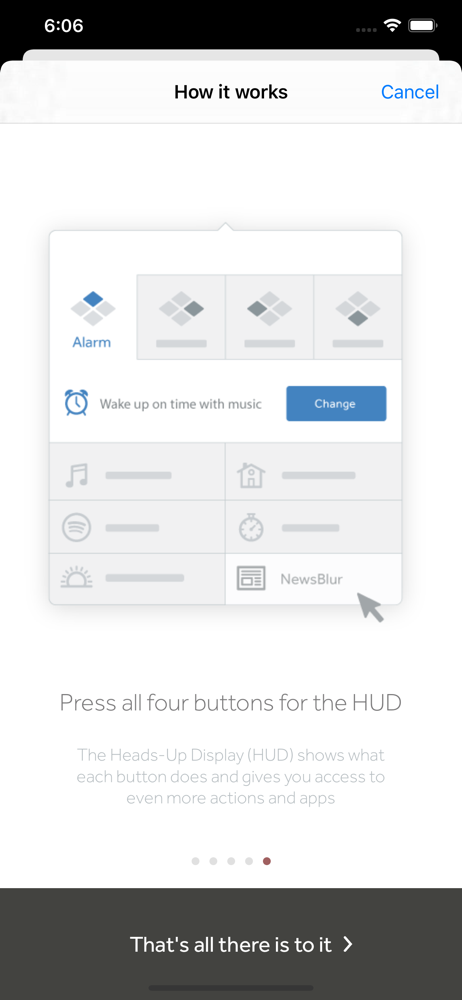
Turn Touch is a solid wood remote that lives anywhere. Use it to control devices, lights, and apps on your phone and Mac. Turn Touch is your light sw...