Check the acquisition promise
Read the store headline, screenshots and description. What problem is the app promising to solve?
Study the storefront ↗
Hany Elmehy · iOS
Explore the ad evidence, study the storefront, and build your next acquisition hypothesis.
01 / Creative research
Read the store headline, screenshots and description. What problem is the app promising to solve?
Study the storefront ↗Explore apps with direct store-link matches. Compare their hooks and formats without assuming the same approach works here.
Browse observed advertisers ↗Store rankings and revenue estimates describe market context. They do not establish ad spend, conversions or ROAS.
Review the market context ↗02 / Storefront & product
Study the product story and store experience behind the acquisition funnel.




03 / Market context
Keep revenue, downloads and store rankings separate from advertising performance.
I love this app but how can I switch to Fahrenheit instead of Celsius and mph instead of km/h and nanoteslas instead of micro teslas and can you fix the maps button please it seems to make this app crash fix that and add a settings button to change units on weather speed and teslameter thx
The App Store has the nice icon for the app but when downloaded to the phone, the icon is just a plain blue icon with no image? Pls fix this bug to make it more appealing. The app itself is very good and easy to use. Could be better if it can switch the unit to F degree or miles, …
Lots of useful tools here and all of them work. A couple are in metric-only (temperature, which you use a weather app for anyway, and speed). Length is in both and one tool is a unit converter.
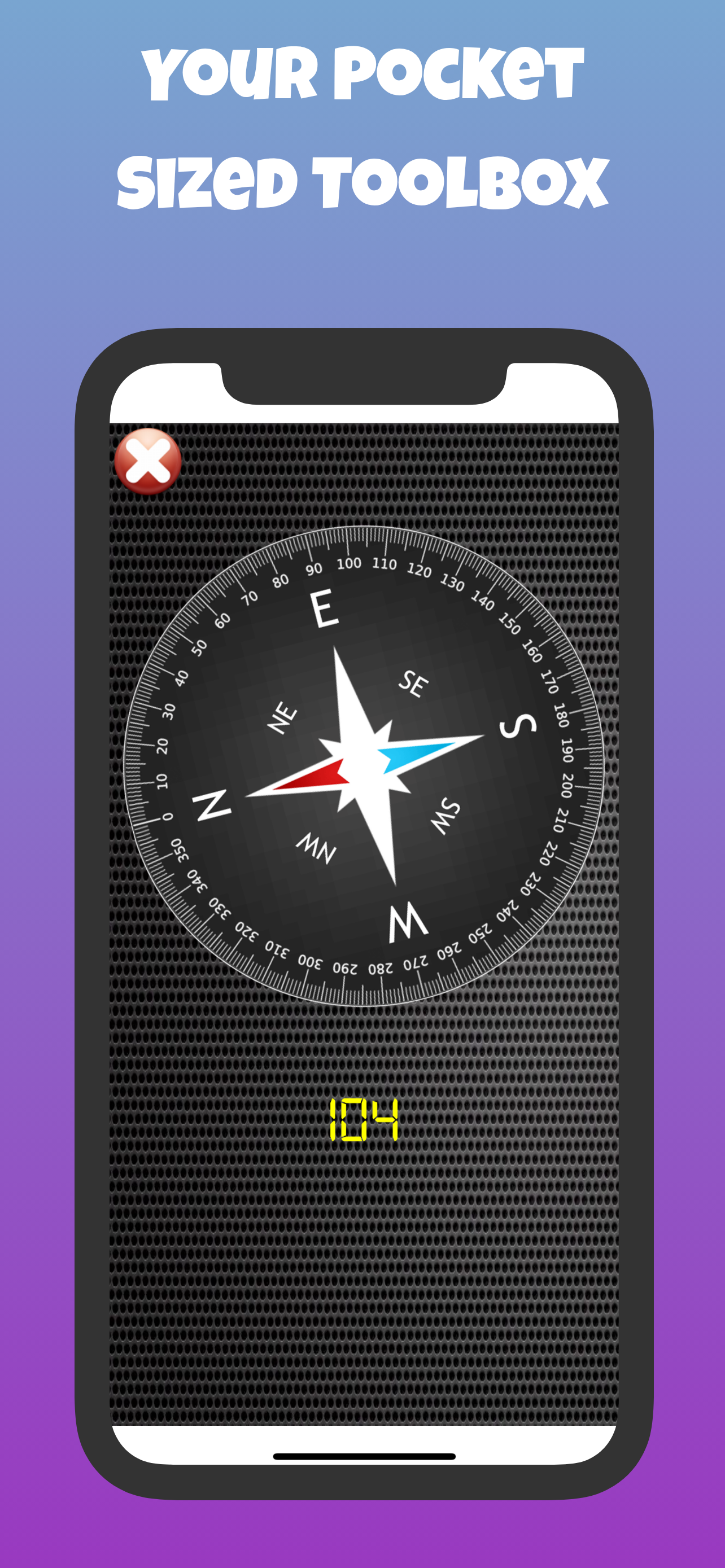
Super Smart Tools offers you the ultimate tool box app with 18 cool smart tools like bubble level, ruler, speedometer, unit converter, QR and barcode...