Check the acquisition promise
Read the store headline, screenshots and description. What problem is the app promising to solve?
Study the storefront ↗
Dawid Drechny · iOS
Explore the ad evidence, study the storefront, and build your next acquisition hypothesis.
01 / Creative research
Read the store headline, screenshots and description. What problem is the app promising to solve?
Study the storefront ↗Explore apps with direct store-link matches. Compare their hooks and formats without assuming the same approach works here.
Browse observed advertisers ↗Store rankings and revenue estimates describe market context. They do not establish ad spend, conversions or ROAS.
Review the market context ↗02 / Storefront & product
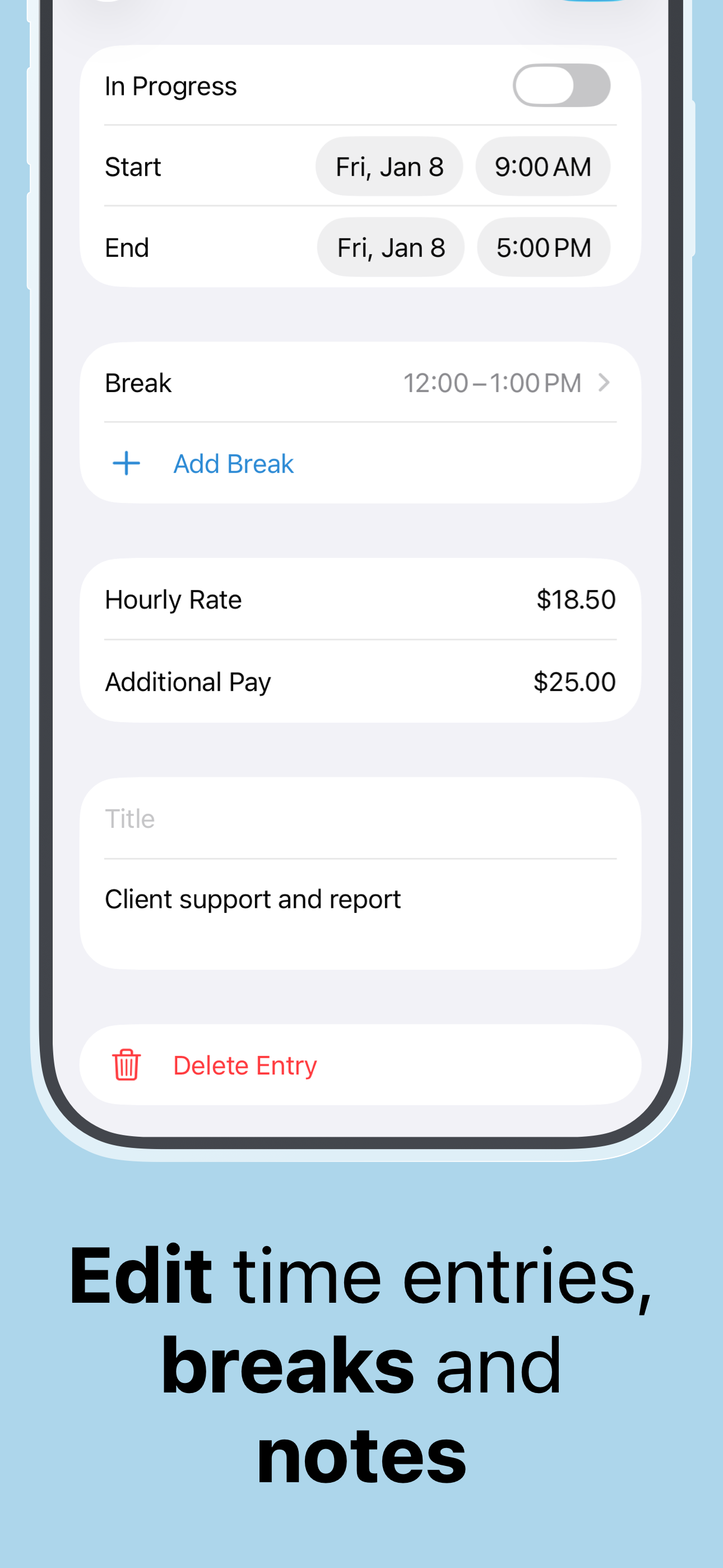
Study the product story and store experience behind the acquisition funnel.



03 / Market context
Keep revenue, downloads and store rankings separate from advertising performance.
I’ve really liked this app since getting it. Especially for the location-based clock in and out. However, for the past week or so that’s just totally stopped working and I don’t know why. Location is on and the permission is granted to the app, to use always, precise location enabled. I’m not having any issues with any other geofencing app (like the stock Reminders app). The app has every permission possible and it’s simply not registering me arriving or leaving work. Even when I have the app open and on my screen as I drive up to / away from work, it doesn’t do anything. It’s really frustrating because I unknowingly had an entire week of no hours logged and I’m stuck trying to remember them. It’s a great app. I don’t mean to discourage you. You should definitely try it. But this is a bummer and I’m hoping maybe the dev can advise on a solution?
Easy to use and well worth it to me. I work for a farmer and keep track of my own hours. I do both farm work and a lot with technology so I can keep it separate according to what I’m doing that day. At the end of the week it’s extremely simple to send him my hours in a text and he can print it. It breaks everything down into categories. We both love it. I never write reviews, but I’ve been using this for quite some time and I believe the developer has done a very good job, that’s the reason for the review. I am using the pro version which is worth the money. I hope this app stays up-to-date and I hope the developer keeps it the way. It is very good app.
I’ve been using this app since May 2018. I’ve never had a problem with it. I love the feature that reminds me to clock in when I am at work. I also love that I can export all my hours easily. I have recommended this app to everyone I know. However, I’ve never written a review until now. Unfortunately a mishap happened with a recent update and all my hours since May 2018 were gone. I was so upset because I rely on tracking my hours to be paid properly and need to keep a record of my hours. I emailed support and they got back to me so quickly. They had already put out a patch to fix the problem. My husband however, restored my phone from an old backup and my hours were restored that way. I am extremely impressed at the level of concern support had for my plight, I’m impressed with how quickly they responded to me as well as addressed and patched the issue. I definitely recommend this App!
Whether you are a shift worker, freelancer, or juggling gigs, Flexishift is the ultimate personal time tracker. Clock in seamlessly, manage schedules,...
| Name | Price | Type |
|---|---|---|
| Flexishift Pro Weekly | $0.99 | Weekly |
| Flexishift Pro Weekly | $0.99 | Weekly |
| Flexishift Pro (Monthly) | $1.99 | Monthly |
| Flexishift Pro Monthly | $1.99 | Monthly |
| Pro Subscription (Monthly) | $2.99 | Monthly |
| Pro Subscription (Monthly) | $3.99 | Monthly |
| Flexishift Pro Annual | $9.99 | Yearly |
| Flexishift Pro (Annual) | $9.99 | Yearly |
| Flexishift Pro | $14.99 | One-time |
| Flexishift Pro | $29.99 | One-time |