Check the acquisition promise
Read the store headline, screenshots and description. What problem is the app promising to solve?
Study the storefront ↗
Ahmad Almazeedi · iOS
Explore the ad evidence, study the storefront, and build your next acquisition hypothesis.
01 / Creative research
Read the store headline, screenshots and description. What problem is the app promising to solve?
Study the storefront ↗Explore apps with direct store-link matches. Compare their hooks and formats without assuming the same approach works here.
Browse observed advertisers ↗Store rankings and revenue estimates describe market context. They do not establish ad spend, conversions or ROAS.
Review the market context ↗02 / Storefront & product
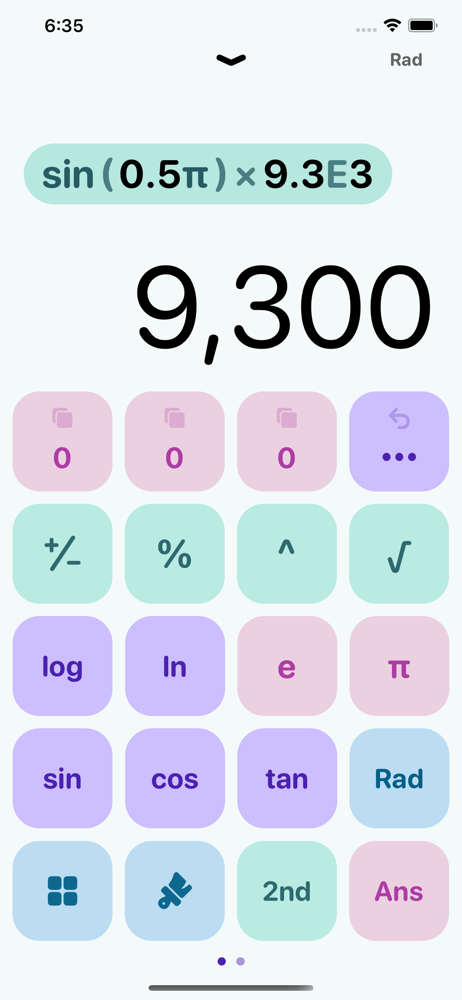
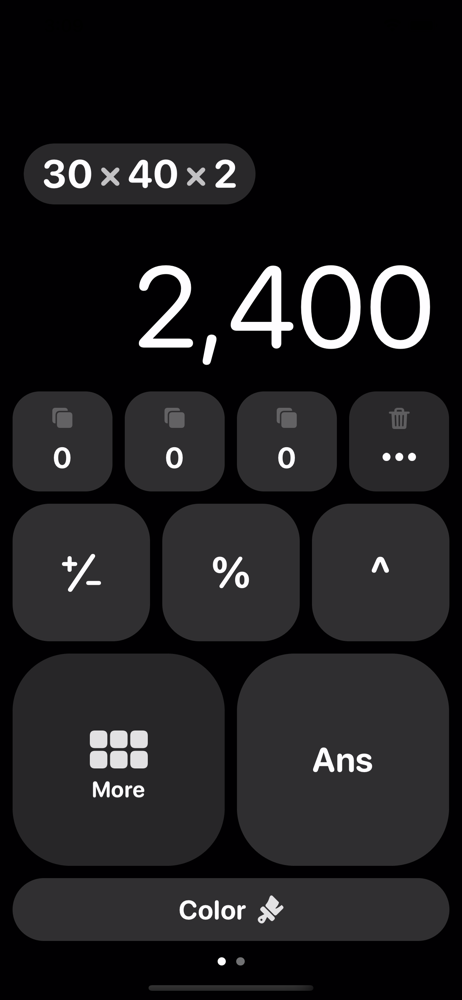
Study the product story and store experience behind the acquisition funnel.





03 / Market context
Keep revenue, downloads and store rankings separate from advertising performance.
I loved this app (past tense). Now deleted. I still used it even after iPad added their own calculator app. It was great because $1 at the time in June 2022 got you a simple app. Now circa v7.0 in June 2025, the developer has taken over the app with a confusing full screen “VOICE” modal, pushing monthly/weekly subscriptions. I’m probably going to delete this soon, now. So sad to see…. OLD REVIEW: Clean, simple, fast and easy to use. It doesn’t have a ton of features which, over time, would just clutter the app and make it overall worse. So glad that hasn’t happened here. I use it regularly and that is easy to take for granted but starting to appreciate that unique feature of this app (that it has sustained its quality over the years). Well worth the cost. Great job, Ahmad. 😊
It’s a really good calculator compared to the others I have used so far – though I’d like to point out a few things I wish this calculator had. First of all, a list view of history will be a great addition to the calculator. Secondly, (something that is very important to my workflow) the ability to edit any input from history, plus a cursor to edit the inputs, so that I can fix any mistake from anywhere. Lastly, the ability to perform the nth root of a number is greatly appreciated. Though I must point out, the second suggestion is the most important for me. It’s a great calculator nonetheless; however, I have paid for the full version, and so I expect the developer(s) to add the aforementioned features. I would’ve given it a 5 star review, otherwise.
Please rename this so when I’m in the middle of work on iPad mini and need to get calculator quickly when I type in “calc…” this app will pop up. Currently I have to remember Has, which isn’t intuitive for an English speaker like myself, or I have to find it in the App Library. Otherwise thanks for doing what apple can’t or won’t, who know why, they know better even when they don’t.
While building Haseba, we focused most of our energy on the user interface. We think that the key to any great app is a beautiful, and simple design t...
| Name | Price | Type |
|---|---|---|
| Unlock Themes & Icons | $0.99 | One-time |
| Voice Mode (Weekly) | $0.99 | Weekly |
| HasebaPro | $2.99 | One-time |
| Haseba Voice Mode (Monthly) | $2.99 | Monthly |
| HasebaPro | $3.99 | One-time |
| HasebaPro | $4.99 | One-time |
| Haseba Voice Mode (Annual) | $19.99 | Yearly |