Check the acquisition promise
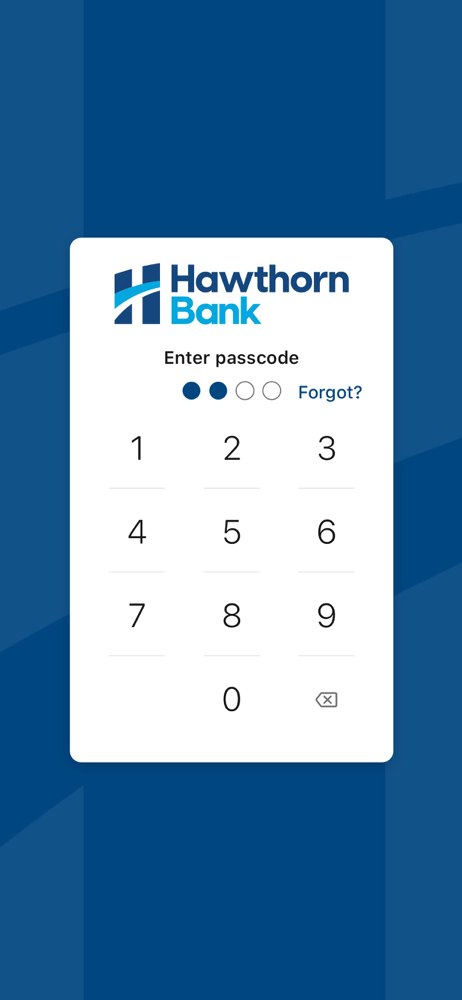
Read the store headline, screenshots and description. What problem is the app promising to solve?
Study the storefront ↗
Hawthorn Bank · iOS
Explore the ad evidence, study the storefront, and build your next acquisition hypothesis.
01 / Creative research
Read the store headline, screenshots and description. What problem is the app promising to solve?
Study the storefront ↗Explore apps with direct store-link matches. Compare their hooks and formats without assuming the same approach works here.
Browse observed advertisers ↗Store rankings and revenue estimates describe market context. They do not establish ad spend, conversions or ROAS.
Review the market context ↗02 / Storefront & product
Study the product story and store experience behind the acquisition funnel.





03 / Market context
Keep revenue, downloads and store rankings separate from advertising performance.
If I could give it 0 stars, I would. While the staff are nice and often do help, the Hawthorn Bank app itself is a complete mess. Transaction history is very hard to read/track and is just plain confusing. Often times my available balance is false and causes me to not actually have enough for transactions, even after it shows I clearly do, AND EVEN AFTER THAT, adding funds into the account to try mitigate the issue of “not having enough”, doesn’t work either. No restrictions or account locking occurred during these issues. I have gone home from the store hungry, embarrassed, and honestly upset, twice now, when I have tried purchasing food and other essentials after work. I will be switching banks as soon as possible. I suggest others do the same.
I have been trying all morning to get this fixed. Yesterday I went to my Hawthorn Bank to check my acct. it wouldn’t bring anything up just said I had to update , I tried but it wouldn’t except my email address or password. So I call Hawthorn bank and she gave me a couple suggestions , since my IPhone is a 7Plus. I m not that good on the internet , but I tried and could get any satisfaction. I am 83 yrs. Old and I don’t need all this stress, so if you can’t figure it out I’m left to transfer my money to a bank in Texas where I live.
I essentially would compare it to Bank of America. Their app is much more intuitive than HawthornBank. I frequently have to get with customer service to find any new thing I want to do with my funds but usually can resolve it that way and figure it out. I have not tried using the auto pay or any of those features, as I only have a loan with Hawthorn Bank.
The Hawthorn Bank App is a free mobile decision-support tool that gives you the ability to aggregate all of your financial accounts, including account...