Check the acquisition promise
Read the store headline, screenshots and description. What problem is the app promising to solve?
Study the storefront ↗
Hydropods, Inc · iOS
Explore the ad evidence, study the storefront, and build your next acquisition hypothesis.
01 / Creative research
Read the store headline, screenshots and description. What problem is the app promising to solve?
Study the storefront ↗Explore apps with direct store-link matches. Compare their hooks and formats without assuming the same approach works here.
Browse observed advertisers ↗Store rankings and revenue estimates describe market context. They do not establish ad spend, conversions or ROAS.
Review the market context ↗02 / Storefront & product
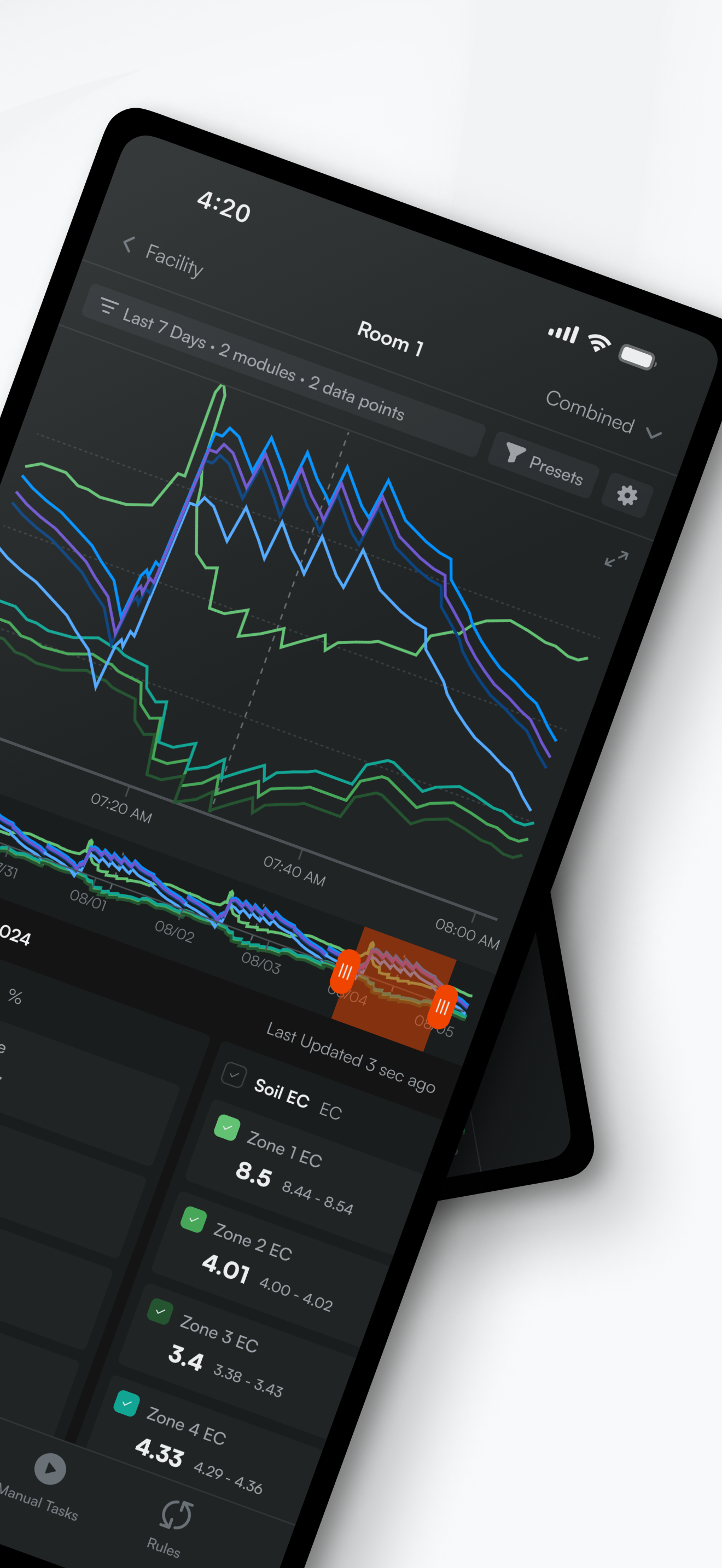
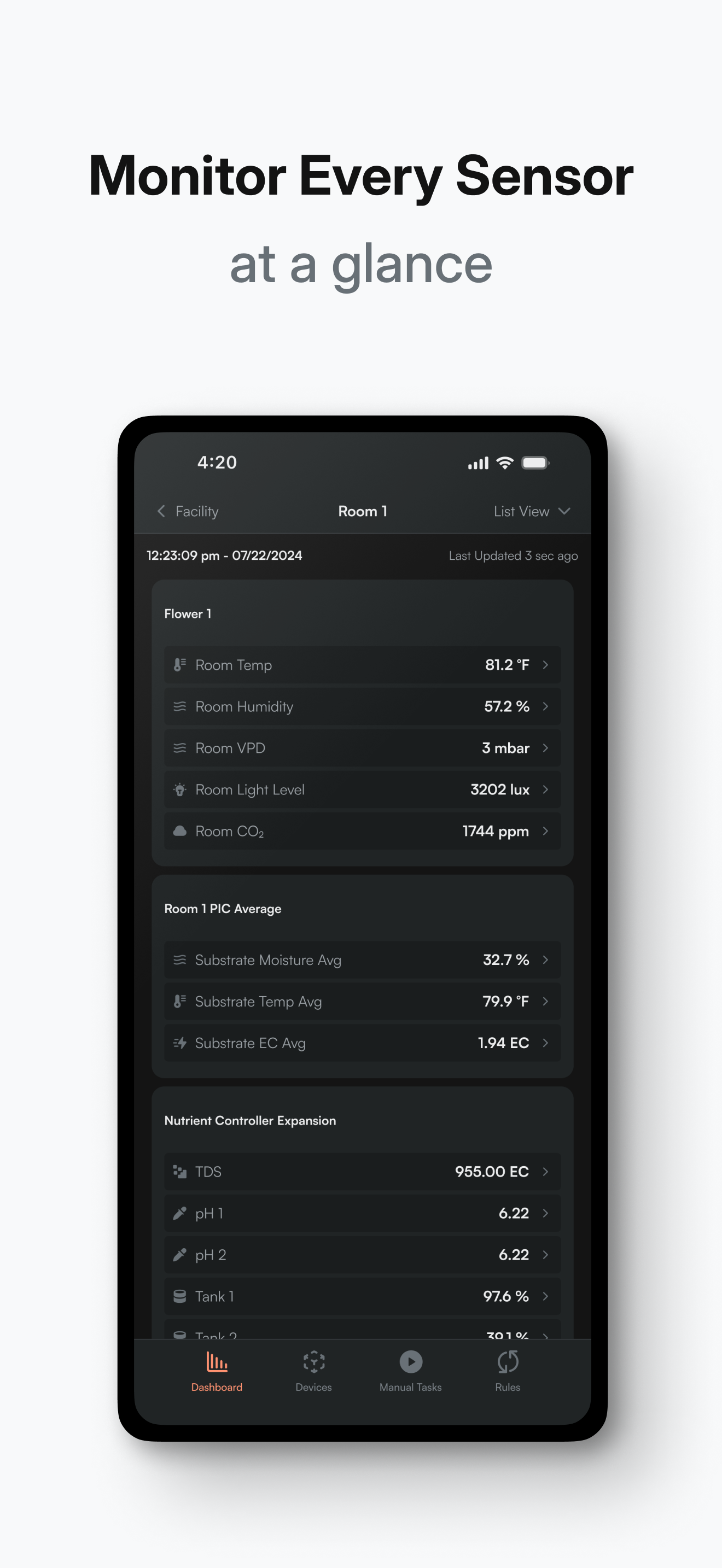
Study the product story and store experience behind the acquisition funnel.




03 / Market context
Keep revenue, downloads and store rankings separate from advertising performance.
Major complaint - Turn valves off but they stay on instead. They switched EVERYTHING around in new version of the app. What’s the logic in creating a new version and switching the layout completely, putting off buttons where on buttons were? Layout is a minor complaint compared with functionality of this latest version. Ready to ditch this product
I don’t know if other people are happy with this app because they are also using copilot or what, but this review is only based on their irrigation controller without the subscription service. Within the first hour of using it, I’ve lost count of the number of complaints i have. I’ll just list a couple to keep it short. Let’s say you are using this to control an irrigation solenoid. That’s done on the Rules tab. That tab lists the rules, but not which device each rule relates to. If you program 12 timers for three periods each for the 4 solenoids, you’ll just have a list of 12 timers. Yes, you can name them, but they are not grouped in any way unless you name them alphabetically. You can’t, for instance, select a valve and see a list of all active rules for it. The history chart is awful. You are given 4 view choices: real time (why is this a graph?), 10 minutes, 1 hour, and 1 day. What if you want to view a week? You can’t. What if you want to know the value at a certain time? You can’t (you can’t interact with the graph such as dragging a line with your finger, or selecting a certain time point/range). Their moisture sensors do not allow calibrations. lol, what?! You get to select either rock wool or “all others”. They don’t allow you to enter a known value to self calibrate, or enter substrate specifics such as size, type, and shape. I’m sorry but coir is not going to read the same as peat perlite. Also, the sensors don’t seem to agree with every other sensor I have. The climate sensor thinks it’s less humid than any other sensor I have in the room, even though I placed it sub canopy. The soil EC probe was saying my 6 week old substrate (encrusted with salt) was 2.2 even when I’m irrigating with 3.0. This is usable, but barely. You would have to spend ages learning how to avoid the limitations and relate sensor readings to real values. Maybe their subscription service is worlds better, but they should start over on the free app.
For some reason, anytime you save changes to a program, it automatically feeds to the max moisture content setting. So if my block is currently at 38% and my max is 45%, but my trigger is 25%. As soon as I save any new settings, it will run my pump til it’s back to 45% immediately. This wasn’t a problem before the update. If your max moisture content is set for 45% and roots are filling your Hugo as they are supposed to. And your new max moisture content is 44.9%, it will run your reservoir completely empty trying to get that extra 0.1%. There is ZERO safeties set in place. Like when within 1-2% of max moisture content set point, pump will only cycle twice and stop before draining your freshly changed 100 gal reservoir over night and flood your tables. This literally happened to me twice in one week because of 1% that changed over night Why not have set program buttons, so I can click it, run my pumps for a specific set time of my choosing and they turn off automatically? Instead I have to log in and manually turn the pump on, run a time and turn the pump off? Push a button, pump runs 30 seconds and shuts off, seems like a no brained to me.
Take control of your grow from anywhere with the Growlink Mobile App. Seamlessly integrated with Growlink’s irrigation, climate, and nutrient delivery...