Check the acquisition promise
Read the store headline, screenshots and description. What problem is the app promising to solve?
Study the storefront ↗
Rise Up Labs · iOS
Explore the ad evidence, study the storefront, and build your next acquisition hypothesis.
01 / Creative research
Read the store headline, screenshots and description. What problem is the app promising to solve?
Study the storefront ↗Explore apps with direct store-link matches. Compare their hooks and formats without assuming the same approach works here.
Browse observed advertisers ↗Store rankings and revenue estimates describe market context. They do not establish ad spend, conversions or ROAS.
Review the market context ↗02 / Storefront & product
Study the product story and store experience behind the acquisition funnel.



03 / Market context
Keep revenue, downloads and store rankings separate from advertising performance.
So, I downloaded this app and it opens up to a pop up which asks you to download another app. If you don’t download this other app, then this app shuts off and is inoperable. I’m not interested in the other app, I downloaded this one because I liked the information on the app download page in the App Store. So don’t waste your time downloading this app, unless you want to download another app which may, or may not, make this app work. Doubtful.
In my opinion I think the app is great. But it can sometimes be very slow. What I don’t like about the app is that most of them you need to pay. But I think is great.
This is a fun app that makes wallpaper art exciting. I wish there were more images unlocked, but it seems to allow more access each day. Ads do pop up a lot but they aren't there very long. I will continue using this as long as it keeps allowing more creativity.
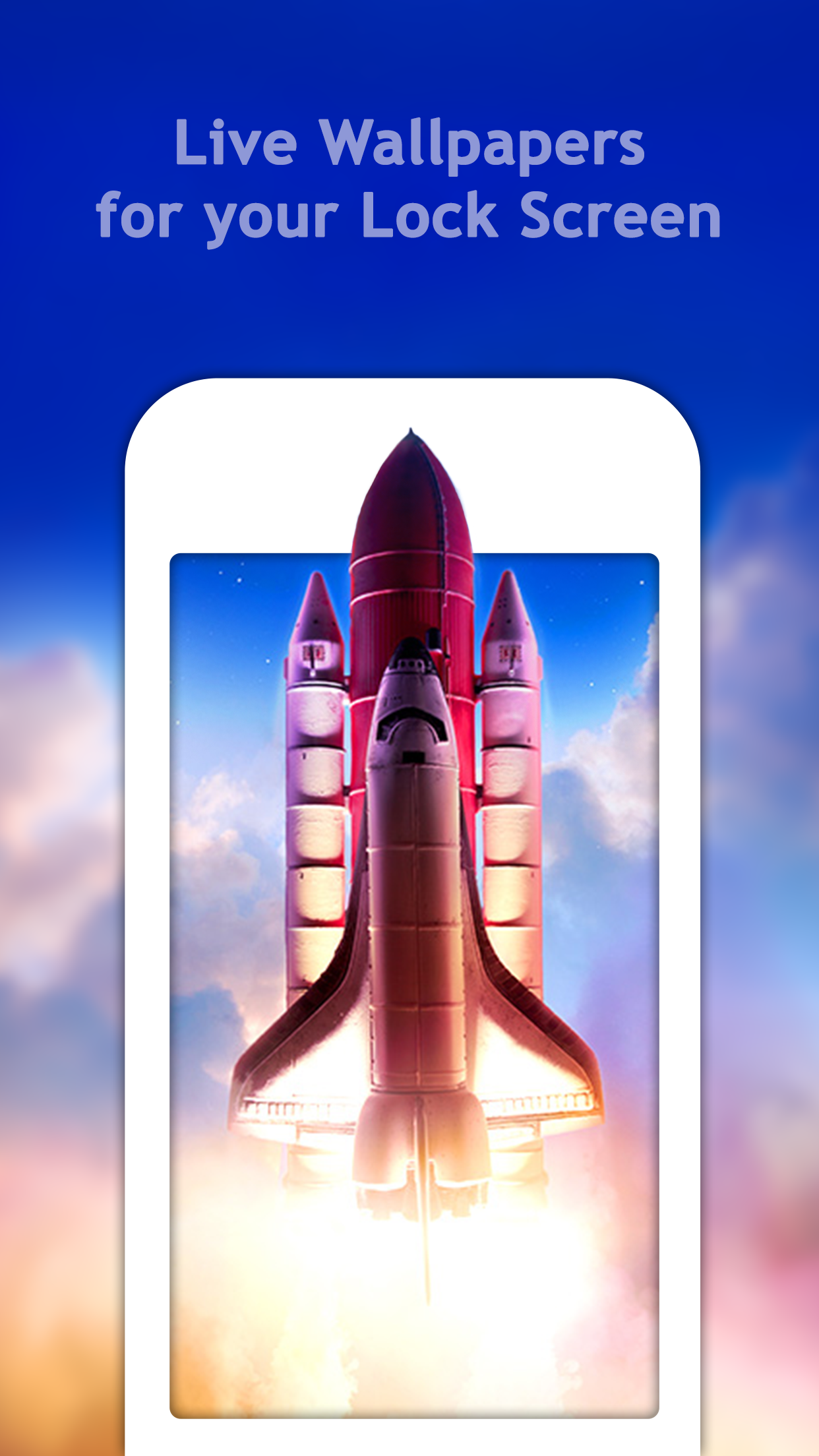
*** Live 3D Touch-enabled Wallpapers for iPhone 6s, iPhone 6s plus *** Get access to custom Live Wallpapers that will animate your lock screen and br...